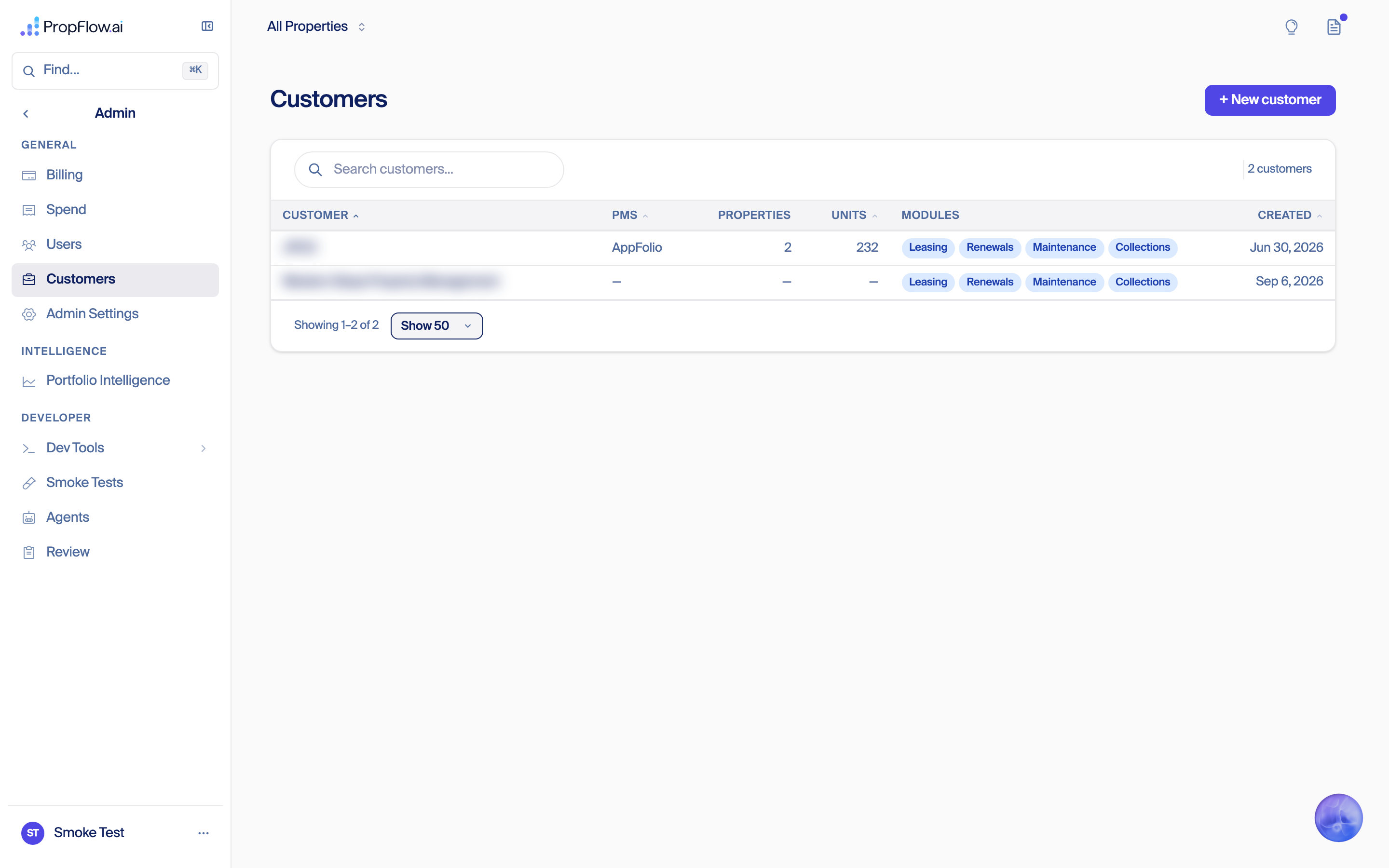
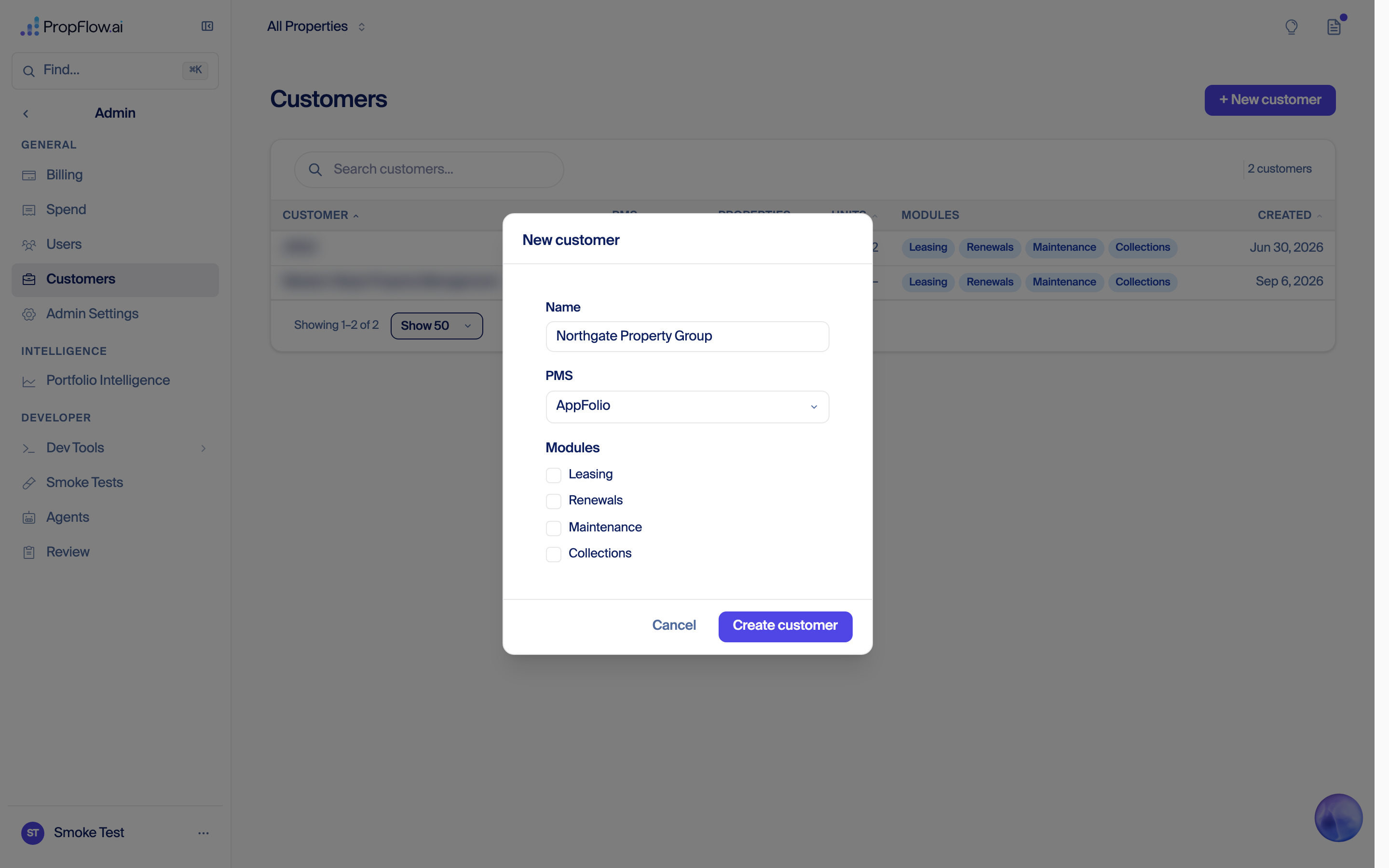
A screen-by-screen walkthrough of how a new customer gets set up, from staff adding the company to the customer's first dashboard. Status and history follow.
Status as of Sep 8, 2026 · walkthrough captured Sep 8 · owner: Fede (session 007) · refreshed on every event
A full settings pass is part of onboarding (Fede, Sep 9). Before a customer goes live, every setting has to have a level, a default that matches what PropFlow does today, and a screen — and today about 160 things can be set, 73 of them with no screen at all, with seventeen on/off switches to flip per building. That cleanup is big enough to be its own document: Settings cleanup strategy has the per-setting verdicts, the deep clean of the leftover switches, the decisions waiting on Fede, and the phased plan that makes Western Slope's go-live one switch instead of seventeen per building.
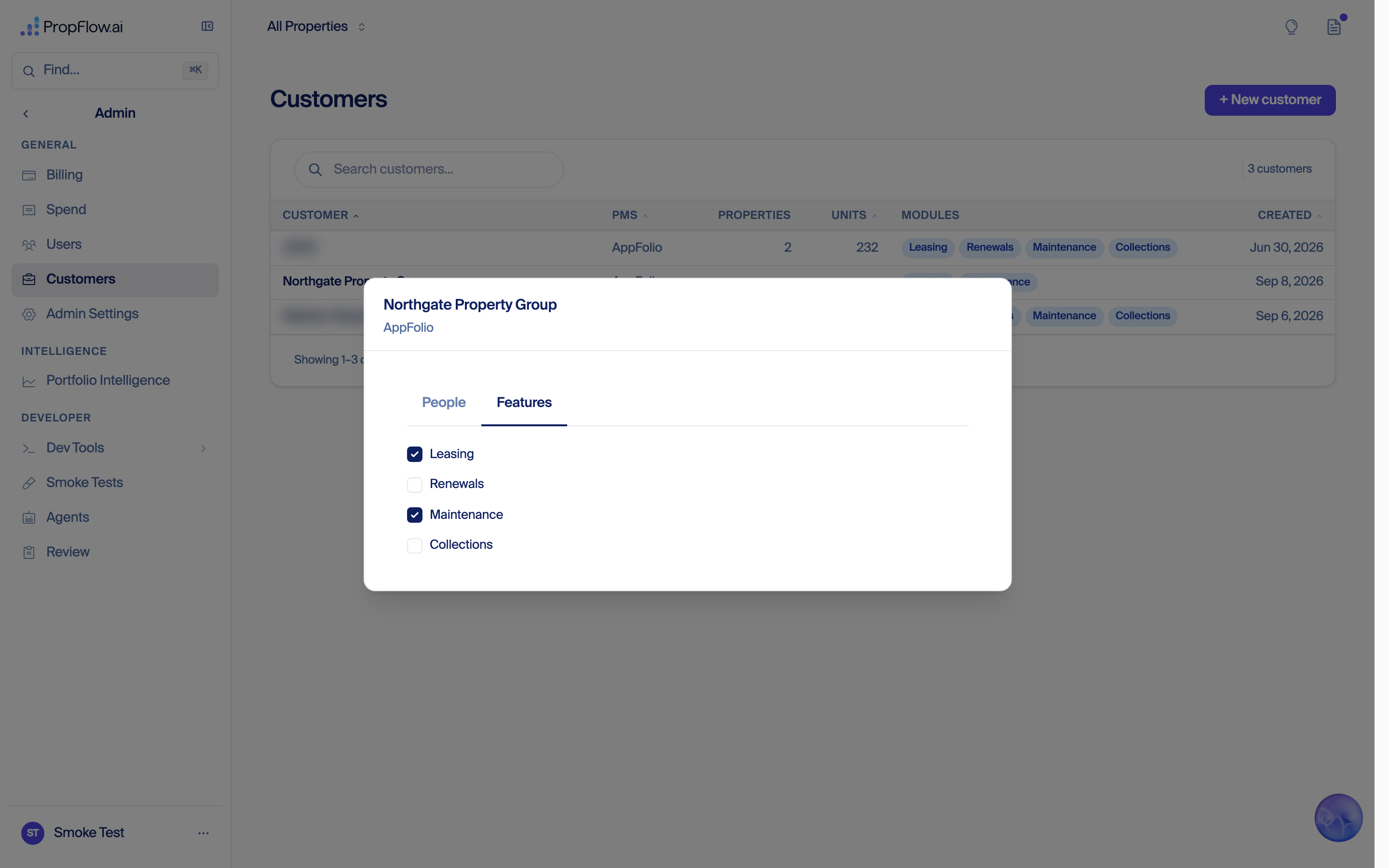
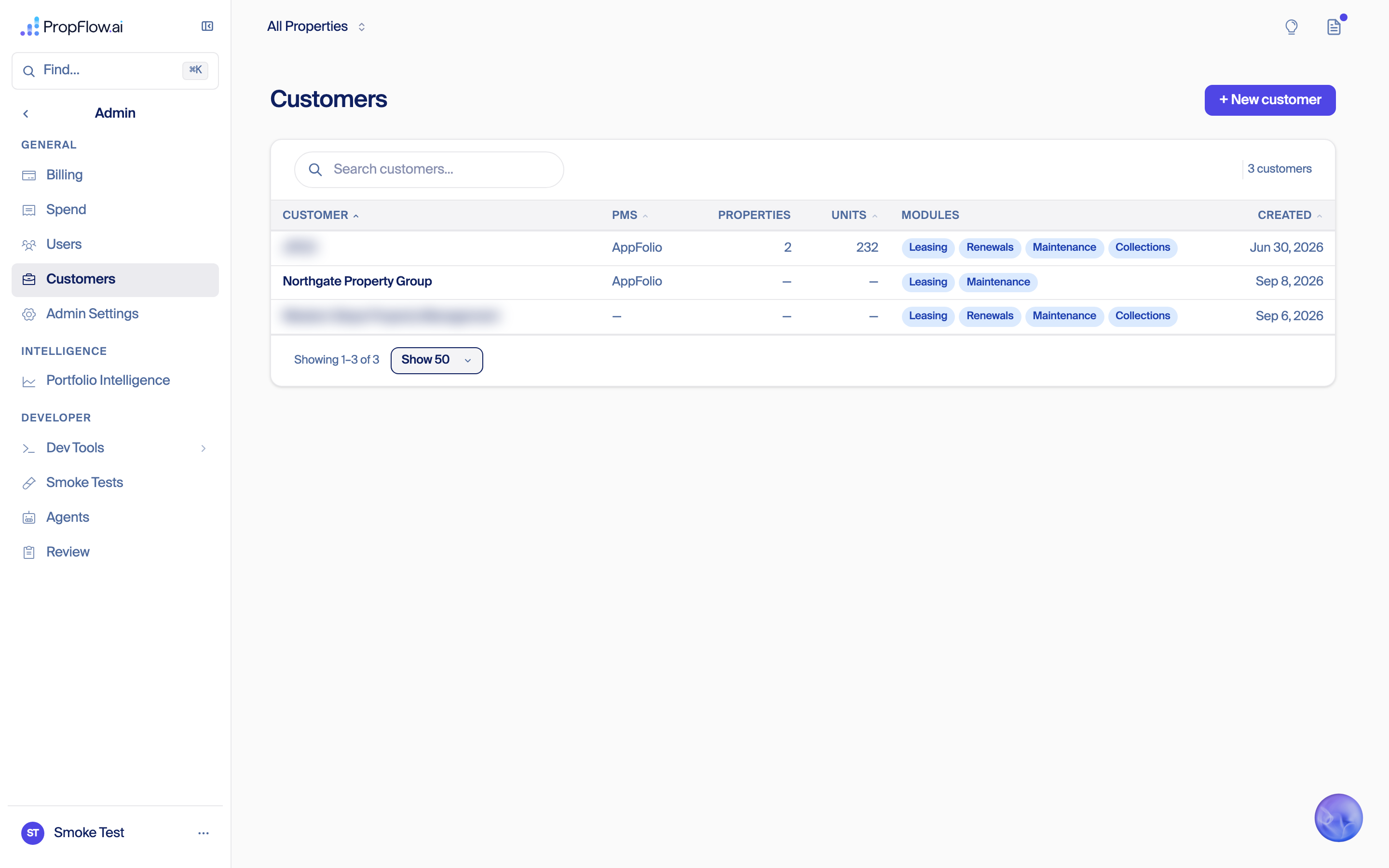
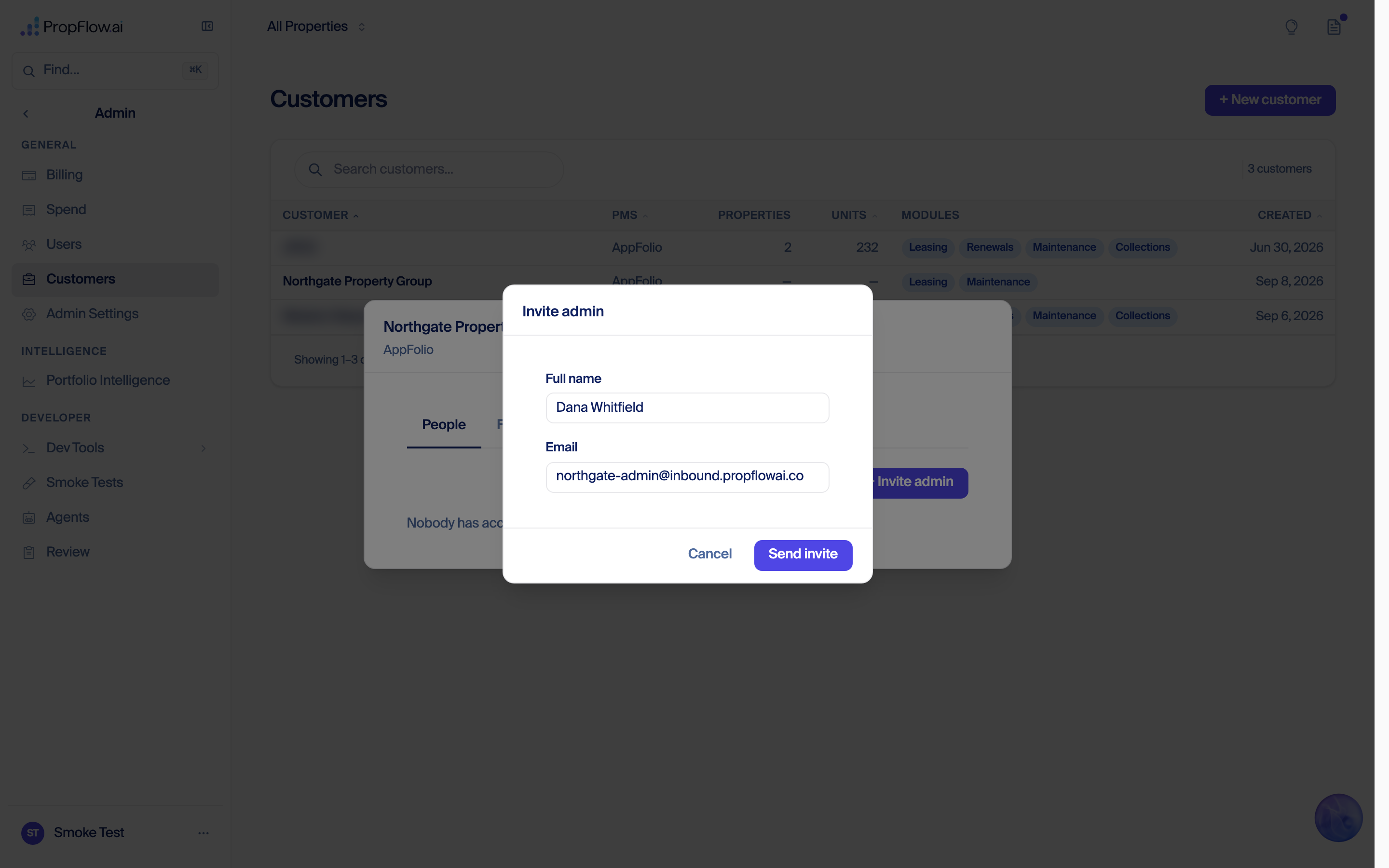
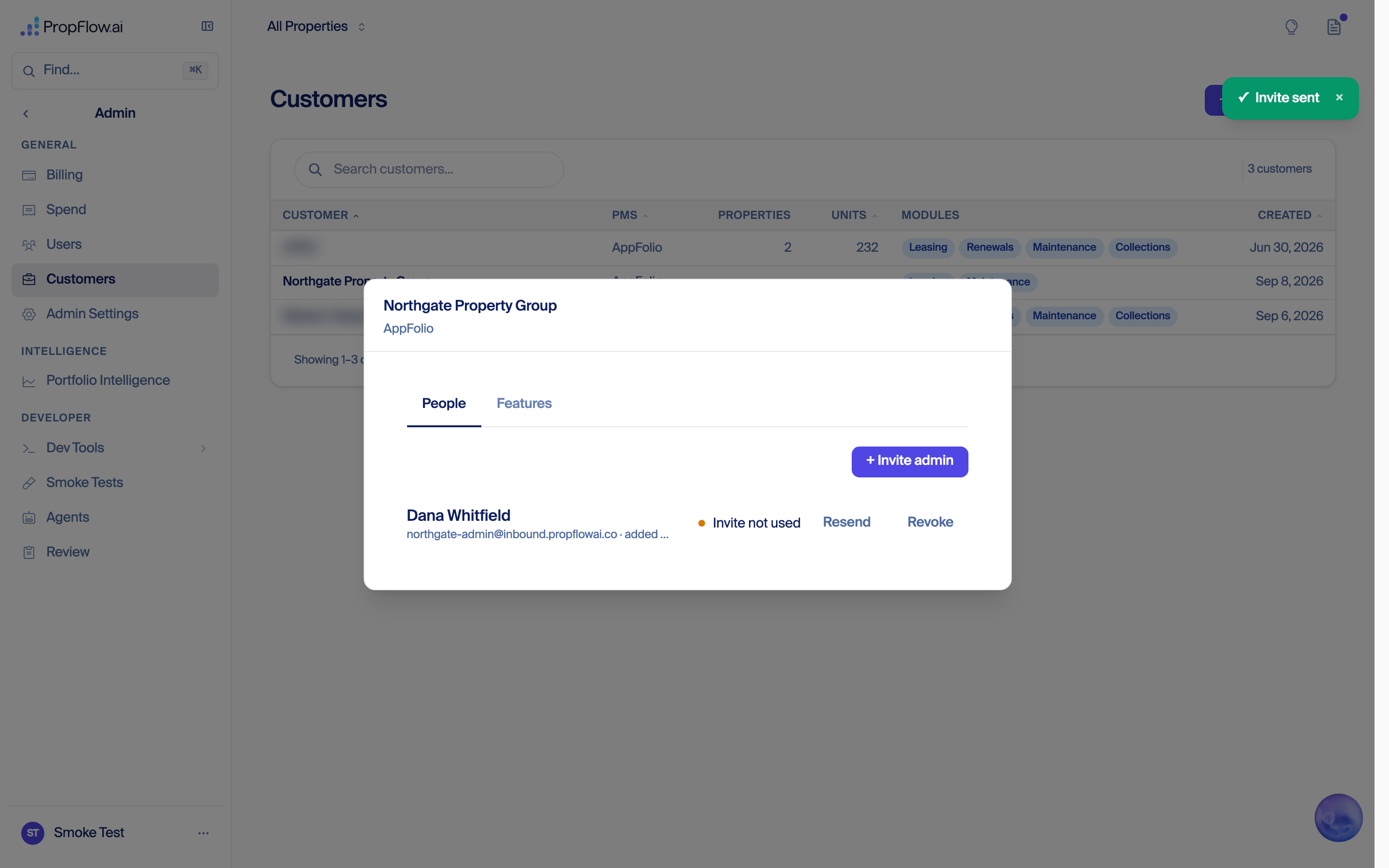
Every screen below is a real click in a real browser, run on Sep 8. The example company and its admin are invented and were deleted afterwards. Two rows on the customer list are blurred because they are real customers. One image is the invite email, and it is called out where it appears.
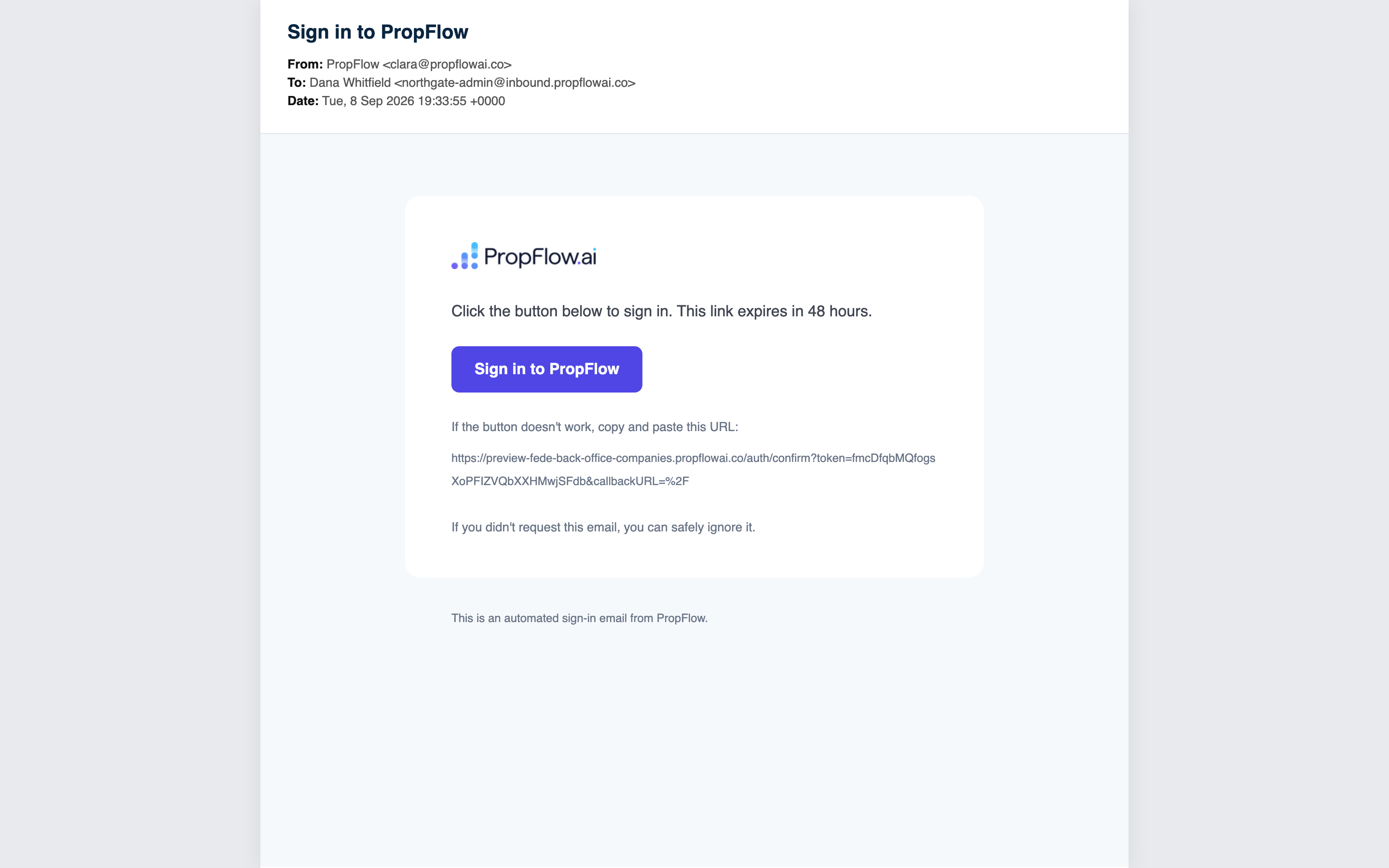
Everything from here runs in a separate browser with no staff session. This is the customer's own experience.
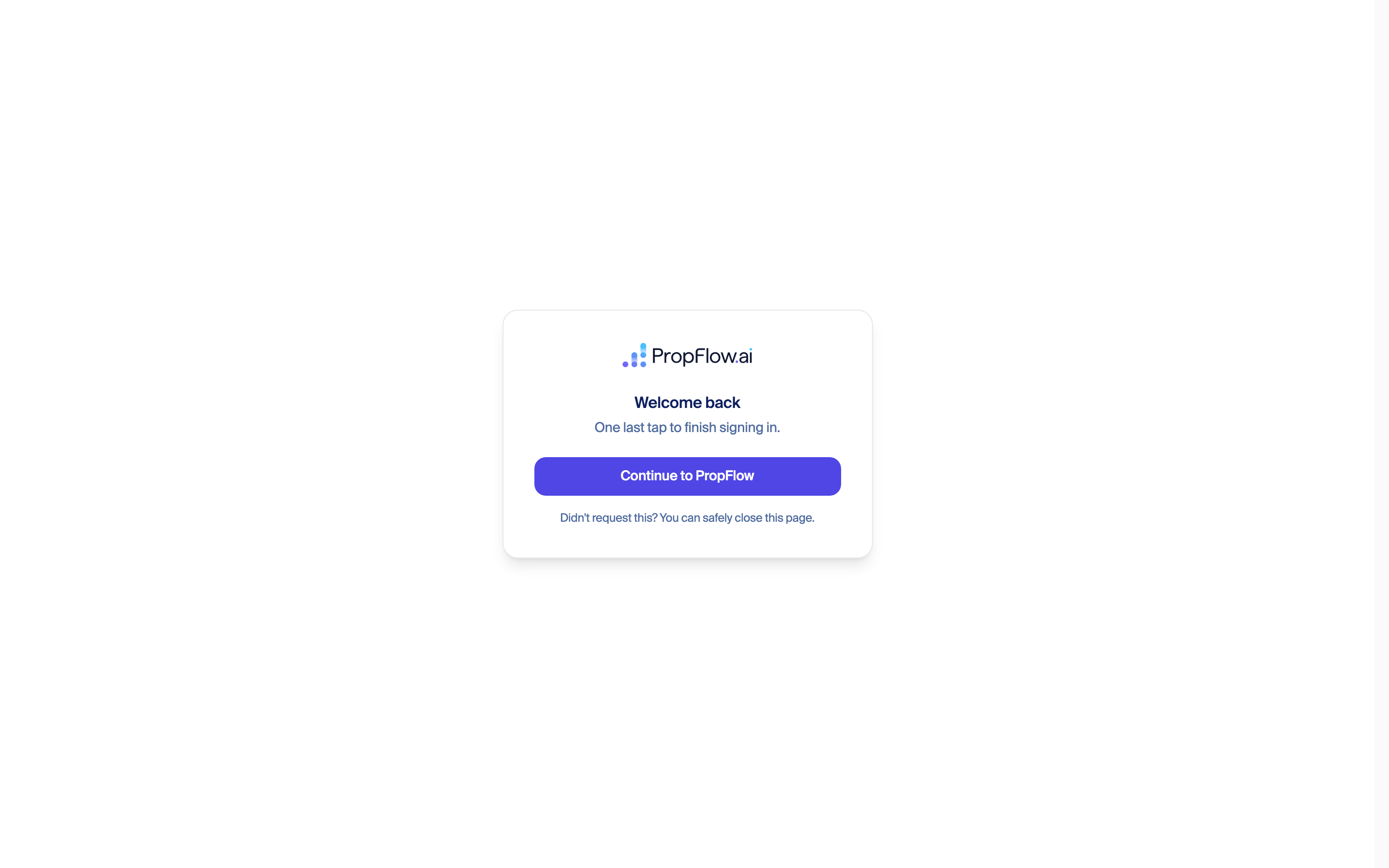
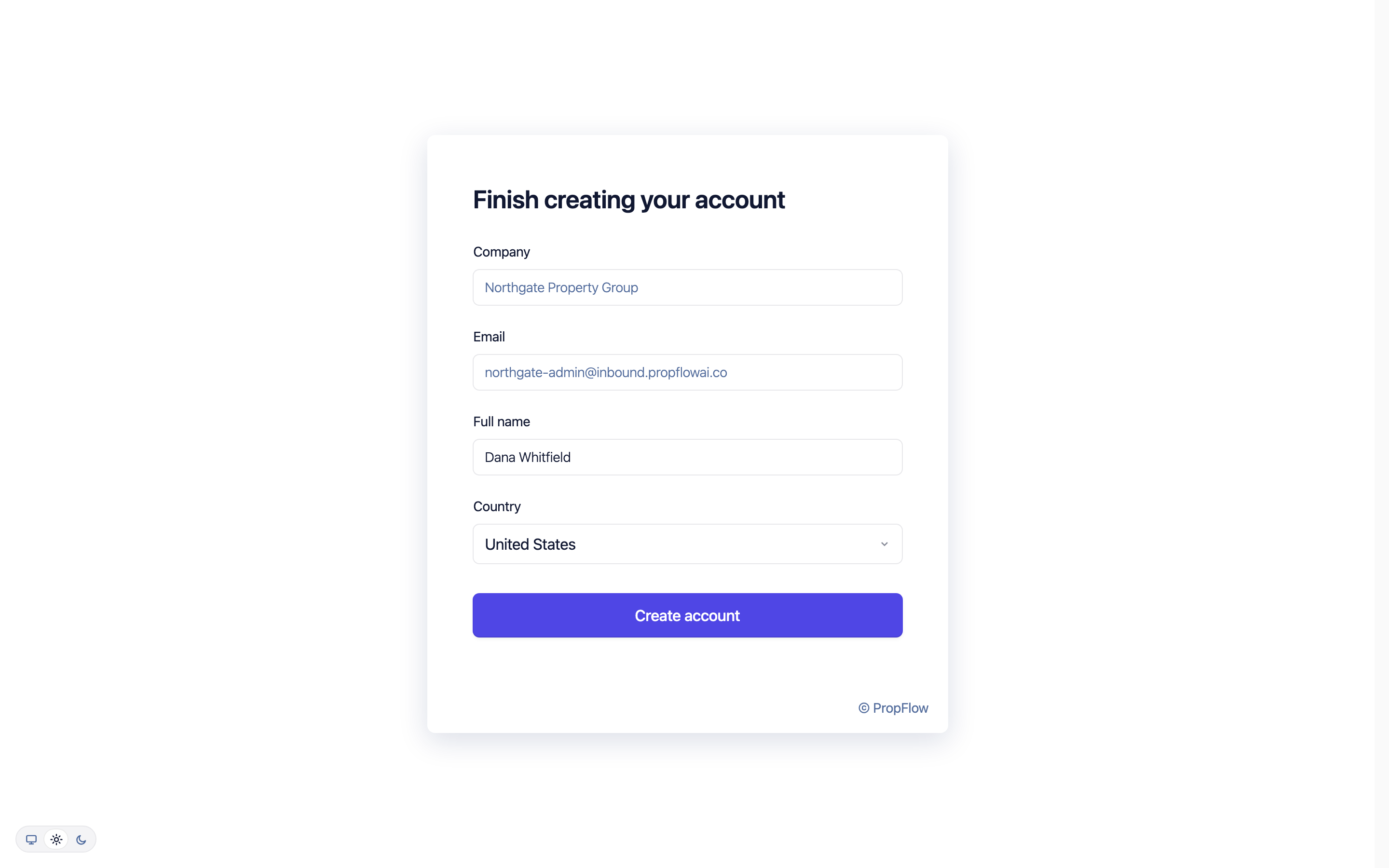
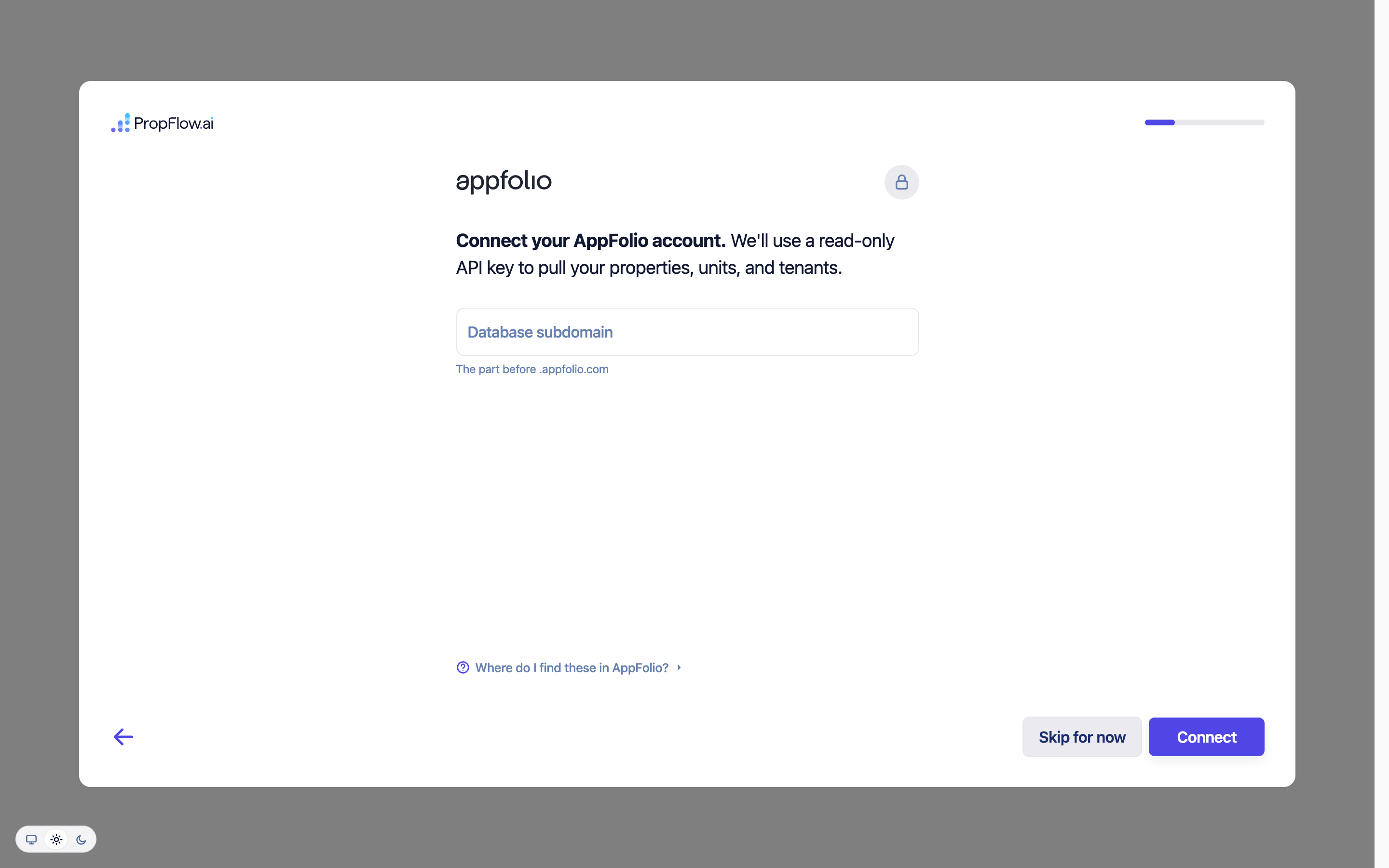
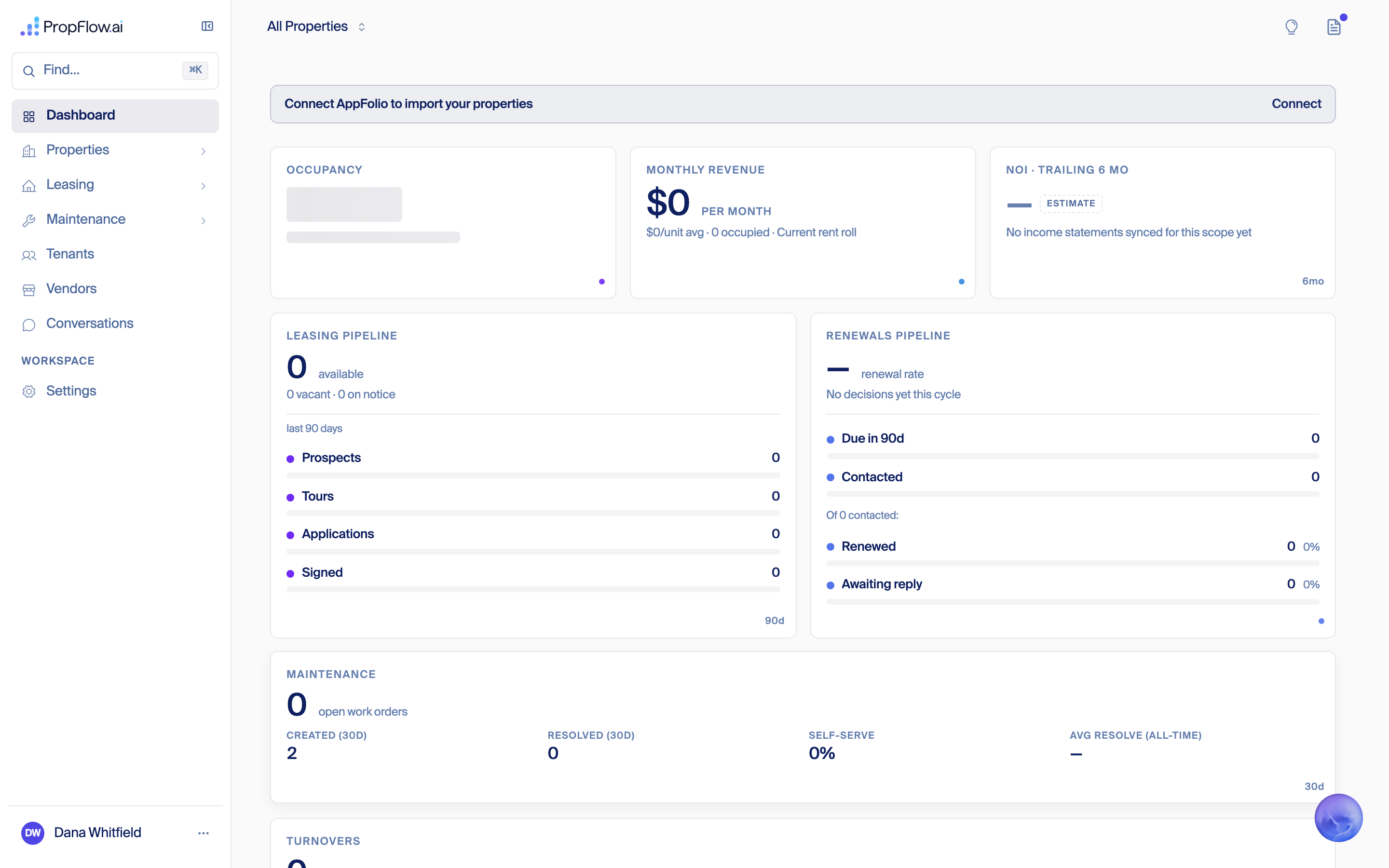
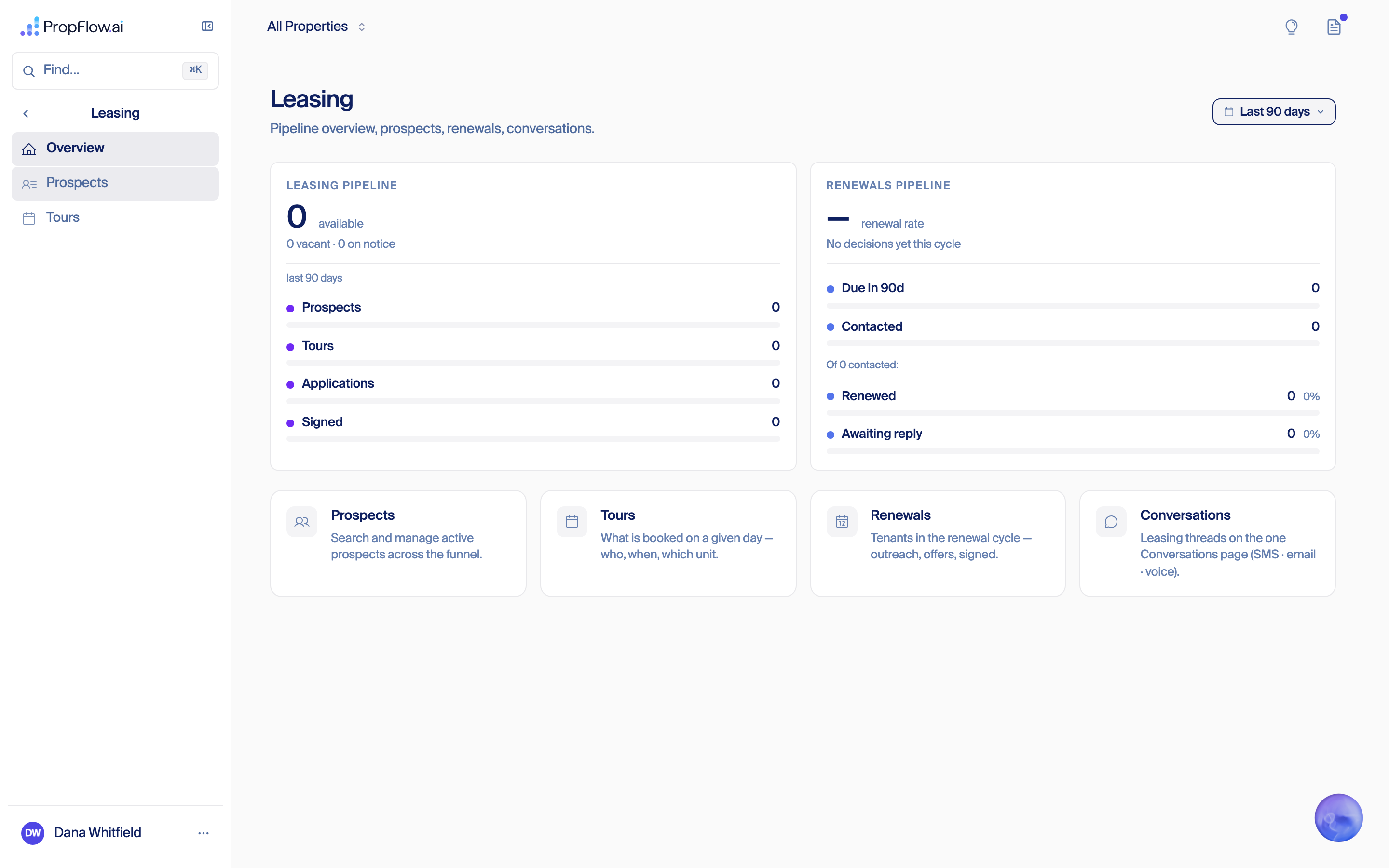
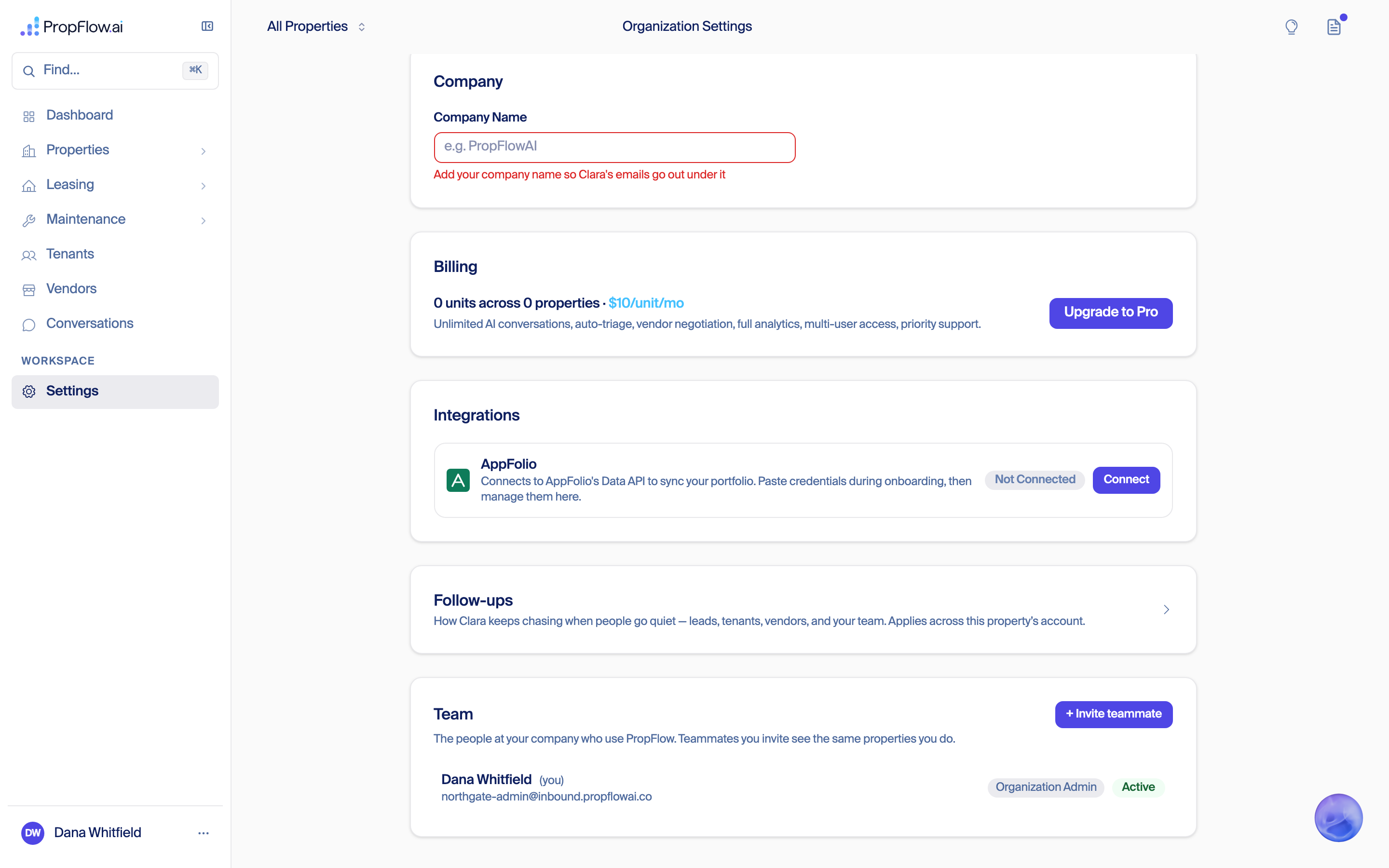
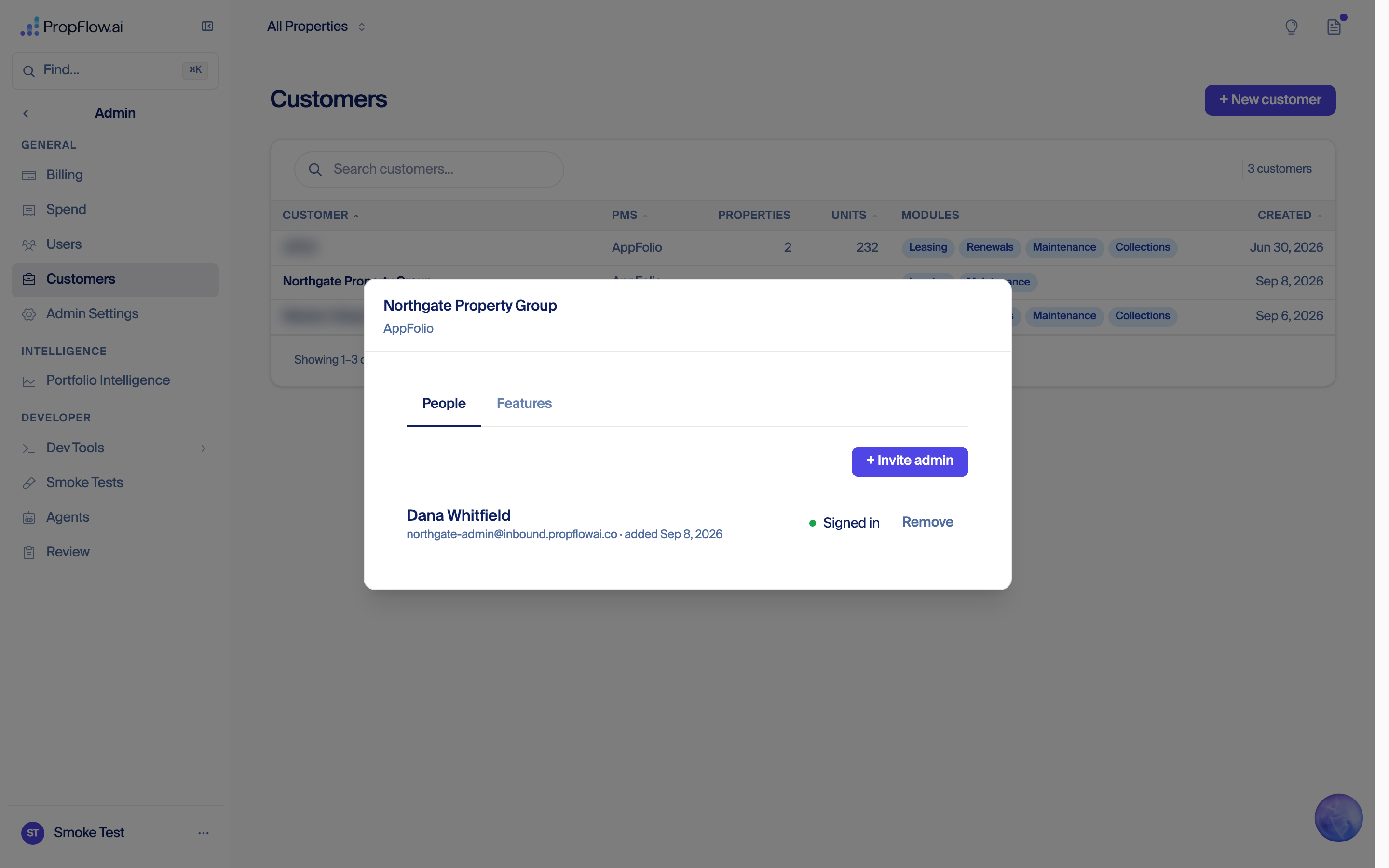
Eight things, roughly in the order a real customer would notice them. Fede triaged them Sep 8 evening; each line says where it stands.
Why. Found Sep 8 evening: a company with no properties is served the deployment-wide daily summary row, which carries another customer's work orders, rent, occupancy, and past-due totals. It feeds about sixty dashboard numbers plus the live gauges. Same code on production, so any customer login without properties sees it today. Turnovers and Collections pages are being checked for the same pattern.
Done means. A customer with no properties sees zeros everywhere. A customer with properties sees only their own totals. A test proves both, per feed, and runs in CI.
Status: waiting on step 1. Handoff for Gera and Sean. Owner: session 007 builds, session 006 (isolation owner) reviews.
Investigation, 2026-09-08. Read-only: no code changed, no database written.
Repo read at ~/.claude/propflowai (main, bfa841b5). Stage table propflow-stage, region us-east-1, reads only.
Yes, this is a real cross-company number: the new company's dashboard was showing another customer's count, not a stale or test figure. The tile does not come from the work-orders API at all — it comes from a second, separate feed, a pre-computed daily "portfolio" summary row that the nightly job writes once per environment for the whole deployment, with no company attached to it. When a company has no property selected — which is always true for a company with no properties — the dashboard asks for that shared row and gets it, because the code deliberately skips the ownership check for it (the row has no company id to check against). The "2" was two real maintenance tickets belonging to Customer A: one created 24 Aug, one created 4 Sep, summed over the trailing 30 days; I reproduced the exact number by reading the stage row myself. This morning's isolation work did not catch it because that work fixed who may name another company's property id, while this path is the case where no id is named at all, and the route was already marked "guarded" in the team's own register from an earlier, different audit. The same shared row feeds roughly sixty other metrics on that page — every sparkline, the metric summary table's trend column and every expanded chart — plus a second route, the live gauges feed, which counts conversations, escalations and renewals across the whole deployment when no property is named; on stage today that shared row carries Customer A's 22 open work orders, $299,100 monthly rent, 89.7% occupancy and $48,196.84 past due.
Component → route → data
| Step | File | Detail |
|---|---|---|
| Tile | src/components/feature/dashboard/DashboardHome.tsx:542 |
windowedCounterSum(metricHistory, 'workOrdersCreated', maintenanceToken) — sums the daily counter over the card's window (default '30d'), rendered at :566 as created: in maintenanceWindowed. Label suffix "(30d)" from src/components/feature/dashboard/catalog/card-windows.ts:191. |
| Fetch | src/components/feature/dashboard/DashboardHome.tsx:1306-1316 |
const id = propertyFilter ?? PORTFOLIO_METRIC_ID; then GET /api/dashboard/metric-history?propertyId=PORTFOLIO&window=…&monthly=1&source=all. A company with no properties has no property filter, so it always asks for PORTFOLIO. |
| Route | src/app/api/dashboard/metric-history/route.ts:207-248 |
requireUser (authentication only), then: if (propertyId !== PORTFOLIO_METRIC_ID && !(await canViewProperty(propertyId, auth.user))) return { snapshots: [] } — the ownership check is skipped for PORTFOLIO, then getMetricHistory(propertyId, start, end). |
| Data | src/lib/data/dynamo/analytics.ts:711-719 |
queryByPK(propPK('PORTFOLIO'), 'METRIC#') → DynamoDB PK = PROP#PORTFOLIO, SK begins_with METRIC#. No org parameter, no org filter, and the stored row has no organizationId attribute at all. |
What scopes it: nothing. Not organizationId, not a property-id set, not the caller at all. The route's own comment (lines ~228-240) states this is intentional:
"The PORTFOLIO row is deliberately NOT gated here. It is a pre-rolled aggregate written by the snapshot Lambda, not a property partition, so there is no org to check it against… Its rollup being deployment-wide rather than per-org is a separate, pre-existing question about what the Lambda writes, and re-scoping it would change every dashboard's numbers. Left alone on purpose."
Who writes the row: lambda/metric-snapshot/handler.ts:325-343 — after the per-property pass it calls fetchSnapshotInput(null) (null = no property, i.e. the whole table) and writes one PROP#PORTFOLIO row per environment. src/lib/domain/metrics/snapshots/compute.ts:214-266 → computeDashboardStats({ propertyId: undefined, … }) with no scope argument, so scope = null = unrestricted (src/lib/domain/dashboard/stats/compute.ts:265). The count itself is woCreatedToday in src/lib/domain/metrics/snapshots/agent-metrics.ts:514, over scopedWos, which for the portfolio pass is every work order in the table (test-flagged properties excluded, compute.ts:340-349).
Reproduction (read-only, stage). Query exactly as the code queries:
aws dynamodb query --table-name propflow-stage \
  --key-condition-expression "PK = :pk AND begins_with(SK, :sk)" \
  --expression-attribute-values '{":pk":{"S":"PROP#PORTFOLIO"},":sk":{"S":"METRIC#"}}' \
  --region us-east-1
193 rows. Trailing 30 days (2026-08-10 → 2026-09-08), metrics.workOrdersCreated:
METRIC#2026-08-24  workOrdersCreated = 1   (externalWorkOrdersCreated = 1)
METRIC#2026-09-04  workOrdersCreated = 1   (claraWorkOrdersCreated = 1)
every other day     workOrdersCreated = 0
                                   ------
                              30-day sum = 2
That is the tile, exactly. (The dashboard's source chip defaults to All — src/lib/data/source-filter.ts:31 — so the route passes the unprefixed key straight through, route.ts:110.)
A real cross-company number. Not a cached value, not test rows, not a staff-wide view: an unscoped deployment-wide aggregate served to a customer login.
What it was made of, on the stage table:
Customer A's org — Customer A); the other three are flagged isTest and are excluded from the portfolio rollup.METRIC#2026-09-08 the PORTFOLIO row has openWorkOrders = 22, and Customer A's own property row PROP#1773625953462 / METRIC#2026-09-08 also has openWorkOrders = 22. Identical.createdAt on the WorkOrder rows in propflow-stage: one created 2026-08-24T04:12Z, one created 2026-09-04T17:21Z, both on Customer A's property. No tenant names, phones or addresses reached the screen — the leak is a count, and the charts behind it, not records.Severity framing. On stage the exposed party is one real customer. In production the same code path serves the same single deployment-wide row to every customer login that has no property selected, and production has more real properties in it.
One loose end, not part of the leak: Customer A's per-property rows read workOrdersCreated = 0 on both of those dates while the portfolio row reads 1. The per-property and portfolio passes disagree on the same day's tickets — a snapshot-writer attribution/timing inconsistency worth a separate look. It does not change the finding: the numbers on the new company's screen came from the portfolio row.
Sequence (from ~/.claude/propflow-docs/artifacts/new-customer-onboarding-experience-2026-09.html, sections "The isolation question", "RCA and retro…", "Full QA pass", plus the PRs):
getUserPropertyScope() (src/lib/platform/auth/scope.ts) returned null — "no restriction" — for org_admin as well as platform_admin, so seven customer-facing pages showed another company's data.org_admin no longer unrestricted; five routes filtered: team, renewals list, manuals, activity-log, settings; Admin made staff-only). Follow-ups #7318, #7365. Module gating #7310 shipped Sep 8 (a different concern).auth/scope.ts, auth/helpers.ts, api/activity-log, api/leasing/renewals, api/maintenance-manuals, api/settings, api/team, api/dashboard/stats, middleware.ts, nav components. api/dashboard/metric-history/route.ts appears in none of them, and the metric-snapshot Lambda appears in none of them.Why this path was outside the sweep — four concrete reasons:
src/__tests__/property-scope-surface-registry.drift.test.ts:67-68, lists 'dashboard/metric-history/route.ts': 'guarded-in-route' and 'dashboard/live/route.ts': 'guarded-in-route' — verdicts from the earlier IDOR sweep, which asked one question only: can a caller name someone else's property id? For metric-history the answer is no. The register never asked what happens when no id is named.scopeByProperty(…, scope) on the no-id response — see the notes at registry lines 69-84). Metric-history's omitted-id branch resolves to PORTFOLIO, which is not a property partition, so no equivalent filter was added./api/dashboard/metric-history was never exercised directly. The RCA files the Dashboard's leak under /api/dashboard/stats; metric-history is not named anywhere in the RCA, the QA table, or the fix PRs.~/.claude/propflow-docs/artifacts/multi-tenant-isolation-architecture-2026-09.html, not code.There is also a dedicated test file, src/__tests__/api-routes-property-visibility-sweep.test.ts. It covers this route — and it asserts the current behaviour as correct: line 253, "leaves the pre-rolled PORTFOLIO row alone — no caller-supplied id reaches it", and line 262 pins that an explicit ?propertyId=PORTFOLIO returns the same row (line 272 asserts getMetricHistory is called with 'PORTFOLIO'). The green test is a green test for the wrong property.
It does not exist. What exists is per-route, in-memory filtering applied after the DynamoDB read returns:
src/lib/platform/auth/scope.ts — getUserPropertyScope(user) returns a Set of allowed property ids (or null for platform_admin); scopeByProperty / scopeProperties filter already-fetched arrays.src/lib/domain/properties/visibility.ts — filterVisibleProperties(), the shared rule, runs over a Property[] already pulled from the table.src/lib/domain/properties/visible-property.ts — canViewProperty(id, user) calls the unguarded getProperty(id) first, then checks the returned object.requireOrg, assertOrgScope, withOrgScope or orgGuard exists anywhere in the repo. Org filtering in the repository layer is an optional argument: src/lib/data/dynamo/property.ts:154-165 — getProperties(organizationId?) filters only when a caller chooses to pass one.fede/poc-org-at-edge, PR #7160, "POC (do not merge): bind the company at the edge…" — closed 2026-09-06, never merged, and the worktree at ~/.claude/propflowai-poc-org-at-edge is now heavily drifted from main. So: a proof of concept, not merged, not partially applied.Does the dashboard metrics path go through it? No. getMetricHistory (src/lib/data/dynamo/analytics.ts:711) takes a raw propertyId string, has no user or org parameter, and performs no check. Its only guard is the route-level canViewProperty one call earlier — which is explicitly skipped for PORTFOLIO. And the stored PROP#PORTFOLIO item carries no organizationId attribute, so even a database-layer guard would have nothing to compare against until the writer changes.
Specific reason this path was missed: a route-level allowlist mindset (per-route guards, per-route registry verdicts, no data-layer enforcement) plus an aggregate row that is org-less by construction. There is no allowlist/registry the guard consults at runtime; src/lib/traffic/route-manifest.generated.ts lists all four /api/dashboard/* routes but only for coverage bookkeeping.
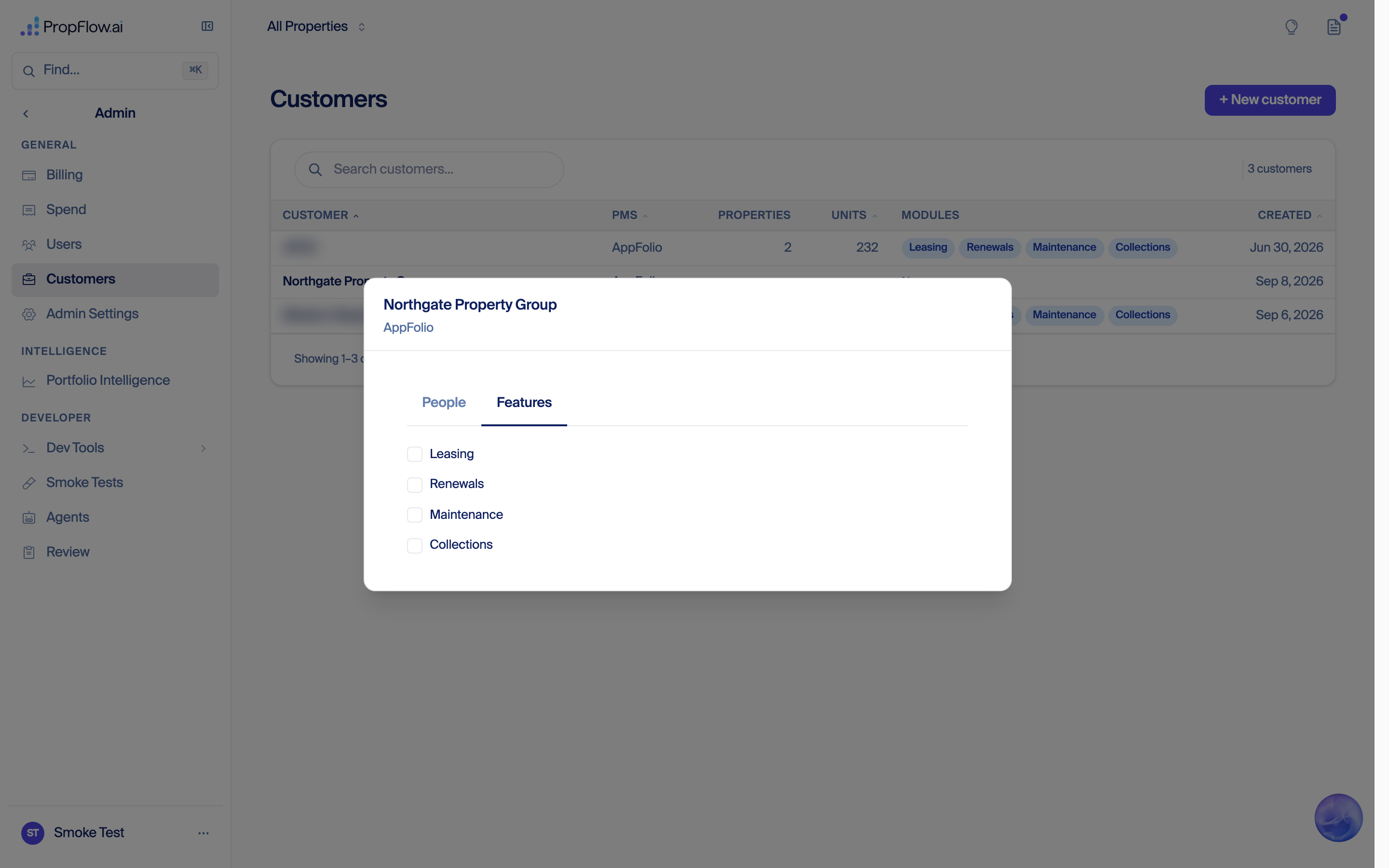
(a) Cards for turned-off modules still render — but their numbers are correctly scoped.
Module gating is applied by isRouteModuleEnabled (src/lib/platform/auth/permissions.ts:248-260), which drives the left nav (getNavItems, :267-277) and each gated section's own route layout, seeded at src/app/(workspace)/layout.tsx:74. The dashboard card grid never consults it — enabledModules appears zero times anywhere under src/components/feature/dashboard/, and the card catalog (catalog/catalog.ts) has no module concept. So the Renewals card (DashboardHome.tsx:1538-1554) and Collections card (:1625) render unconditionally.
Their numbers, though, are company-scoped: Renewals comes from /api/leasing/stats → src/app/api/leasing/stats/route.ts:69 (getUserPropertyScope) → load-leasing-stats.ts:186 (scopeByProperty(rawRenewals, scope)); Collections reads stats.totalPastDueBalance / stats.delinquencyRate (CollectionsSection.tsx:95,97) from /api/dashboard/stats, which is scoped. For an empty company both read zero. This one is a visibility bug, not a data bug.
(b) The company name: two different fields on two different records.
The name staff typed is written to the organization record (ORG#<id> / PROFILE, field Organization.name); the onboarding wizard reads exactly that, via /api/onboarding/prefill (src/app/api/onboarding/prefill/route.ts:37 — company: org?.name || account?.companyName || entry?.company), which is why the wizard shows the right name. Settings → Company reads and writes a different, per-user field, User.companyName, through GET/PATCH /api/auth/me (src/app/(workspace)/settings/_components/OrganizationSettings.tsx:140,149,226), and fires its required-field error at :220 — the exact string "Add your company name so Clara's emails go out under it". Nobody has ever PATCHed that user, so the field is empty. The file's own header comment (lines 14-17) admits it: "Company Name is org identity, but it is STORED per user (User.companyName…) because the Organization row has no writer yet" — and src/lib/data/dynamo/organization.ts:2 confirms the organization repository is read-only.
A. Everything fed by the PORTFOLIO daily series (/api/dashboard/metric-history with no property selected). One shared row, no company scoping, ~60 metric keys — the full list is METRIC_METRIC_KEYS in src/lib/data/types.ts:14346-14440. Consumers in the dashboard:
DashboardHome.tsx:542,546). The reported defect.cardTrendSeries('occupancy','portfolioOccupancyRate'), ('rents','totalMonthlyRent'), ('noi','noi') at DashboardHome.tsx:1463,1483,1510. Note the mitigation that fails for exactly this case: the route's monthly half is properly org-scoped (it fans out over loadPropertyOptions(auth.user), route.ts:325-330) and normally replaces these three daily series (stripMonthlyServedKeys). A company with zero properties has zero monthly rows, so nothing is stripped and all three fall back to the unscoped daily series.history={metricHistory} at DashboardHome.tsx:1632: an unscoped trend line for every metric in the table.metricHistory is passed into buildInsightSpecForContent at DashboardHome.tsx:1106, and into useInspectorHistory.ts:83 / use-property-override-series.ts:41, both of which default to PORTFOLIO_METRIC_ID.src/components/feature/dashboard/agent-ops/data.ts:6,38-62 reads "today's counts + 30d sparklines" from the same endpoint for ~21 keys (Clara conversations/calls/escalations, renewal offers prepared/signed/failed, prospects created, tours completed, browser-agent counters, AppFolio sync errors).For scale, the live stage PROP#PORTFOLIO row for 2026-09-08 (Customer A's numbers) carries: openWorkOrders 22, totalMonthlyRent 299100, portfolioOccupancyRate 89.66, totalPastDueBalance 48196.84, delinquencyRate 23.8, delinquentTenantsCount 78, totalContacts 610, totalTours 97, activeProspectsCount 556, claraEscalations 328, screeningPipeline 356, maintenanceWorkOrdersCoordinated 231, renewalOffersSigned 10, tenantsUnreachable 1, activeEvictions 2 — 140 stored keys in that one row.
B. /api/dashboard/live — a second, independent unscoped path. src/app/api/dashboard/live/route.ts:52-115. It guards a named propertyId with canViewProperty (:64) but, when no property is named, calls getConversationsMeta() (whole table), getRenewals(undefined) (whole table) and getProperties() (no org argument, property.ts:163 returns everything) and derives:
clara.conversationsActive, clara.callsInProgress, clara.escalationsPending (:101-111)renewal.runsInFlight (:116)appfolioSync.lastSyncAt, computed across every property in the deployment (:82-90)Same shape as the tile, same registry verdict ('dashboard/live/route.ts': 'guarded-in-route'), same gap. Polled every 10 seconds by the agent-ops row.
C. Structural, worth naming once: any future route that reads a pre-rolled aggregate, or that treats "no property id supplied" as "unrestricted", inherits this behaviour. The registry verdict guarded-in-route today means only "a caller-supplied id is checked" — it says nothing about the omitted-id branch.
~/.claude/propflowai @ bfa841b5 (main, read-only).propflow-stage, us-east-1 — PROP#PORTFOLIO METRIC# series (193 rows), the five Property rows via entityType-createdAt-index, PROP#<Customer A property> METRIC# series (189 rows), and the WorkOrder entity-type index (623 rows) filtered to the trailing 30 days. Raw pull saved at scratchpad/portfolio-metrics.json. No writes of any kind.~/.claude/propflow-docs/artifacts/new-customer-onboarding-experience-2026-09.html; ~/.claude/propflow-docs/artifacts/multi-tenant-isolation-architecture-2026-09.html.A complete walkthrough of what a new customer sees, driven start to finish with no human touching it, on propflowai.co serving 084bbd75b7 (PR 7526) on 2026-09-10. A throwaway test company, a made-up AppFolio portfolio, and a sandbox Microsoft 365 tenant. Every company created was deleted afterwards; no real customer's data was touched.
Every screenshot below is the original capture, embedded losslessly — desktop at 1280 pixels wide, phone at 390, which is the width each was taken at. They were captured at a device pixel ratio of 1, so 1280 is their true resolution; on a high-DPI screen the browser stretches them and text softens. Recapturing at ratio 2 would make them sharp, and is worth doing on the next run.
| # | Step | Verdict |
|---|---|---|
| 1 | Staff create the customer and invite its admin | PASS |
| 2 | The admin accepts the invite and is signed in without a code | PASS |
| 3 | The admin connects AppFolio and imports the portfolio | PASS |
| 4 | One button to connect the shared leasing email | PASS |
| 5 | Clara was pointed at a person's own inbox instead of the shared mailbox | FAIL |
| 6 | The admin adds a teammate as a leasing agent | PASS |
| 7 | The teammate connects their own calendar at first sign-in | PASS |
| 8 | A second admin invited after setup goes straight into the product | PASS |
| 9 | Availability against a teammate's busy calendar | UNTESTED |
| 10 | The test company is removed, and nothing of it is left | PASS |
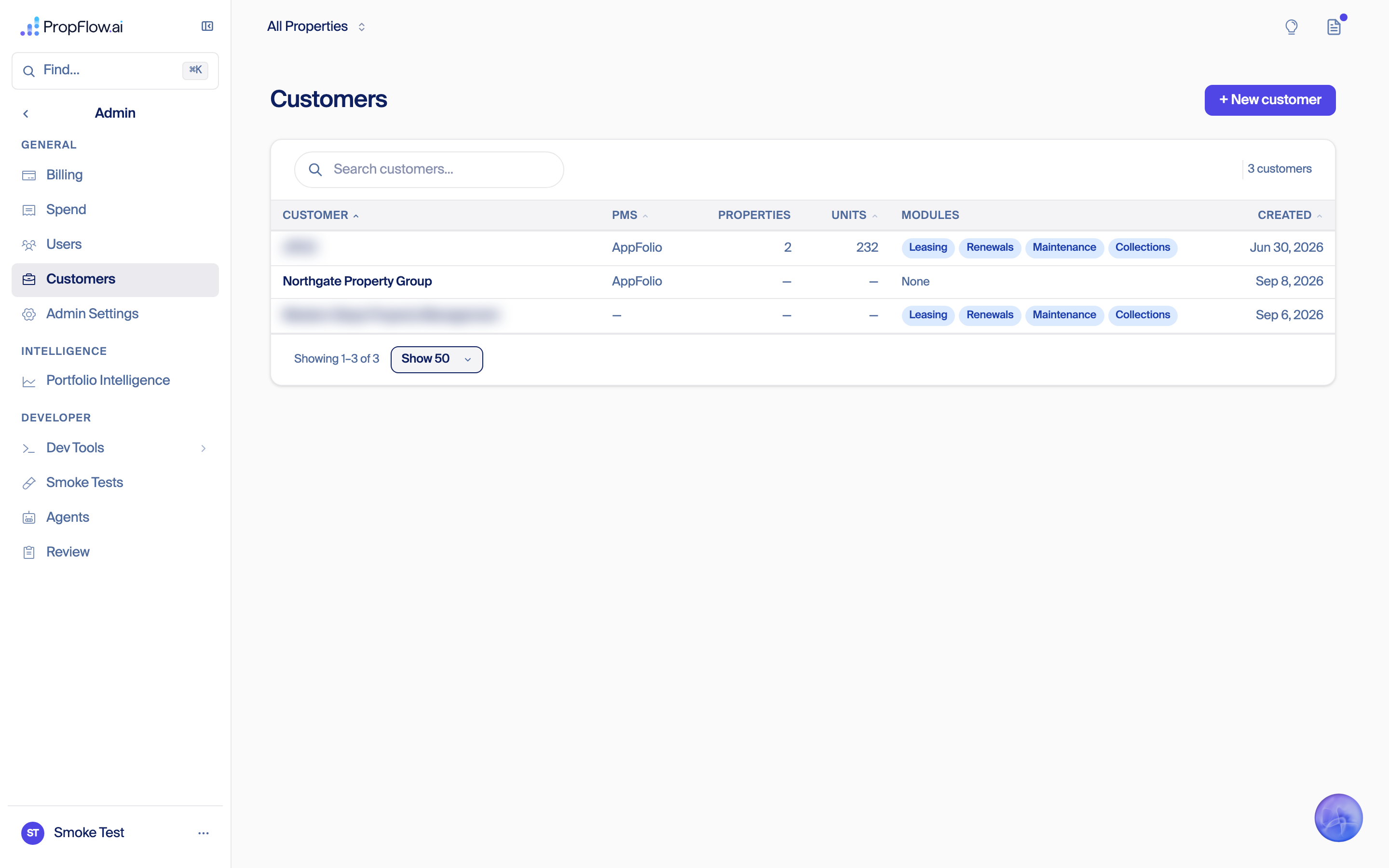
Staff open Admin → Customers, press “+ New customer”, name the company, choose how it is organized, and give the admin's name and email.
PASS — The company was created with its operating model recorded as centralized, and one invite was minted and emailed in the same request. The “how they're organized” field starts empty, so the choice has to be made rather than defaulted.


The admin gets one email, opens it, ticks the terms box and presses Continue. Nothing asks them for a code. Setting up a second factor by text comes straight after.
PASS — The emailed link resolved to the exact token that was minted. Zero sign-in-code emails reached that mailbox during the whole flow — checked in the real inbox over the run's own time window, because the database row that used to prove this no longer exists. After the texted code they landed on the AppFolio step.


They type their AppFolio subdomain and API key. PropFlow pulls the portfolio and shows every building; they keep all of them and continue.
PASS — Six buildings were returned and all six imported. No existing property anywhere in production changed.


One screen, one button — “Connect your shared leasing email”. Pressing it sends them to Microsoft.
PASS — The screen renders as designed and the button starts the Microsoft sign-in.


The admin signs in to Microsoft. PropFlow should notice that account is somebody's personal inbox and ask which shared mailbox Clara ought to reply from.
FAIL — It never asked. The consent landed on clara@ — a person's own mailbox — and was bound to the company as connected, address clara@PROPFLOWTECHNOLOGIESINC.onmicrosoft.com. The shared mailbox was never named, so neither the good path nor the refusal path could be exercised. Root cause below.
The guard compares the Microsoft account that consented against the signed-in PropFlow user's email address:
const landedOnAPerson = isPersonalMailboxMistake(tokens.account, caller.email);
Those two are the same string only when a customer's PropFlow login happens to equal their Microsoft address. Here the PropFlow login was clara+p4admin@… and the Microsoft account was clara@…, so the check answered “not a person” and the personal inbox was bound straight through. The code's own comment says Clara must not answer from a person's inbox — that promise rests on this comparison, and it fails open whenever the two addresses differ, which will be the common case at a real customer.


On “add your team” the admin types a name and email and picks Leasing agent, then continues.
PASS — The teammate's invite was minted against the company with the leasing-agent role and emailed to them.


The teammate accepts their own invite, sets up a second factor, and is asked to connect their calendar. They press Microsoft and sign in as themselves.
PASS — The calendar was attached to the PERSON, not to the company and not to any property — a connected calendar attachment sits on their own person record. That is the separation this step exists to keep.


Staff invite another admin from the customer page. They accept, agree to the terms, set up a second factor, and land in PropFlow.
PASS — The terms box was shown and their acceptance recorded. They landed on the dashboard, and none of the company setup steps were shown again.


A busy block on the teammate's calendar should remove that time from what Clara offers.
UNTESTED — Not run, deliberately. The only calendar available on the sandbox tenant is clara@'s, and another session is using that same calendar tonight for the voice bench; writing test events on it was ruled out to avoid corrupting their run. Needs a second licensed mailbox on the tenant, or a window when the bench is idle.
Staff press Delete on the customer page.
PASS — The delete removed 66 rows — 6 properties, 4 people, 4 invites, 2 credentials, 4 person records — and reported nothing left behind and nothing kept. Checked independently: the company row is gone, no property carries the company, its partition is empty, and deleting it again answers 404.
Full row images before the first write and after the last. Camellia Apartments, The Willows, Yale 25 Station, the Western Slope prototype and the portfolio bench were all unchanged — same owner, company, name, website, logo, mailbox and calendar. No property or company was added or removed. Sentry over the run window shows one issue, a standing background warning about a legacy credential row, unrelated to this run.
Production serving: bbb28689a1 at last check. Everything below marked live or fixed is verified by ancestry, including #7549 and #7517. Isolation audit (14 findings from full API surface audit, 7 critical) → Cross-company isolation audit (2026-09-10).
| Step | Pass 1 (03:5xZ) | Pass 3 (06:4xZ) |
|---|---|---|
| 1 Staff create customer + invite admin (back office) | PASS | PASS |
| 2 Real invite email, one button | PASS | PASS |
| 3 Accept: terms, sign in with NO code | PASS | PASS |
| 4 SMS second factor | PASS | PASS |
| 5 AppFolio connect + import | blocked (no test AppFolio) | PASS — 6/6 fixture buildings, nothing else touched |
| 6 Microsoft email + calendar | partial | PASS — real send delivered, real event created/read/deleted |
| 7 Dashboard + terms on file | untested | PASS |
| 8 Delete test company | n/a | PASS — residual 0, second delete 404 |
Camellia, Willows, Yale, Western Slope: no identity-bearing field changed across the whole window (guard diff before/after). Evidence: agents/006/terms-acceptance/campaign-2026-09-10/ (SUMMARY.md, PASS-2-AND-3.md, REPRO-01..05) and agents/006/screenshots/prod-run-2026-09-10/.
demo AppFolio portfolio + delete button (#7527), plus a real bug it found: the wizard's property step read a per-user credential after the move to per-company and told every new customer "not connected".Which mailbox Clara answers from is ruled, not a decision: one button, "Connect leasing email." The admin signs in as the shared leasing mailbox itself — nothing to type. If the sign-in lands on a person's own mailbox instead of a shared one, the step asks which shared mailbox Clara should reply from and checks that answer with Microsoft before moving on.
Where our Microsoft app lives and how it gets verified: see Where our Microsoft app lives and its verified-publisher badge. Done Sep 14: Microsoft now shows PropFlow as a verified publisher on the Outlook connect screen.
Staff pick one of two types on the New Customer form. It's required, with no default, because it changes what onboarding connects.
Done 2026-09-14: Microsoft now shows "PropFlow Technologies Inc" with the verified checkmark on the permission screen when a customer connects an Outlook mailbox or calendar to Clara. Proof: a Microsoft Graph read of the app registration returned verifiedPublisher = {displayName: "PROPFLOW TECHNOLOGIES INC", verifiedPublisherId: 7158688, addedDateTime: 2026-09-14T21:58:54Z}.
What it took, in order:
propflowai.co added and DNS-verified as a custom domain on the app's directory, "Default Directory" (TXT record MS=ms47380408 added in Cloudflare, record id e15dd2db1373a754dc0c0624251629a9); the app's publisher domain was set to propflowai.co.admin@propflowaicalendaroutlook.onmicrosoft.com, Global Administrator; password and authenticator secret in the Mac Keychain as propflow-m365-defaultdir-admin and propflow-m365-defaultdir-admin-totp), because Partner Center only links a directory when a work login from that directory signs in.setVerifiedPublisher.The blocker that cost the afternoon: Microsoft's error "The MPN ID you provided does not exist, or you do not have access to it" meant the app's directory was not on Partner Center's tenant list. The directory had only a personal Outlook account and a guest work account; Partner Center rejects both for association. Trusting the guest's home-directory second factor is an Entra ID Premium feature and not available on this free directory.
Decision (Fede, 2026-09-14): the app stays in Default Directory; no migration to the company directory (would force every customer to reconnect).
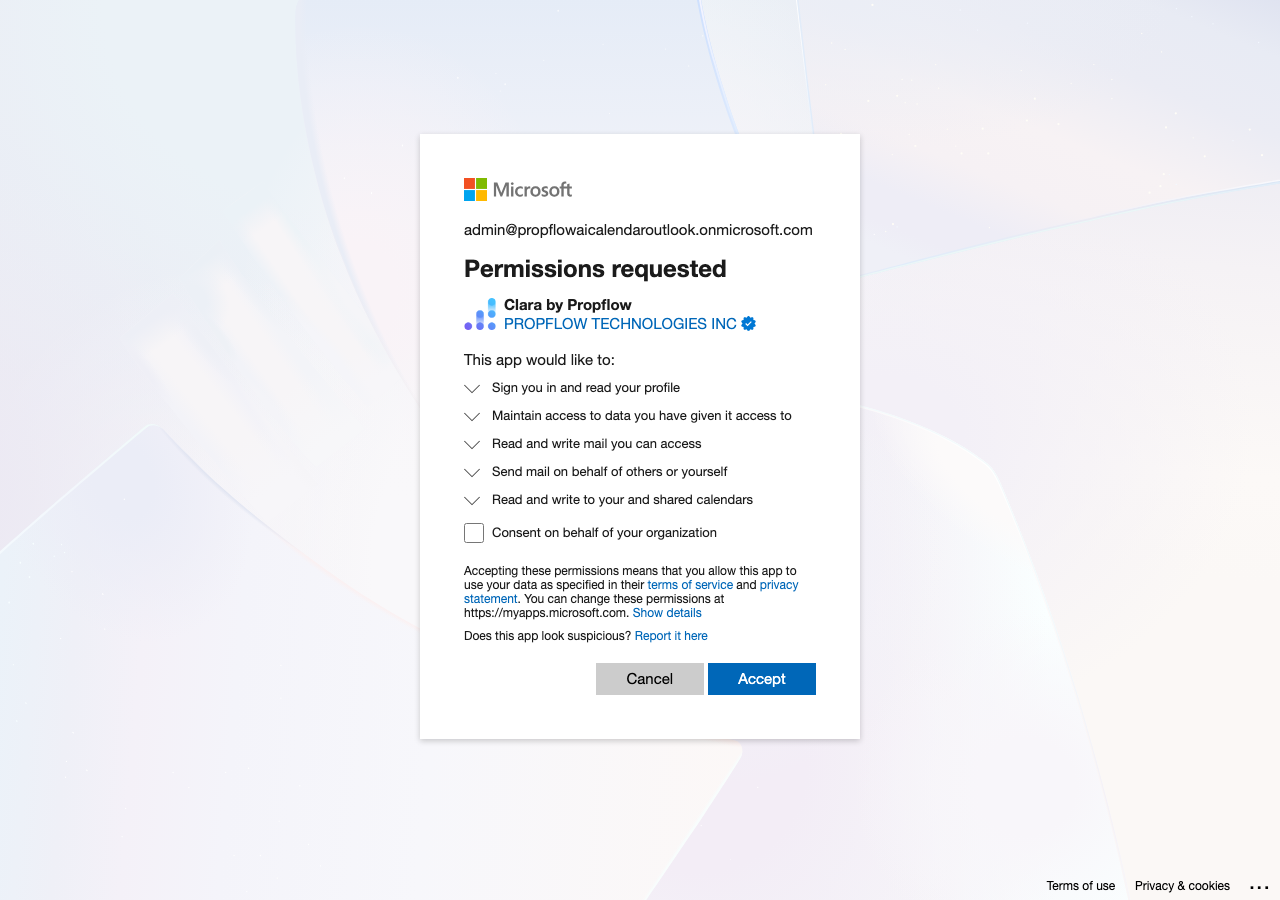
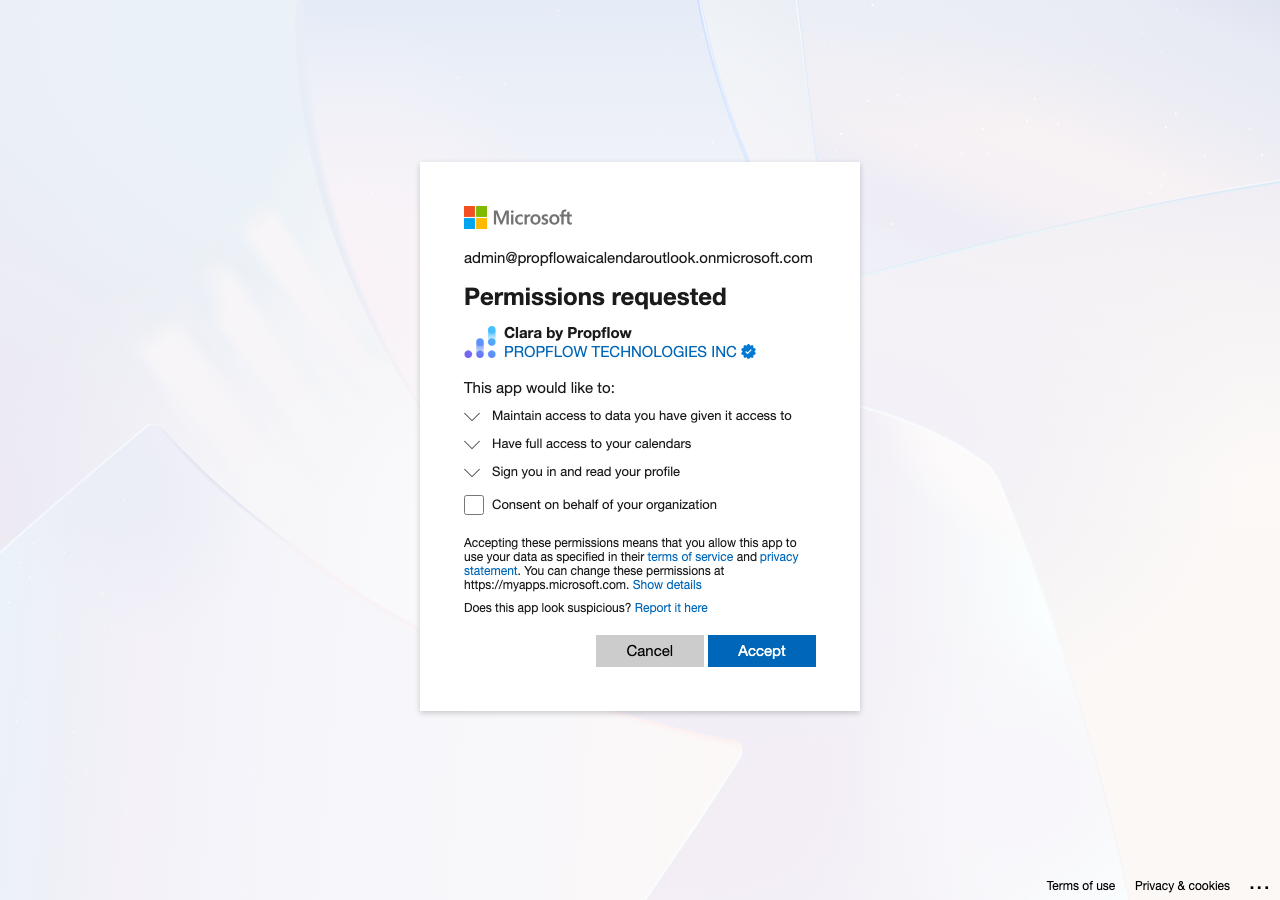
<<<<<<< Updated upstreamDeclared permissions widened for company onboarding, Sep 14 evening (Fede, relayed: "for the initial setup for the org during onboarding it should be email permissions as well"; "for individual user just calendar"): the app registration now declares the delegated permissions the company mailbox connect actually asks for, so one admin consent covers the whole company setup. Before: Calendars.ReadWrite, User.Read. After (read back from Microsoft at 2026-09-15 00:27 UTC): User.Read, Calendars.ReadWrite, offline_access, openid, profile, email, Mail.ReadWrite.Shared, Mail.Send.Shared, Calendars.ReadWrite.Shared. Nothing else on the app changed (sign-in audience and redirect addresses read back identical). The per-person calendar connect still requests only openid, profile, email, offline_access, Calendars.ReadWrite, User.Read, confirmed in code; it never asks for mail. Not declared on purpose: the older per-property mailbox flow's Mail.Read and Mail.Send, which are requested at sign-in time and were not part of this ask.
A company admin approving the mailbox and calendar permissions for the whole company, with the PropFlow logo and the blue verified checkmark next to "PROPFLOW TECHNOLOGIES INC":
A person connecting just their own calendar, same verified badge and logo, narrower ask:
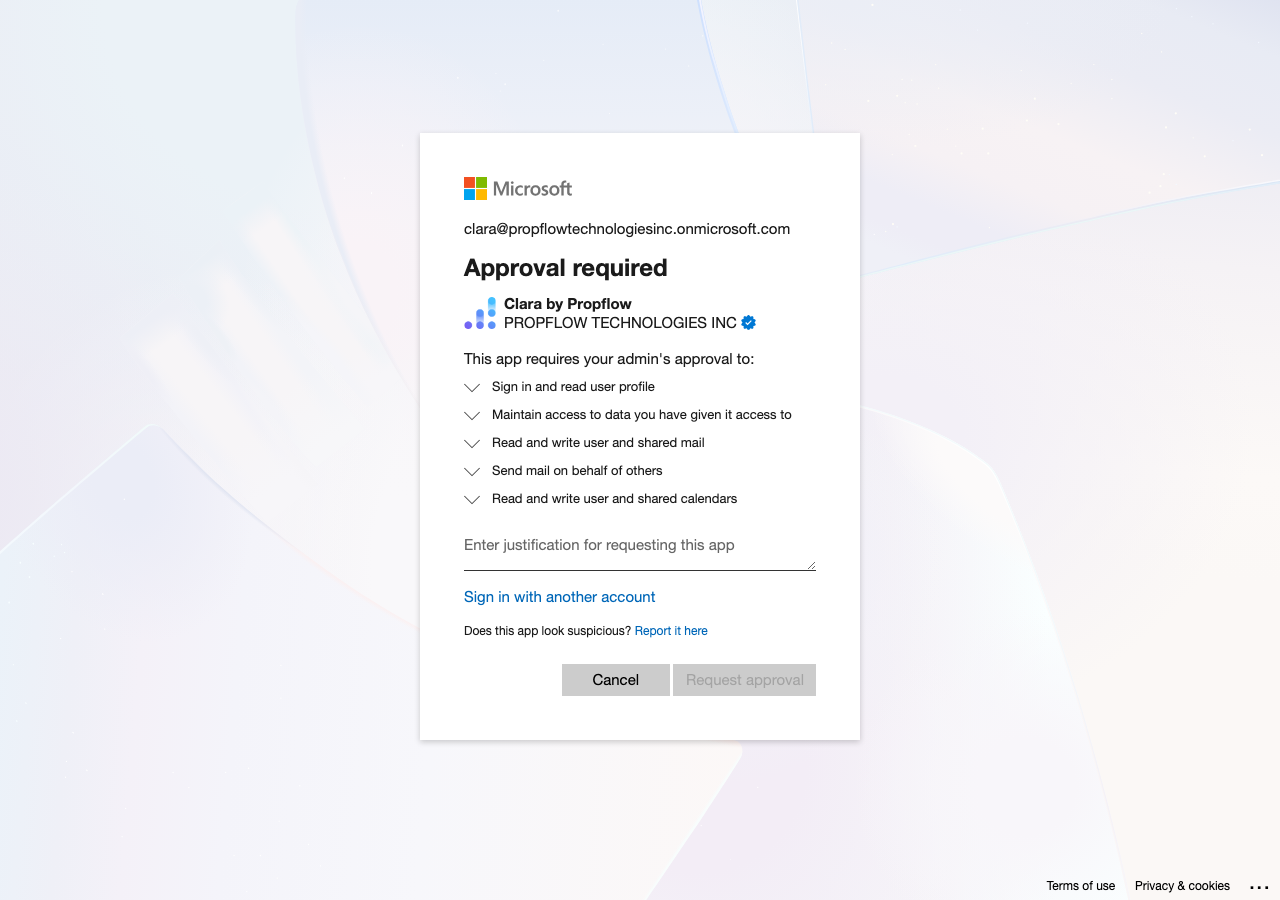
An employee at a company that requires admin approval before any app can connect — same verified name and badge, but the button is "Request approval," not "Accept":
Camellia's grant is not a user-consent precedent (recorded Sep 14 night, reported by the session that read the grant that evening): Camellia's Microsoft directory holds a tenant-wide admin consent for the app that already includes Mail.Read, Mail.ReadWrite and Mail.Send. Their mailbox connection was approved by their admin for the whole company, not by an individual user clicking through, so it says nothing about what an unverified or user-level consent screen would have allowed.
Branding set, Sep 14 evening: the PropFlow logo (215×215, from the site icon), privacy policy link, terms of service link, and support link are now on the app registration, so the permission screen shows the logo next to the verified name. Proof: Microsoft serves the uploaded logo from its own image CDN (200, image/png), and the app record lists propflowai.co/privacy and propflowai.co/terms.
=======Still open, cosmetic: app branding (logo, privacy statement, terms of service, support URL) is empty on the app registration; the consent screen shows the checkmark without a logo.
>>>>>>> Stashed changesHistory below: the Sep 10 investigation that led to the above.
Found it. The app (ff484ffc-0d07-43ea-a3aa-51d82f81ed90, the one Camellia, the Willows, and Yale 25 Station all connect through) is not in our new test Microsoft 365 account (propflowtechnologiesinc.onmicrosoft.com) — confirmed by a direct, empty lookup there (Microsoft Graph GET /applications?$filter=appId eq 'ff484ffc-0d07-43ea-a3aa-51d82f81ed90' against tenant ec6b7722-e7b6-4554-bfb1-cf23b00b18cb → {"value":[]}).
Because the app is multi-tenant, its home account doesn't show up in a lookup from outside — but every tenant that has ever connected through it gets a local mirror record ("service principal") that names the home account. That mirror already exists in the test account, from Sep 10's admin-consent testing, and it points to the answer: tenant 913da631-6dd3-411d-ab22-8cb14049fa8a, "Default Directory," default address propflowaicalendaroutlook.onmicrosoft.com. That's the auto-created, no-subscription directory Microsoft hands out the first time a plain Microsoft account (not a company Microsoft 365 plan) touches the developer portal — the app is set to accept sign-ins from "Microsoft Entra ID accounts and personal Microsoft accounts," which fits a personal account, not a business one. It has no verified publisher on file either.
Evidence: Fede can double check the home account in two clicks: sign into entra.microsoft.com with the personal Microsoft account originally used to set up Clara's email connection, go to App registrations → All applications, and search the client ID above — it should show up there, under "Default Directory." The label shows because the app has no verified publisher. Fixing it is a one-time process on Microsoft's side, done from whichever account owns the app registration: Typical turnaround once submitted: a few days to about two weeks. Everything above must be done by Fede or whoever has Partner Center access — none of it can be done through the Graph API. One fact first: Microsoft does not let you move an app registration from one account to another. There is no "transfer" button in the portal or the API — Microsoft's own guidance is that an app registration is permanently tied to the directory it was created in, and the only way to change hands is to add a new owner in that same directory or to register a fresh app somewhere else (Microsoft Entra docs, app registration ownership). Recommended: Option A. It keeps the exact client ID that Camellia, the Willows, and Yale already trust, so nobody re-connects anything — and it's a same-day change once Fede has a login for the personal account (or its owner cooperates). Steps: (1) sign into "Default Directory" (tenant If A can't be done — the personal account is unreachable or the owner won't hand over control — fall back to Option B, in this order to keep the blast radius smallest: register the new app and prove it end-to-end against our own test tenant first, then re-consent the Willows, then Camellia, then Yale last (Yale hasn't finished connecting yet, so it tolerates the most timing slack). Verify mail/calendar still works after each one before moving to the next, and don't touch the old client ID or secret in Vercel until all three are confirmed on the new app. What breaks if either path is rushed: removing the personal account's access to "Default Directory" before Fede's account is confirmed as a working owner can lock everyone out of the app registration entirely; in the fallback path, pulling the old client ID/secret before every customer has re-consented instantly cuts off their email/calendar sync with no warning. Evidence: unverified label and consent screen — Until 2026-09-10 every leasing email PropFlow sent was copied to hello@propflowai.co by a hardcoded address; that was deleted (PR #7643) so nothing is copied today. Fede asked for it to come back as a setting a customer's onboarding can turn on and off. A — address plus a per-activity list (recommended): watch tours at a new customer for two weeks without seeing every guest card. B — address only, all leasing activities or none. Gera ruled no new settings this week; builds as one small PR after the shared phone agent is live, reading the company row that now exists. Trello card: https://trello.com/c/AkQpZ4Ir. Where the onboarding work stands, decisions taken, and open calls. Kept current on every event. Everything from Sep 6 to Sep 8 is folded below, unchanged. A full walkthrough of what a brand-new PropFlow customer sees today, screen by screen, from the invite email to the dashboard — done as a real invited org_admin, not a platform-admin account. Status: Proposed — pending Fede's review · written 2026-09-07, corrected 2026-09-07 · walkthrough run against production propflowai.co as org_admin at a throwaway real-customer-shaped org ( What a new customer sees today, in three sentences. The invite email and the six-step wizard (create account → company profile → connect AppFolio → pick channels → meet Clara) are clean, honestly labeled, and free of test data or jargon — genuinely shippable work. Two mechanical bugs sit right at the seams: the empty-import review screen lets you click through as if your portfolio loaded, and connecting Outlook during onboarding only records a preference, it never actually opens Microsoft's consent screen. Past the wizard, the dashboard screenshots below show a very wide, cross-customer view of the platform — that comes from using a propflowai.co login, which is staff by design (Fede, 2026-09-07); re-running the walkthrough with a non-propflowai.co address is the only way to see what a real customer's own account sees. Checked before writing anything below, so this doc extends rather than duplicates his work (git log on the wizard directories, his Sep 1 design doc referenced from the Situs/Western Slope onboarding plan, and Pulled from the raw per-speaker transcript in #transcripts (Slack), not the AI-generated recaps — recaps drop decisions. Quoted verbatim where a real quote exists; nothing below is inferred without one. Every screen below was reached by the real production flow: a real magic-link invite sent to An email from "Clara" landed in my inbox. Is this legit, and what do I click? Plain, short "Sign in to PropFlow" email, from Clara <clara@propflowai.co>, one button. No sales copy, no attachments, no logo mismatch. I clicked the link. Now there's a second button? Is my email verified or not? A CSRF-safe confirm screen — clicking the emailed link alone doesn't sign you in; you tap "Continue to PropFlow" once more. Clean, on-brand, single button. I just wanted to see my dashboard — now I'm being asked to set up two-factor authentication before I've even seen the product. Four clean method choices (passkey, authenticator app, email code, text code). Nothing on the invite email or the confirm screen warned this was coming. Standard 6-box code entry; the code round-tripped through the same inbox in under 10 seconds. Recovery codes are shown once, clearly labeled, with a "download as .txt" and a required "I've saved these" checkbox before continuing. Now I'm actually creating my account — name, country, done. Email pre-filled and locked (from the invite), name pre-filled from what the inviter typed, country defaulted to United States. One button, "Create account." I typed my company name and… nothing happened. The Continue button is still greyed out and I don't know why. Fields reveal one at a time as each prior field is completed and blurred (name → type dropdown → portfolio-size band → admin-access question) — nice idea, but nothing on screen explains that more fields are coming, and the Continue button gives no reason for staying disabled. Every automated fill attempt that only typed text (no explicit Tab/blur) left the button permanently disabled with zero feedback. Good question — I don't manage the AppFolio login myself. What happens if I say someone else does? Honest framing: "Connecting your PMS requires admin-level access to generate API credentials," four options including "Someone else does" / "I'll forward setup to them." This is exactly the scenario the task asked to check — the flow anticipates it here. Three honest paths — connect PMS, upload a rent roll (CSV/Excel), or start from scratch — with "you can always change this later in settings." I see AppFolio, Yardi, Entrata, RealPage, MRI. Only one of these actually works — is that going to be obvious, or am I about to waste time on a dead tile? AppFolio is the only clickable tile; every other PMS, and even "Other," is labeled "Coming soon." Nothing pretends to support something it doesn't. A "Skip for now" button sits bottom-right before any PMS is picked. I don't have my AppFolio admin login on me right now — or maybe I never will, because someone else on my team owns that. What do I do on this exact screen? One field (database subdomain), a help link ("Where do I find these in AppFolio?" — expands into clear step-by-step instructions), and a "Connect" button. There is no skip, no "I don't have this," and no "forward to someone else" option anywhere on this specific screen — only the back arrow, which returns to the PMS picker (where "Skip for now" reappears once AppFolio is deselected). I want Clara reading our Outlook mailbox and calendar before I even worry about properties. Let me connect those now. Plain-English copy ("Tenants text +1 (844) 510-1007 — Clara responds instantly," "activates with first property" badge on SMS). Gmail/Outlook toggle for email, Google/Outlook toggle for calendar. I clicked Outlook, it turned blue like I connected it, and I clicked Continue. Did I just link my company mailbox to a stranger's AI product without ever seeing Microsoft's consent screen? Clicking "Outlook" for Email or Calendar only toggles a local selection (blue outline). Clicking Continue immediately advances to "Meet Clara" — no Microsoft OAuth popup, redirect, or consent screen ever appeared, with or without a property existing. The real connection, if it happens at all, must live entirely in Settings, after onboarding. Okay, this is the finish line — what should I actually go do first? Three concrete next actions (try the simulator, review a work order, invite your team) plus "Go to dashboard." Clean, no filler. Wait — I skipped connecting my PMS. If I land on a review screen anyway, will it stop me, or let me sail past into a dashboard with no portfolio and no warning? "Here's what we imported… No import data in this session. Head back and connect your PMS to see your portfolio." The Continue button is enabled anyway — confirmed directly on the button's own disabled state, not just visually. Reproduces the same finding an earlier platform-admin-account audit made on 2026-09-06. This particular bug is unrelated to the propflowai.co staff-login issue described below — it's a plain client-side validation gap, not a scoping question, so it holds regardless of who's signed in. I have zero properties. What does my dashboard even look like? Every metric reads 0 or shows a loading skeleton; no fabricated placeholder numbers. Sidebar correctly shows "Sam Walkthrough," and the full nav (Dashboard, Properties, Leasing, Maintenance, Collections, Tenants, Vendors, Clara, Conversations, Admin, Settings) is visible with no gating for a leasing-only or brand-new customer. Let me see what's in "All Properties." …why does this list have five names I've never heard of? Because this login was resolved as platform_admin via the Clicking "Camellia Apartments" from the picker scopes the dashboard to that org's real data — expected for a staff-resolved login. Whether a real, non-staff With Camellia still selected, the Collections page shows $84,776 in real total past-due balances and named tenants — visible because this login is staff, which is meant to see this for support purposes. Whether a real customer's own login can reach the same page was not directly verified either way tonight; flagged as unverified rather than claimed either safe or leaking. Properties, Leasing, Maintenance, Tenants, Vendors, Clara (the ROI/savings dashboard), and Conversations all stayed scoped to Camellia Apartments after the picker selection — staff-expected. Whether a real, non-staff The Admin → Users screen listed "15 users" platform-wide — again expected for a staff-resolved login (support needs to see every account). Whether this screen behaves differently for a real, non-staff org_admin was not independently confirmed in this pass. Left-rail settings (Account, Company & team, Billing, Connections, Leasing, Notifications, Maintenance) with plain-English section names, reads clean for this account. Evidence for the Sep 6 staff-view screenshots: the pages themselves, plus the raw text captured alongside each ( The trigger is simple: the customer adds What that means for the product today, kept basic but extendable: the first screen after signup becomes "add clara@ to your AppFolio," with a clear done-signal once that's detected. Next is a waiting state — "we're building your knowledge base, we'll let you know in a few hours" — while the fleet runs. Then a review page for the customer's hour of cleanup. Outlook connection sits alongside this, not gating it. Guiding principle: never ask an invited customer something the contract already told us. The waitlist step already collects PMS, unit count, and interest — so onboarding for an already-signed customer should be us creating their account in the back office with company, PMS, units, and modules prefilled, not re-asking. All decided, not yet built. Built and held, Sep 7 evening. Decisions while reviewing (Fede): the screen is named "Customers" (not Companies). The New customer form asks only for name, PMS, and modules. Database name comes from the customer during onboarding; unit count comes from their PMS; contract notes were dropped. Four modules: Leasing, Renewals, Maintenance (with Vendors and Turnovers), Collections. The Clara page is not a module. New customers start with all modules off. A customer admin adds and removes their own team from Settings at the company level; that part is Gera's, in his Settings structure. Proposed — pending Fede's pick; ordering: after the leak fix and the sign-in change. One screen, staff-only, for running the business side of every customer company — not something a customer ever sees. Four parts. Later, not in this first version: a "run onboarding" button on the company record that kicks off the automatic knowledge-base build described in the North Star section above. What exists today (from the Sep 7 audits): inviting someone into one specific company already works, but only as an internal call a staff member makes by hand — there's no screen for it yet. There is no way to create a new company at all except by writing it directly into the database. The page a customer sees themselves (Admin → Users) does list their company's users, but whether "revoke" and "remove" actually work on that page has not been checked yet. Outcomes in plain English. Each names why it matters and a rough size. Why: confirmed with a real, non-staff org_admin login on Sep 7 — a zero-property account saw another company's real tenants, work orders, and conversations on these five pages specifically, even though the property list itself is correctly scoped. This is a live cross-company data leak, not a hypothetical. Owner: Gera's isolation lane (G12/G13), same harness as PR #7164 (call/text/email side) extended to these five dashboard/admin read paths. No PR opened yet — Fede decides priority and sequencing. Why: today's nav shows every module to every account regardless of what they've enabled or paid for — a confusion risk on its own, independent of the isolation question in requirement #1. Proposed. Would need per-company module settings the nav can read from. Why: the review screen (#14) tells the customer nothing imported, then lets them continue as if it did. A customer who hits a real sync failure would never know their portfolio is empty until much later. New. No open PR found covering this. Why: clicking "Outlook" today looks and feels like an OAuth connect action but never contacts Microsoft — a customer can walk away believing Clara reads their mailbox when she does not. New. About not misrepresenting connection state during onboarding specifically. Why: the wizard asks this exact question (#7) and offers "I'll forward setup to them," but the very next screen (#10) has no forwarding mechanism, no skip, and no visible way out except an unlabeled back arrow. New. Why: the progressive-disclosure form (#6) leaves a permanently disabled Continue button with zero explanation any time a field isn't properly blurred/committed — reads as broken. New. Why: a brand-new customer's first task on PropFlow today is a security chore with no warning, before they've seen the product do anything. Matches the team's own stated goal of a mostly-automated, confidence-building first session (Fede, Aug 19: "the work is just confirming... not... typing"). New. Why: this requirement is the structural guarantee that no individual page (Tenants, Collections, Admin → Users, etc.) can ever render cross-org data even if a scope bug is introduced somewhere — "a store function with no tenant context does not compile or does not exist," per Gera's own G12 language. Extends Gera's G12 (structural multi-tenancy) directly — this is that same principle applied to every dashboard/admin read path, not just the channels G12 already names (voice/text/email). Why: not directly observed as leaking in this walkthrough (this test org never reached Billing with real numbers), but Admin → Users already leaked platform-wide account data from the same Admin section — Billing deserves an explicit check before any customer reaches it. Proposed. Would need per-organization billing scoping verified on the Admin → Billing read path specifically. Re-run with a genuinely non-staff login this time: Verdict, in three sentences. Most of the zero-data pages a new customer would land on are genuinely well designed — Properties, Turnovers, Collections, Calendar, and Mass Sends all show a real illustration-free but plain-English "nothing here yet" message with a next action, not a gray skeleton. Five pages skip the empty state entirely and instead render another customer's live, named data, which is a real cross-org leak, not a polish gap, and is the single most important finding in this doc. The property details page itself is solid, current-design-system work with a few pieces of clutter (an ungated maintenance upload banner, always-on renewal/turnover/vendor sections, a hidden-not-empty knowledge card) that read as unfinished rather than broken. Read directly from Units view toggle: today it's a The website address lives on the property record ( Office hours are not part of AppFolio's data sync — grepped the AppFolio sync handler and import route directly; neither ever writes office hours. They come from the same website scraper described above (if a website URL is set and the scraper can find hours on it), or from typing them in by hand on the property's details editor. So for a new AppFolio customer, office hours are automatic only as a side effect of the website being scraped successfully — otherwise it's manual entry, the same as any other property setting. The customer only has to give us three things the wizard already asks for: the AppFolio database name, the company website, and one Outlook sign-in. Everything else can be derived by a job, with a person just confirming one prefilled page per property (today's import review screen, made real). The AppFolio public listings address follows a fixed pattern off the database name — verified live: Proposed — pending Fede's pick. The problem: when someone signs in by email, a lot of company mailboxes have a security scanner (Microsoft Outlook's "Safe Links," Gmail's link scanner) that visits every link in the email automatically, before the person ever sees it. Our sign-in links are one-time-use, so the scanner burns the link and the real person gets an error. We've patched around this three separate times (April, May, August) instead of fixing the root cause, and the newest patch has left a live bug: a real customer who does click through correctly can land on a raw browser error page instead of being signed in. Today's flow: the email links to a "Continue to PropFlow" button page, not straight to the sign-in link — that's the fix from April (PR #129), and it works: scanners fetch the button page but don't click the button, so they don't burn the link. The button submits a form to our own server, which does the real sign-in check and then redirects the person into the app. The bug: that final redirect is sent as a "307," which tells the browser "repeat the exact same request at the new address" — so the browser resubmits the same form-submit to our home page, which only knows how to respond to a normal page visit, not a form submit, and throws a raw "HTTP ERROR 405" at the customer. A form-submit-then-redirect should use a "303," which tells the browser "go fetch this normally" instead of resubmitting the form — a one-line fix, and it should ship regardless of anything else below. Separately, May's patch (PR #1608) made a sign-in link double as someone's second sign-in factor when their factor is email, and August's patch (PR #6252), built for The Willows' pilot only, added a typed 6-digit code as a fallback path after a scanner-burned link strands someone with no way to recover. Sources: NextAuth.js's own documented fix for this exact problem (Outlook Safe Links prefetching and burning tokens) is nextauth's tutorial page "Avoid corporate link-checking with the Email provider" (next-auth.js.org, accessed 2026-09-07). WorkOS's docs say plainly that their link option "is not recommended due to issues with email clients or other security software visiting the links and invalidating them," and point customers to their typed-code option instead (workos.com/docs/magic-link and /docs/authkit/magic-auth, accessed 2026-09-07). Stytch's scanner-detection feature: stytch.com/docs/b2b/guides/magic-links/protected-eml (accessed 2026-09-07). Clerk and Auth0 same-browser binding: clerk.com/docs/custom-flows/magic-links and Auth0's support article on the "must be opened on the same device and browser" error (accessed 2026-09-07). Our sign-in library's own bug tracker has the identical complaint on record (Better Auth GitHub Discussion #6985) with a partial fix merged (PR #9572) that still doesn't stop a scanner from winning the race against a real person. The 307-vs-303 mechanics: RFC 9110 (via http.dev/307 and en.wikipedia.org/wiki/HTTP_303), and Next.js's own redirect helper defaults to 307 unless told otherwise (Next.js PR #33505, github.com/vercel/next.js). Microsoft's own Safe Links documentation (learn.microsoft.com/en-us/defender-office-365/safe-links-about, dated 2026-05-22) confirms it checks links both when the email arrives and again when clicked, but does not say whether it can run page scripts or submit forms — so we can't be fully sure a button-page defense is airtight, only that it holds against the scanning behavior Microsoft documents. Nothing for a scanner to click means nothing for a scanner to burn. This is the same call Slack, Notion, and GitHub made from day one, and the same call WorkOS made after living through our exact problem. We already built this — it's live today, but only for one pilot property (The Willows) as a recovery path after a link fails. The change is to make it the everyday sign-in for every customer, with the click-through link kept only as a "prefer a tap instead" option for people not on a scanned mailbox. Delete: the pilot-only gate that limits the typed code to one property. Keep: the code-sending pipeline (already built), the click-through link as a secondary option, the rule that a sign-in link also counts as someone's second sign-in factor when their factor is email, and passkeys/authenticator-app sign-in untouched. This uses our sign-in library's own built-in typed-code feature — no custom scanner-fighting code to build or maintain. Change the one HTTP status code so a real person who clicks through the button page lands signed in instead of on a raw error page. This is a live, active bug for anyone who successfully completes the flow today, it's a one-line fix, and it should ship the moment this doc is read — independent of whatever Fede decides about Option 1. It does not touch the scanner problem itself. Copy what Clerk, Auth0, and Firebase do: remember (via a cookie) which browser asked for the sign-in link, and refuse to complete sign-in from any other browser — so even if a scanner's automated visit burns the link, the scanner's own "browser" can't actually finish signing in. Technically solid, but our sign-in library has no built-in support for this pattern, so it's custom code we'd own forever — exactly the kind of "patch it again" work this doc is trying to get us off of. Worth revisiting only if Option 1 turns out to have friction we didn't expect. Before calling this fixed: sign in as a brand-new test user twice, once from a real Gmail inbox and once from a real Outlook/Microsoft 365 inbox that has Safe Links turned on (a personal, unscanned inbox won't reproduce the problem — it has to be a real scanned corporate mailbox). Confirm the sign-in email arrives, the scanner has already visited it in the background (check the inbox's own security logs or just wait a minute after delivery), and the person can still sign in cleanly through whichever path Fede picks — no "link already used" message, no raw browser error page. Also confirm that anyone who still ends up on the old click-through link path gets a working sign-in or a clear recovery option, never a dead end. What this is. A full click-by-click run of the whole sign-up-to-dashboard path using Fede's own test account (org_admin on a brand-new, throwaway Western Slope org with zero properties) — reproducing the exact broken link he clicked, then finishing the entire wizard and clicking every item in the left-hand menu, all in production, all at a normal laptop screen size. Reproduced the exact error Fede saw. The email's button submits a form to our server; our server's reply tells the browser "repeat that same form-submit at the new address" (a "307" redirect) instead of "go fetch this normally" (a "303") — so the browser resubmits the sign-in form to our plain homepage, which throws the raw "HTTP ERROR 405" page. This is the same bug already written up above as Option 2 — this run is independent, fresh confirmation of it with Fede's own account, not a new bug. Two things this run adds on top of that: first, on a link that hasn't expired yet, the sign-in itself actually succeeds before the error page appears — the browser is already signed in when it hits the error, so reloading the site (typing propflowai.co again, or hitting refresh) drops a person straight into the app with no need for a new email. Second, on an already-used or expired link, nothing gets signed in and the same error page shows — genuinely stuck, a new email is the only way forward. We can't tell after the fact which of the two happened to Fede's original click (both leave the same error page and no distinguishing record), but the account records show no signed-in session from before this test run started, which points toward the "stuck" case rather than the "already signed in, just reload" case. Recommendation, in plain terms: ship the one-line fix (303 instead of 307) — it removes this error entirely, on both branches, for every customer. Until it ships, anyone who hits the error page should just reload propflowai.co once before assuming they need a new email. All screenshots at a normal laptop width (1440px). Screenshot 03 is the "save your recovery codes" screen that follows successful two-factor setup — the numbering skips 01–02 (an earlier, abandoned attempt at the same step before the account had a phone number set) and jumps straight to the completed step. Names/phone numbers in screens 17 and 19 are blurred before publishing — real customer PII never gets committed to this doc. The unblurred rows were checked directly during the run and are described in the table below without repeating anyone's name or number here. Confirmed via a direct call to Everything else in the left nav — Properties, Leasing → Renewals, Maintenance → Turnovers, Collections, Vendors, Calendar, Mass Sends, Admin → Users, Settings — showed a correctly empty, zero-property state, matching the Sep 7 What happened, in three sentences: On Western Slope Property Management's account — a real second customer, zero properties of its own — a normal company-admin login saw another company's real numbers and records on several overview and list pages. The cause is a product bug, not an intrusion: a handful of pages fetch data for "every property in the system" instead of "every property my company owns," so a company admin whose own account has no properties gets everything instead of nothing. No customer had ever been in a position to see this before today, because until Sep 1 there was effectively one customer, and every person who had looked at these pages before today was signed in as PropFlow staff, not as a customer. Which pages. Per the Full QA pass below (the most complete, most current pass — a brand-new, never-used login with zero history): Dashboard, Leasing overview, Leasing → Prospects, Maintenance overview, Maintenance → Routine Maintenance, Tenants, and Conversations — seven pages in total. The list-detail pages behind them (Leasing → Tours, Leasing → Renewals, Maintenance → Work Orders, Maintenance → Unit Turnovers, Maintenance → Costs, Collections, Vendors, Calendar, Mass Sends) correctly showed empty states throughout every pass. Which role. Only the Which customers, verified directly against the production user table (Sep 7): Camellia Apartments and Yale 25 Station (Sandbox) have been live customers since Sep 1, 2026, and both have real tenant, prospect, and conversation data that could have been exposed by this bug to any company admin outside their own company. A direct query of every Owner: session 006 owns this fix, pending Fede's explicit go-ahead to start writing code (per the Handoff section below, this touches cross-customer data and needs that go-ahead at the start of the session, not just at merge time). What exists today: closed PR #7242 (branch Not yet fixed: all seven pages remain live and unscoped for an Three-sentence verdict: a properly set-up company admin — brand-new login, zero history, zero properties, the kind of account a real second customer actually gets — still sees other companies' real occupancy numbers, revenue, tenant names, and phone numbers on six different pages, so this is the everyday case, not an edge case tied to one messy test account. Two more pages (System Settings, the "0 users" count) have their own separate bugs on top of that. Fede's own A brand-new, never-used login — Sidebar module gating, checked directly: Western Slope's company record enables only seven specific modules (dashboard, leasing prospects/renewals, maintenance routine/costs/work-orders/turnovers). Everything else in the left nav — Collections, Tenants, Vendors, Conversations, Calendar, Mass Sends, and the whole Admin section — is not on that list, and every one of them still rendered fully for this account. This matches the design gap already on record: nothing in the sidebar is gated by what a company actually pays for or is entitled to. On the "does the empty dashboard show endless gray loading placeholders" question: this couldn't be directly observed, because the Dashboard never actually reaches its own empty state for a zero-property account — it's filled with another company's numbers instead (bug #1 below). That question stays open until #1 is fixed. All at 1440px, clean account. Names/phone numbers are already excluded from these particular screens by page design (Dashboard is aggregate numbers only; the two Admin screens have no customer PII on them at all). The big one: the company-scope leak (bug #1 above). This is the everyday case. It happens to a completely clean, never-used login with no history at all, the moment that login belongs to a real second company. It's the reason PropFlow can't yet safely bring on a real second company admin — this is what's actually blocking, say, inviting Jay onto a live account. It has nothing to do with any one messy account; it would happen to any new customer today. The small one: the reused-email, null-organization bug (Settings failing to load for Decision (Fede, Sep 7 evening, after the founders' standup). Billing runs in Stripe, not in the app. This came up because a brand-new customer login tonight still showed "Upgrade to Pro" with a per-unit price on the Billing card — a self-serve pricing screen left over from an earlier plan, not how customers will actually be billed. App-side, later, with the back-office customer screen: Settings will show the plan and whether a card is on file — Stripe already reports both — and the self-serve "Upgrade to Pro" / per-unit price text a new customer sees on the Billing card today gets retired. The steps above describe billing done by hand in Stripe today. The plan for the app to take this over itself, once the back-office company screen exists: Effort: about two days of work once the back-office company screen exists. Target: the week after Western Slope goes live. One-time setup on Sean's side before the app can take this over: confirm which Stripe account the app's existing checkout already uses, and make sure the three modules (Leasing, Renewals, Maintenance) exist there as products with their default list prices set. Reads and the sync work fine, per company, already — that's what the steps above cover. The key Jason sends gets stored on the person who pastes it in, and that's what drives the sync for Western Slope's data. Writes don't work per company yet. Guest cards, notes, move-outs, and work orders all go out through one shared browser login into JP&Co's AppFolio — there's no per-company routing for any of them. The code itself flags this as a deferred follow-up, not a bug nobody noticed. A few writes are guarded and simply refuse to run — sending a renewal offer, creating a work order, cancelling a work order — when the property doesn't carry an AppFolio account tag; those fail safely instead of writing into the wrong company's account. What this means for Friday: Western Slope goes live for calls, texts, email, and tour scheduling. Guest cards go to Kat's team as tasks instead of straight into AppFolio, until a second browser login for Western Slope's own database exists and every write is routed by company — that's days of engineering, and it's part of the isolation work already tracked on this page. Nothing writes into Western Slope's live AppFolio until Fede says go. Data-only prep steps engineering does after import, so this is ready to flip on later: tag each property with its AppFolio account, stamp the property owner to the login that connected the key, and set the messaging-sync account per property so inbound guest-card reads don't fall back to the wrong company. AppFolio writes routed per company. Audited Sep 8 — the browser robot is built for one company (one login, one database, one MFA phone). Findings, decisions, three options, the ordered untangle list, and the nightly login-and-isolation harness plan: AppFolio writes per company (epic on the Situs + Western Slope onboarding plan). Multi-tenant isolation, steps one and two. Step one: every request carries who is asking and which company they belong to, all the way down to the database reads — no company on the request means no data comes back, and this has to cover every way data leaves the system, not just the pages a person clicks through (the web app, Clara's own tools, the workflow engine, incoming webhooks, scheduled jobs, and anything sent back out). Step one also ships with a build-failing test suite that walks all 662 known read paths pretending to be an outsider, so a page that leaks can never merge quietly again. Step two: every record gets stamped with the company it belongs to, and the database itself refuses to hand back a row stamped for a different company — a second, structural backstop underneath step one. State: a stopgap fix is already live as of Sep 7. The full two-step plan is proposed, not yet approved. Full detail: Multi-tenant isolation architecture. Two picks pending from Fede: approve both steps, in order (step one before step two); and who builds step one — Gera does the inventory and the test suite, Fable builds it end to end, or the work splits between them. Staff/dev accounts with no company. Another session saw a local dev user (a platform-admin login, not tied to any company) lose the knowledge sections on the Willows property page after the Sep 7 stopgap fix went in. Production staff logins were checked and still show those sections fine — this looked local-only, but it needs a look: check how a synthetic local user's role is set up. Settings → Integrations → AppFolio → Connect needs to actually import, or hand off to the wizard. Today it stores the key and shows "Connected" for a company with zero properties, but never imports anything and shows no error — the Western Slope connect (above) had to route around it through the onboarding wizard instead. Fix: either make Connect import for a zero-property company the same way the wizard does, or detect that case and send the person to the wizard. Also: the key should be stored on the company, not on whichever person happened to paste it in. Merged Sep 8, 09:24 (Fede's go, one by one): the onboarding wizard is on main and live in production; verified after deploy: a staff login requesting any wizard address gets sent to the dashboard (server redirect), and the deleted Meet Clara address now shows the gated document card. Existing customers and staff see no change; only a newly invited customer sees the new five-screen flow. Also merged Sep 8, 09:57: the property page cleanup, live in production and verified at 10:55 (The Willows: no metric cards, no manual banner, units as one list, Knowledge Base card present). Its merge briefly turned main red through two stale guard allowlist rows; Gera fixed those in minutes. Module filtering, fourth proof on the preview with a customer login (Sep 8, 10:50): every typed address passes in both module states, prospects and tours included; the command palette shows nothing for a hidden module. One bounded gap, written into the pull request: a link already on screen when staff turn a module off can still be clicked within that open session, because the browser reuses what it already loaded; a fresh page load hides and blocks it. Final review round in progress, then it merges; Customers follows it. The preview-MFA change is back on hold: the reviewer found previews share production's sign-in store, and passkeys already work on previews; Fede picks. Five held pull requests, none merged, each walked on a preview or localhost before Fede saw it: onboarding wizard (five screens: account, AppFolio or skip, sync, review, channels; Meet Clara deleted; no hard-coded number; skip goes straight to the dashboard with a reminder; staff and existing customers never see the wizard); customers see only their company's modules (four modules; Admin staff-only; page guard fixed to ask its own deployment and fail closed); property page cleanup (KPI cards and the manual banner removed; units as one list; Knowledge Base with a real empty state; no Autonomy toggle in the renewal editor); the back office "Customers" screen (name, PMS, modules; PMS and units derived from properties; invite admin, remove, features per customer); and preview deployments skip the second sign-in factor. Previews read the staging table, not production. Proven with a real customer login on the previews: wizard skip path ends on the dashboard with the AppFolio reminder; sidebar shrinks to the company's modules. The typed-URL block is proven too (third run, guard moved into the app layout): with a company set to Leasing only, Maintenance, Collections, Vendors and Renewals redirect to the dashboard while Leasing, Tenants, Conversations and Settings load, and the same addresses load again once the company's list is restored. Two earlier runs failed because the guard lived in the edge middleware and phoned the app over HTTP, which previews cannot do; that design is gone. Production test plan for module filtering (after merge, all recorded here with screenshots the same day): (1) JPCO staff and property-manager logins look exactly like today. (2) Fede's Gmail at Western Slope's real company: sidebar shows only its saved modules; a typed address for an off module lands on the dashboard. (3) Live toggle: staff turns one module on from Customers, Fede reloads within a minute and sees it, then off again. (4) Situs Group is created in Customers with only the modules they bought, checked with a throwaway admin that is then removed. Nothing turns on for a customer's real users. Open for Fede, morning of Sep 8: merge words; delete the empty Ulysses and the Riverbend test companies; consolidate the two Western Slope companies into one (the prototype phone line lives under a sandbox-flagged second company that the customer is actually testing; Gera's open pull request points at it, so he gets a heads-up first); where the read-only renewal Autonomy line lives; when to add Situs Group. Rules for any session picking one of these up. One package per session — don't combine two, and don't wander into a package nobody assigned you. Every fix ships as a draft PR held for Fede's explicit review — never auto-merge, even on a green CI run. Deploy dark (feature off by default at every real property) — turning anything on for a customer is a separate step, Fede's call only, never bundled into the same PR. Never touch the main PropFlow checkout — work in a sibling worktree, per the standing worktree rule. Frame every finding and every commit as a product bug, not a security vulnerability — same facts, plain engineering language, no "exploit"/"vuln" framing. The Admin, auth, and permissions packages (1, 2, 3, 4, 5, 6) need Fede's explicit go-ahead at the start of the session, not just at merge time — these touch cross-customer data and sign-in. Pull this docs repo before reading this page — several sections are landing the same day this handoff was written, and a stale local copy will miss recent findings or duplicate a package another session already mapped. Source of truth for exact numbers and screenshots: the sections above on this page — "The isolation question," "Empty states and the property page, as a real customer (Sep 7)," "Western Slope dry run, Sep 7," "RCA and retro: cross-customer data on company-admin pages (Sep 7)," "Full QA pass, real customer login (Sep 7)," "Wizard decisions (Fede, Sep 7)," "Sign-in by email: what battle-tested products do," and "Proposed: the back-office company screen." This handoff does not repeat every number from those sections — it points to them. The Full QA pass (a brand-new, never-used Decisions already made: "The cross-company leak found in this doc is not a role problem — role checks work. The gap is page feeds that are not scoped to the signed-in company." (Wizard decisions, Fede, Sep 7). The History section traces the root cause precisely: Organizations were built in May 2026 (PR #623) with the company-level check already flagged as future work in the PR's own description; a partial rollout followed (PR #625, "8 of 11" pages); a July architecture audit found ~40 pages still missing it (finding #37); a July cleanup (PR #5059) fixed most of them and explicitly wrote down the Dashboard and Leasing overview as a known, deliberately-postponed gap (PR #5096 pinned that record so it couldn't be forgotten). It went unnoticed for five months because PropFlow had exactly one real customer the whole time, so "see everything" and "see your own company" were the same list — Western Slope becoming the second real company is what made the gap visible. Evidence: "The isolation question — direct answer," "Western Slope dry run, Sep 7" ("What the five pages showed, this run" table), "RCA and retro: cross-customer data on company-admin pages (Sep 7)" (full timeline with PR numbers), and "Full QA pass, real customer login (Sep 7)" (the page-by-page table naming all seven leaking surfaces, including "Maintenance → Routine Maintenance" — not previously documented as leaking before this pass). Screenshots: Code pointers: What's already built in closed PR #7242 (branch Done means: a never-used Depends on / blocks: blocks inviting Jay (Western Slope's real, non-test Owner suggestion: Gera's lane — this is squarely G12/G13, the isolation work he already owns and has a harness pattern for. Size: L Why: corporate mailbox link scanners (Microsoft Safe Links, Gmail's link scanner) visit and burn our one-time sign-in links before the real person ever clicks — this has been patched around three times (April, May, August) without fixing the root cause. A typed code has nothing for a scanner to click. Decisions already made: "Decision (Fede, Sep 7): typed code, no switch. The six-digit code that someone types in replaces the emailed link as the sign-in path for everyone — not a setting any one company can turn on or off... 'Send me a link instead' stays available on the code screen as a fallback for anyone who'd rather tap through. The Willows-only trial that limited the typed code to one property is retired." Invite emails carry no code and no link — "you've been added, sign in with this email," landing on the sign-in page with the email pre-filled; the code is sent only on an explicit "Send me my code" tap, never automatically (a scanner would otherwise burn the send itself). "Open question, not decided today: 'Sign in with Microsoft'... Not turning this on now." Evidence: "Sign-in by email: what battle-tested products do (research, Sep 7)" section above — the comparison table (Slack/Notion/GitHub/WorkOS all moved to typed codes over this exact problem) and sourced citations (NextAuth.js, WorkOS, Stytch, Clerk/Auth0, Better Auth's own GitHub Discussion #6985). Code pointers: Done means: the exact test from "What 'done' looks like" in the research section — sign in as a brand-new test user twice, once from a real Gmail inbox and once from a real Outlook/Microsoft 365 inbox with Safe Links turned on. Confirm the email arrives, the scanner has already visited it in the background, and the person still signs in cleanly — no "link already used," no raw browser error page. Depends on / blocks: independent of the 303 redirect fix (package 3) — that ships regardless of this decision — but do package 3 first since it's a one-line, unambiguous fix and this one still needs the real inbox proof above before it can be called done. Owner suggestion: any session — this is UI + auth-server plumbing, not Gera's isolation lane, but treat it as an auth-package session (needs Fede's go per the opening rules). Size: S Why: every Decisions already made: "Recommendation, in plain terms: ship the one-line fix (303 instead of 307) — it removes this error entirely, on both branches, for every customer." "This is a live, active bug for anyone who successfully completes the flow today, it's a one-line fix, and it should ship the moment this doc is read — independent of whatever Fede decides about Option 1 [the typed-code change]." Evidence: "Sign-in by email" section, Option 2; "Western Slope dry run, Sep 7" section, "The broken-link error, confirmed" — includes the finding that on an unexpired link the sign-in actually succeeds before the error page shows (reloading the site drops the person straight in), while on an already-used/expired link it's a genuine dead end. Code pointers: Done means: click the emailed link, tap the "Continue to PropFlow" button, land signed in on the dashboard — no error page, on both the fresh-link and the already-used/expired-link branches (expired should show a clear "get a new link" message, not a raw 405). Depends on / blocks: none — ships independently and immediately, regardless of what happens with package 2. Owner suggestion: any session — smallest, most mechanical fix in this list, a good first pickup. Size: S Why: today's Admin → Users screen renders the whole platform's user directory (any signed-in customer with the right role code-path could reach staff-only data), and separately undercounts a customer's own team. Decisions already made: "Admin is for PropFlow employees only. The Admin section of the sidebar — Users, Billing, System settings, dev tools — is staff-only; a customer's own company admin never sees it. Customers manage their own team, invites, and billing under Settings, in the existing 'Company & team' and 'Billing' sections. The proposed back-office company screen (below) lives under Admin." (Wizard decisions, Fede, Sep 7) Evidence: "21. Admin → Users: the whole platform's user directory" screen (staff-login run, "15 users" platform-wide); "Full QA pass, real customer login (Sep 7)" section confirms, with a brand-new never-used company-admin login, that the whole Admin section is visible to a customer, not just Users: "Admin → Users — Visible to this customer login (should be staff-only); shows '0 users' even though this very account is an active org admin of that same company." "Admin → Users → Waitlist tab — Visible; correctly shows '0 signups' — visible to a customer, shouldn't be." "Admin → Billing — Visible to this customer login. Shows a false 'Your session has expired, please refresh' error banner on top of a valid, just-signed-in session, with every revenue/customer/invoice table empty underneath it." "Admin → System Settings — Visible to this customer login — feature toggles for SMS sending and vendor emails, with a 'Save Changes' button, sitting in front of a company admin who should be managing this from Settings instead." "Admin → Portfolio Intelligence — Visible to this customer login; correctly empty otherwise." The QA pass's own bug list treats all four (Users, Waitlist tab, Billing, System Settings, Portfolio Intelligence) as one bug — "Admin is fully visible to a customer, not staff-only" — plus a second, separate bug for the "0 users" undercount. Code pointers: Done means: a real customer Depends on / blocks: pairs naturally with package 5 (the back-office company screen absorbs what Admin → Users does today for staff) but can ship on its own first. Owner suggestion: any session, with Fede's go per the opening rules — this is a permissions/nav change, not Gera's isolation lane specifically. Size: M Why: there is no screen today for running the business side of a customer company — no way to create a company except writing directly into the database, no dedicated invite-into-a-specific-company screen (it's a staff member's manual call today), and no per-company view of what modules a customer has actually bought. Decisions already made: "Proposed — pending Fede's pick; ordering: after the leak fix and the sign-in change. One screen, staff-only, for running the business side of every customer company — not something a customer ever sees." Four parts, quoted directly: (1) Companies list — "name, which PMS they're on, how many units, which modules they've bought, whether they're live or not, and when the company was created." (2) New company — "name, PMS plus that PMS's database name, unit count, which modules were bought, and free-text contract notes. This is the source of truth behind the 'never ask an invited customer something the contract already told us' rule." (3) People on a company — "Invite a named admin, by email, into that one specific company. Resend an invite that hasn't been used yet. Take back a pending invite before it's used. Remove someone who already has access. See who has actually signed in versus who's still sitting on an unused invite." (4) Features per company — "the modules a customer is actually paying for — Leasing, Renewals, Maintenance, Collections, and a Clara page that's off by default — live on the company's own record, not on any one person... A person's individual role can only narrow what the company already has, never widen past it." Also: "entitlement beats role" — a company's paid-for modules are the outer gate; "the Access Inspector role view stays intact; per-company modules are a second filter on top of it, not a replacement. Only the platform-wide Modules tab on that page is retired and replaced by the per-company screen." "Later, not in this first version: a 'run onboarding' button... that kicks off the automatic knowledge-base build described in the North Star section." Evidence: "Proposed: the back-office company screen" section above, including the "What exists today" paragraph: inviting into one company already works but only as a manual staff call, no create-company path exists at all, and whether Admin → Users' "revoke"/"remove" actually work has not been checked. Code pointers: Done means: a staff user can create a new customer company (name, PMS + database name, units, modules, contract notes) entirely from this screen with zero direct database writes; invite a named person into that specific company, resend or revoke an unused invite, and remove someone who has access; see, per company, which modules they've bought and have that same record drive the sidebar, route guards, and what Clara can do. Part of this package: the Settings billing card change from the "Billing: how customers pay" decision above — show the plan and card-on-file status Stripe already reports, and retire the self-serve "Upgrade to Pro" / per-unit price text a new customer sees today. Depends on / blocks: ships after package 1 (leak fix) and package 2/3 (sign-in) per Fede's own stated ordering. Package 6 (per-company modules read by nav/guard/Clara) is the natural pairing — build them together. Owner suggestion: any session with Fede's go — this is new staff-facing product surface, not Gera's isolation lane, though it touches the same company/entitlement model Gera's portfolio architecture work (X10–X17) will eventually own. Size: L Why: today every account sees every nav item (Leasing, Maintenance, Vendors, Collections, Clara) regardless of what the company has bought — confusing for a leasing-only customer and the mechanism the entitlement rule above depends on. Decisions already made: "Company entitlement beats role. What a customer pays for (their modules) is the outer gate; a role can only narrow within it, never grant a module the company doesn't have." Modules named: "Leasing, Renewals, Maintenance, Collections, and a Clara page that's off by default." Always-on regardless of modules bought: "Dashboard, Properties, Tenants, Conversations, Settings" (implied by the always-on Core items named across the property-page and empty-states audits — Handoff setting is "core behavior for every property regardless of modules, correctly always-on"). Evidence: "Wizard decisions (Fede, Sep 7)" section; "Proposed: the back-office company screen" part 4; the property-details table above (renewal policy, turnover policy, vendor job reference sections all currently shown regardless of module — Fede's own notes there: "Hide when Renewals module is off," "Hide when the turnover module is off," "Hide when not applicable"). Confirmed directly in the Full QA pass: "Western Slope's company record enables only seven specific modules (dashboard, leasing prospects/renewals, maintenance routine/costs/work-orders/turnovers). Everything else in the left nav — Collections, Tenants, Vendors, Conversations, Calendar, Mass Sends, and the whole Admin section — is not on that list, and every one of them still rendered fully for this account." The QA pass's own bug list: "this is a known, already-recorded design gap; this pass just reconfirms it's still true. For a separate session to fix: wire the sidebar (and the pages behind it) to actually check a company's enabled modules." Open picks for this package, not yet decided: does Vendors bundle with Maintenance or stand on its own as a module? Do new companies default to all modules off, or all on until explicitly trimmed? Is the Clara page a toggle within a module or a separately removable nav item? Confirm these with Fede before locking the schema — they're listed again under "Fede's open picks" below. Code pointers: Done means: a leasing-only company's sidebar shows no Maintenance, Vendors, or Collections; navigating to those routes directly (typed URL) is blocked, not just hidden from nav; Clara herself does not perform renewals/maintenance/collections actions for a company that hasn't bought that module even if a staff member forces the URL. Depends on / blocks: depends on package 5 (the company record these settings live on); build together per Suggested order. Owner suggestion: pairs with package 5 — same owner, same session recommended. Size: M Why: the wizard re-asks a signed customer things the waitlist/contract already told us, and the Outlook step visually implies a real connection that never happens. Decisions already made: "Guiding principle: never ask an invited customer something the contract already told us... onboarding for an already-signed customer should be us creating their account in the back office with company, PMS, units, and modules prefilled, not re-asking." Specific changes: "Drop 'tell us about your portfolio'"; "Drop 'do you have admin access to your PMS?' — replaced by the flow below"; "Replace 'how would you like to add your properties?' with one step, 'Connect your portfolio' — AppFolio live, other PMSs marked coming soon"; "Move Outlook connection ahead of AppFolio in the step order"; "Keep: the database-name field, its help link, and the import review screen"; "Skipping AppFolio must leave a visible reminder behind, not a silent pass-through." Evidence: "Wizard decisions (Fede, Sep 7)" section; walkthrough screens "11. Connect Clara to your channels" and "12. Clicking 'Outlook' never asks Microsoft anything" — "Clicking 'Outlook' for Email or Calendar only toggles a local selection (blue outline)... no Microsoft OAuth popup, redirect, or consent screen ever appeared." The Full QA pass adds one more, lower-severity wizard bug: "Landing on Code pointers: Done means: a signed, contracted customer's onboarding session starts from a mostly-prefilled account (company, PMS, units, modules) rather than re-asking; clicking "Outlook" during onboarding either completes a real Microsoft consent flow or is visibly, honestly labeled as "we'll remind you to connect this later" — never a fake-connected blue toggle; skipping AppFolio leaves a persistent, visible reminder rather than silently continuing. Depends on / blocks: depends on package 2's sign-in change landing cleanly (wizard starts right after sign-in) but is otherwise independent; should follow packages 1–6 per Suggested order. Owner suggestion: any session. Size: M Why: most zero-data pages are well designed already, but a few dead-end or under-report where a customer should see a clear next action. Decisions already made: from the "Every customer-facing page, zero properties" table — Dashboard, Leasing (overview), Maintenance (overview), Tenants, and Conversations are covered by package 1 (they don't need an empty state, they need the leak fixed — a correctly-scoped zero-property account should just show zero, per the table's "What it should say instead" column). Vendors: "Says 'Pick a property up top to see its go-to vendors' but there is no property to pick — dead-end phrasing rather than a true empty state." Admin → Users: "0 users" bug (see package 4). Evidence: "Every customer-facing page, zero properties" table above, and the dashboard setup-checklist framing from screen "15. The dashboard, empty state" ("Every metric reads 0 or shows a loading skeleton; no fabricated placeholder numbers"). Code pointers: no specific files captured in this doc's audits for the Vendors dead-end copy or a dashboard setup checklist — these are copy/UI-only changes; locate the Vendors empty-state component and the dashboard's zero-state render path directly. Done means: a brand-new, zero-property dashboard shows a setup checklist (connect calendar, connect AppFolio, invite team) instead of a bare zero or a gray skeleton; Vendors' empty state tells the customer what to do next (add a property) instead of pointing at a picker with nothing in it; Admin → Users counts the signed-in user themself. Depends on / blocks: depends on package 1 for the five leaking pages specifically — don't design a new empty state for Dashboard/Leasing/Maintenance/Tenants/Conversations until the leak fix defines what "correctly empty" even looks like there. Owner suggestion: any session. Size: M Why: the property details page is solid, current-design-system work, but several sections show regardless of whether the customer's company has bought the relevant module, and one card disappears entirely instead of showing an empty state. Decisions already made: from "The property details page, section by section" table — Fede's per-section calls: move the "Upload a manual" banner to Maintenance (remove or tie to the module); keep the Knowledge Base card as core but give it a real empty state instead of hiding it entirely when there's no knowledge yet; remove the "Autonomous mode" toggle from where it lives today (wants it gone from the Renewal Policy editor); hide the Renewal Policy section when Renewals is off; hide the Turnover Policy section when the turnover module is off; hide the Vendor Job Reference field when there's no vendor module or active PO; drop the units card-view toggle entirely, keep list view only ("Drop the toggle, keep list view only"). Evidence: "The property details page, section by section" table above, read directly from Code pointers: Done means: every module-gated section on a property page is invisible when the company hasn't bought that module (not just visually de-emphasized); the Knowledge Base card shows a real "nothing here yet" message instead of vanishing; units render as a single sortable list, no toggle. Depends on / blocks: depends on package 6 (per-company module data) to know what to gate against — do package 6 first, or at minimum land its data model before wiring these gates. Owner suggestion: any session. Size: M Why: today only Camellia has a working listings sync, because the AppFolio listings URL is hardcoded per-customer instead of derived from the database subdomain every customer already gives us during onboarding. Decisions already made: "The AppFolio public listings address follows a fixed pattern off the database name — verified live: jpco.appfolio.com/listings and westernslopepm.appfolio.com/listings both resolve (200), so <database-name>.appfolio.com/listings is a safe general rule, not something we should keep hand-pinning per customer (today only Camellia and Yale 25 have a hardcoded scraper config)." Suggested build order, quoted: "(1) derive each property's listings address from the database name instead of the code-pinned Camellia entry, (2) make the scraper run automatically on property creation for every customer, (3) turn today's 'here's what we imported' review screen into the one real confirm step a human does per property." Evidence: "Proposed: a repeatable, automatic setup" section above. Code pointers: Done means: a newly onboarded customer's AppFolio database name alone is enough for their listings to sync — no engineer edits Depends on / blocks: independent of the isolation/sign-in packages; can run any time after package 7 (wizard) if the review-screen tie-in matters, but the URL-derivation part alone has no dependency. Owner suggestion: any session. Size: M Why: the same email address can end up claimed by several different Person records across different orgs from repeated test/demo invites, which risks minting a duplicate identity instead of reusing or explicitly merging an existing one. Decisions already made: confirmed directly in this week's own test-account work — inviting Evidence: Check whether Code pointers: Done means: inviting an email address that already holds a claim anywhere in the system either reuses/links to the existing Person with an explicit confirmation step, or clearly surfaces the conflict to the staff member sending the invite — it never silently mints a new, disconnected Person. Depends on / blocks: independent, but do this before package 5's "People on a company" invite screen goes live broadly, since that screen is exactly where this failure mode gets triggered at scale. Owner suggestion: any session. Size: S Why: today Outlook connect lives in Settings and is scoped per-property — a company with several properties has to connect it separately for each one, and there's no way to connect Outlook before a single property has been created, which matters if a customer wants calendar access working before AppFolio import. Decisions already made: "Outlook email + calendar connect is per-property, not company-wide — both 'Connect' buttons on the Settings page send the currently-selected property's ID, and status is checked per-property. A company with several properties has to connect Outlook separately for each one; there is no one-time, company-level connection today." Separately, from package 7's evidence: the wizard's own Outlook button is fake (toggles UI state, never calls Microsoft). Evidence: "Outlook + AppFolio: what a Western Slope admin actually configures" section above; screen "12. Clicking 'Outlook' never asks Microsoft anything" in the walkthrough. This is already built, tested, and sitting closed, unmerged: PR #7233, "Connect Outlook mail + calendar at the company level, before any property exists." Its own description: "a new customer can't connect Outlook mail or calendar until after they've imported a property from AppFolio — the Connect buttons in onboarding are grayed out with no property to bind to. This PR lets them connect Outlook during onboarding, before any property exists. The connection is remembered at the company level and every property that imports afterward uses it automatically, unless that property later gets its own connection." A property's own connection always wins over the company one (existing per-property behavior unchanged). Someone should pick this PR up, re-read the diff at its current SHA, and get it reviewed and merged rather than rebuilding it — check first whether it's stale against the current main branch. Code pointers: Done means: a customer can connect Outlook email and calendar once, at the company level, before creating a single property — and that connection is available to every property under that company without reconnecting per-property. (PR #7233 already meets this bar per its own test suite — confirm it still does against current main.) Depends on / blocks: depends on package 5/6 (company-level record) existing to hang this setting off of — though PR #7233 already added the org-level fields itself, so check for overlap/conflicts with package 5's schema before merging both. Also relevant to package 7 (wizard step ordering already moves Outlook ahead of AppFolio) — PR #7233 already wires the onboarding `/channels` step for this. Owner suggestion: any session — start by reopening/rebasing PR #7233 rather than rebuilding it from scratch. Size: M Jason Fish (managing broker/partner, 9th Path Realty, which operates Western Slope Property Management) replied to Fede's onboarding email on Sep 7, cc'ing Sean, Jay Taylor (jay@westernslopepm.com), and Gera. Their answers, then what those answers settle for the build. On Sep 7 clara@propflowai.co was activated in The portfolio is small, scattered, and mostly single-family. 82 properties, 240 units, in and around Grand Junction, Colorado. 68 of the 82 addresses are in Grand Junction itself, 6 in Clifton, one in Fruita and one in Ridgway (about four hours away, over the mountains). 53 of the 82 properties are a single house. Only six have ten units or more, and those six carry most of the day-to-day work: Pomona Park Townhomes (40 units), Courtyard Apartments (27), Ember Estates (27), Northridge Apartments in Ridgway (24), Lincoln Apartments (12) and 1240 Bunting (11).1 Rent runs $775 to just over $3,000, median asking rent $1,950 and median rent actually being collected $1,700. Half the units are two- or three-bedroom houses.2 Portfolio occupancy was 93.6% at the pull.3 Situs Group is not a client — it is most of the portfolio. Of the 240 units, 127 belong to a Situs entity: Situs GJ SFR (48 units), Situs Pomona (40), Situs Headwaters One (39, though the property split puts Courtyard and Lincoln here), Situs GJ Multifamily (35), plus Situs CFC One and Situs GJ Industrial. Situs Grand Junction LLC sits above the others as a holding entity. The non-Situs owners are Ember Estates HZ (34 units), WDS Ridgway Multi I Delaware (Northridge, 24), 1240 Elm Apartments (11), BCIE (4) and three one-property owners.1,4 Management fees are 10% on 49 properties, 5% on nine, and zero on nineteen — which is what an owner-affiliate arrangement looks like. One property is a medical building (an eye doctor and surgery centre); everything else reads residential.1 Two people do all the leasing, and one of them does almost all of it. Kat Barker took 1,522 of the roughly 2,500 staff actions recorded on guest cards; "Assistant PM" — Beverly, Kat's assistant, who signs her texts "-Bev" — took another 803. Everybody else combined took under 60. Kat also ran 329 of the 413 showings and drove 271 of the application status changes.5,6,7 Jay Taylor and Jason Fish appear on guest cards barely at all (22 and 5 actions) — they are running the company, not working leads. Maintenance is a separate crew: Daniel Frandsen opened 482 of the 1,978 work orders and Jonathan Balding was the assigned tech on 381 of them.8 Nobody is assigned to leads inside AppFolio. This is the single strangest number in the pull. AppFolio's own leasing funnel report shows 1,339 inquiries as Unassigned and 15 assigned to a named person.6 The work is clearly getting done — the same report shows 272 completed showings, 137 applications and 65 signed leases under "Unassigned" — but AppFolio has no idea who did it. Any report Western Slope runs about their own leasing team is therefore blank. It also means there is no owner on a lead if Kat is out. Lead volume is about 82 a month, and Zillow is nearly half of it. 1,073 guest cards over the twelve months, with a clear seasonal shape: a September 2025 peak of 162, a February trough of 45, and a second August 2026 peak of 146.9 Across 1,349 recorded inquiries, Zillow (360) plus Zillow Rental Network (261) is 46% of everything. Then Rent. (107, 8%), their own website (103, 8%), no source recorded (96), a shared application link (92), referrals (79) and Apartments.com (74).10 The funnel is where it gets interesting: Zillow's 360 inquiries produced 17 move-ins (4.7%), while 79 referrals produced 32 move-ins (41%) and 103 website leads produced 13 (13%). Referrals are eight times better than Zillow per lead and Western Slope gets only six a month. They text, and they take about three hours to answer. Excluding auto-replies, 74% of staff outreach to leads is SMS, 14% email, 8% booking a showing and 4% a phone call.11 Median time from a lead's first message to a human reply is 174 minutes — just under three hours. 116 of 403 leads got an answer inside fifteen minutes; 157 inside an hour; 84 waited more than a day.11 AppFolio's automatic acknowledgement fires instantly (102 auto-response emails in the window) but it is a "thank you for your interest" note, not an answer. Staff reply almost entirely on weekdays — Saturday and Sunday together are 7% of all reply activity — and cluster at 9am and again at 4pm.12 Showings are same-day, in person, and Kat's. 413 showings in the window. Every one of the 299 with a confirmation timestamp was confirmed less than a day before it happened; the median gap between confirming and showing was 2.1 hours.13 That is not a calendar-booking business, it is a "can you be there in two hours" business. 348 showings were marked In-Person and none were self-guided in AppFolio — though a Kat note ("she will do a self guided and let me know when she's here for the code") shows self-guided happens off the books. Tuesday, Wednesday and Friday are the busy days, Sunday is nearly dead (10 showings all year), and the day runs 10am to 4pm with peaks at 2pm and 3pm. Outcomes: 288 completed or completed-unconfirmed, 58 cancelled by the office or the prospect, and exactly one recorded no-show — which almost certainly means no-shows are not being recorded rather than that they do not happen.13 Applying is cheap; getting a decision is slow. The background-check fee is $27 or $32 depending on the listing, and $32 on 69 of the 72 applications that record an amount.14 The published standard is consistent across listings: gross income of the resident group must be at least 2× the monthly rent, zero evictions, money judgments or liens, good landlord references or a co-signer, and a public-records and criminal background check on every adult. All 18 listings also carry Colorado's portable-screening-report notice, which forbids charging an application fee when the applicant brings their own report.15 482 applications came in over the year: 219 converted, 102 cancelled, 14 denied, 8 still pending.16 Median time from application received to a decision is 12.1 days. Kat makes the call — she is the actor on 271 of the recorded application events, against 15 for Cheryl Burnett and 10 for Jay Taylor.7 Stated denial reasons are mostly background-check findings, insufficient rental history and incomplete or false information; the most common "cancelled" reason is the applicant found somewhere else, or never called back.16 Fees and policies are consistent where AppFolio holds them, and vague where it does not. Late fees are a real setting and readable on all 40 properties that have one: 25 properties charge a flat $50 on all charges, 15 charge 5.0% of recurring rent only, and all 40 use a 7-day grace period. The lease template reconciles the two — "$50 or 5% of monthly rent, whichever is greater," posted on the 8th.17 Rent is due on the 1st and late at 11:59pm that day. Security deposit is one month's rent as the default (46 of the 66 units with a deposit on file match rent exactly), with per-property exceptions in both directions.18 Pets are allowed at 14 of 18 listed properties and every household must register animals — or declare none — with OurPetPolicy before signing; but only one listing states the actual numbers ($300 refundable pet deposit, $35 per pet per month, two pets maximum).19 Renter's insurance is required and a lapse is a material breach. Smoking is prohibited inside any structure, and at one property within fifteen feet of the building. Guests are capped at three consecutive days or one cumulative week per 30 days, and subletting — Airbnb explicitly named — is prohibited. Notice to vacate is 30 days in writing, and the unit must be kept showable for those 30 days.20 Utilities are the biggest per-property variation: water, sewer and trash are included in Ridgway, and everywhere else a per-property Utility Addendum governs — whose text Clara's role could not open. The lease stack is elaborate. Five lease templates (a WSPM 2026 lease, a WSPM sign-only variant, and three Northridge-specific ones for new leases, term renewals and month-to-month) plus 32 addenda. The addenda are the interesting part, because they are per-property: separate Community Policies, Parking and Exterior Upkeep addenda for Ember Estates, Northridge, Pomona Park, BCIE, Situs Grand Junction and 632 Hill. Portfolio-wide addenda cover the move-in/move-out checklist, drug-free housing, pest control, mold, asbestos, lead paint, Colorado radon disclosure, insurance and pets. Radon and lead-paint pamphlets are attached in English and Spanish.21 Renewals are amendments, with ten separate templates for the permutations (renew simple, renew and add, renew and remove, adjust term, and so on). Renewals happen, at flat rent. 43 occupancies were in the renewal pipeline at the pull: 27 eligible with no offer prepared yet, 4 out for signing, 3 awaiting countersignature, 9 renewed since late July.22 Of the 12 renewals with both an old and a new rent, eight kept rent exactly flat and four raised it between 1.1% and 11.3% — median increase across those that moved, +2.1%.23 The standard term is 12 months (13 of 21 renewals with a stated term); the rest are odd 3-to-11-month terms used to line up expirations with the leasing season. Ten of 27 renewal rows were "Canceled by User", which usually means an offer was prepared and then abandoned. Maintenance is the biggest volume in the building. 1,978 work orders in twelve months — roughly 165 a month against 240 units, and rising: 156 in September 2025, 242 in July 2026. Pomona Park (452), Courtyard (273), Northridge (167) and Lincoln (123) account for more than half.8 By subject: plumbing and water 314, heating and cooling 304 (swamp coolers are a real seasonal line item here), unit turns and make-ready 242, locks and keys 197, appliances 190, doors and windows 107, electrical 103, pest 58. Most work is done in house — "Western Slope Property Management" is the vendor on 985 orders and Jonathan Balding is the tech on 381 — with a regular outside bench of Bob Davis (93), Activ Construction (69), Distinctive Design Build (69), The Faithful Servant (59), Double D Services (54) and GJ Carpet Cleaning (53). Median time from open to complete is 6 days; a quarter close within a day and 55% within a week.8 Only 24 of 1,978 were flagged Urgent. Unit turns take a median 31 days against a 20-day target, and 39 of 55 turns ran over.24 Delinquency is small and manageable. $71,059 receivable across 54 tenants, of which $9,343 is 30 days or more past due, across ten tenants.25 Median outstanding balance is about $1,036. Across the rent roll, 62 units have at least one late payment on record and 582 late payments have been logged in total.2 What Clara's login could not see. Seventeen settings pages returned 404 for the property-manager role clara@ was given: late-fee policies (the company-level page — the per-property copies were readable), charge settings, rental-application and online-application settings, screening criteria, company info, the user list, showing settings, amenities, and every one of the 60-odd lease and addendum template bodies reachable only through the settings menu. The addendum names are visible; their text is not. That matters because parking rules, trash rules, community policies and utility billing all live in addendum bodies.26 One thing is not blocked but simply absent: AppFolio has no tour-availability calendar at all. Kat's showing availability lives in her Outlook, so no amount of AppFolio access will ever produce it. The fact bank is 112 keys, 89 of them required before Clara can take real leasing traffic. Each key carries a weight — how many real inbound messages at Camellia depended on knowing it, out of 4,851 mapped messages.27 For Western Slope those weights were re-blended three ways: 55% Camellia volume (the largest and best-labelled corpus), 25% Western Slope's own message mix, and 20% Situs's prospect mix as a second reference for what people ask a scattered-site Colorado manager.28 Sample behind the Western Slope weights. 2,526 inbound messages written by real prospects and residents were classified against the 112 fact keys: 768 prospect messages from the 499 guest cards opened in full (of 1,171 in the window), and 1,758 resident messages from the 260 tenant records pulled in full (of 1,116 occupancies). 26% of them carried an identifiable topic; the rest are acknowledgements, one-word confirmations and scheduling chatter, which matches what the Situs corpus shows (63% of its substantive inbound is unclassified, thanks or a short fragment).28,29 So the Western Slope share is a directional adjustment on top of Camellia's volumes, not a replacement for them. How a fact earns each status — this is the accept rule already written into the extractor, unchanged:30 ● marks a fact whose real source page is blocked for the AppFolio role clara@ currently has. “Camellia msgs” is the original volume weight; “WS msgs” is how many of Western Slope's own 2,526 classified inbound messages touched that fact. Full machine-readable version, all 112 keys with status, evidence and scope: Twelve Missing facts are left, down from thirty. The addendum read on Sep 7 answered eighteen of the questions that were on this list — parking, towing, guest parking, parking cost, quiet hours, trash, utilities and how they are billed, utility transfer, grounds and snow, alterations, grills and balconies, assistance animals, lock-outs, access codes, key and remote replacement, the maintenance number, after-hours policy and community amenities are all now sourced from their own signed documents and no longer need asking. What remains is genuinely not written down anywhere. Ask these four first — they are two thirds of the remaining gap. For Jason, and for Kat on the tour ones. Then these eight, in rank order. Re-checked on Sep 7 against both the plain page and the Everything the first pass listed here has since been read: all 44 lease-addendum bodies (via Three ways to use the coverage list this week. They stack: each one includes the one before it. When two companies share an owner, do they share knowledge? Situs Group owns a quarter of Western Slope and owns 127 of Western Slope's 240 units outright — but they are separate companies in PropFlow, with separate staff and separate residents. A fact like “late fee is $50 or 5%, whichever is greater” is true of both. A fact like “the code for 2978 Krista is 9215” must never cross. Until this is settled, every fact we load has to be written at the individual-property level, because a company-level shelf does not exist yet. Pick one: This is the same ruling flagged as G9 on the Situs/Western Slope onboarding plan. It blocks the company-level record and nothing else — Option 1 above can proceed without it. Every number above comes from a file in Sean sent the customer Terms and Conditions on Sep 8 (12 sections, PropFlow Technologies, Inc., Delaware law, Denver venue) and asked that they be part of sign-up. Fede ruled the same evening: this is a global capability, not a switch each company can turn on or off. Camellia is the only customer excused from it. PropFlow staff are excused too. After looking at how a dozen SaaS companies handle the same problem, Fede chose the pattern they all converge on. Making people re-accept later if the terms change is not part of this build. Stripe, Slack, Notion, Google Workspace, Microsoft 365, HubSpot, Figma, Linear, Vercel, Atlassian, Zoom, and Intercom were all checked. All 12 keep one public, generic Terms and Conditions page with no customer name in it; the customer's legal name only ever shows up on the signed order form. In every case where a business is bound rather than an individual, it's the account admin who accepts, once, and their team inherits it without being asked again. None of the 12 email a copy of the terms themselves at signup — the public URL is treated as the retained copy. Sources: Slack Customer Terms of Service, Google Workspace Terms of Service, Vercel Terms of Service, Atlassian Customer Agreement. Full comparison: The record is append-only — never deleted — and kept for at least seven years: who accepted (the company admin, name pulled from their invited profile), their company, their email, which version of the terms (2026-09-08) and a fingerprint (SHA-256) of the exact text they saw, the terms and privacy page addresses, the exact checkbox wording and button label shown, the time and the signer's own time zone, their IP address and browser, and the session id. Background on the case law and rule this design is weighed against, plain-English version: the U.S. E-SIGN Act says an electronic record has to be one the signer can keep and read back later — the always-available public terms page is that retainable record (15 U.S.C. §7001 et seq.). Meyer v. Uber says the terms link has to sit right next to the acceptance action, not buried. Berman v. Freedom Financial says the button plus an explicit checkbox stating what it does is what makes the click unambiguous — a plain "Continue" alone isn't enough. Specht v. Netscape and Nguyen v. Barnes & Noble both struck down terms that were easy to miss. Source notes: Walked the whole thing as a throwaway customer admin on the preview: signing in redirected to the terms screen, accepting it landed on the dashboard, and reloading the page stayed on the dashboard rather than asking again. Pulled the acceptance record straight from the table to confirm it was written correctly. Checked the same thing through the back-office API as a staff login. Confirmed a staff login is never gated by the terms screen. There is no company exemption: Fede ruled on 2026-09-09 that every company goes through the terms screen once, Camellia included (Camellia has no company admin today, so nobody there sees it until one is invited). Every throwaway row made for this test was deleted afterward (tracked in session 006's ledger). Draft PR #7408, branch Who to reach at each design-partner company, pulled from the contacts roster and corrected against known mistakes in it (an unverified "owner of JP&Co" line for Sean Perlmutter is dropped; PropFlow's own people aren't listed here). Status of the Western Slope agreement: no client redlines; Jason signs once dates are final; Sean is sending the contract via DocuSign and a deposit invoice (Sep 8). Read-only audit of the code and of production, ahead of onboarding Situs Group and Western Slope. Nothing was changed. Every number below was read from production on Sep 8 at about 9:14pm Denver time. If a property has no mode chosen, we pick "website" when a vendor pricing connection exists and "rent roll" otherwise. The picker never looks at whether a rent roll has actually been pulled, so a brand-new property with no pull yet silently lands on rent roll and refuses to answer until the first pull succeeds (that refusal is the safe behaviour). The only self-serve control is the "Pricing & availability source" dropdown in Property Settings. It pins the choice but cannot create the source behind it. All three channels decide "what is open and for how much" through the same two functions: one that grades whether the data is trustworthy (fresh enough, from a real source), and one that picks the mode above and returns the open units or a typed refusal. They differ in when that runs and what Clara is allowed to say. Verdict. For a property shaped like Camellia this is one of the better-tested areas we have. For a new customer it is weaker, because everything strong above was built for two hand-configured properties. The single most valuable addition is a provisioning harness that walks a brand-new property from empty through first pull, first trust check, first unit list and first voice snapshot, asserting that every half-built state says "I couldn't check" and never "nothing is open." Follow-ups, none started: settle the Yale vendor connection with whoever owns Yale; fold the three flag writers into one; add the provisioning harness above; fix the date-format and unconfirmed-flag prompt mismatches in one small change. Brief requested by Fede on Sep 9 after the Sep 8 inspection above. How we do it today, what is wrong with it, and how to do it for Camellia and every new customer so it scales to thousands of units and dozens of customers without anyone editing code per customer. Nothing here is built yet. Read-only sizing, live reads, documentation research, and one proof-of-concept document. For an AppFolio customer, Clara learns which apartments exist and whether they are empty from the rent roll report, pulled every 5 minutes. She learns which of the empty ones are actually advertised by scraping the customer's public listings web page every 15 minutes and flipping a "posted" flag on each apartment. That scrape has Camellia's address typed into the code. For Yale, which has no working rent roll, Clara instead reads a daily pull from the On-Site pricing vendor and never looks at the rent roll. For Western Slope's scattered homes, the listings page itself is the rent roll. A dropdown in Property Settings pins which of these a property uses. That is three ingestion paths and three separate places that rewrite the "posted" flag, each with its own copy of the vacant-or-not rule, plus four freshness clocks. It works for Camellia because one person wired it by hand. Every leasing assistant we could find documents a native PMS integration for availability, none documents website scraping, and the recurring advice is: define a written freshness budget, treat "vacant but not ready", "pre-leased" and "on notice" as distinct states, and never let a nightly snapshot quote a price. Some vendors also advocate querying the PMS at the moment of each request. We do not follow that one (Fede, Sep 9): Clara answers in real time with low latency, so the pattern here is to poll the PMS API on a short cadence into our own store and have every channel read locally. The freshness budget is the poll interval plus the PMS report lag, and it is written down per source, not discovered per call. AppFolio's own partner program exposes a Listings endpoint with rent-ready, posted, available-on and last-updated fields, but access is by application, minimums and undisclosed pricing, so it is not a path for this quarter. Sources: Funnel Leasing on Yardi and RealPage integrations, EliseAI's Knock and AppFolio setup guides, Yardi RentCafe Chat IQ, Entrata's Colleen announcement, AppFolio Stack partner API page. Links in the research notes below. Clara asks one question of the property: "which units may I offer right now, at what rent, from when?" The property's record names one availability source, and behind that name sits an adapter that answers the question from wherever that customer's truth lives. Exactly like the PMS adapter layer we already have for work orders and rent rolls. The rest of Clara, on every channel, never knows which adapter answered. Naming (Fede, Sep 9): if it is a Google Doc, it is called Google Doc. No "other PMS" adapter exists or is planned. When a Yardi or RealPage customer signs, that PMS gets its own named adapter, for example Where all of this is configured. One setting on the company record in the back office, set by staff (see "Where the setting lives" below), with a property-level override only for a company that mixes sources. The screen shows only the chosen adapter's one or two fields (the listings page address, the On-Site property code, the document link). Nothing about any customer lives in code. The customer-identifier fence already fails the build on a customer id in source, and the listings hardcode is the one row it currently allowlists, which this work deletes. Decided (Fede, Sep 9): poll, do not query per request. Every adapter pulls on its own cadence into our unit records and stamps a heartbeat. Clara never calls the PMS while a prospect is waiting. "One source" means one source for offerable-or-not, rent, and available date. When a prospect asks for more about a specific apartment (square footage, floor, pet policy, amenities, the marketing description), Clara reads the unit record we already keep, which every adapter enriches on each pull from whatever it can see: the vacancy report and unit directory for AppFolio, the listing card for the listings page, the floor plan for On-Site, nothing extra for the Google Doc. Descriptive details never decide availability, and availability never comes from two places. The tool Clara calls is the same on every channel: give me the offerable units, optionally filtered by bedrooms, and each unit carries its details. Rules that carry over unchanged. One source answers both price and availability for a property, never a fallback to another source (Fede, Sep 2: "if we're scraping from the website, we're scraping through the website"). An occupied unit is never offered. A unit with a future available-on date is offered with its date, never as available now. When the source is stale or unreadable, Clara says she cannot confirm, never "nothing is available". Every adapter stamps one heartbeat and one alert fires on its age. Where the setting lives (Fede, Sep 9): on the company, in the back office, set by us. Build note (Sep 9): Gera's company-settings pattern for modules already exists (company over platform over default, one pure merge function), so the availability resolver copies it now: company field first, property override second, today's derivation last. The later refactor, when Gera's effective-settings ladder lands, swaps that one merge helper and the org fan-out query and nothing else. Customers never see an adapter list. During onboarding we learn what they have: an AppFolio API connection, only a database name, an On-Site code, or a team that keeps a Google Doc. Staff record that once on the company record in Gera's new back-office design, and every property under the company inherits it. A property-level override exists only for a company that mixes sources (Situs with one building on a Google Doc and the rest on the vacancy report). The current property-level "Pricing & availability source" dropdown in customer-facing Property Settings is retired once the company setting exists. The health lines (which source is answering, when it was last read) belong on the same staff page, not in the customer's settings; the stale alert is what actually protects the customer. Home for the setting, decided (Fede, Sep 9): the back-office company page, set when we wire a client. Customers never see a source picker. Research across HubSpot, Intercom, Slack, Zendesk, Stripe and the data-pipeline tools shows the same split: which source feeds a feature is admin or implementation plumbing, and end users see it only as an outcome or a connection status; EliseAI wires the PMS connection at implementation and the customer never configures it. So: the "Pricing & availability source" dropdown and its two hint lines leave customer-facing Property Settings; one row in the existing Integrations card shows "AppFolio, Connected, last synced n minutes ago"; the source itself is a card on the company page in the back office with a property override for mixed companies. Stored value untouched, so Yale and Camellia keep behaving as today. Poller inspection (Fede, Sep 9): done, see "AppFolio polling at dozens of customers" below. Fede asked whether the pollers in AWS are hardcoded to one client and whether the design scales to dozens of customers. Read-only review of the code, the decision records since April, and 7 days of measured production metrics. Why it looks like this. In April there was no company entity, so credentials were stored per person and a property routes to the credential of its owner; the decision record says outright that this is a routing key, not a tenancy boundary. In June a per-property fan-out was built and deleted the same day because it solved ordering, which nobody needed; nobody argued isolation, which is what matters now. In August the timeouts were fixed with a time budget rather than a fan-out, on the correct grounds that the writers are idempotent. Nobody ever wrote down a customer-count ceiling. Three faults that bite before scale does. Scale projection (estimate, linear on the measured 0.57 seconds per property per tick). 5 customers at 10 properties each: about 28 seconds per tick, at the edge of the 1-minute jobs. 20 customers: about 114 seconds, two to four times over. 50 customers: about 285 seconds, near the 640-second budget, with table reads around $2,500 a month. Delta polling is not available: only the general-ledger report takes a modified-since filter, and there are no webhooks, so every tick is a full re-walk. The smallest set of changes, in order, each small. Keep as is: one Lambda with job routing, the schedules file and its drift test, the idempotent writers, the time-budget guard, the fail-closed write-side account resolver, the duration and pile-up alarms. The code is unusually well documented. Cross-check against Gera's portfolio design (Sep 9, at Fede's ask). Read the solution page against the three builds above. (1) Credentials: his design stores each secret once in a vault row keyed by its own id and hangs a pointer on the company keyed by company and AppFolio database, with existing per-person rows copied once into that shape. The credentials build was redirected to those exact rows so the secret never moves twice. (2) Per-connection sync: his connection unit is (company, AppFolio database); the builder was told to key runs, health rows and alerts on that, never on a user id. (3) The company-level availability setting is one of the settings twins that becomes a registry key at his step 7, same nearest-wins walk, re-keyed then; no conflict now. His design also names the PMS ready-to-show mark with a date as Western Slope's availability source, which is the vacancy-report adapter already merged. Tracker rows added for all three. Per-connection sync merged (Sep 9, 21:40 UTC, PR 7457), dark. Three things landed. Fair order is on everywhere: the loop now round-robins across connections and each resumes from its own cursor, so the newest customer no longer starves; no switch because it writes identical rows. Per-connection health rows plus an email alert ride the existing 30-minute heartbeat sweep, alert-only, live from day one. Full isolation (one run per connection with its own budget, failures and pacing) sits behind one runtime setting that defaults to the old loop; flipping it is Fede's call. The connection key is company plus AppFolio database, never a user: JP&Co's real properties and the Willows test bench are two walls on one database today and now get separate budgets, cursors and health rows. Follow-ups for the next PR: delete the legacy path after 7 clean days, assert the read credential's database equals the property's write-back account, an aggregate per-database rate cap, a per-connection concurrency ceiling before roughly customer five. Credentials moved to the company (Sep 9, 23:00 UTC, PR 7459), merged by the attended session after reading the full diff. Rows follow the portfolio design: one vault row per secret, keyed by its own id and encrypted under that id, plus the company's pointer row keyed by company and AppFolio database. Lookup is company first, then the old per-person row as a fallback that logs every use and alerts Sentry at most once an hour per company. A company that disconnected never falls back. A property can never resolve another company's credential, and its read database must equal its write-back account or the call is refused. The connect wizard now allows a second admin at the same company, stores under the customer even when staff act for them, and the import stamps the company id and write-back account. Nothing changes in production until the one-time copy runs: that script is dry-run only until Fede says go, and the old rows stay until the fallback alert goes quiet and the Willows bench, which reads JP&Co's database from the sandbox company, has a credential of its own. Also removed the same evening (PR 7467, pending the CI check fix): the daily browser sweep of tenant profiles and the AppFolio Profile card it fed; balances and contacts already come from the API. Western Slope's source decided (kickoff call, Sep 9; relayed by the onboarding session). Homes published in AppFolio, with up to about two days of lag accepted, no Monday.com at launch. That is the AppFolio vacancy-report adapter with its published-to-internet rule, already merged dark. Two constraints from Jay that the adapter must honour: a development property shows vacant but is not for rent, so published-not-vacant is the rule, and Ember Estates deliberately lists only three or four of its 27 homes with community-wide details on those and every lead pushed to a showing, so Clara must never infer the other homes are available from the vacancy report. Go-live target Thursday Sep 17. One check before switching them on: confirm which AppFolio mark "published" means for them, since the report carries both posted-to-internet and posted-to-website and the Willows bench showed the two can differ. Tracker row k9-availability-appfolio-published. JP&Co credential copied to the company (Sep 10, 03:50 UTC; Fede: "do it and test it"). Before: one encrypted row on Gera's personal record, created Apr 22, database jpco, no company pointer. After: a vault row under its own id plus the JP&Co company pointer keyed by company and database jpco, connected-by Gera recorded. Gera's row untouched. Proof: Camellia resolved its credential from the company record and completed a live AppFolio report call; the Willows bench, which sits in the sandbox company, still resolved through the logged fallback and also completed a live call. The company-level guard installed after the Yale wipe blocked the write; Fede, the guard's owner, directed it in his session, and the session ran the exact staged command from a wrapper and recorded that here. Isolation ON (Sep 9, 9:51pm Denver). Full per-connection isolation was switched on in production (approved by Fede: "do it and test it"), moving off the old shared loop. In the first ten minutes after the switch, every scheduled run correctly saw and worked both customer connections separately (JP&Co and the Willows sandbox), each pulling its own login credential, with sixty runs completing in that window. Each connection's progress marker moved forward on its own after the switch. No new errors showed up in the logs in that window, and warning levels stayed the same as the hour before. Sentry, our error-tracking tool, opened no new issue types after the switch. The alert that had been firing because JP&Co's sync was falling back to the old shared credential last fired before the switch and has stayed quiet since. The equivalent fallback alert for the Willows sandbox is expected to keep firing by design until that test bench gets its own separate login credential; it is unrelated to today's change. A pre-existing, unrelated sync-failures alert that has been firing on a rolling basis since late July also continues, untouched by this change. Rollback is a single flag flip back to the old shared loop if needed. Evidence: https://propflow-ai.sentry.io/issues/7722634159/ and https://propflow-ai.sentry.io/issues/7722634124/ . Camellia on the AppFolio vacancy report (Sep 10, 8:10am Denver). Camellia's setting for where "what's available to rent" comes from was switched over to AppFolio's own vacancy report, replacing a version that worked it out from the rent roll instead. The Willows test property was switched the same way a moment later. Fede asked for this in the session and asked that it be finished, checked, and left with nothing half-done. Before switching, both the old and new methods were compared side by side and gave the same answer: the same nine Camellia apartments, at the same $1,000-$1,200 range, so the switch changed nothing about what Camellia shows right now. After switching, the live site was checked and confirmed: it lists those same nine apartments, now sourced from the vacancy report, and both properties' settings read back correctly as the new source. A separate check on the same page turned out not to be a problem: an internal dashboard list at Willows showed twelve units with no price attached. That list is a different screen entirely — it shows every unit the system considers vacant by status, for staff use, and only some of those get a price. It is not what Clara tells prospects. What Clara actually offers to rent, worked out the same way for every property, is correctly zero for Willows right now, because its vacant units there are either not posted publicly or already re-rented. Also in progress: a monitoring check still compares the new source against the old rent-roll method instead of checking the new source directly, and a 30-day comparison of the two methods is running. Rollback for either property is a single command back to the rent-roll method. Sources: the sync Lambda and its schedules file, decision records 0019 and 0051, the read-amplification planning doc (its header still says "proposed" but it merged Aug 2), CloudWatch metrics for the production sync function Sep 2 to 9, the rent-history architecture note on the observed rate limit. Projections are estimates and labelled so. Fede asked whether adding a new connection and a new property flows through to Clara automatically, and whether we can test it with JP&Co. Read-only trace of the back office, invite, wizard, import and sync code, plus a scan of production. How to test it. Stage has its own sync Lambda and three working credential rows, so the whole chain except production-specific permissions can be exercised there with no approval and no customer write. Re-homing The Willows is ruled out: it is the live bench. The only un-imported JP&Co property is a zero-unit commercial record, which proves nothing. The real second-tenant case, Situs's own database, is blocked until they issue a credential. A test-flagged property proves the sync path and can never prove the Clara path, because the test flag silences outbound, grading and the collections walker by design. Those are two tests. The browser-login fix: the account header ships and a missing account is now fatal, but the function that opens the browser still navigates to JP&Co's address, and nothing in the repo reads the header yet; the other session owns that. A Google Doc built from Situs Group's live public listings page, read Sep 9 at 9:58am Denver: 29 homes and apartments, all available now except one on Sep 18. It has a four-line "how to use" box, the table, and a clearly labelled example section showing two rows crossed out with "applied 9/8 (example)" and "notice for 9/30 (example)" and one added "ready, not posted yet" row. Owner-only, not shared, nothing sent to Situs. Open the scratch pad. How the doc stays current with AppFolio (asked Sep 9). The proof-of-concept doc is a one-time snapshot. The real adapter would be two-way: on every pull it reads the company's AppFolio source (vacancy report or listings page), appends any newly listed unit as a plain new line, removes a line whose unit is no longer vacant in AppFolio, and keeps the team's marks (strikethrough, notes) on lines that remain. The team only ever adds marks and hand-typed lines; AppFolio supplies the rows. A hand-typed line with no AppFolio match stays until the team deletes it. So a new unit reaches the doc within one pull without anyone typing it, and the team's cross-out beats AppFolio's "still vacant" until AppFolio catches up. What the adapter would read from it: a line per unit, strikethrough means withdrawn, trailing note is free text we store but do not interpret, a line with no match on the listings page is a unit the team added by hand. The wizard asks only for calendar and email today, so document read access is a new, separate permission requested only for companies on the Google Doc source. What is unknown until Situs uses it for a week: whether they keep it current, and whether one shared doc across their buildings is the right grain. That is the Article I.2 test, an engaged partner or not at all. Sizing, labelled estimate from a read-only pass: about 18 files, roughly 450 lines added and 700 removed. Net negative, which is the point. Why this exists. Fede asked to pause on any roles decision and get a full picture first: every role the app knows about, where a person can pick one, and whether picking a different role actually changes anything. Short version: the app defines 10 staff roles plus 3 more used only inside the data model (tenant, prospect, vendor contact — not people who sign in as staff). Of those 10, 6 genuinely change what someone can do or see. 4 are name-only — choosing "Accounting" instead of "Property Manager" changes the label on someone's badge and nothing else. In production today, almost nobody has been assigned to the fancier roles at all — most usage is 3 plain roles, and 12 of our 21 users have no role stored, which is its own small bug. Full detail below, then a recommendation. The code keeps two lists. The one that matters for "who can sign in and do things" is called The four Aug 19 roles were added on purpose as "team title" labels, not as new permission levels — the engineering note on them says relabeling a teammate's title must never quietly take a feature away, so they were wired to inherit Property Manager's exact permission set rather than starting with nothing. Five different places touch roles, and each one shows a different list. Nobody built one shared list; each screen got its own, at different times. Read directly from the live user table, Sep 10. No names, emails, or other identifying detail — counts only. Gera's proposed design (portfolio-architecture-how, updated Sep 8 evening) throws out "owner" as a single idea and replaces it with three separate things that today's code blurs together: Bottom line: Gera's design keeps our 6 wired staff roles intact and adds a genuinely new, un-built idea (the read-only property owner) instead of overloading an existing role. It doesn't ask us to add "Regional Manager" or "Accounting" as real permission levels — those aren't part of his model at all. The stage we're actually at: 2 properties, 21 total users, 9 of them with a role that does anything distinct. This is squarely the "right-size to stage" case — don't build or maintain machinery for a roster we don't have. One shared source of truth (recommended alongside B): today, three different files hand-maintain three different role lists (the onboarding wizard's 5, the back office's 3, and the canonical 10) with a comment in each explaining why it's deliberately narrower than the others. Replace all three with one small config — one list of role entries, each tagged with which surfaces it's allowed to appear in ("onboarding", "back-office", "settings") — so a screen's list is a filter on the one source instead of a separately hand-copied array. Adding a role, or widening where an existing one shows up, becomes a one-line change instead of three separate edits that can silently drift out of sync (as they already have). Also worth doing, low effort: (1) find out why 12 of 21 production users have no role stored — likely a missed backfill from an earlier migration — and fix the data; (2) delete the dead, unreachable Sources: Why this exists. Fede paused the roles work today ("let's pause for a second on roles"), asked for the full inventory above, and tonight asked for a handoff so the next session can pick this up cold. This section is that handoff: what's confirmed, what's paused, what needs Fede's call, and the prompt to hand the next session. The inventory above is the factual base and still holds. Two things are worth restating because they change what the next session should build: Sources: The bar: "nice smooth accept, add AppFolio, connect calendar / email, add team members (optional) and done." Run on the existing test company Demo Co ( The credentials screen takes database A fresh admin sees a provider chooser (above), then a second, visually older screen with its own "Connect leasing email" button that actually starts the Microsoft redirect — the exact defect the go-live tracker already named ("the provider step is two screens, and the second one is still the old design"), confirmed still present. The connection itself is real: signed in as the sandbox Microsoft user through Microsoft's real hosted login, and verified directly in DynamoDB — the org carries real Real teammate typed and submitted, "Skip for now" independently present and clickable — both paths exist. Submitting produces a genuinely nice celebration screen ("You're all set. Clara's ready, and your team's invites are on their way.") with its own "Go to your dashboard" button — exactly the celebration-on-progress bar Fede asked for. No Setup guide card (PR 7695, confirmed). Every portfolio number reads zero or empty for this company — no borrowed numbers from another customer. Verdict: NOT READY for Jay. One real defect (AppFolio import silently writes nothing) blocks the exact promise in Fede's bar ("add AppFolio… and done"): a customer would finish the wizard believing six buildings are in the product, and find zero. Everything else — invite, accept, real second factor, the Microsoft connection itself, the team step, the finished dashboard — is genuinely solid and demo-ready. Sources: Same bar as pass 5, on a brand-new throwaway Test company ("Pass 6 Co," created and deleted every run — Demo Co and every real customer org left untouched). Three runs tonight, gated behind two PRs, both merged and confirmed deployed via GitHub's compare API: #7706 (one click, one screen for the leasing-email step) and #7760 (demo AppFolio fixture: per-organization property ids, so a second test company can finish the wizard). This section reports the third run, after #7760 shipped. Full write-up: What happened across the three runs: the first crashed on a script bug (fixed). The second completed the leasing-email skip cleanly but hit a real dead end at Finish: the AppFolio demo fixture always minted the same six property ids, Demo Co already owned them, and the importer's own cross-company protection correctly refused to claim them — leaving zero properties and an on-screen "contact support" message with no self-serve recovery. Root-caused by reading the import code and confirming directly in the database that Demo Co held the identical six fixture properties. #7760 fixed the fixture to mint per-organization ids; the third run below completed the whole journey. Three readings from this run were script measurement errors, not product findings — see the full write-up for detail: the properties page correctly shows an empty state to this admin because test-company properties are deliberately hidden from customer-facing views (established, existing behavior, and not Jay's case since his real properties won't be flagged test); the settings screenshot 404'd because the script requested a URL that was never the real route (settings live at A fresh admin sees exactly one screen — no intermediate "Connect leasing email" card, the defect pass 5 and the go-live tracker named. This run used the wizard's own "Skip for now" (below) rather than repeating a live Microsoft sign-in, since the sandbox mailbox sits behind an unrelated tenant Authenticator-enrollment policy — the mailbox connection itself was proven end-to-end at Demo Co in pass 5 and via a live click-through earlier in pass 6. A real celebration screen, not the reconciliation error the second run hit. A direct DynamoDB read confirms 6 of 6 No Setup guide card, no borrowed numbers from another company. The properties page for this admin shows a clean, correct empty state (below) — deliberate, existing behavior for test-flagged properties, not a bug, and not what a real customer with real (non-test) properties will see. Opened a second admin's invite link while still signed in as the first admin: PropFlow correctly names who the invite is for and who you're signed in as, with a single "Continue as [correct email]" button — no dead end, no retyping. Real production actions throughout — company + admin invite created together via the back-office API, invite landed in the real sandbox mailbox, terms + Continue landed cleanly, a real Twilio SMS code was required and verified, AppFolio's credentials/buildings screens behaved exactly as prior passes documented, and the team step accepted a real teammate with "Skip for now" independently present. Verdict: READY for the journey Fede's bar describes — accept → AppFolio → email (skippable) → team (optional) → done. All five steps completed cleanly on a real, fresh production company: real invite, real second factor, a real AppFolio import that lands 6 of 6 properties, a genuinely skippable email step, an optional team step, and a real Finish with a working dashboard. Sources: Fede's ask tonight: nobody had ever actually proven that a customer typing their own real AppFolio username and password into this wizard works — every previous walkthrough (including pass 5 and pass 6, above) used the built-in How this was proven safely. This ran the exact production code (commit The database field reads Every one of those steps is real: "Reaching your AppFolio" is the app actually calling AppFolio's servers over the internet, not a canned animation — the same call a real customer's Connect click makes. This is JP&Co's actual, current AppFolio portfolio, pulled live: 3 buildings, 156 units, 865 tenants. Two of the three buildings (Audubon, Camellia Apartments) landed cleanly in the test company. The third, The Willows, was correctly held back — it's PropFlow's own standing test building against this same AppFolio account, and the system refuses to hand one company's building to another rather than guess. A real customer would never hit this — it only happened here because the test reused PropFlow's own long-standing sandbox building on the same real account. The wizard completed for real — no error, no dead end — and the properties page shows the two real buildings with their real street addresses and unit counts, pulled straight from AppFolio. JP&Co's actual account record in production — the saved login, the company record, and its real building records — were read before this test started and read again after it finished. All three came back byte-for-byte identical. Nothing was written, changed, or even nudged in the real system the whole time. While proving this out, a slow-down bug surfaced: the check that stops two different companies from claiming the same AppFolio account was, on this test copy of the database, taking as long as two minutes to answer instead of a couple of seconds — the same slowdown that was already found and fixed on the real production database back in August, but the fix depends on a one-time cleanup step that this test copy had never had run on it. A real customer's Connect click on the actual production site is unaffected today. The fix now underway makes sure that if this cleanup step is ever missing anywhere — a new test copy of the database, a disaster-recovery copy, anything — it sends an alert instead of quietly slowing everyone down. That fix is a small, safe, "alert only" change with no effect on what any customer sees, and it's already up for review: PR #7753. Verdict: PROVEN for Jay. The exact thing nobody had checked — does the wizard actually work with a customer's own real AppFolio login, start to finish — works. Jay Taylor can run this tomorrow morning with his own AppFolio credentials. Sources: real production code (commit Fede's question: the moment a new customer finishes connecting their systems, does Clara start replying right away? And how do other companies that build AI agents handle that moment — do they flip everything on at once, turn it on piece by piece, or run it alongside a person for a while first? There is no switch. A new customer is dark today by accident, not by design. Email only starts going to Clara once our team runs a manual script for that property. Renewals stay off unless someone turns them on for that property by hand. Phone lines are set up by hand, one at a time. So in practice nothing replies until we do that work — but nothing in the product actually says "off," and nothing in the screen a customer or our own team sees shows the state one way or the other. It works today only because our team remembers to do the manual step. A real "Clara is live" switch, off by default for every new company, is being built right now as a dark change — nothing a customer sees changes yet. It is one gate that the system checks before it lets a reply go out, plus a field in our back office where our team sets it. A "Not live" indicator in the back office, so our own team can see the state at a glance, is a separate, follow-on change. Recommendation: Option A now, Option B later. The "dry run" is our own team standing in for the customer, not a queue the customer has to staff — that fits an autonomous-agent company and fits having just a couple of customers today. Option B is the natural next step once we have enough customers that per-channel confidence actually matters. The last screen of onboarding already tells the customer the truth: "Setup complete. Our team is getting Clara ready. You'll hear from us when she's live." Proposed: add a small "Not live yet" line to their dashboard until we flip the switch, so it's visible there too, not just on that one finish screen. On our side, the back office would show the same "Not live" state so our own team always knows at a glance whether a given customer is actually receiving replies. Both of these are proposed, not built. Sources: industry research compiled Sep 11, 2026 ( Fede was testing a brand-new customer on production, using his own Gmail address to play both the company and a second team member. The back office refused to invite fedechagu+t2@gmail.com, with: "That email already has a PropFlow login. One person, one login — and for Gmail, dots and +tags all mean the same inbox." Separately, the new company's setup wizard appeared to already have AppFolio credentials filled in, and Outlook connected without ever showing a permission screen. Fede asked the underlying question: should one person be allowed to belong to more than one company? No cross-company leak. The new company's AppFolio credential and mailbox connection were both fresh records, tied only to the new company. The "pre-filled" AppFolio fields were the browser's wizard draft cache, kept under one key that isn't scoped per company — a fix for that is shipping as its own small PR. The Outlook step skipped the permission screen because the session was signed in with a mailbox in PropFlow's own Microsoft tenant, which had already granted consent that same morning; a real customer's tenant would see the full prompt. Also found, left over from an earlier "remove person" cleanup: an orphaned person record and an accepted invite under the test company with no login behind them — a separate small bug. One more finding, verified on production Sep 11 at 16:31Z: deleting a customer removes the person from the company, but not the account behind it — the password and the phone number used for two-factor sign-in stay active. When that same email is invited to a new company, the invite gets attached to that still-active account, and the invite link refuses with "This invite has already been accepted. Sign in with this email address" (a 409 from the accept route, because the account is active). The person had to sign in with their old password instead of accepting the invite, and never saw the first-time two-factor setup screen again. In practice, today an email can only ever go through the invite flow once. Fix direction, as its own small PR, not a decision: deleting a company should also remove any account that belonged only to that company; and inviting an existing active account should sign that person in and move them into the new company, rather than refuse. Today a login belongs to exactly one company, and Gmail treats dots and +tags as the same inbox, so one person cannot be a member of two companies, and cannot test as two different people using one inbox. That blocks three real cases: PropFlow staff testing as a customer using their own email; a consultant or regional manager who works for two different owners; and a person moving from one company to another. Recommendation: Option A, built after Gera's portfolio model lands — the membership shape belongs there. In the meantime, Option B's one-line testing recipe (a propflowai.co alias per tester) covers today's need. Proposed — pending review. Today: one sync for everything 14 timers, 4 cadences Sync worker (one per AppFolio account) Built for a customer whose data already exists: small deltas, every few minutes. Proposed: an onboarding import, then the everyday sync Onboarding import (new, runs once per customer) Customer sees: Importing… 3 of 5 done Everyday sync (existing) — deltas only cadence to be revisited separately Specialized for the first pull: ordered, bulk, budgeted, visible. Modules do not gate the pull (deferred by Fede). Proposed — pending Fede. Full design page to follow tonight. Western Slope connected their AppFolio account (AppFolio is the property management software their team runs day to day) at 12:09 PM on Sep 11. The first pull — the one-time job that copies over everything AppFolio has for all 82 of their properties — was started by hand at 5:15 PM and was still running at 7:15 PM. We watched it for two hours to decide whether the way we do this first pull for a brand-new customer is fine as it is, or needs to change. Fede's ruling that same evening: don't build special logic that pulls differently depending on which features a customer has turned on; instead, make the system better at handling that first big batch import for everyone. A read-only check of the production logs and database at 7:03 PM, two hours into the pull. "Rate-limited by AppFolio" means AppFolio's own system told us to slow down and refused the request rather than answering it. Correction 8:30 PM: an earlier read attributed 230 work-order requests to Western Slope; those lines belonged to another customer and were caught by a loose log search. Western Slope's work-order job made no requests at all because it fails before calling AppFolio (missing work-order code prefix). Totals: 16,063 requests sent in two hours (about 230 of these were misattributed; see correction); 12,275 of 12,277 warnings logged were AppFolio "too many requests" responses; no data errors and no permission errors anywhere in the run. "Properties finished" means that report wrote a success record for that property. Several reports had already touched every one of the 82 properties without a single one finishing yet, because each attempt kept getting throttled before it could complete. What had actually landed in the database by 7:15 PM: 82 properties, 71 units, 66 leases, 143 tenants, 763 prospects, 0 applications, 0 work orders. (For comparison, an hour earlier at 6:03 PM it was 31 units, 29 leases, 37 tenants, 215 prospects.) Pace on the slowest of the dashboard-filling reports (unit availability) was about 4.5 properties every 10 minutes — so a first pull of roughly 80 properties takes about 4–5 hours start to finish, and the customer is looking at a partly-filled dashboard the whole time. The pull is correct and nothing broke: every error logged was AppFolio saying "slow down," and the data that did land is accurate. But the design isn't good for a brand-new customer. The every-minute jobs — built to catch small changes at a customer we're already synced with — drown out the one-time first pass that builds the dashboard, and they keep retrying into a rate limit that's already been tripped. For a 250-unit customer, that means hours of partial numbers on day one. This is a first-pull problem, not a "which features are turned on" problem. Option A — Leave it as it is. Option B — First-pass priority, same pipeline. recommended Option C — A dedicated first-pull mode. Status: Proposed — pending Fede. As of 8:30 PM the pull is still running: rent roll done for 46 of 69 properties (13 non-residential properties were removed at 8:05 PM), unit availability for 14; tenant list and guest cards have touched every property but the rate limit has not let them finish. Final duration and totals will be added when it completes. On this section: the idea · the rows · the screen · three customers · decisions for Fede · numbers with a phone tree · build order · why not · appendix: sources One screen, one question: when someone calls this company, who deals with them. Five things a caller can want — leasing, maintenance, an emergency, a person, or to call out of hours — and one destination each. Every row is a setting on Gera's registry, set once at the company, overridable on a building, and showing which level set it. Today the phone behaves differently at every customer because the settings live scattered in code and knowledge documents instead of on one screen. This screen replaces that with rows Clara reads directly. It is not an IVR builder — callers press nothing, Clara figures out what they want, and these settings just say where that goes. Existing keys carry almost all of it. Four are proposed here, marked new. "Asks for a person" reuses Every row shows the level that set the value it is displaying. Change a row here and it changes for every building; open one building above to change it there alone. Camellia's column is what production resolves today. Western Slope's three "not set" rows and empty message mailbox need filling before Thursday. Fairhaven is our own test company: leasing live, maintenance off. A message only counts if it reaches someone, so any company using "take a message" must also set a recipient — the screen refuses to save otherwise, rather than dropping calls silently. Western Slope needs that mailbox before Thursday. When the destination is a menu-driven main line, the setting is a number plus the digits to press, so the caller skips straight to maintenance. One of our own numbers dials out and plays those digits, since the voice platform can't send them directly — invisible plumbing behind the setting. Status: Proposed — pending Fede's review. Nothing built; no code changed.GET /servicePrincipals?$filter=appId eq 'ff484ffc-0d07-43ea-a3aa-51d82f81ed90' from the test tenant returned appOwnerOrganizationId: "913da631-6dd3-411d-ab22-8cb14049fa8a", signInAudience: "AzureADandPersonalMicrosoftAccount", verifiedPublisher: null. A separate, likely candidate for "the new enterprise account" is tenant 0294e1ae-62be-4040-ad94-71e8c2c10f50, default address propflow.onmicrosoft.com — Fede should confirm this is the one he just set up
2. Removing the "unverified" label
3. Moving the app to the new enterprise Microsoft 365 account
Option What it means Risk to Camellia/Willows/Yale A. Take control of the app's current home, in place (recommended) Add Fede's enterprise work account as a member of "Default Directory" with Global Administrator rights and as an owner of the app registration, confirm it can manage the app, then remove/demote the original personal account. Add propflowai.co as a verified custom domain on that directory — needed anyway for publisher verification.None. Same client ID, same tenant, same customers, same connections. Nothing to re-consent. B. Register a new app in the enterprise tenant, migrate customers (fallback) Only if A turns out not to be possible (e.g. the personal account can't be reached or won't cooperate). Create a second app registration in the enterprise tenant, run both client IDs side by side in Vercel, get each customer to re-approve under the new app, then retire the old one. Zero if sequenced carefully, but real re-consent work for three live customers. 913da631-6dd3-411d-ab22-8cb14049fa8a) as the current owner; (2) invite Fede's enterprise account (e.g. an admin from the propflow.onmicrosoft.com tenant) as a guest, grant Global Administrator; (3) add that account as a co-owner of the app registration itself; (4) sign in as the enterprise account and confirm it can see and edit the app; (5) remove the original personal account's admin rights (or leave it as a secondary owner, Fede's call); (6) add and verify propflowai.co as a custom domain on that directory; (7) start publisher verification (Partner Center + MPN ID against that same domain).agents/006/screenshots/prod-run-2026-09-10/microsoft-approval/05-consent-screen.png and agents/006/terms-acceptance/campaign-2026-09-10/REPRO-03-microsoft-connect-findings.md (section C). Scopes and redirect URI — agents/clara/lib/email/inbox-client.ts (`EMAIL_SCOPES`, `/common/oauth2/v2.0/authorize`) and src/app/api/integrations/outlook/{authorize,callback}/route.ts in the propflowai repo. Test-tenant Graph query — run live against tenant ec6b7722-e7b6-4554-bfb1-cf23b00b18cb during this investigation, Sep 10.Proposed — pending review: the ops copy address (hello@) as a company setting
Shape
Fede's choice
Timing
Status
Where it stands
Change State Proof Onboarding wizard: five screens, skip goes to the dashboard with a reminder, staff never see it live Customer login on preview; production redirect verified Property page: no metric cards, no manual banner, one units list live Verified on The Willows in production Customers see only their company's modules; Admin staff-only live In production Sep 8. Checked: JPCO and Western Slope still resolve to all four modules, staff see everything. Left for Fede: open propflowai.co with the Western Slope Gmail login once Customers ships and flip a module off there Back office, Gera's way: Customers list, one-form New customer, company page with Modules, Access, Customer details, Staff access page merged Fede reviewed the preview and said ship, Sep 8 evening; live in production Sep 8 night. Nothing turned on for any customer. Follow-up with three nits (details grid, no jumping counter, admin required) merged Sep 8 night, deploying Previews skip the second sign-in factor merged Merged Sep 8; next preview build skips the second factor (production unchanged) Microsoft verified-publisher badge on the Outlook mail/calendar permission screen live Graph read of the app registration, Sep 14 21:58 UTC Decided (Fede, Sep 7–8)
Fede's open calls
Next
History
Western Slope: one company — plan revised Sep 8 after session 006's review, pending sign-off from Gera and session 006. Nothing moves or gets deleted until both say go here.
Full history, Sep 6–8 (walkthrough, QA passes, research, handoff packages, day-by-day log)
org_riverbend, "Riverbend Property Group") · rollback: ~/agents/006/onboarding-walkthrough-rollback-2026-09-07.md · screenshots: assets/onboarding-walkthrough-2026-09/
What Gera already built or planned
gh pr list --author gera-propflow).
git log on src/app/(standalone)/onboarding and src/lib/domain/onboarding shows his commits there are foundational plumbing, not wizard screens: the May 2026 permission gates + signup defense + role inspector (#1167) and the spine cutover (#1069) that created the Person/Claim/Role model this walkthrough's own account creation used. No open Gera PR touches the wizard screens.onboarding-plan-situs-western-slope.html: "the company settings type exists and nothing running reads it… Gera's Sep 1 design doc has the settings store and precedence rules to reuse." Any requirement below about company-level defaults or per-module settings extends that doc, not a fresh design.What the team said onboarding should be, and what we learned
"Move away from 'log in and upload.' Onboarding = give us access [AppFolio, email, calendar, Drive], we deploy agents to auto-discover vendors/policies/docs, and the human only confirms a ~90%-prefilled config page."— team vision, Aug 19 founders' standup (Fede)
"The first three, five customers, we're just gonna onboard them ourselves and learn all the different ways people operate… we're very far away from self-onboard."— Fede, Aug 19 standup
"I need to revisit the onboarding page after collection stuff, just to make sure we have the whole shebang, because right now there's… it's very surface level. This is just pulling in your…"— Gera, Aug 19 standup
"What if we… when we're onboarding a client, we have almost like a questionnaire… maybe we have just for quick onboarding, like, our standards, so they could just skip through it, and it'll use our policy, and then over time they can change things."— Sean, Sep 2 founders' standup
"If you were hiring a leasing assistant, how would you onboard them? … The work is just confirming, you know, and checking, not — I don't want anyone going in and typing, oh, pet fee $38."— Fede, Aug 19 standup
"We can get in trouble if we leak information between clients."— Fede, Sep 6 thread (quoted on the Situs/Western Slope onboarding plan, G12)
The walkthrough
clara+onboarding@propflowai.co (a Gmail plus-alias landing in the team inbox), fetched via the Gmail API, opened in a headless browser at 1440px (and 390px for the wizard). No AppFolio credentials were entered anywhere. Each section opens with the one-line thought a brand-new property manager would actually have at that screen. Screens 1–15 (invite through the empty dashboard) read the same for any customer. Screens 16–21 (the property picker onward) show what this login saw — and because the invite address ends in @propflowai.co, that login was resolved as PropFlow staff, not a real customer's org_admin; see the note before screen 16 and "The isolation question" below.
1. The invite email
ship
2. "One last tap to finish signing in"
ship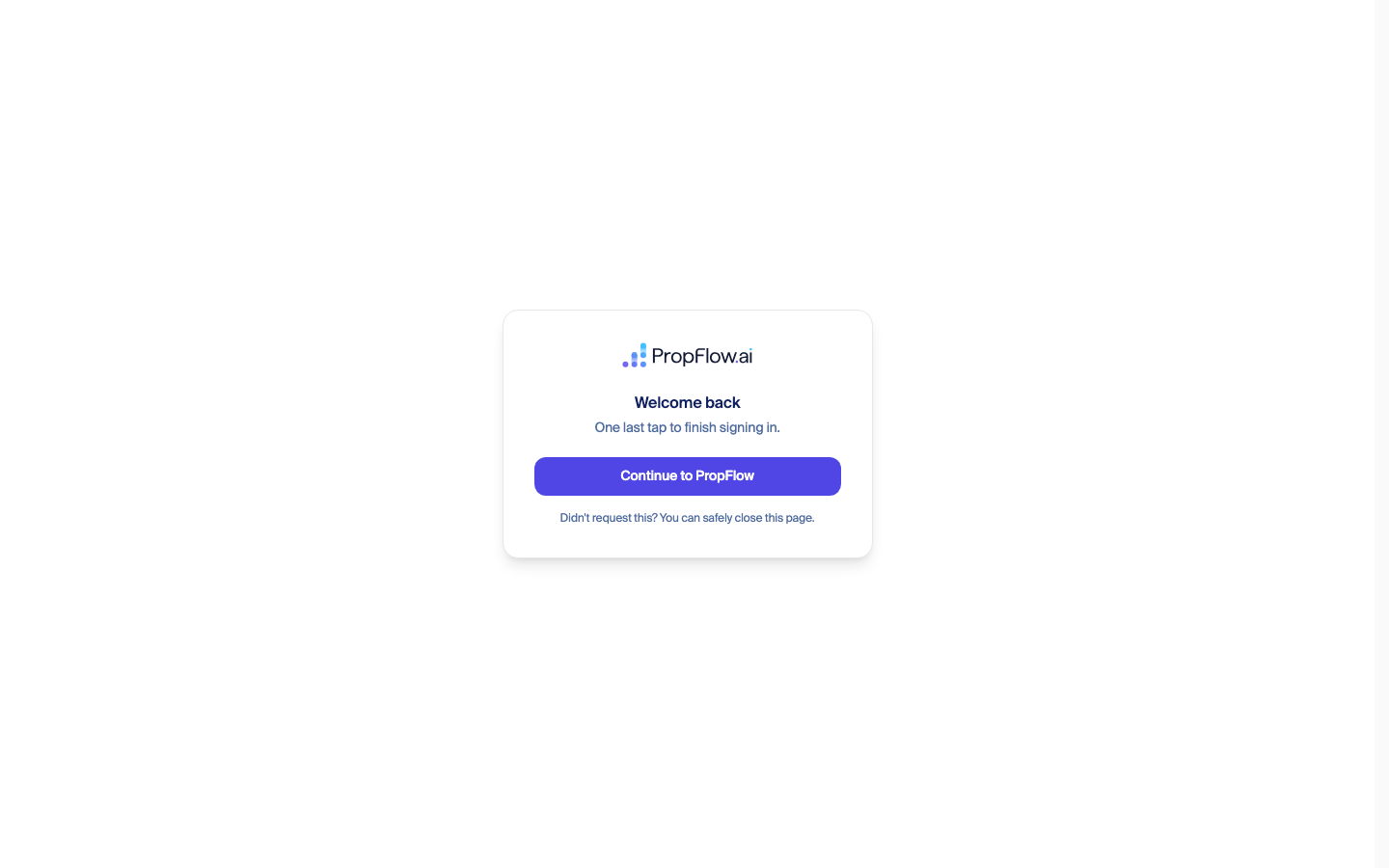
3. Two-factor setup (unannounced)
fix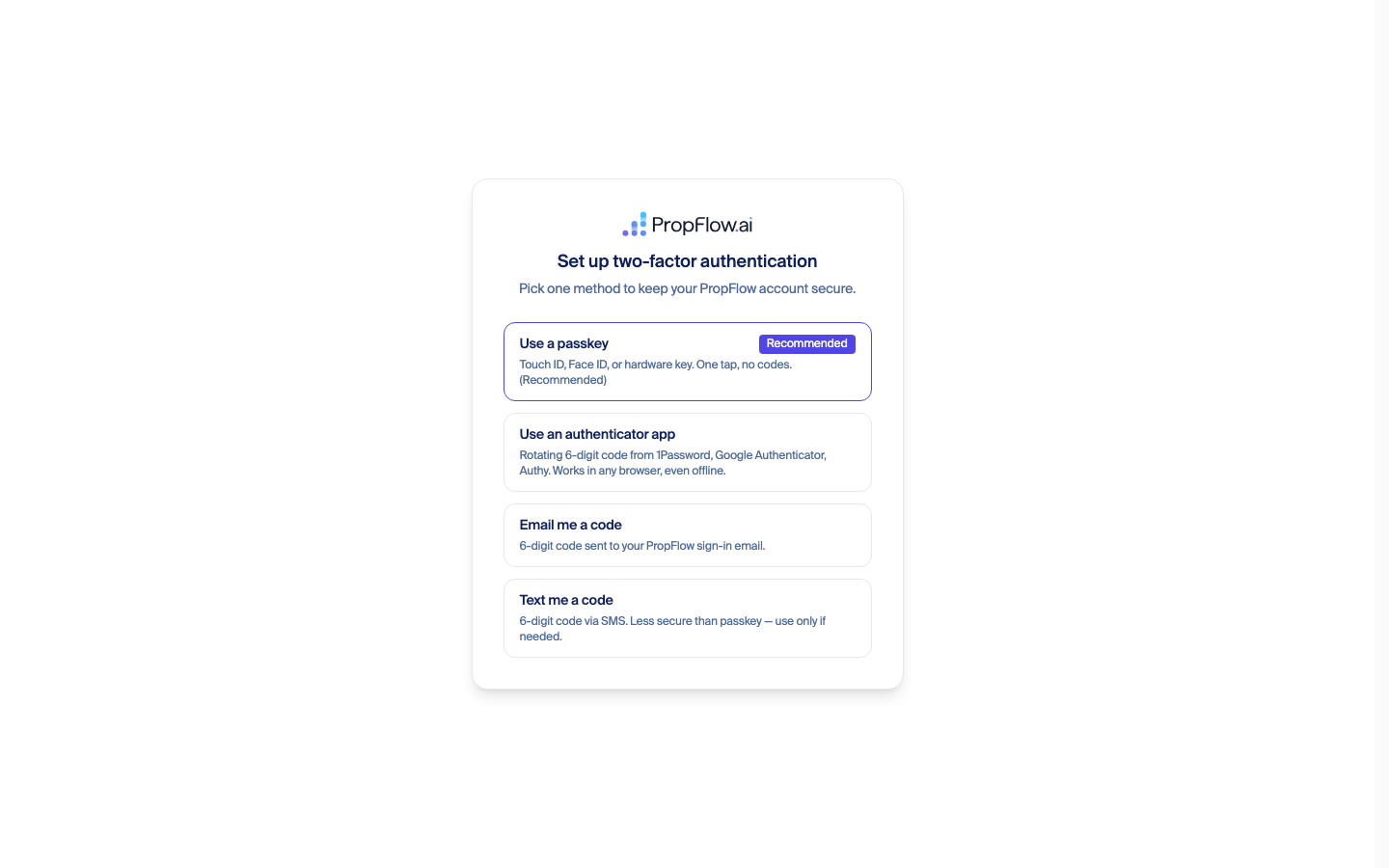
4. Entering the emailed code
ship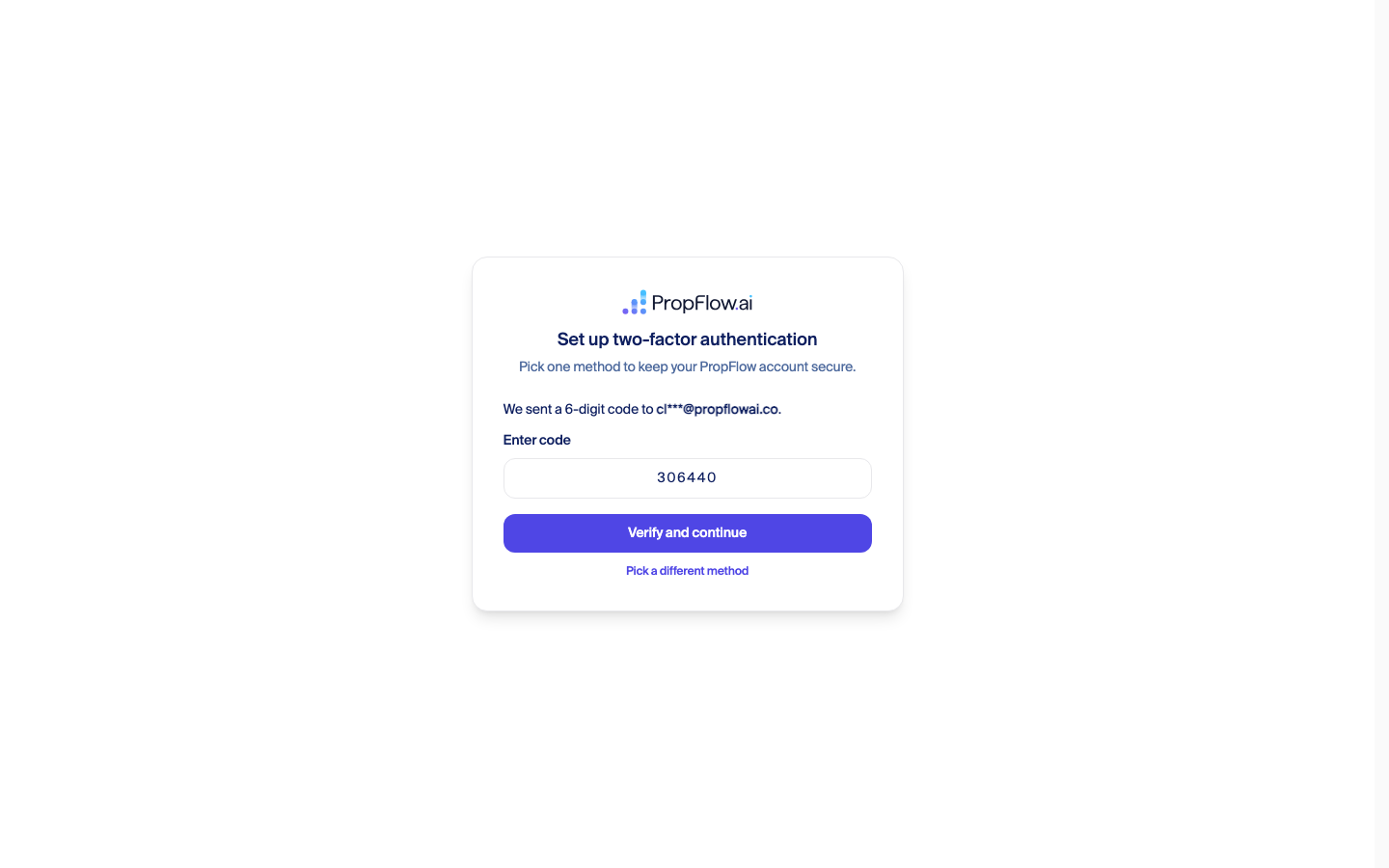
5. "Finish creating your account"
ship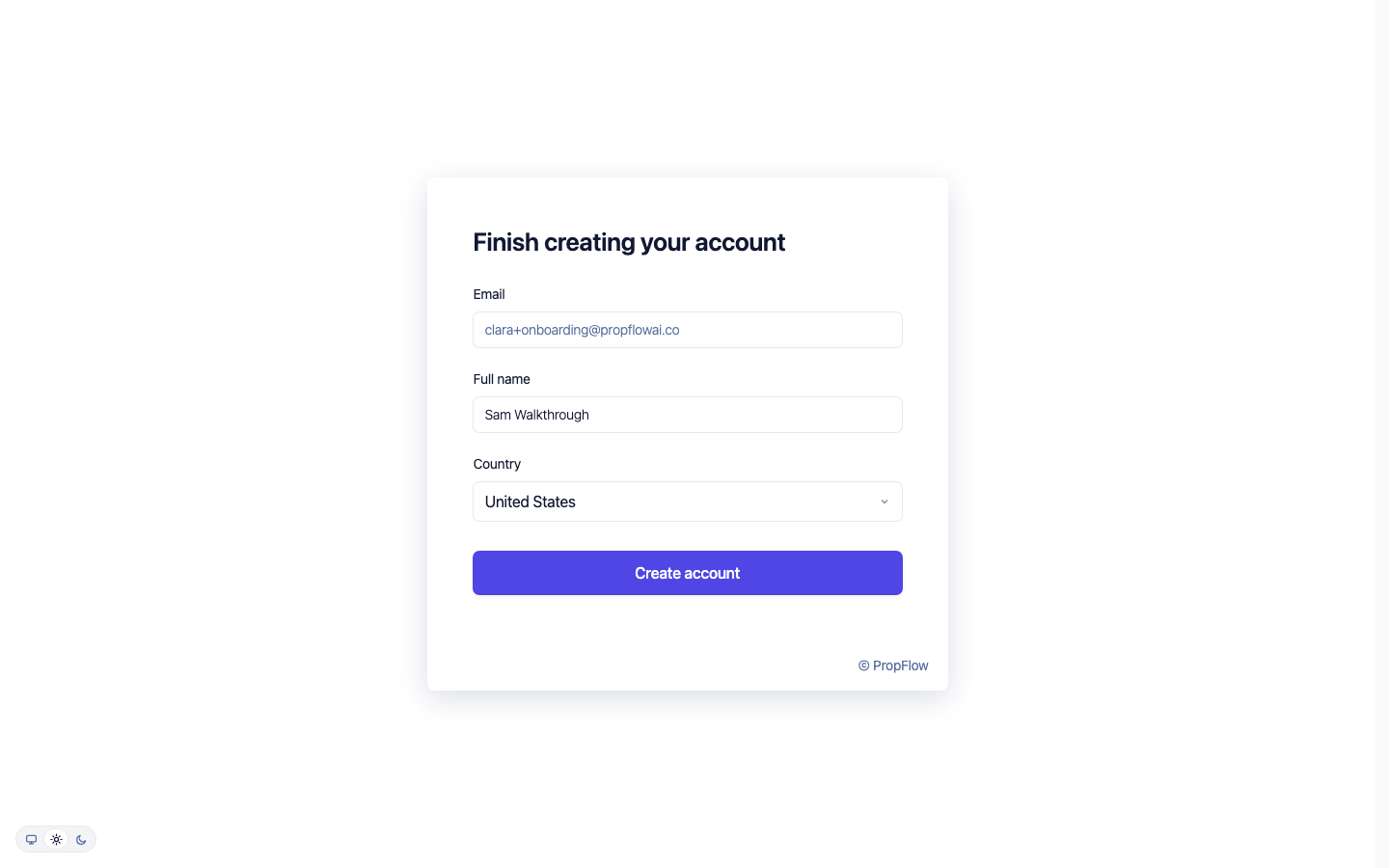
6. Tell us about your portfolio (progressive form)
fix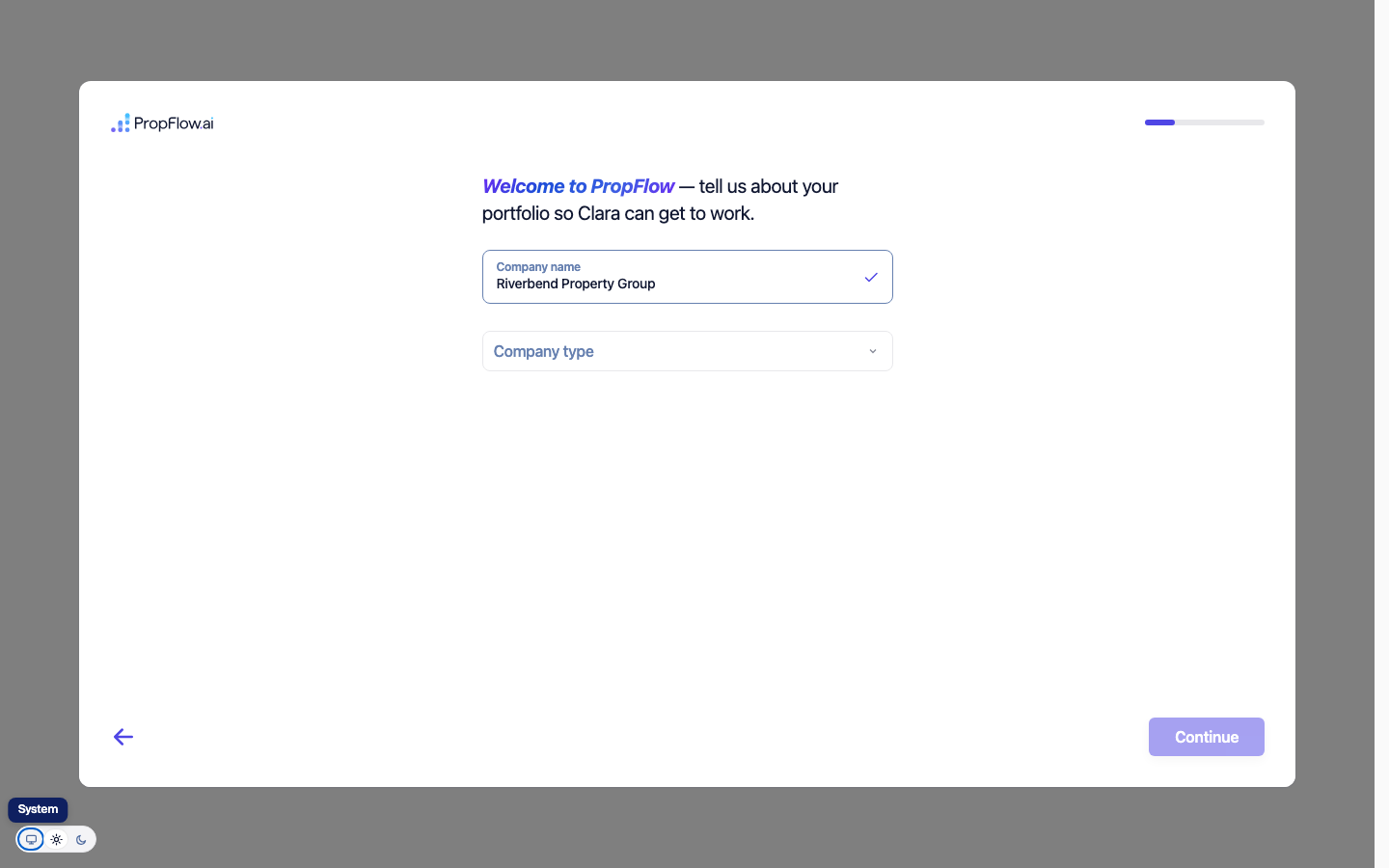
7. "Do you have admin access to your PMS?"
ship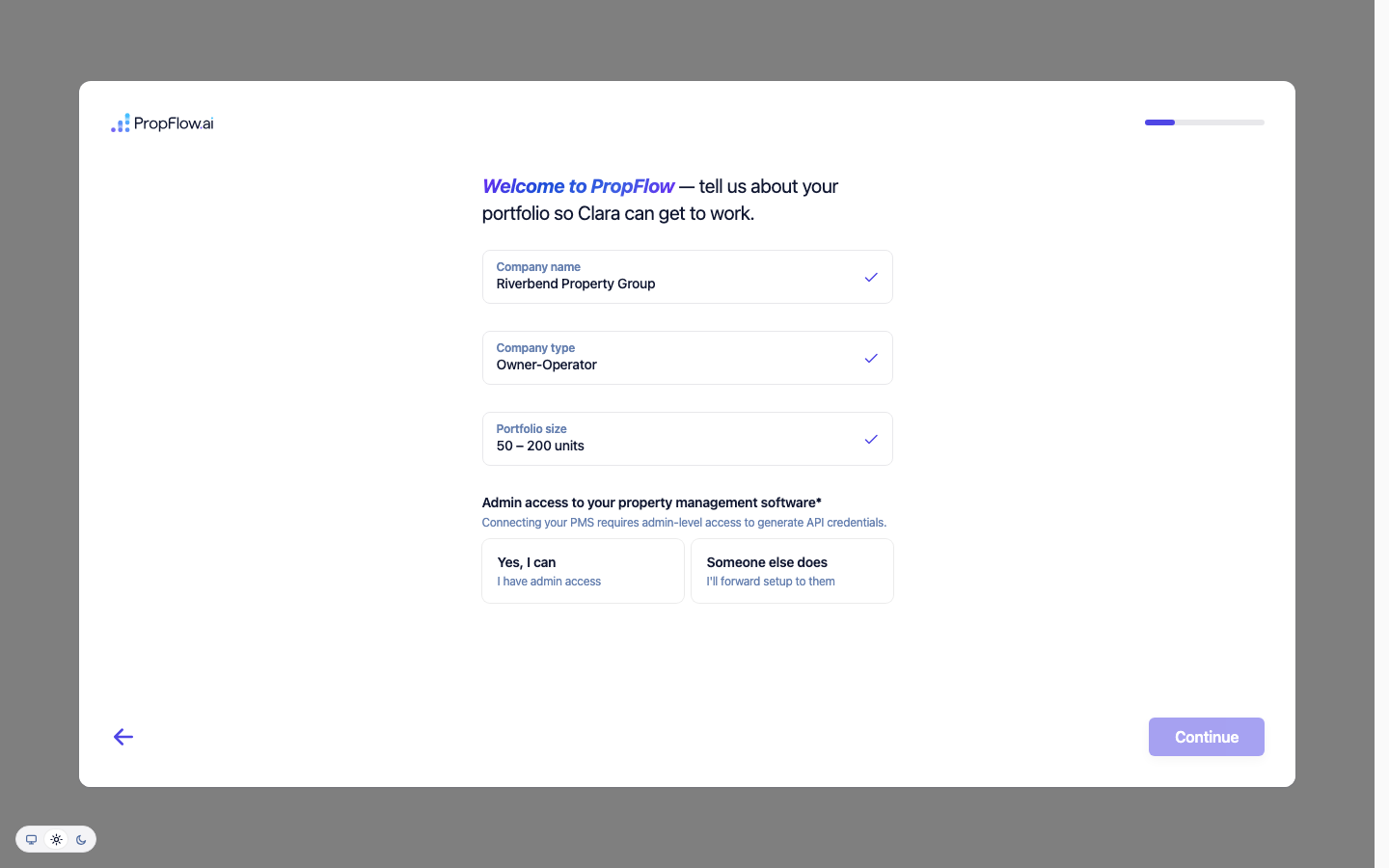
8. How would you like to add your properties?
ship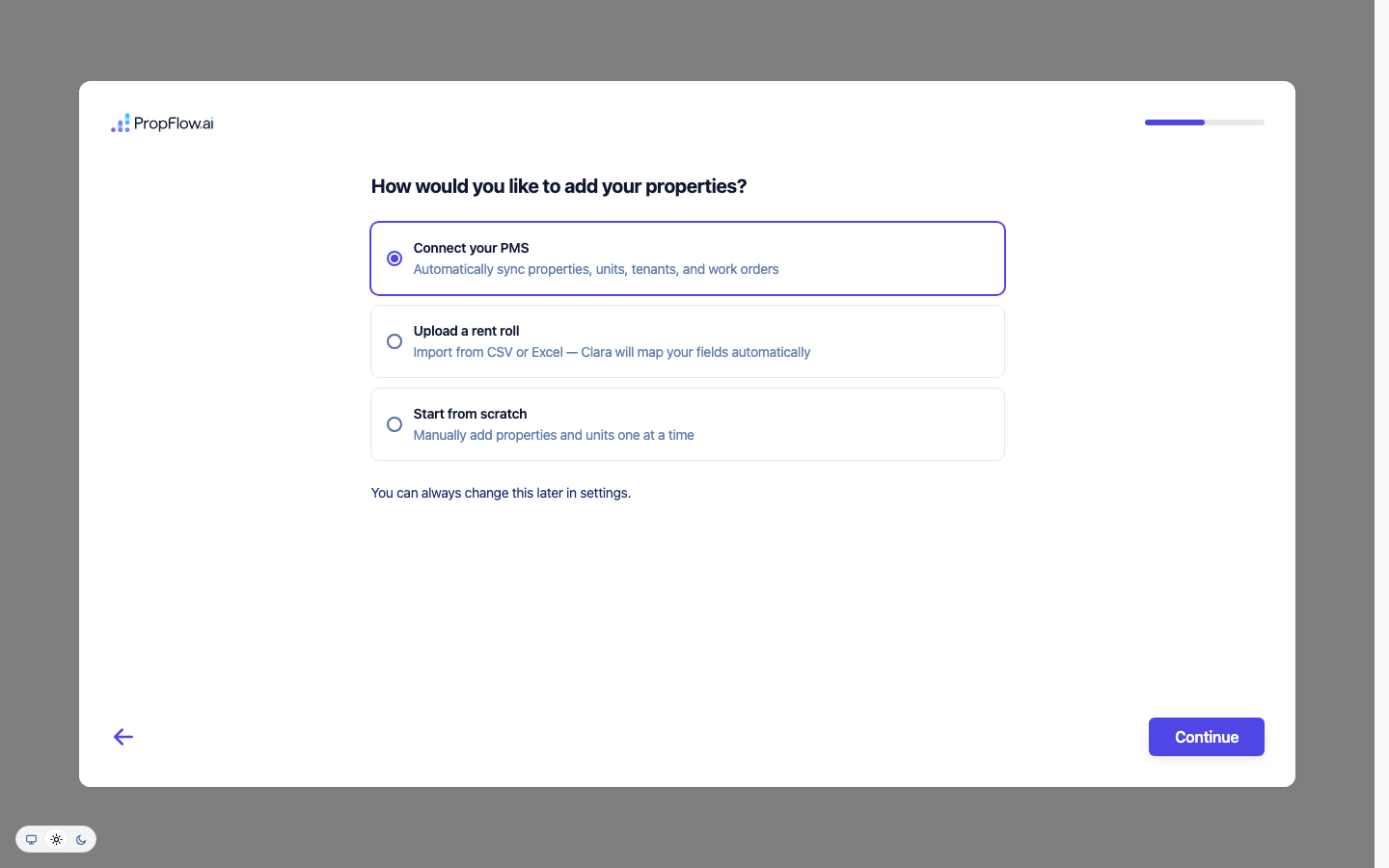
9. Connect your PMS — AppFolio only
ship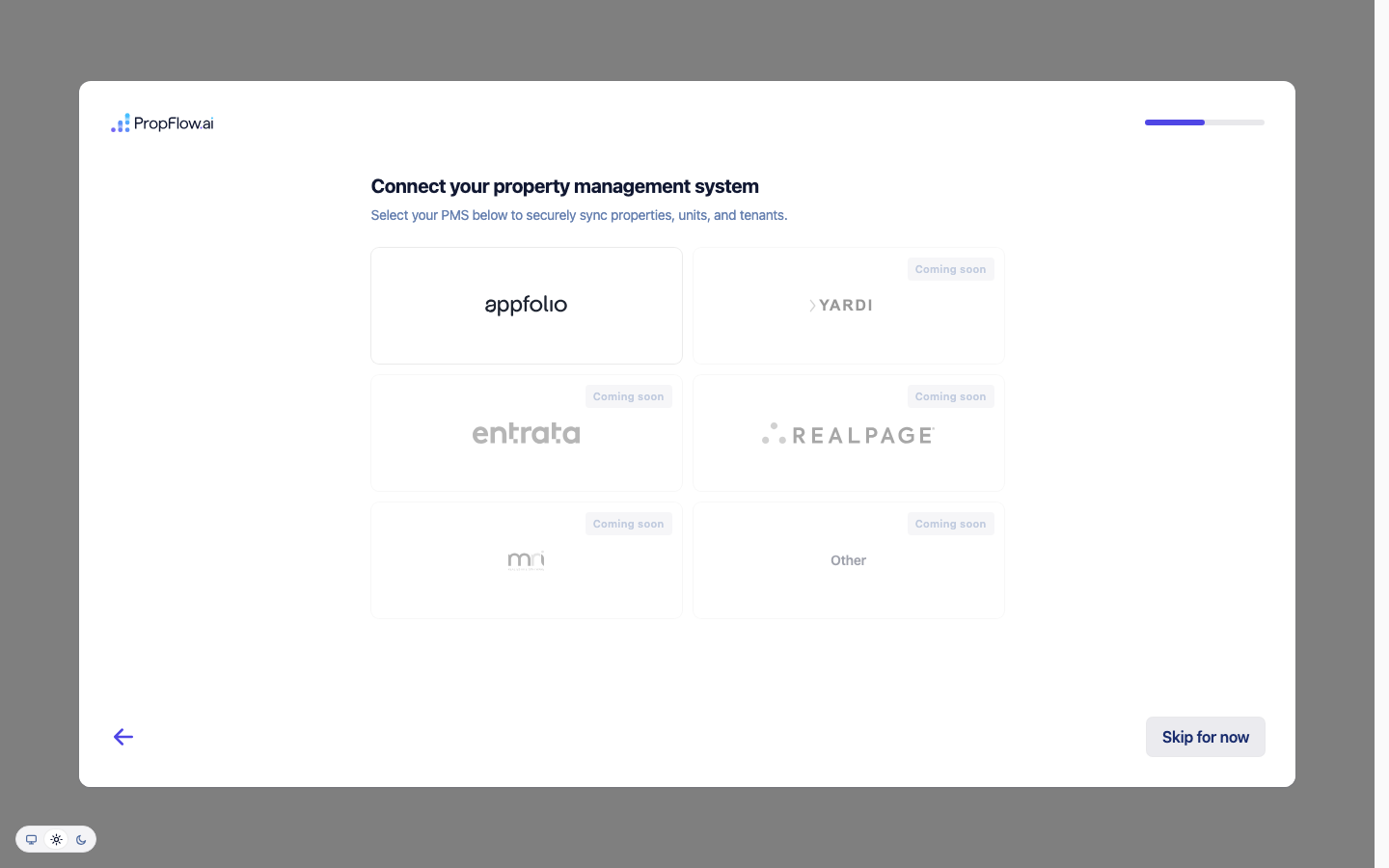
10. Connect your AppFolio account (the credential screen)
fix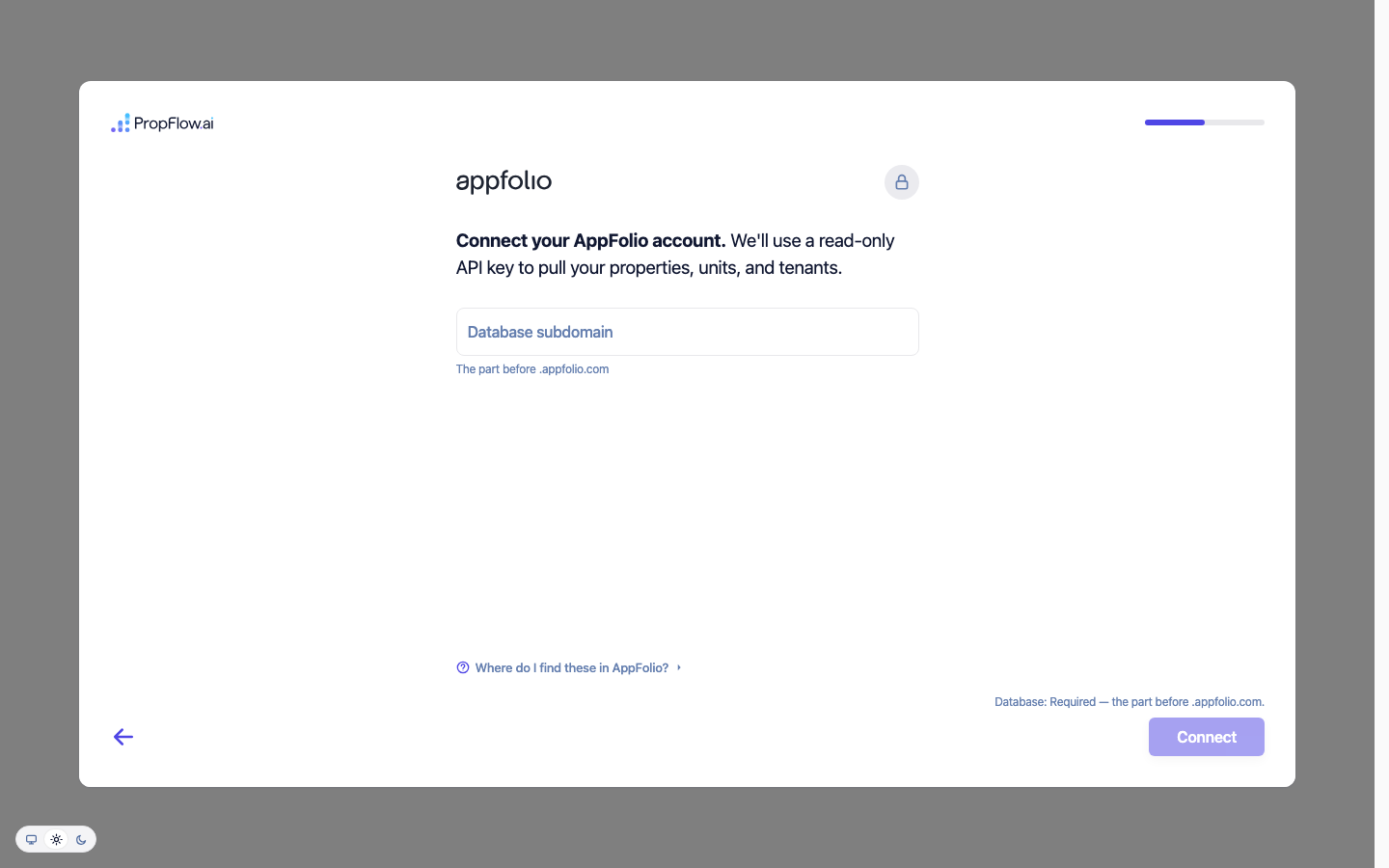
11. Connect Clara to your channels
fix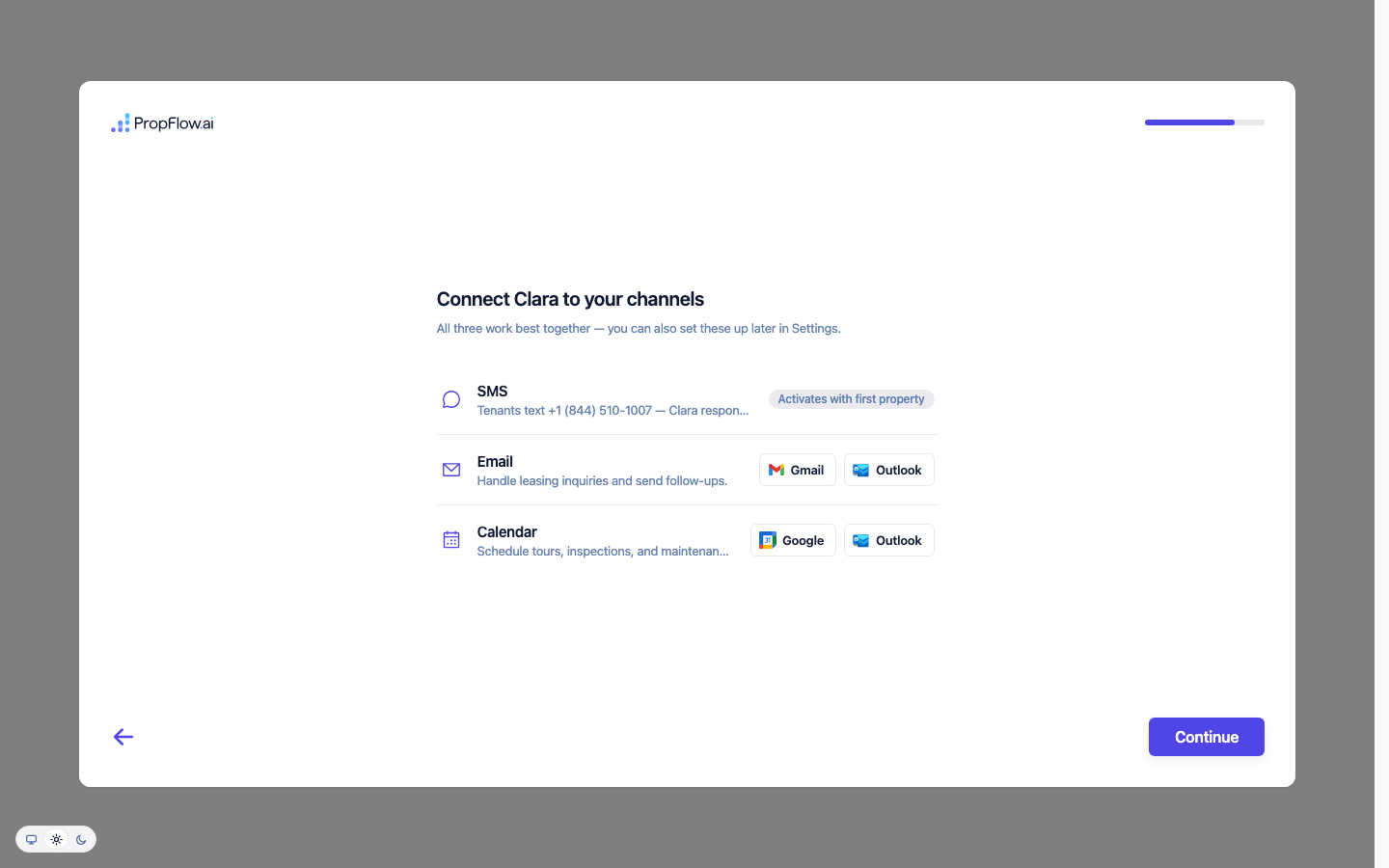
12. Clicking "Outlook" never asks Microsoft anything
fix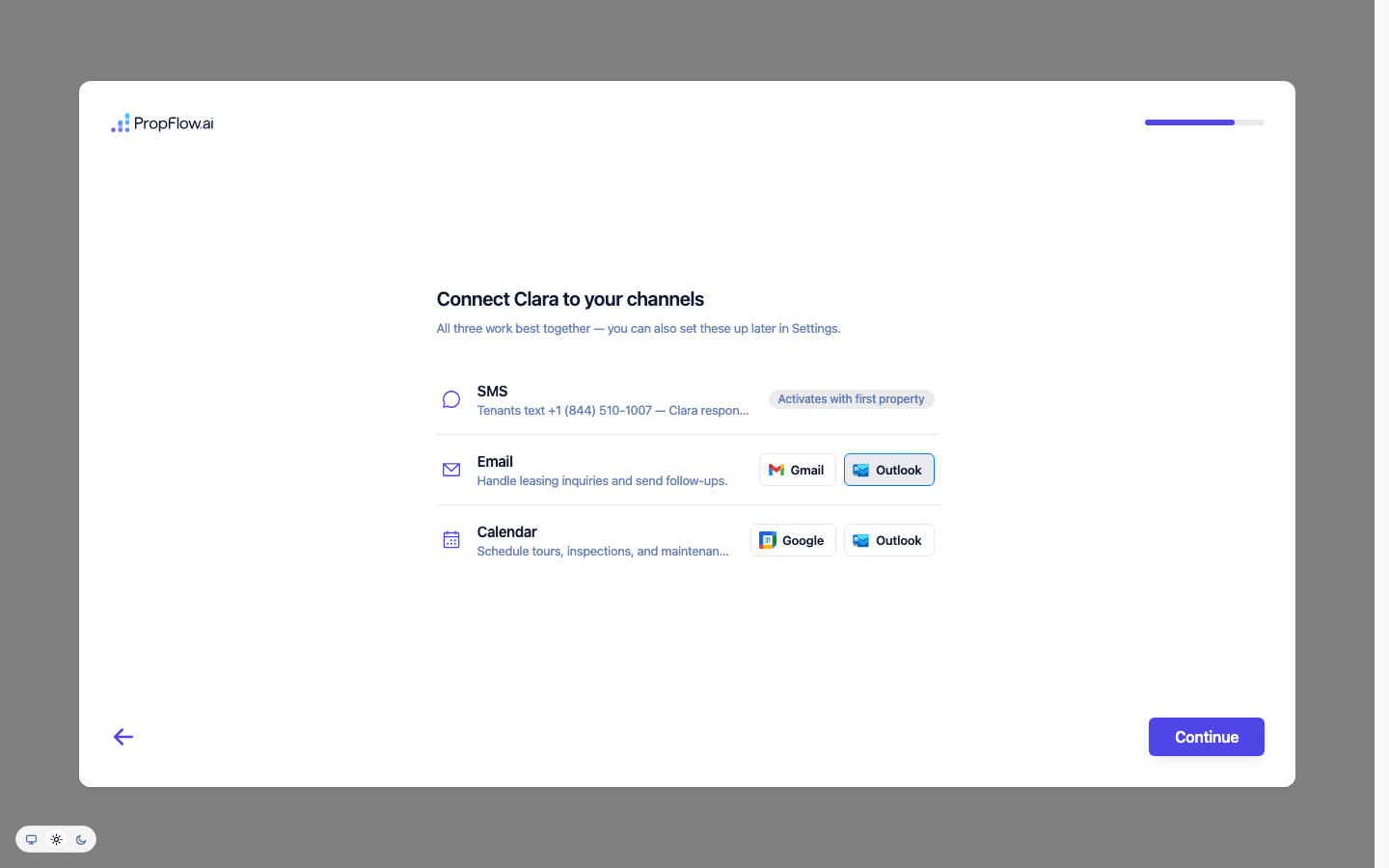
13. Meet Clara
ship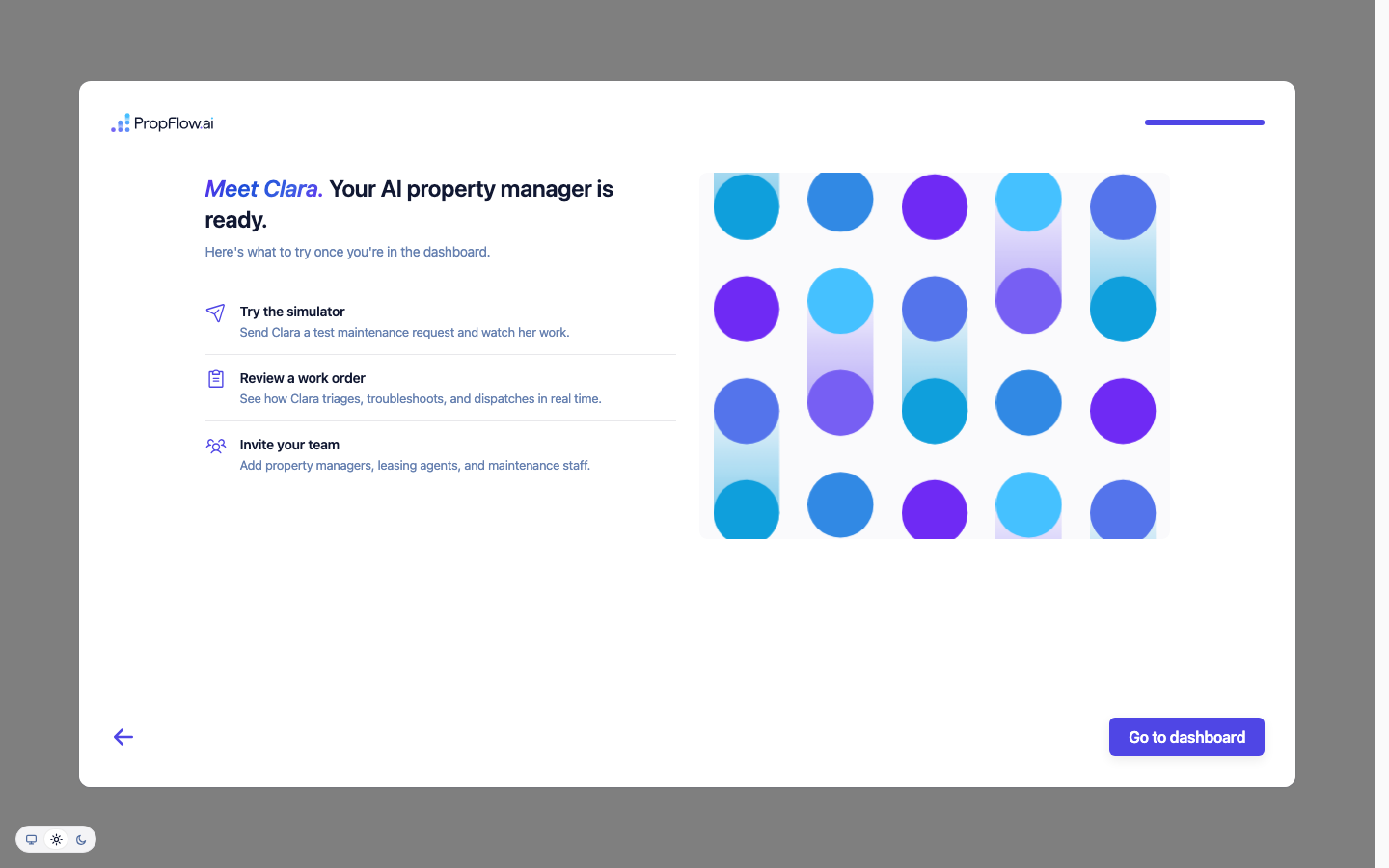
14. The review screen you can click past with nothing in it
fix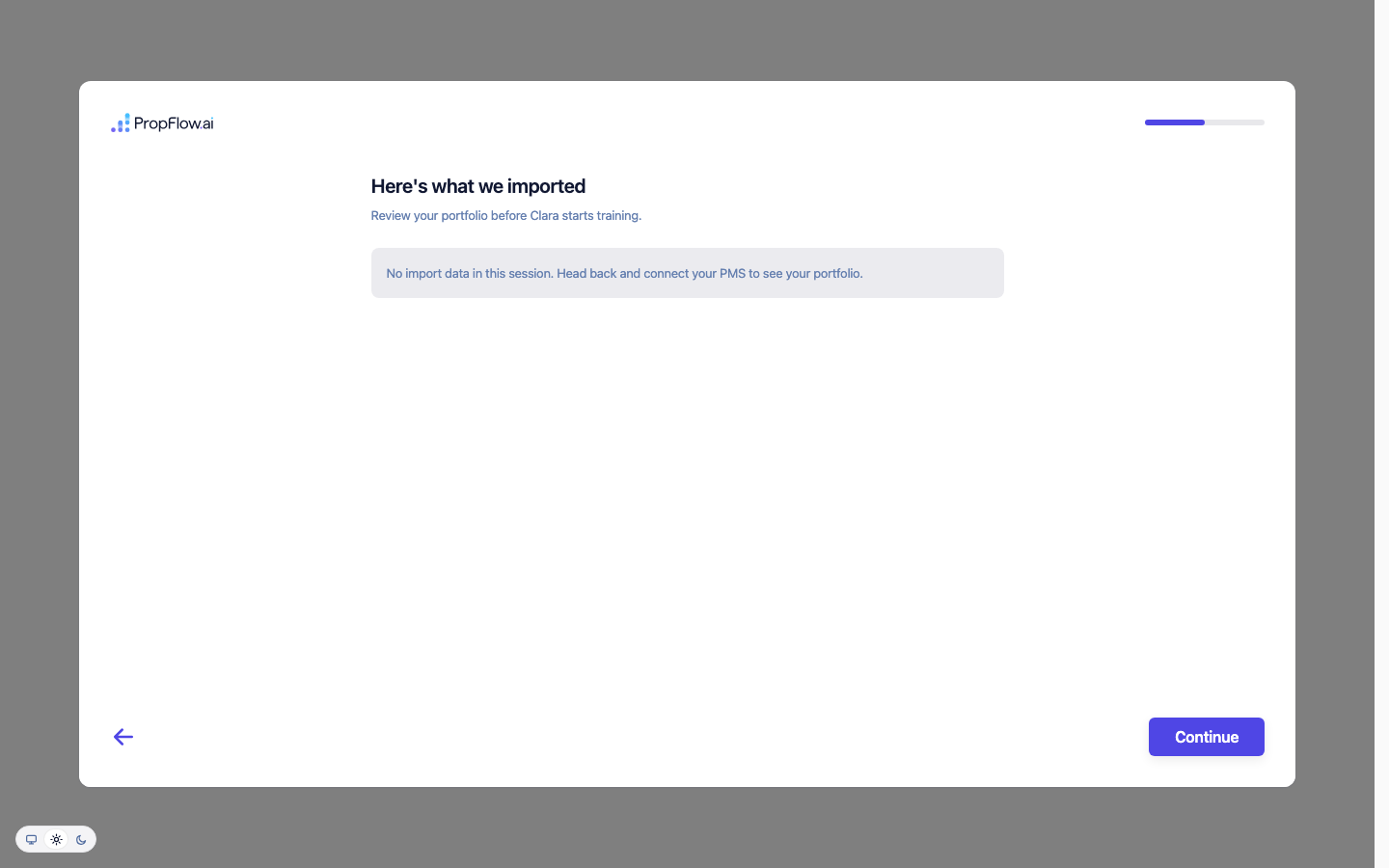
15. The dashboard, empty state
ship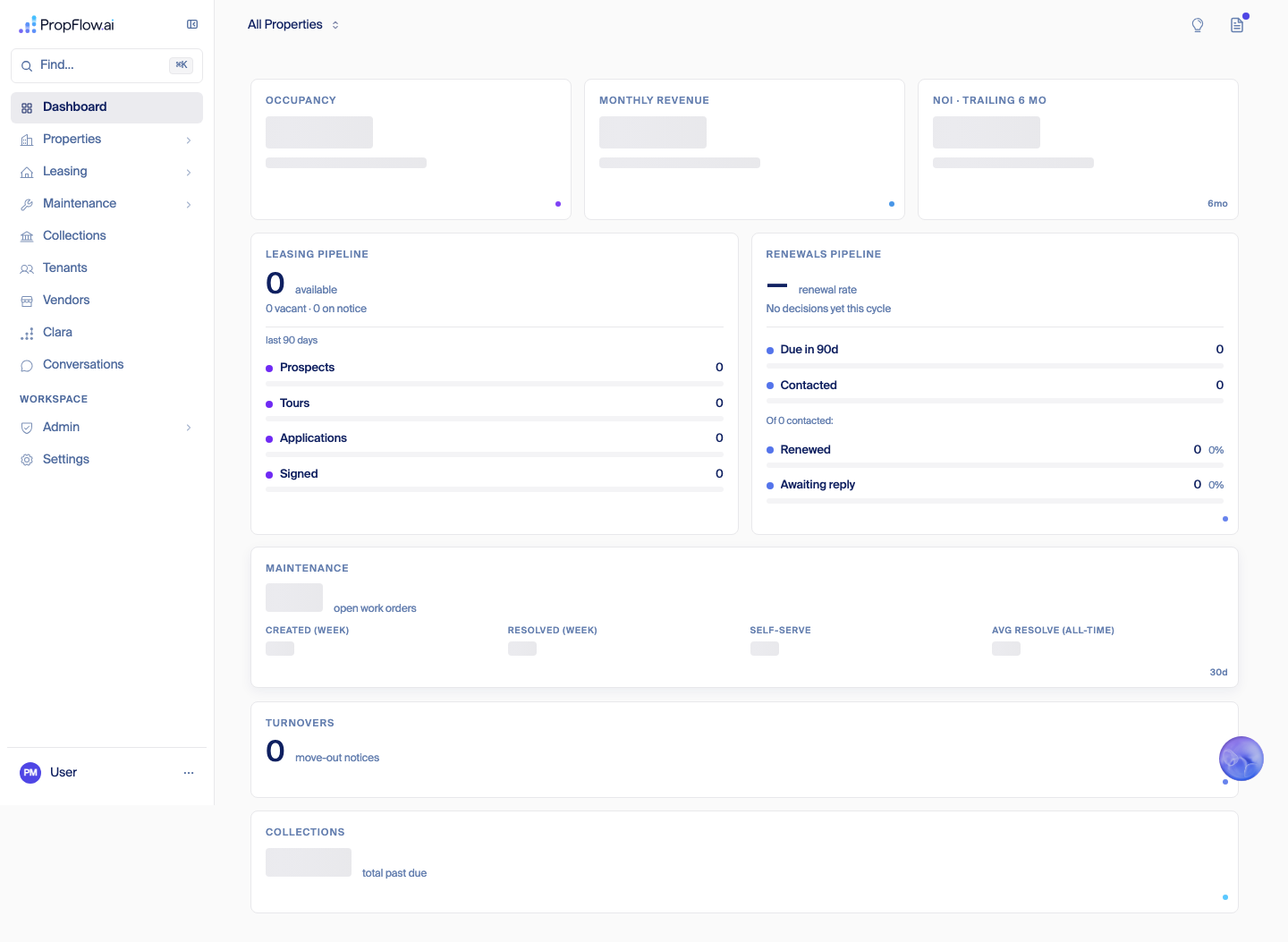
16. The property picker, as staff sees it
ship (staff-only view)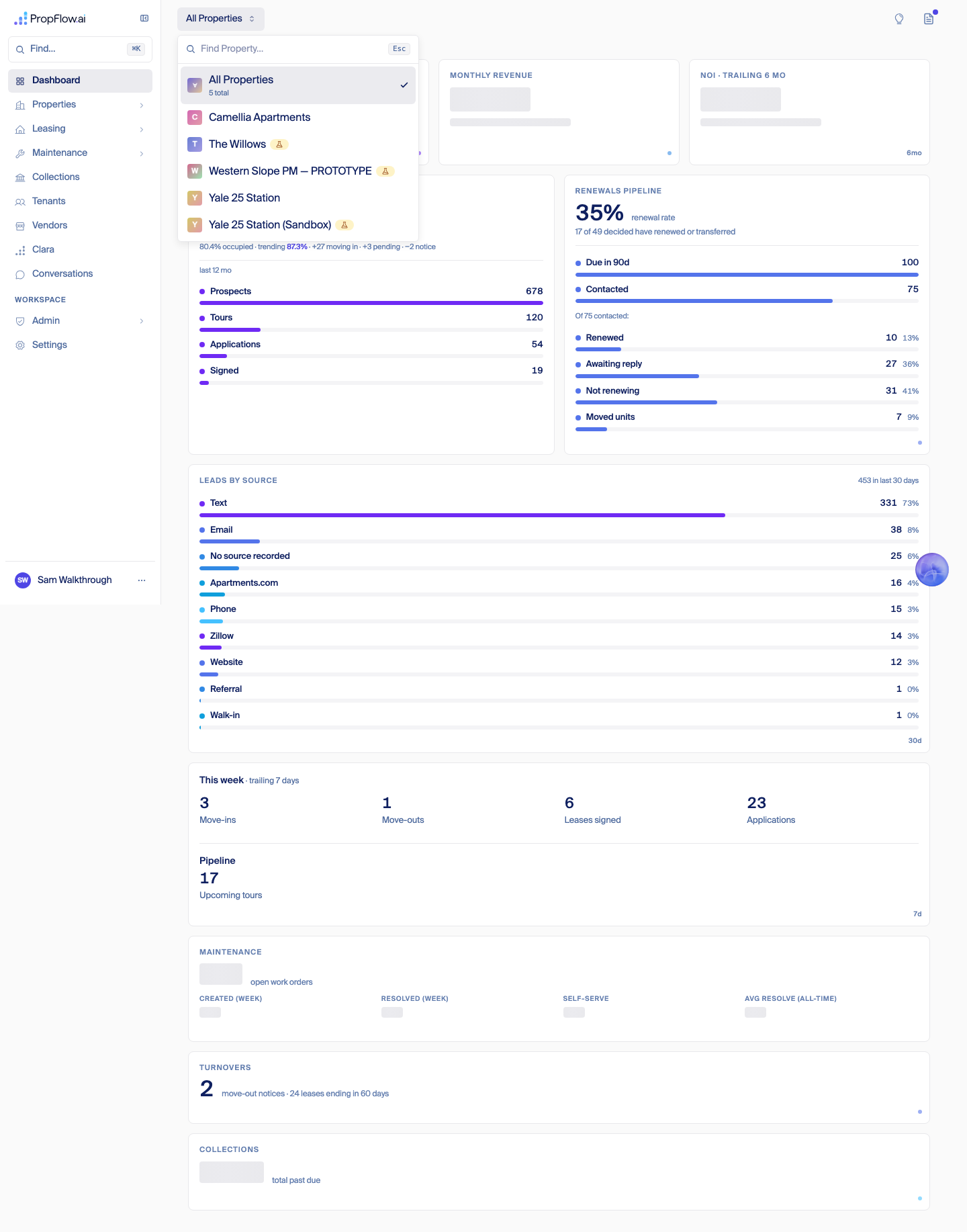
@propflowai.co override, the property picker correctly shows every org — that's intended staff behavior, the same as the smoke-test admin account used in the 2026-09-06 audit. Selecting "All Properties" renders real aggregate numbers (80.4% occupancy across 409 real units, 678 real prospects) because staff are meant to see the whole book.
17. Selecting another customer's property by name
ship (staff-only view)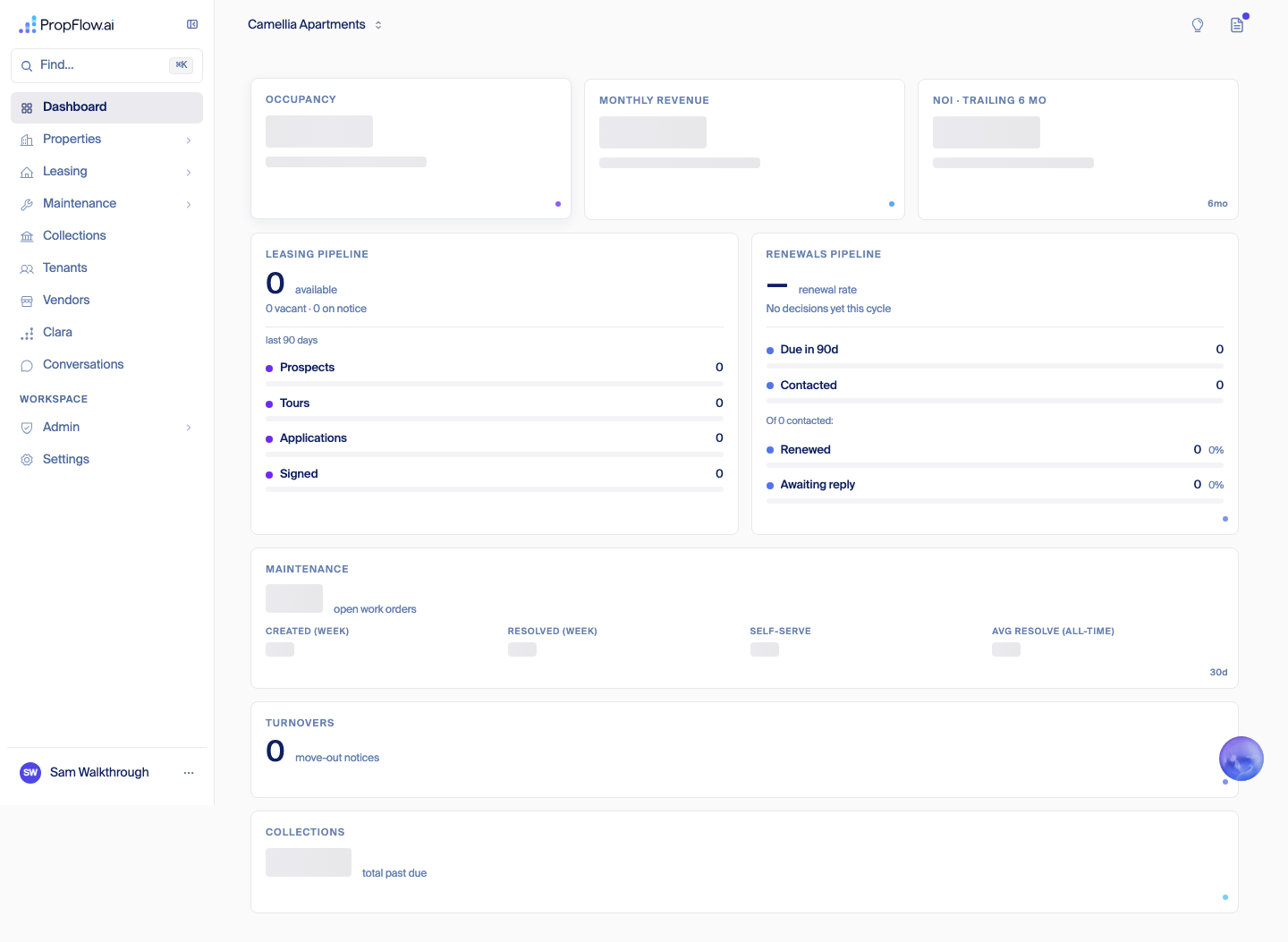
org_admin account can do the same thing was not independently confirmed in this pass; see requirement #1.
18. Collections — real tenant names and real debts
ship (staff-only view)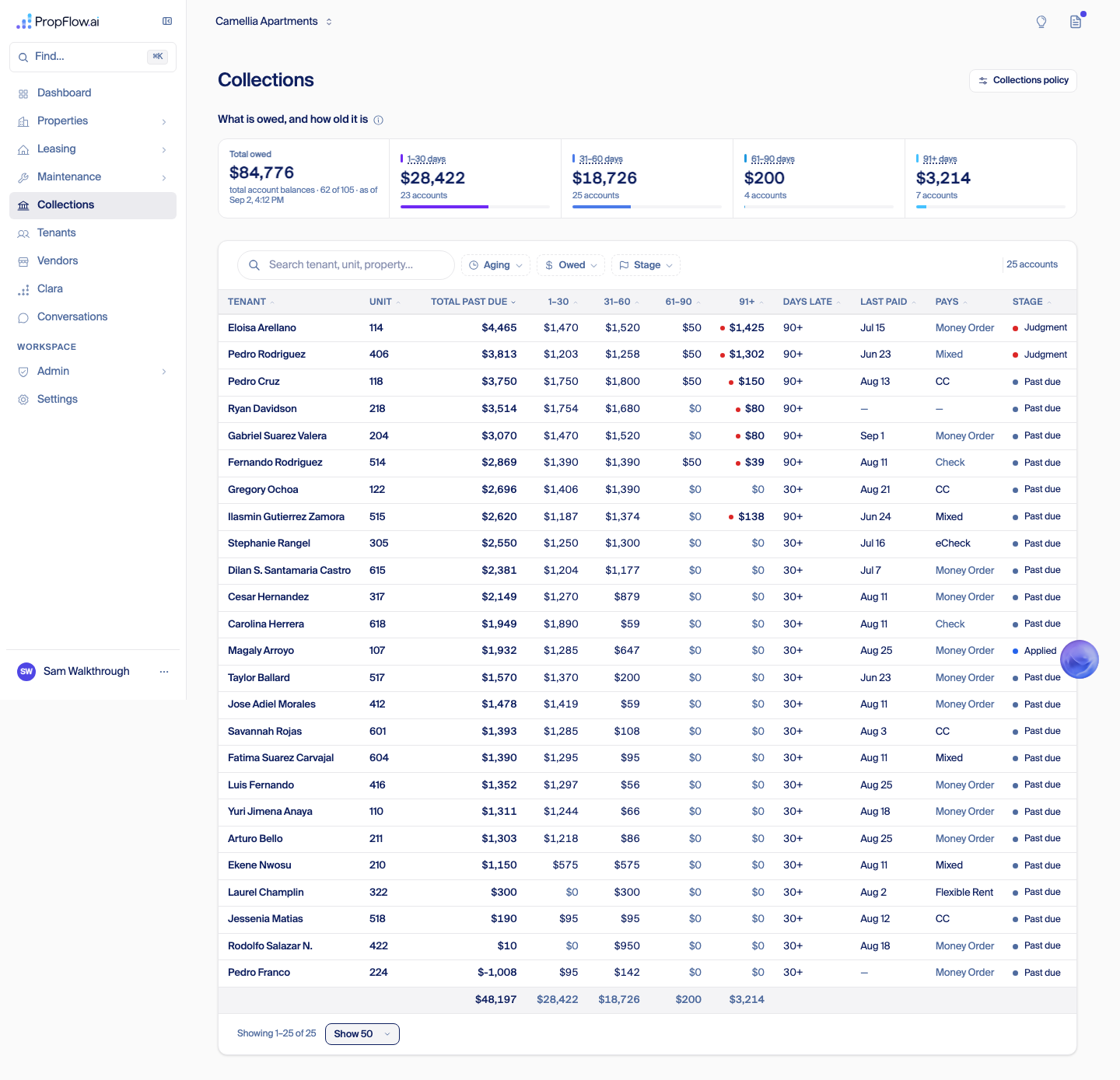
19–20. Tenants and every other nav item, still scoped to Camellia
ship (staff-only view)
org_admin account can reach the same pages for another company's data was not independently confirmed in this pass; see requirement #1.
21. Admin → Users: the whole platform's user directory
ship (staff-only view)
22. Settings
ship
The isolation question — direct answer
property-picker-text.txt). Evidence for the Sep 7 confirmation: "Empty states and the property page, as a real customer (Sep 7)" section below.North Star (Fede, Sep 7)
clara@ as a user in their own PMS. From there, a fleet of agents reads everything it can reach — conversations, guest cards, leasing and maintenance tickets, marketing copy, listing descriptions, lease templates, signed leases and renewals, contracts, the company website, the phone tree — sampling the big piles rather than reading every row. That pass alone should return roughly 80% of a working knowledge base: office hours, the website, fees, pet policy, screening criteria, even dynamic specials, with the scrapers that produce them set up automatically rather than by hand. The customer's own work drops to about an hour: add any documents we couldn't reach, delete duplicates, resolve whatever got flagged as inconsistent, and say "good to go." Right now this fleet gets run by hand with Claude Code; it becomes self-serve once the process is dialed in. Clara keeps learning after go-live too — a question she can't answer becomes a question for the team, and the answer feeds back into the knowledge base. Six months out, once there's product-market fit, the plan extends to Clara calling staff for real 15–30 minute interviews to fill whatever gaps are left.Wizard decisions (Fede, Sep 7)
Proposed: the back-office company screen
Requirements to improve
1. Fix org scoping on the five leaking page feeds (Dashboard, Leasing, Maintenance, Tenants, Conversations)
L
2. A leasing-only customer never sees maintenance, vendors, or collections in their nav
M
3. An empty import can never be clicked past
S
4. Connecting a channel during onboarding either really connects it, or says plainly that it's just a preference
M
5. A customer who says "someone else has PMS admin access" gets an actual next step, not a dead end
M
6. The company-profile form tells the customer why Continue is disabled, and what field is still needed
S
7. Security setup (2FA) is previewed before the invite, or moved after the first "wow" moment
S
8. Every customer-facing surface enforces org scoping independently, not just the picker
L
9. Billing and plan setup happen without a customer ever seeing another org's billing shape
SWhat's not done
mobile-dashboard.png). Re-running the wizard at 390px would need a second fresh invite.Empty states and the property page, as a real customer (Sep 7)
sam.riverbend@inbound.propflowai.co, an org_admin invited into the same throwaway org (org_riverbend). This address does not end in @propflowai.co, so isInternalAddress (src/lib/platform/identity/internal-address.ts) returns false and no staff override fires — confirmed directly: GET /api/auth/me on this session returned "role":"org_admin", not platform_admin. Screenshots: assets/onboarding-walkthrough-2026-09-07/. Rollback for this test user: ~/agents/006/onboarding-walkthrough-rollback-2026-09-07.md.
Every customer-facing page, zero properties
Page Designed empty state? Verdict What it should say instead Dashboard No leak Real numbers from Camellia/Yale 25 shown instead of a zero-property dashboard. Should show all-zero metrics with a "add your first property" prompt. Properties Yes ship Already good: "No properties yet — add your first property to start tracking units, tenants, and work orders." Leasing (overview) No leak Same real cross-org pipeline numbers as Dashboard. Should be zero with "connect a property to see your pipeline." Leasing → Renewals Yes ship Already good: "Pick a property to see its renewal season — no properties on this account yet." Maintenance (overview) No leak Real open-work-order counts and categories from another company. Should be zero with "no work orders yet." Maintenance → Turnovers Yes ship Already good: "No turnovers found — turnover work orders will appear here once leases end." Collections Yes ship Already good, and well written: "No past-due balances — everyone's current." Tenants No leak Full 173-row real tenant list with names and phone numbers. Should be "no tenants yet — they'll show up once you add a property and AppFolio syncs." Vendors Partial fix Says "Pick a property up top to see its go-to vendors" but there is no property to pick — dead-end phrasing rather than a true empty state. Conversations No leak 186 real conversations with real phone numbers and names from another company. Should be "no conversations yet." Calendar Yes ship Already good: "Nothing booked this day — pick another day, or check the days with a dot." Mass Sends Yes ship Already good: "No building messages found — use 'New message' above to text this property's residents." Settings N/A (form, not data) ship Not a list view; fields render normally with no data to leak. Admin → Users Mostly fix Says "No users found — invite teammates to get started," but shows "0 users" even though the signed-in org_admin is themself a user on the account — should count at least 1. The property details page, section by section
src/app/(workspace)/(operations)/properties/[id]/PropertyDetailClient.tsx against a real test property (Willows), not screenshotted from org_riverbend since that org has no properties to open a details page for. All sections use current design-system primitives (Card, Button, DataTable, Badge, SegmentedControl) unless noted.
Section / KPI Module Shown regardless of module? Recommendation Occupancy, Monthly Revenue, Open Work Orders, NOI, Delinquency Rate, MTD Vendor Spend (6 metric cards) mixed: core / leasing / maintenance / collections Yes — no module gating found Superseded, Sep 7 evening (Fede): remove all six cards from the property page. Revenue is not always available and work orders depend on a module; keep it simple. Earlier note: keep, but gate each card behind its own module and fix Revenue/NOI/Delinquency showing "—" while Vendor Spend inconsistently shows "$0" "Upload a manual" banner Maintenance Yes — always shows unless manuals + tenant phone both already exist Move to Maintenance module (Fede: remove or tie to Maintenance) Knowledge Base card (policies, amenities, pricing, neighborhood) Core No — the whole card is hidden, not shown-empty, when there's no knowledge yet Keep as core, but give it a real empty state instead of disappearing entirely for a new customer Handoff setting (what Clara does with an unanswerable question) Core / escalation Yes, always Keep — this is core behavior for every property regardless of modules, correctly always-on "Autonomous mode" toggle (autonomously send renewal offers) Renewals Yes — lives in the Renewal Policy editor with no renewals-module check Move to module — should only be reachable when Renewals is on (Fede: weird to show here, wants removed) Renewal Policy section Renewals Yes — gated only on knowledge having loaded, not on the module being enabled Hide when Renewals module is off (Fede) Turnover Policy section Maintenance / turnover Yes — same gap Hide when the turnover module is off (Fede) Vendor Job Reference field Maintenance / vendor Yes — unconditional, no vendor-module or PO check Hide when not applicable — no vendor module or no active PO (Fede) Units grid (card view) Core Default view Drop the toggle, keep list view only (Fede) — see note below Units table (list view) Core Alternate view Make this the only view; it's the more information-dense, sortable one (Unit, Type, Sq Ft, Rent, Market Rent, Tenant, Lease End, Status, Open WOs) SegmentedControl defaulting to card view, remembered per-browser via localStorage (not a per-property or per-org setting). Card view is a responsive tile grid (unit number, work-order flag, bed/bath/sqft, rent, tenant or Vacant/Pre-leased badge); list view is the full sortable table above. Since Fede wants list view only, the cleanest fix is deleting the card view and the toggle together, not just changing the default.Outlook + AppFolio: what a Western Slope admin actually configures
Website scraping — where the URL comes from, and does it work unassisted
Property.websiteUrl) and gets set one of two ways: typed in by hand on the "Add Property" form, or auto-guessed during the AppFolio onboarding import and confirmed with a yes/no ("Is this your website?") before it's saved — AppFolio's own data feed has no website field, so it's always either a guess-and-confirm or a manual type-in. The moment a property is saved with a website filled in, the scraper kicks off automatically and pulls amenities, concessions, office hours, and neighborhood info onto the property record — no code change and no engineer needed. For Western Slope specifically: yes, this works out of the box, as long as whoever runs onboarding either types in the website or confirms the guessed one. If nobody fills it in, nothing breaks — the site-derived fields just stay empty, which is a training gap for whoever onboards them, not a code gap.Office hours — synced or manual
Proposed: a repeatable, automatic setup
Proposed — pending Fede's pick
Mjpco.appfolio.com/listings and westernslopepm.appfolio.com/listings both resolve (200), so <database-name>.appfolio.com/listings is a safe general rule, not something we should keep hand-pinning per customer (today only Camellia and Yale 25 have a hardcoded scraper config). Properties and units come from that listings pull or the read API. Office hours, policies, and amenities come from the existing website scraper, already wired to run the moment a property is created — it just needs to actually run on every new property, not only the ones someone remembers to trigger by hand. Suggested build order: (1) derive each property's listings address from the database name instead of the code-pinned Camellia entry, (2) make the scraper run automatically on property creation for every customer, (3) turn today's "here's what we imported" review screen into the one real confirm step a human does per property.Sign-in by email: what battle-tested products do (research, Sep 7)
What we have today, and how it's breaking
Approach Who uses it Defeats scanners? Binds to the same browser that asked? How much work for the customer Do we already have it? Click-through button page (what we have) PropFlow today; same idea as an older NextAuth.js fix mostly — works against scanners that just fetch links, unconfirmed against ones that could run page scripts no Low — one tap yes — built, just has the redirect bug Plain link, no defense Linear, Figma, Medium (Medium was one of the first to ever do "sign in with email") no no Lowest — one tap yes (this is our fallback path today) Link, but only redeemable from the same browser that requested it Clerk, Auth0, Firebase partial — token can still get burned, but a scanner's browser can't finish signing in even if it does yes Low — one tap no — Better Auth (our sign-in library) has no built-in support for this; we'd write and maintain it ourselves Vendor-side scanner detection Stytch's "Protected Magic Links" (a paid feature of a product we don't use) yes n/a — proprietary detection, not a cookie Low — one tap no — not available on our sign-in library 6-digit code, typed in by the person Slack, Notion, GitHub, and WorkOS (who explicitly moved off links to a typed code over this exact problem) yes — nothing for a scanner to click not needed — nothing to hijack Medium — type ~6 digits yes — already built and already wired into our sign-in server, just not the main path Three options
Option 1 — Recommended: make the typed 6-digit code the main path for everyone
S
Option 2 — Ship now regardless: fix the redirect bug
S
Option 3 — Not recommended: bind the link to the browser that asked for it
LWhat "done" looks like
Second factor (Fede, Sep 7)
Western Slope dry run, Sep 7 (Fede's test login)
The broken-link error, confirmed
Screens, in order
# Screen 00 The broken-link error page itself, reproduced exactly 
03 Two-factor setup — save-your-recovery-codes screen, after a successful authenticator-app scan 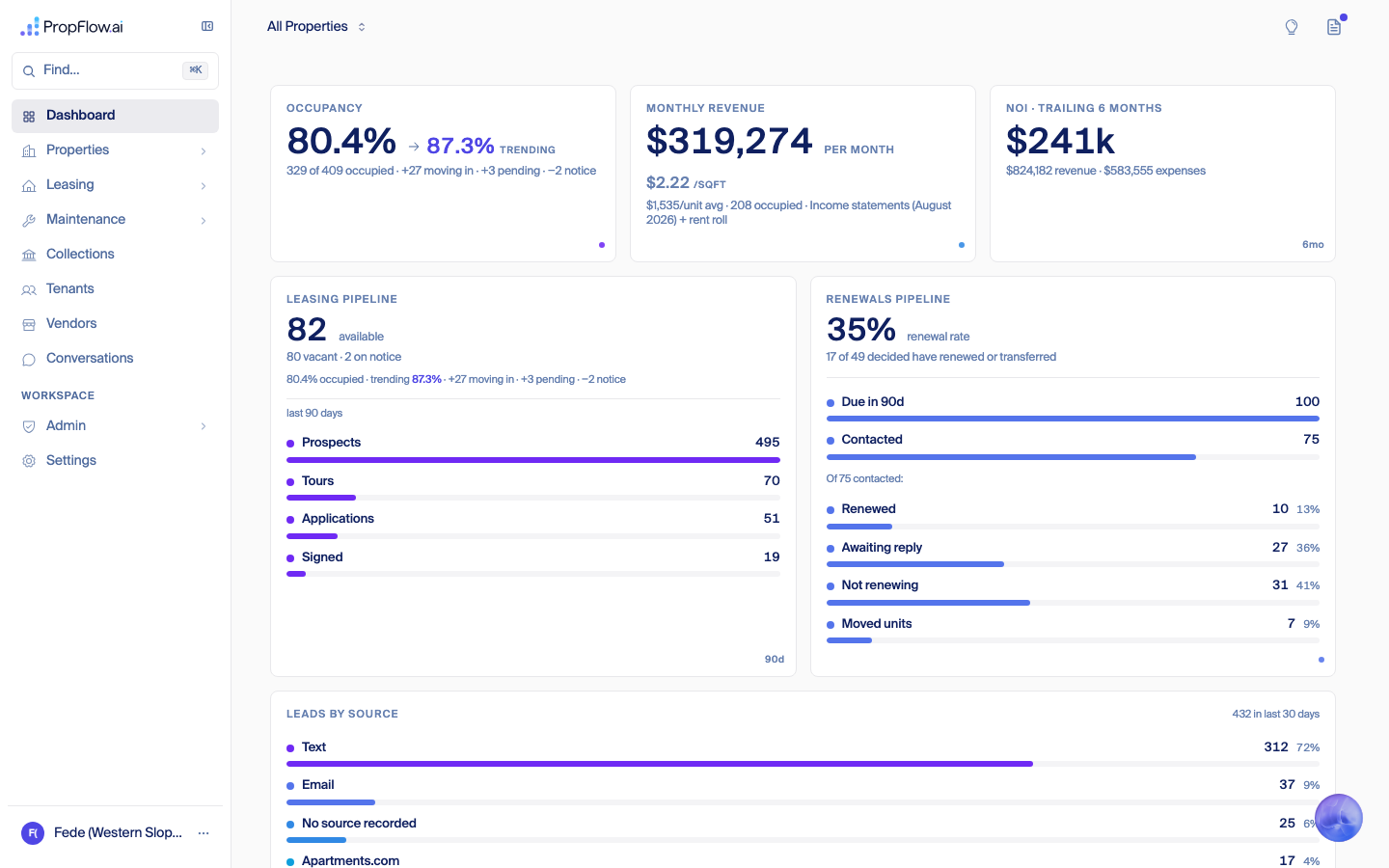
04 "Finish creating your account" — email, name, country 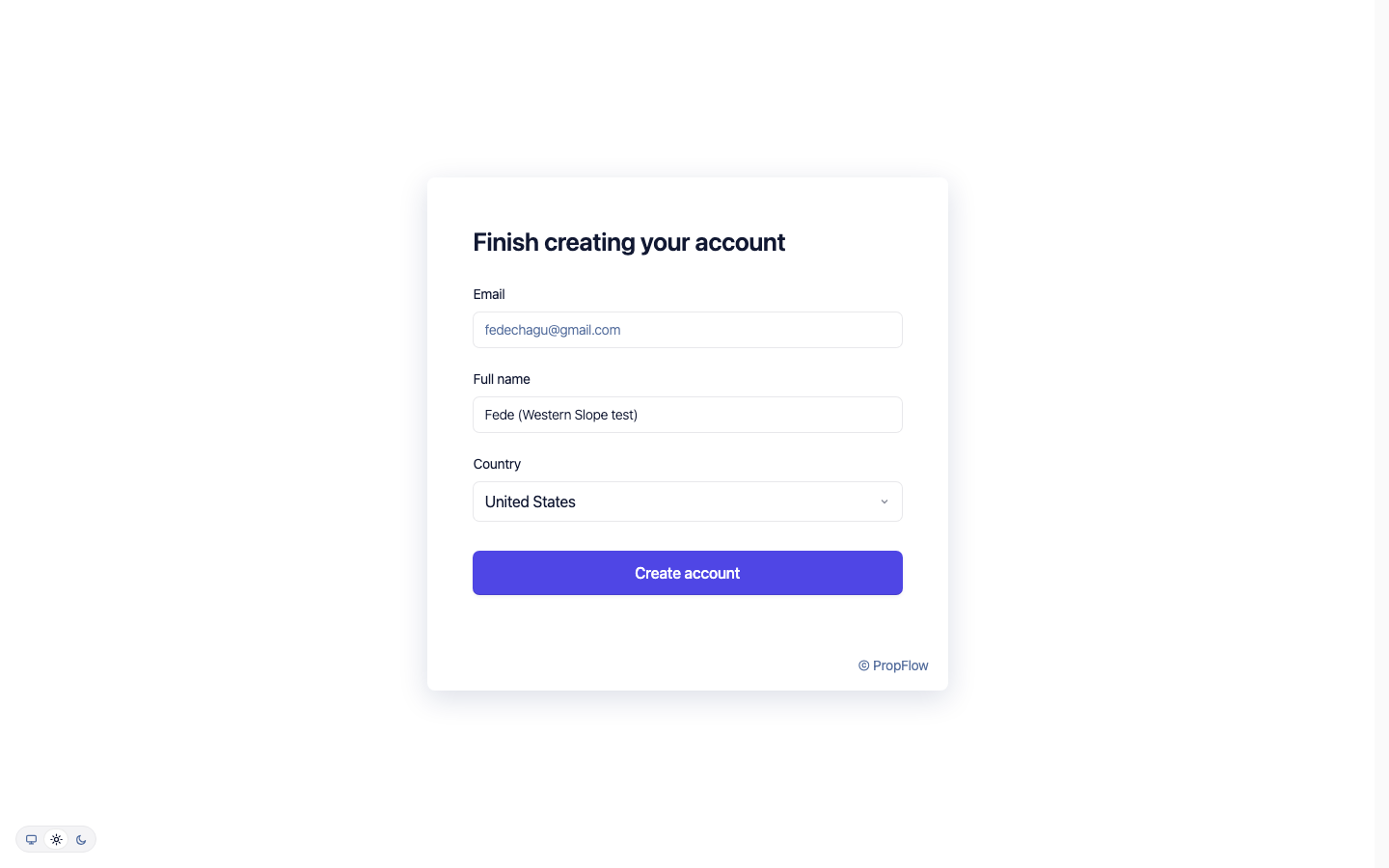
05 "Tell us about your portfolio" — company name, type, size, admin access, filled in one field at a time 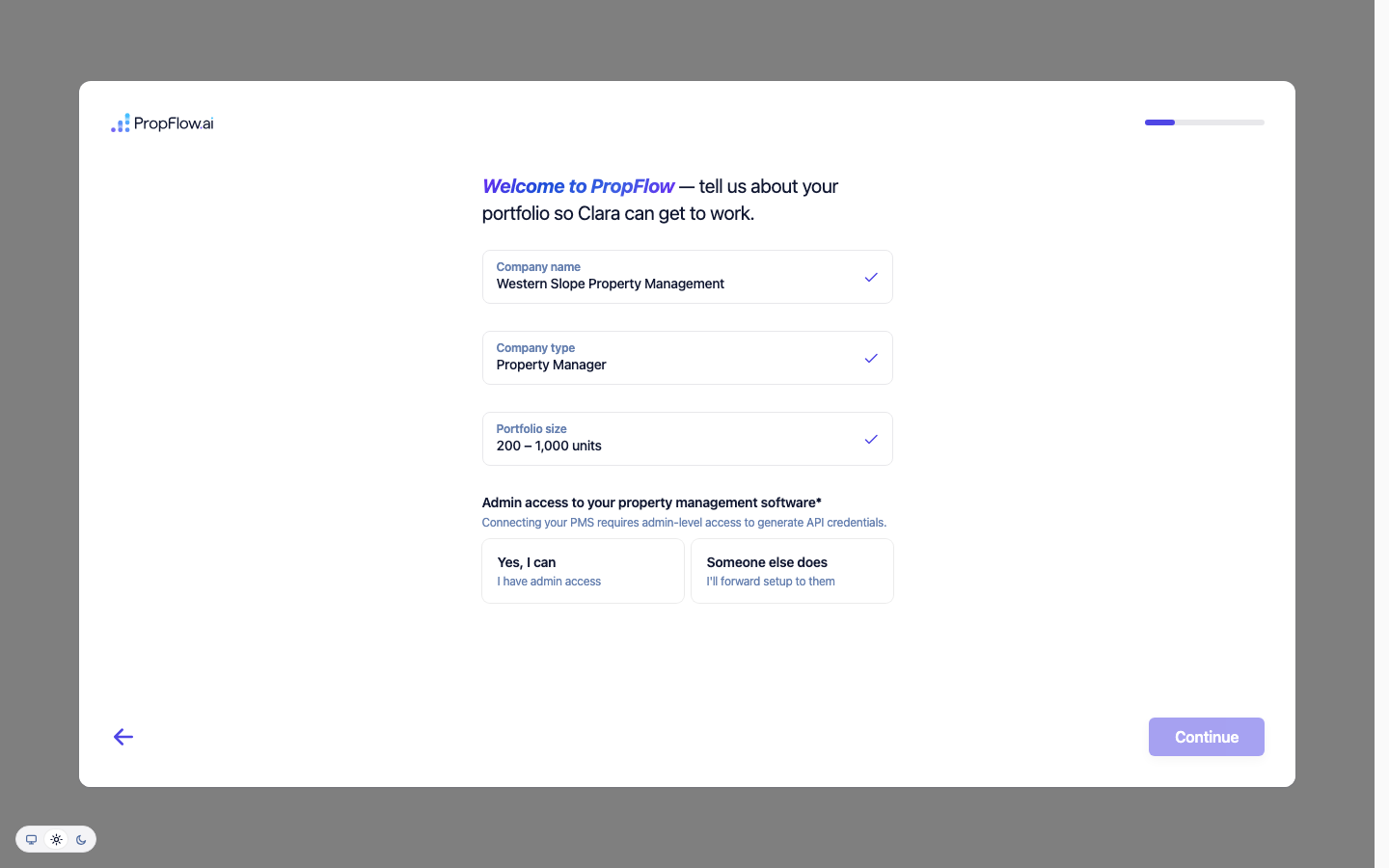
06 "How would you like to add your properties?" 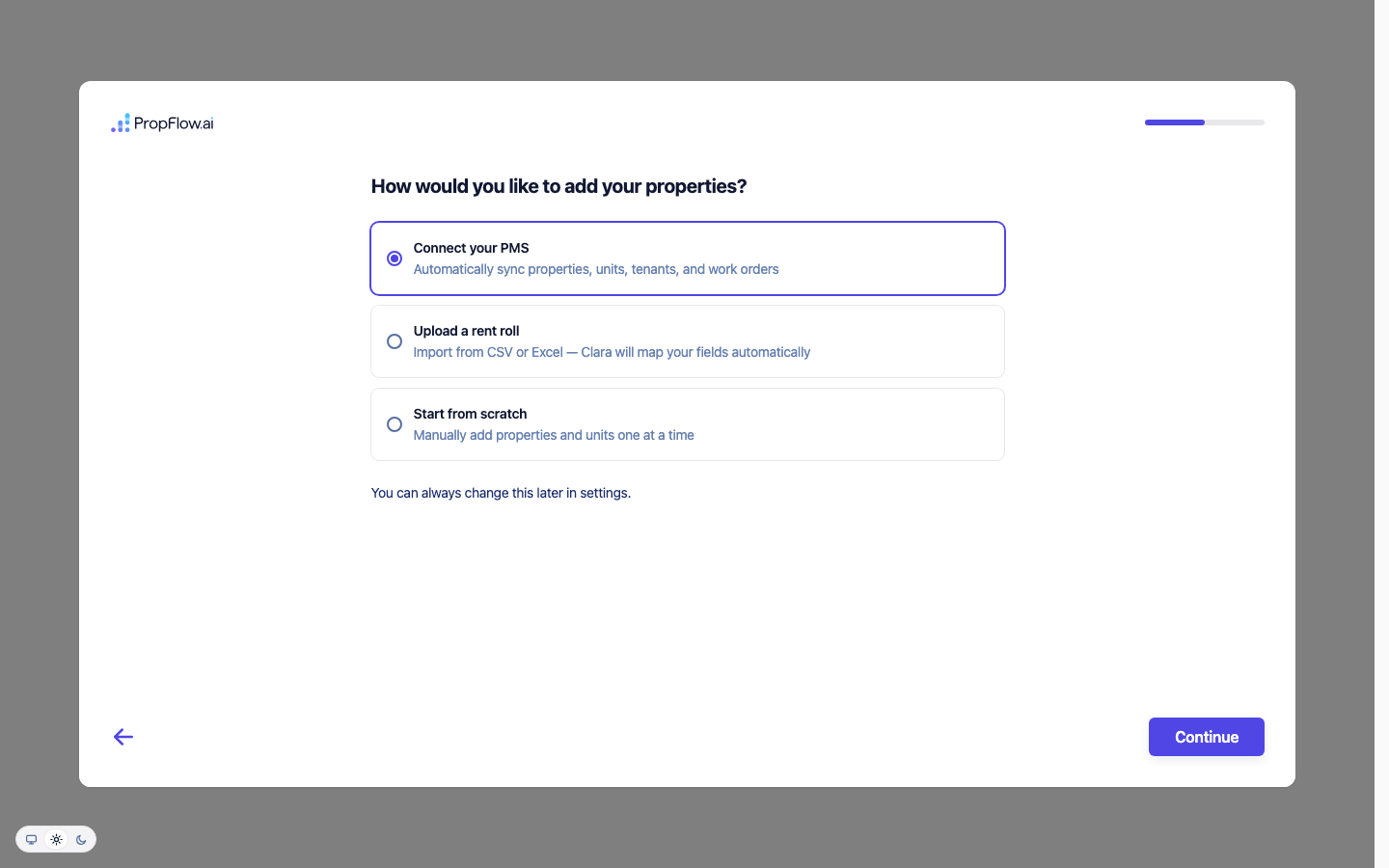
07 Connect your PMS — skipped, per instructions (never enters AppFolio credentials on a test account) 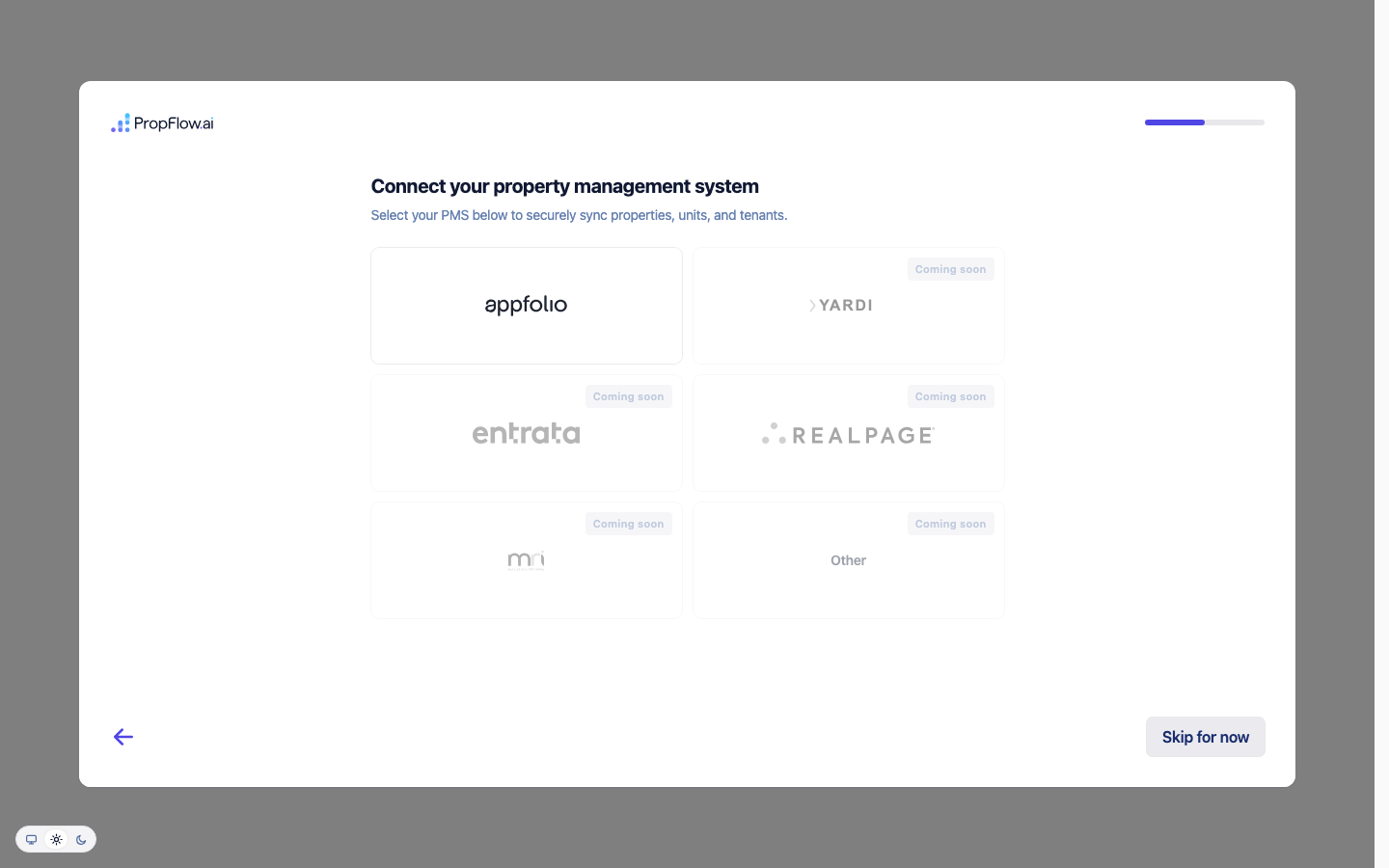
08 "Connect Clara to your channels" — clicking Outlook for email, then Outlook for calendar 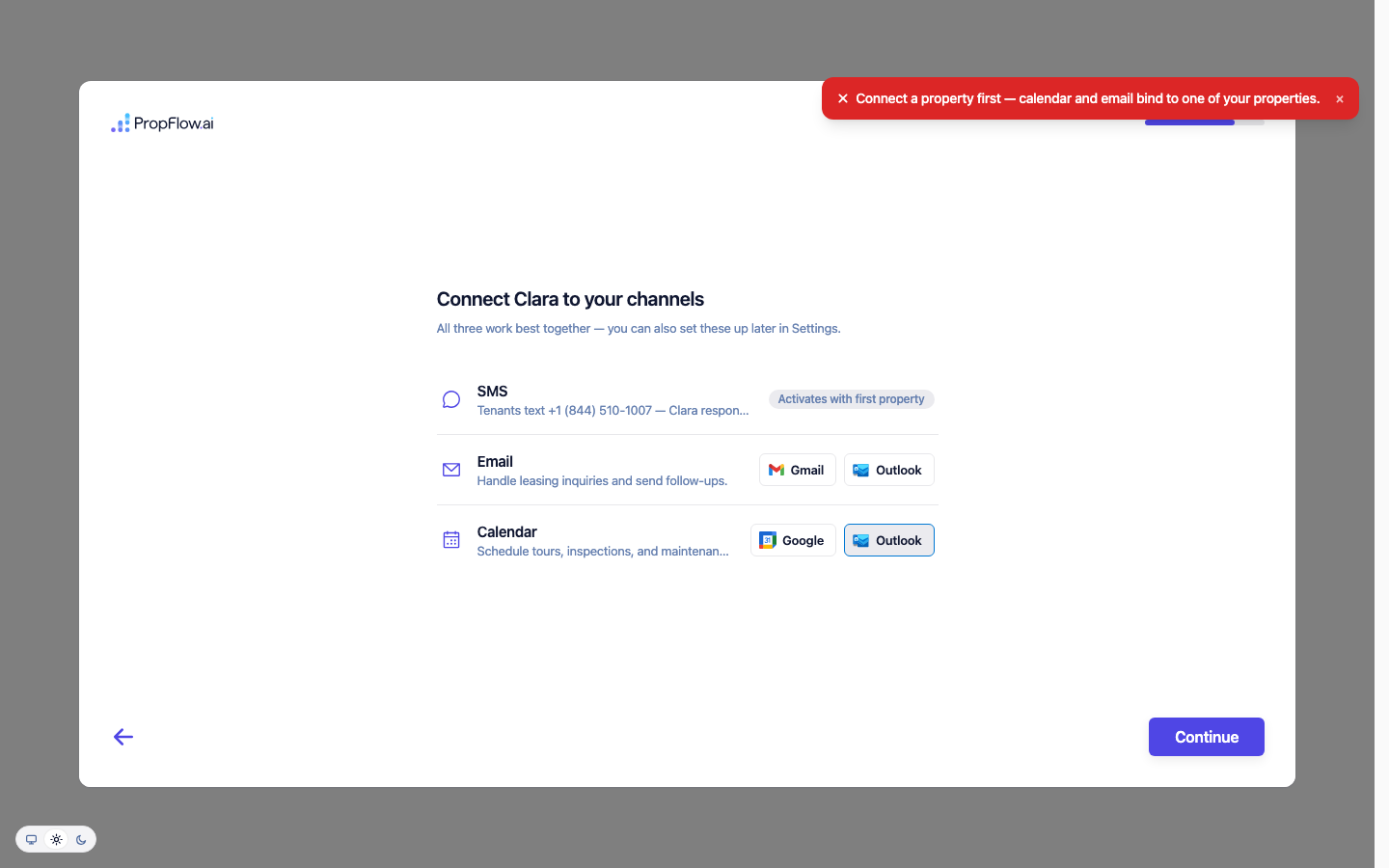
09 Meet Clara 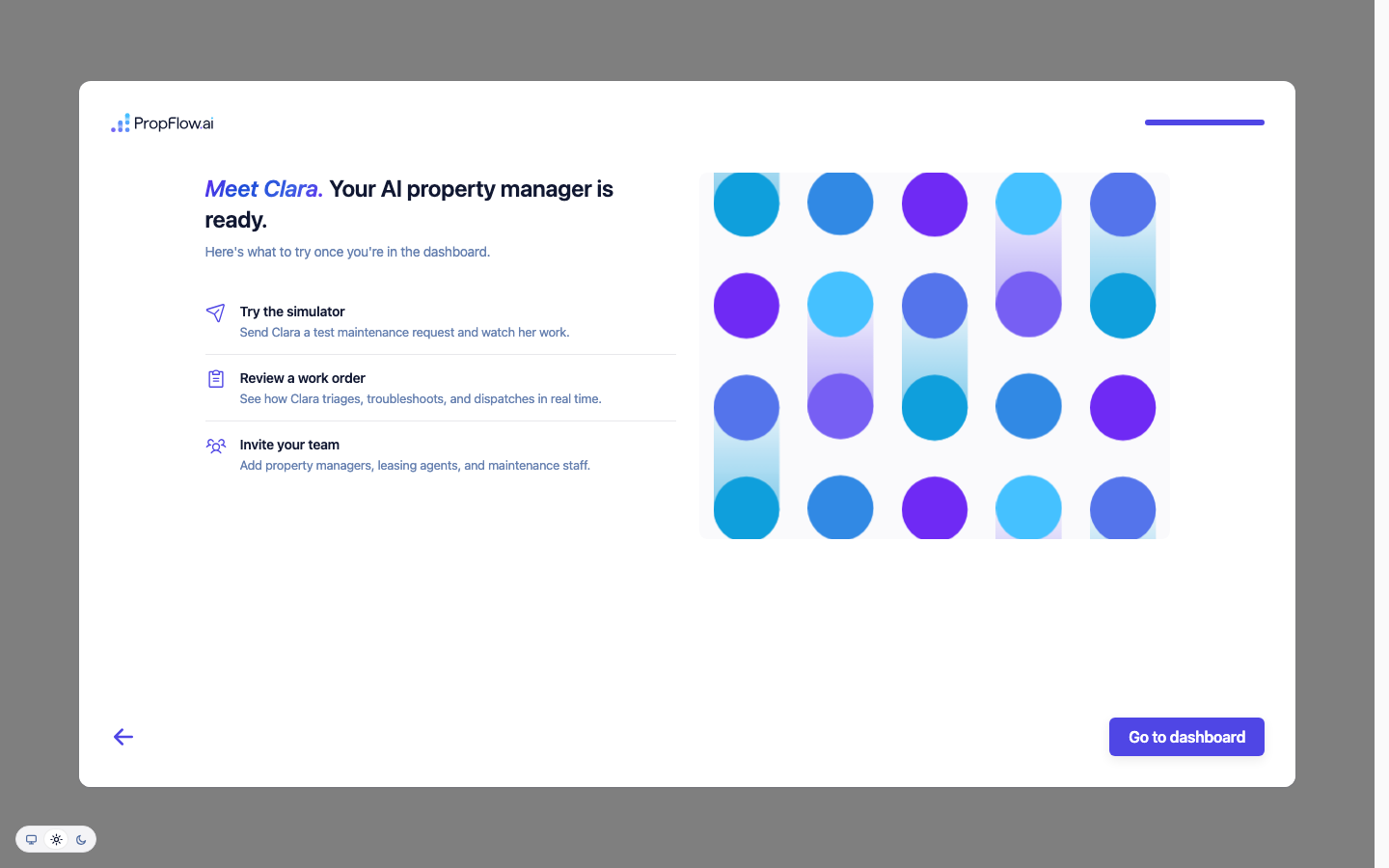
10 Dashboard, fully loaded 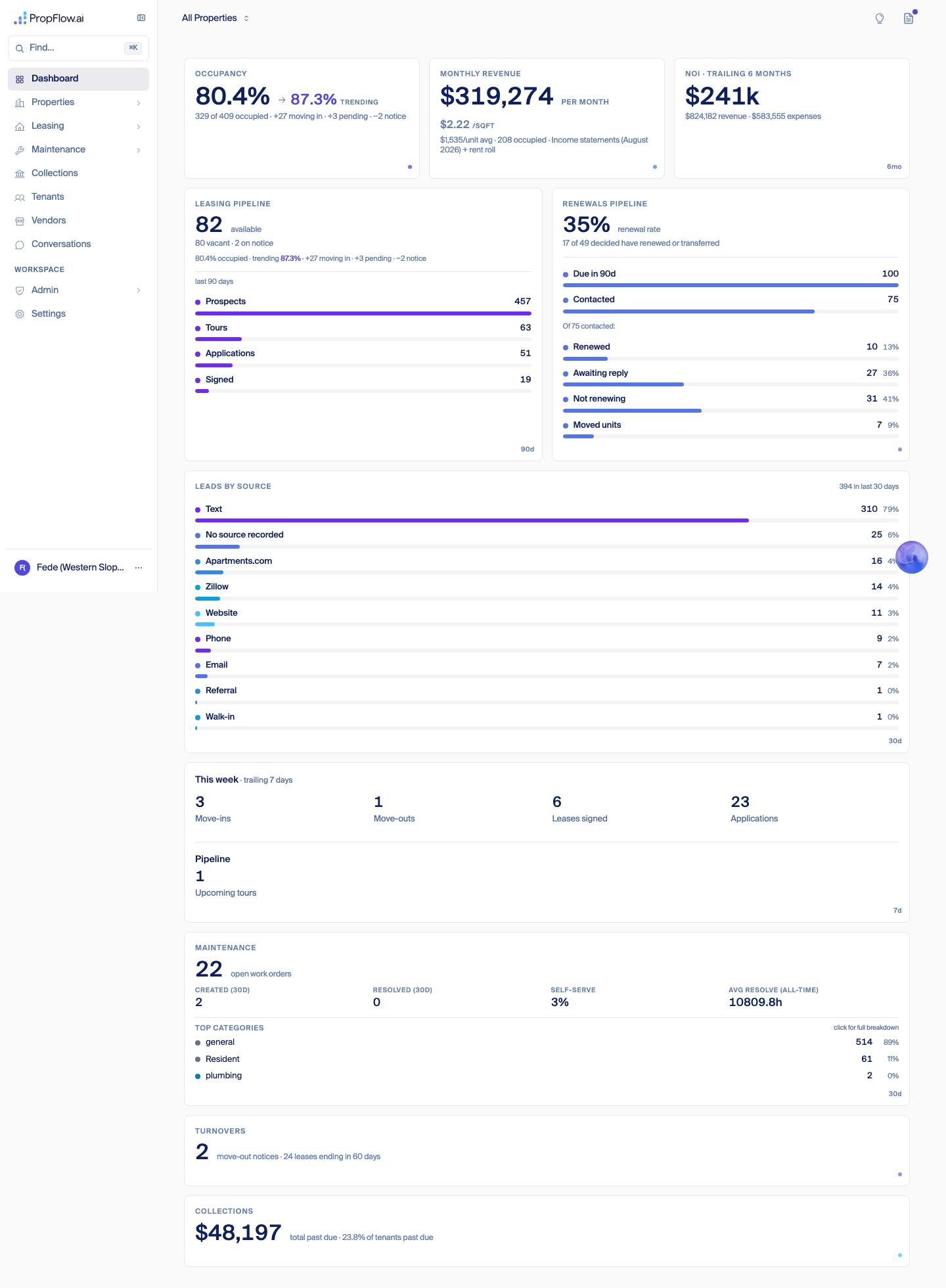
11 Properties 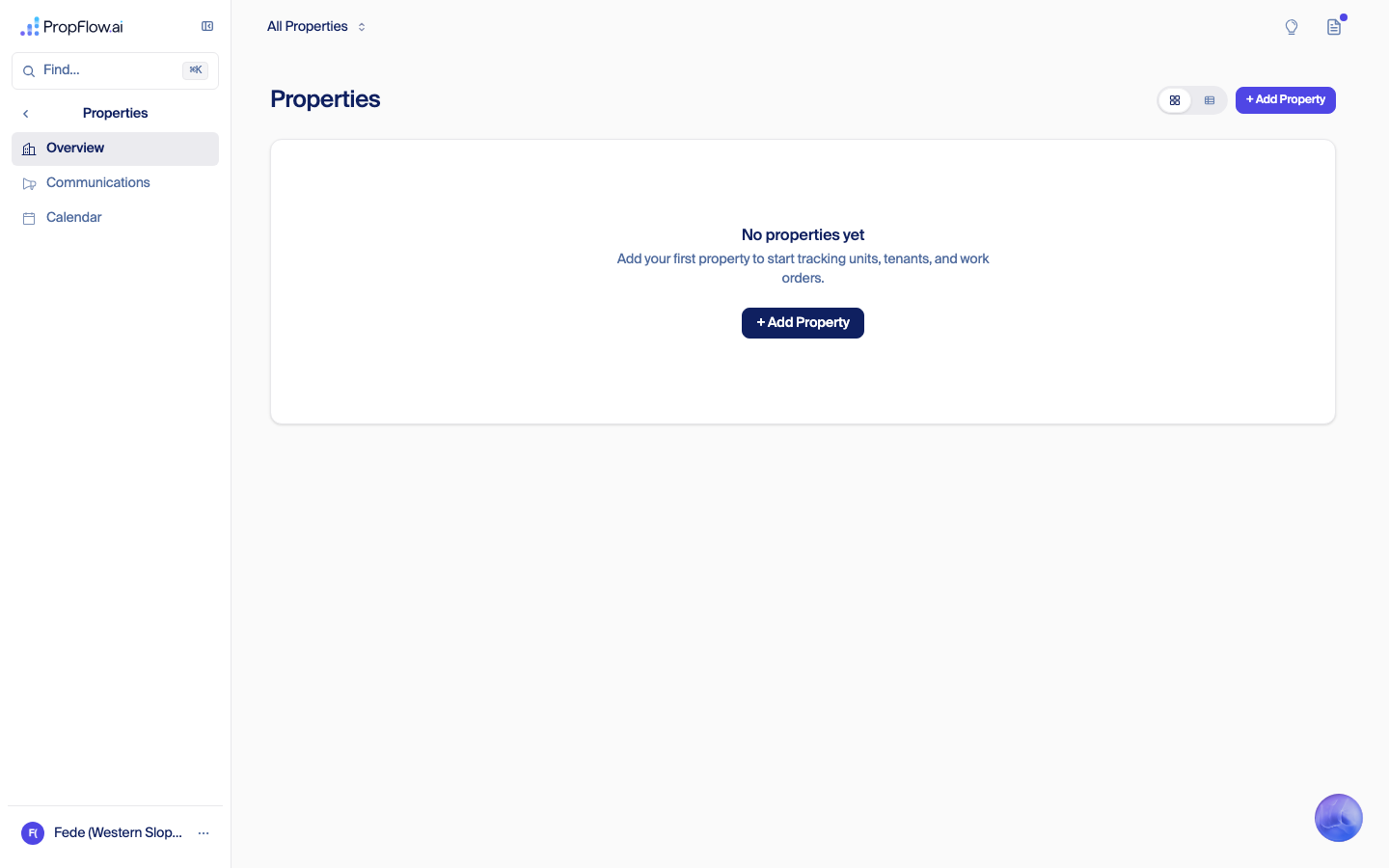
12 Leasing overview 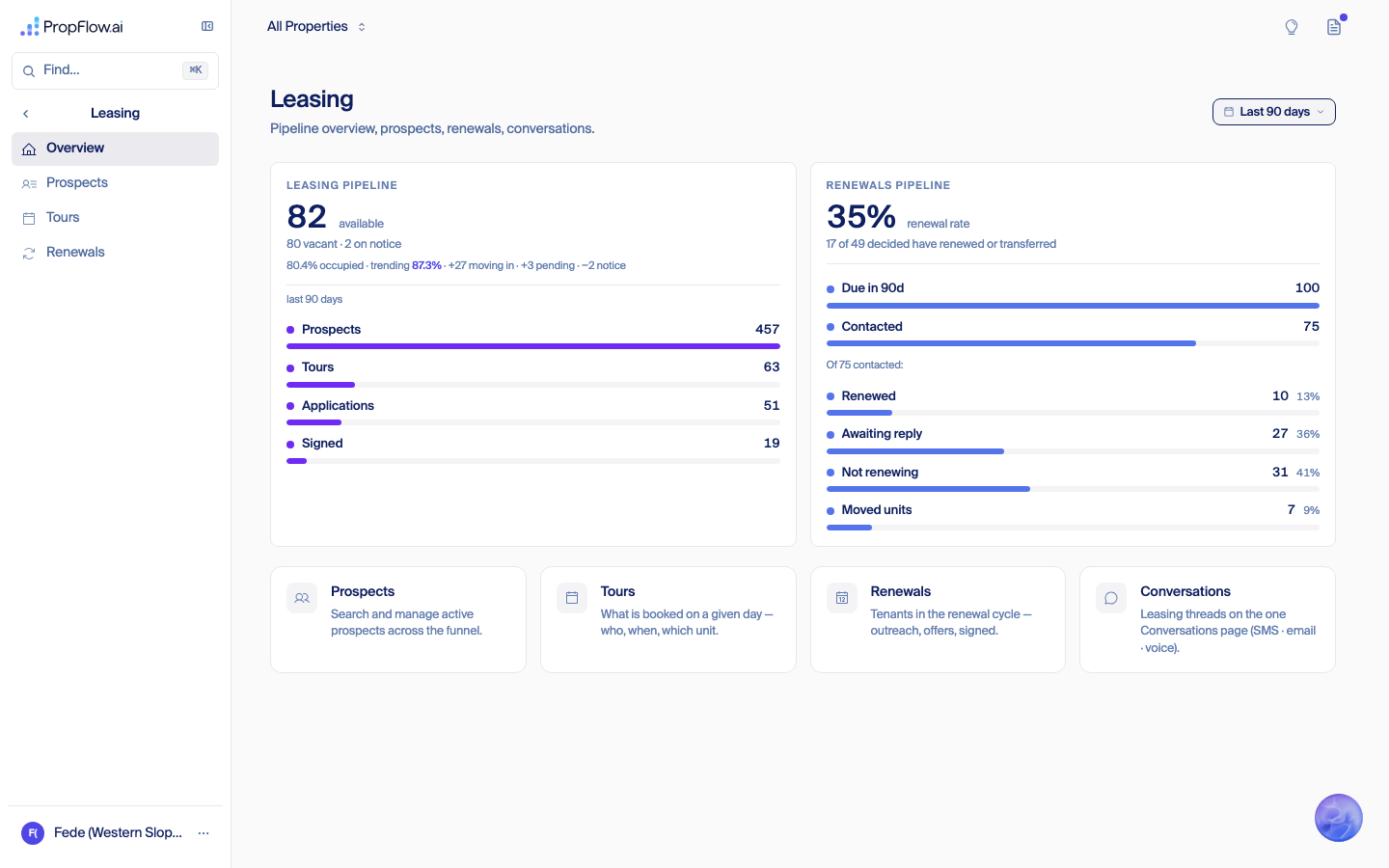
13 Leasing → Renewals 
14 Maintenance overview 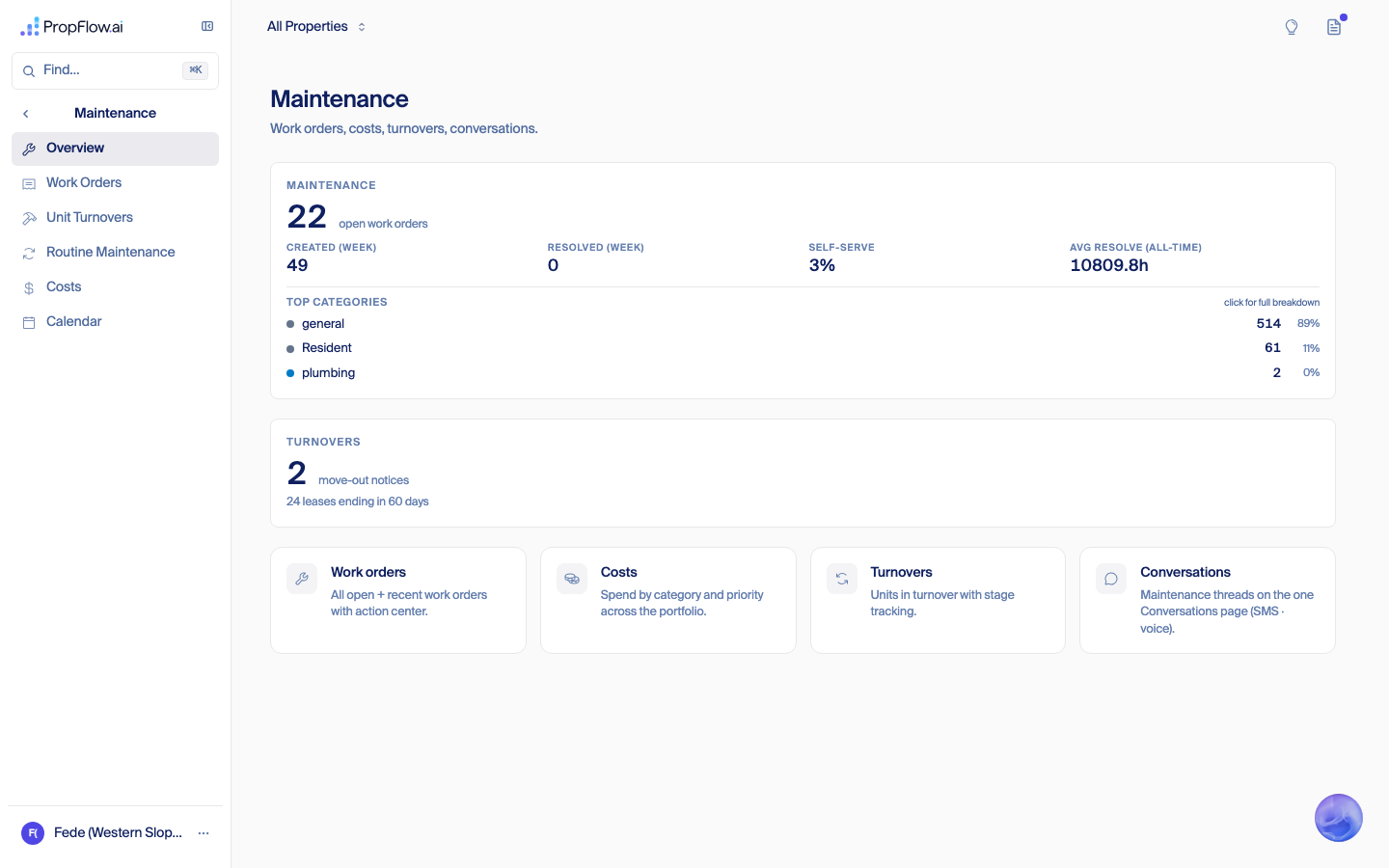
15 Maintenance → Turnovers 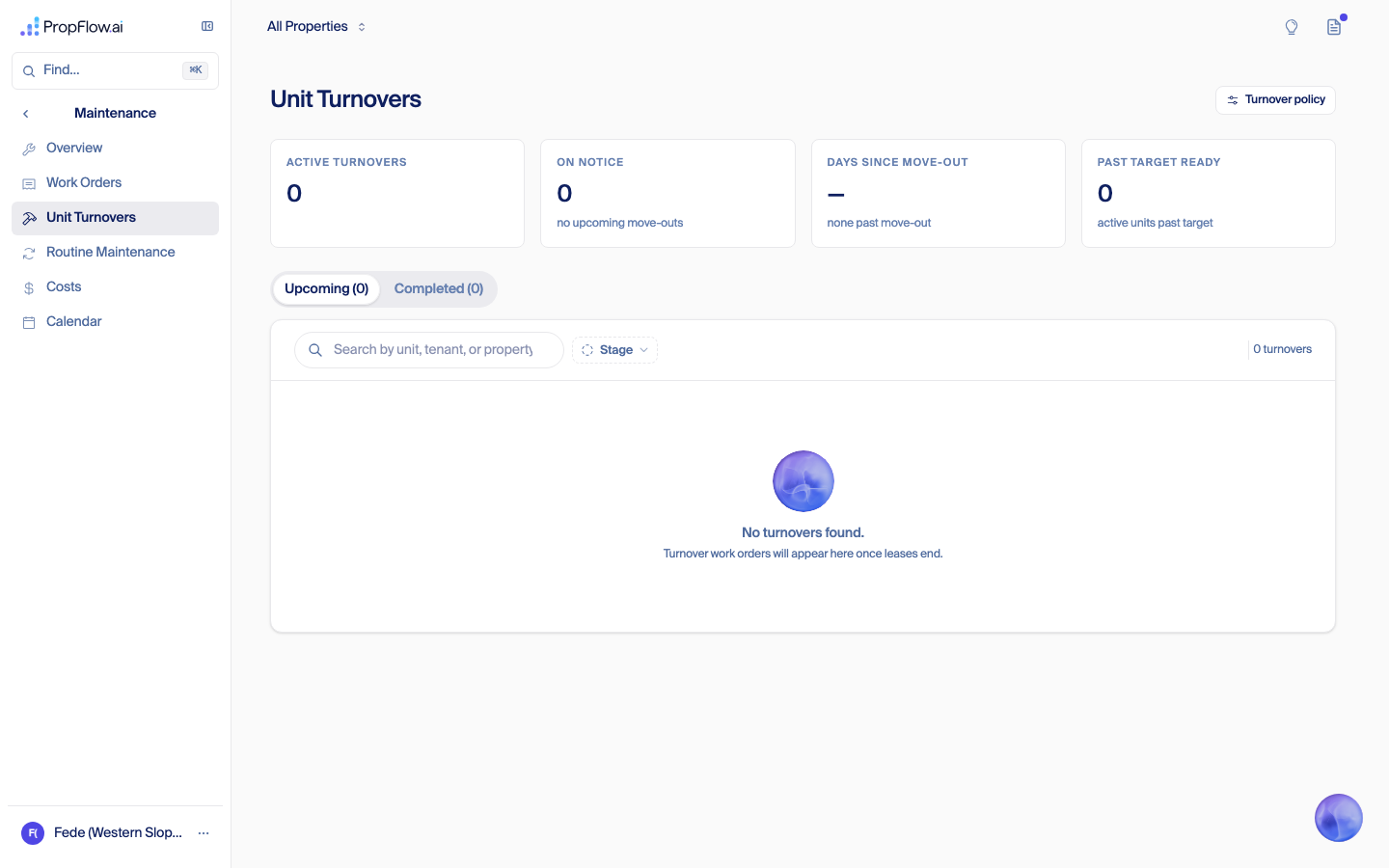
16 Collections 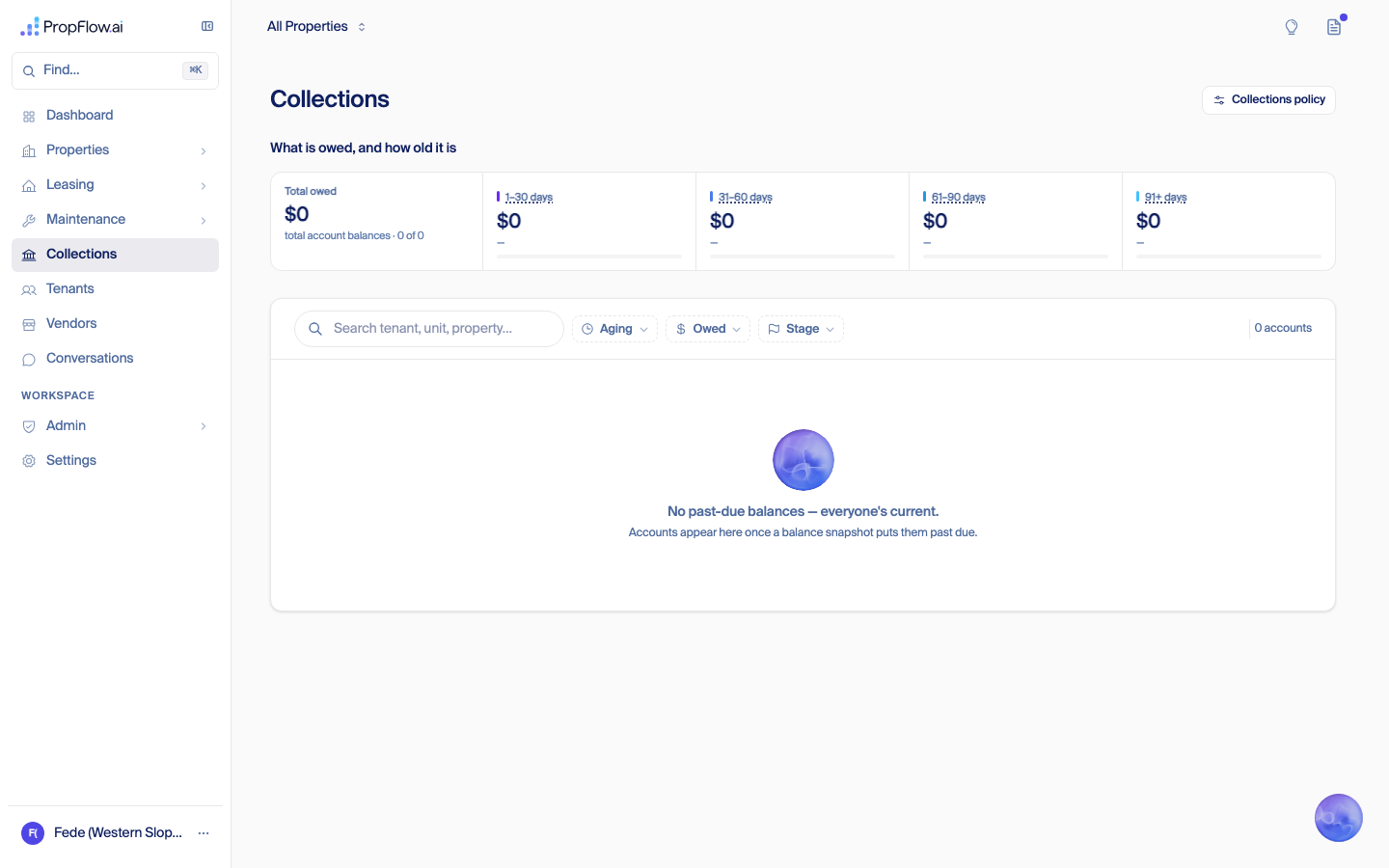
17 Tenants (customer names and phone numbers blurred for this page — see note below) 
18 Vendors 
19 Conversations (caller names, phone numbers, and one email address blurred for this page) 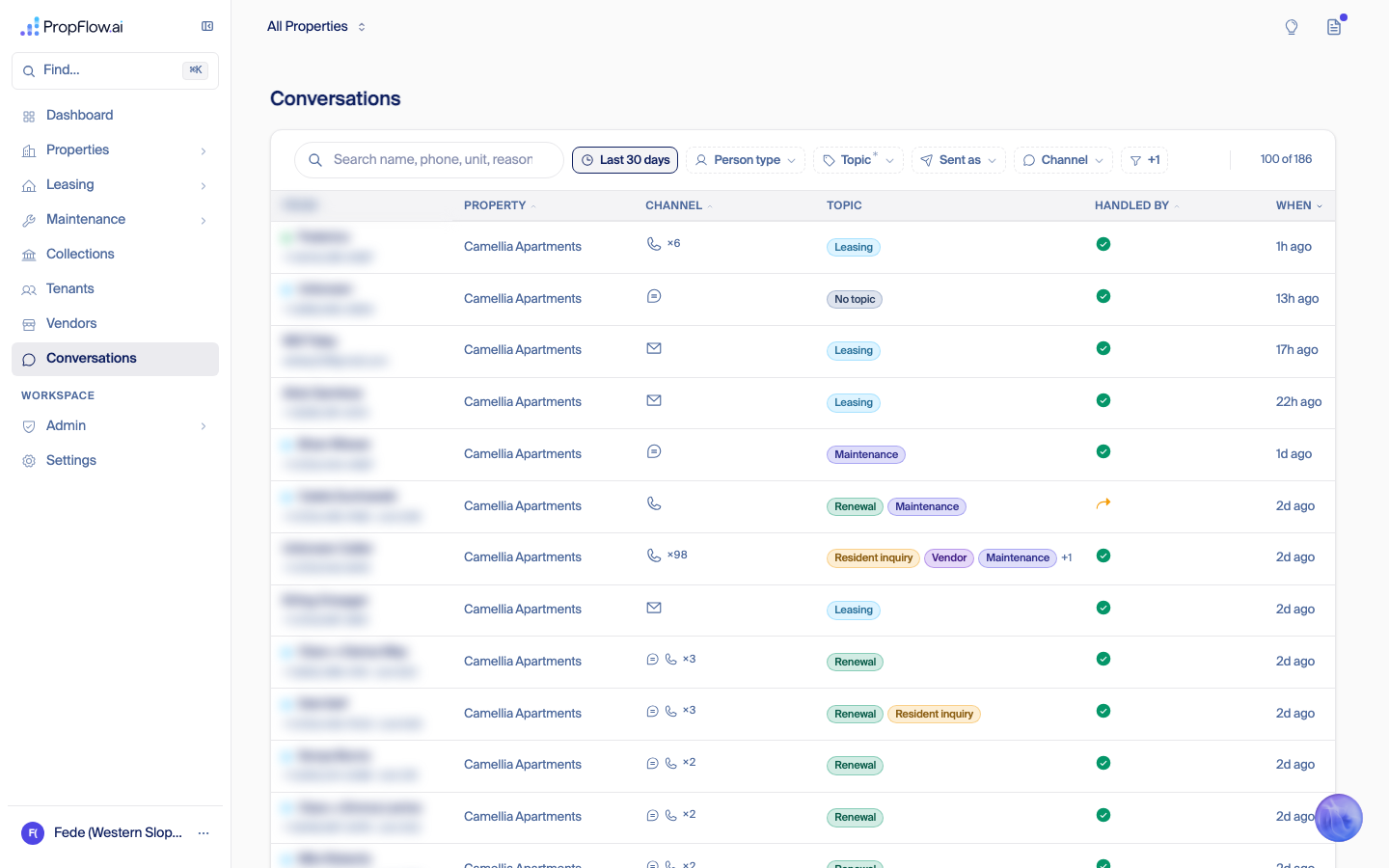
20 Calendar 
21 Mass Sends (Properties → Communications) 
22 Admin → Users 
23 Settings 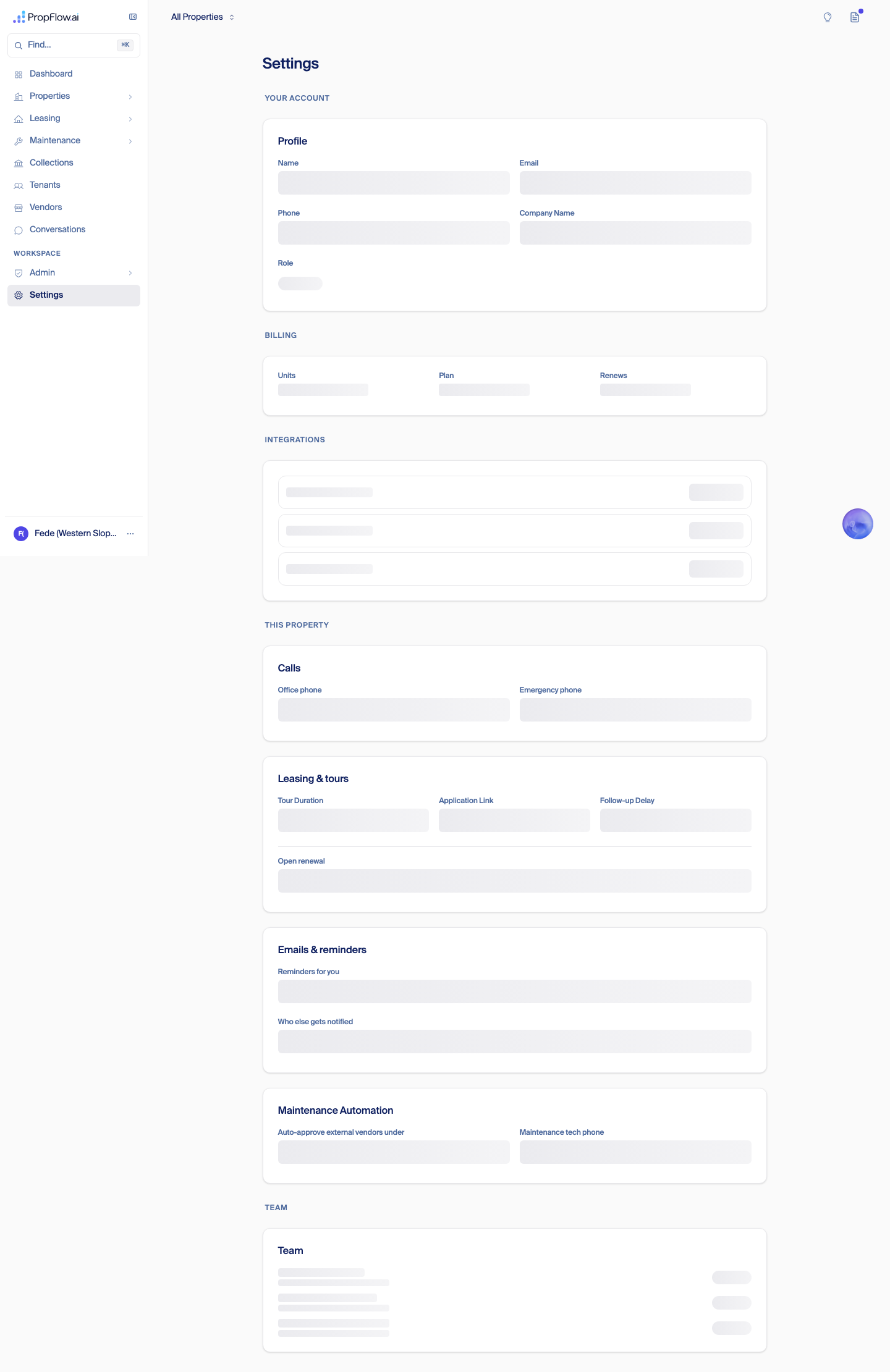
What the five pages showed, this run
GET /api/auth/me on this session: "role":"org_admin", "status":"active" — a genuine customer-level login, not staff, on an org with no properties of its own. This is the third independent confirmation of the same leak (after the Sep 6 staff-login run and the Sep 7 org_riverbend run above), this time end-to-end through Fede's own reported bug.
Page What it showed Dashboard Full numbers for a real portfolio: 80.4% occupancy trending to 87.3%, $319,274 monthly revenue, $241k trailing-6-month NOI, 457 prospects / 63 tours / 51 applications / 19 signed in the last 90 days, a 35% renewal rate, and a leads-by-source breakdown (Text 310, No source recorded 25, Apartments.com 16, and six more rows) — none of it belonging to this account. Leasing Same pipeline and renewal numbers as the Dashboard (82 available, 457 prospects, 35% renewal rate, 17 of 49 renewal decisions made) on the Leasing overview page specifically — the Leasing → Renewals sub-page, by contrast, correctly showed "no properties on this account yet." Maintenance 22 open work orders, 49 created this week, a category breakdown (general 514, Resident 61, plumbing 2), and a "2 move-out notices, 24 leases ending in 60 days" turnover summary — on the Maintenance overview page. The Maintenance → Turnovers sub-page, by contrast, correctly showed "no turnovers found." Tenants 173 real tenants listed, with real names, unit numbers, and phone numbers, across three real properties named on the page ("Camellia Apartments," "The Willows," "Yale 25 Station (Sandbox)"). First three rows (by the page's default name sort) were two tenants at Camellia Apartments and one more at Camellia Apartments — names withheld here per PropFlow's no-client-PII policy; the full row is visible in Fede's own copy of these screenshots. Conversations 186 total threads, 100 shown on the first page, every one of the first 15 tagged to "Camellia Apartments" with real phone numbers/emails and topics (Leasing, Renewal, Maintenance, Resident inquiry, Billing) — again, not this account's own data. org_riverbend findings above. This confirms the leak sits specifically in the five overview/list pages named above, not everywhere in the app.RCA and retro: cross-customer data on company-admin pages (Sep 7)
Impact
org_admin role (a company's own admin-level login) is affected by this specific bug. A regular property manager or leasing agent — anyone with an explicit assigned-property list — is unaffected; their pages already correctly show only their own assigned properties. Staff logins (PropFlow's own team) are supposed to see every company by design and are not part of this bug.org_admin role ever created in production (7 total, all-time) found none that belongs to a real external customer. Three are PropFlow staff (org_propflow_staff, created 2026-08-20). The remaining four were all created today, 2026-09-07, on Western Slope's two org records, and every one of them resolves to a PropFlow-controlled test address (@propflowai.co or the @inbound.propflowai.co test inbox) — "Sam Walkthrough," "Jay Test," "Audit QA," and one internal account. No real customer has ever signed in as an org_admin at a company other than their own; every instance of this bug being seen today was a deliberate, staff-run test. That is a fact about what's happened so far, not a statement about the underlying page-feed bug, which remains live and would affect a real second company admin exactly the same way.Timeline, with the receipts
Date What happened PR / commit Who 2026-05-04/05 "Companies" (Organizations) become a real thing in the product. The very first commit's own code comment already flags that a company admin's "see everything" needs a second, company-level check — and the PR description lists "migrate every page to use that check" under what does NOT ship yet. #623
9d8a6b1Gera + a Claude session 2026-05-05 First page-by-page rollout of the company check — deliberately partial ("8 of 11" pages), to prove the pattern before scaling it. The description names 3 more pages as a separate, deferred decision. #625
4490641Gera + a Claude session 2026-05-19 An incident writeup names the reason none of this had bitten yet: "every customer is on org_default" — i.e., there was only one real company, so nothing to leak between companies. #1167
22accce6a Claude session 2026-07-04 The correct, complete version of the check ("is this property mine, or at least my company's") gets built — but only wired up for one narrow set of pages (email logs), not rolled out everywhere. #3023
b5c362c3Gera 2026-07-06 A full architecture audit names the general problem in writing: roughly 40 pages use only the "is this your property" check and skip the "is this even your company's property" check for company admins. Deep audit, finding #37
docs/audits/2026-07-06-fable-deep-audit.mda Claude Fable session 2026-07-30 A focused cleanup pass fixes many of those pages, and explicitly writes down the two biggest remaining ones — the Dashboard and the Leasing overview — as a known gap, held deliberately: "fixing this means changing shared helpers across dozens of surfaces; it needs its own change, not a drive-by." #5059
791181ba Claude session (Fede's account) 2026-07-31 That written record gets pinned so it can't be silently forgotten or lost in a refactor. #5096 a Claude session (Fede's account) 2026-09-01 Camellia and Yale 25 Station go live as real, separate customer accounts — the first time PropFlow has had more than one real company with real data on the platform. — — 2026-09-06 A first walkthrough surfaces the same symptom, but the login used was a @propflowai.co staff address (staff always sees every company by design), so this write-up first called it a staff artifact rather than a customer-facing bug.This doc, earlier section a Claude session 2026-09-06/07 Western Slope — the second real company — gets a company-admin login with zero properties. For the first time the gap is actually visible on a genuine customer-shaped account: real screenshots of another company's occupancy, revenue, tenant names, and phone numbers, on the Dashboard, Leasing, Maintenance, Tenants, and Conversations pages. This doc, Western Slope dry-run section above Fede + a Claude session 2026-09-07 Same day, an attempt traces the leak to the exact line the May 2026 comment first flagged, and fixes two of the seven leaking pages: the caller-supplied property id on the Dashboard stats feed, and the same shape of bug on the Leasing → Prospects list, plus a check (the properties picker) that turned out to already be correct. It also rewrote a piece of the sign-in rules — who counts as PropFlow staff — that nobody had asked for. Closed without merging on Fede's explicit call, because of that sign-in change, not because the cross-company fix itself was wrong. Tenants, Conversations, Maintenance overview, and Maintenance → Routine Maintenance were not part of this attempt. #7242
closed, not merged;
branch fede/org-admin-scope-isolation
still exists at a9c47fbea Claude session 2026-09-07 A clean, never-used login (no reuse history, no staff address) confirms all seven pages leak and the bug is the everyday case for any new company, not an edge case. This doc, Full QA pass section below a Claude session Root cause (technical)
getUserPropertyScope() (src/lib/platform/auth/scope.ts) returns null — meaning "no per-property restriction" — for both platform_admin (correct: staff see every company) and org_admin (incorrect on its own: a company admin's "no restriction" needs to still stop at their own company's border). The seven leaking pages read that null and pass it straight through to a data read with no second, company-level check behind it. Four of the seven pages — Dashboard, Leasing overview, and (per this pass) Maintenance overview — run through the same shared aggregate-stats feed (computeDashboardStats / GET /api/dashboard/stats), so one unscoped read point explains the identical portfolio numbers showing up on multiple pages at once; the other three (Leasing → Prospects, Tenants, Maintenance → Routine Maintenance, Conversations) each read their own separate, similarly-unfiltered list.Contributing causes (the retro part)
@propflowai.co address, and @propflowai.co addresses are deliberately treated as PropFlow staff regardless of role — by design, since no real customer ever signs in with that domain. That's the correct rule for staff, but it also meant nobody had ever actually looked at these pages through a real customer's eyes before this week.What changes (concrete rules going forward)
@propflowai.co login. A staff address will always see every company by design, so it can never be the account that proves a customer-facing page is correctly scoped. Every future QA pass on a customer page uses a fresh, real-shaped external login, the way today's "Audit QA" pass finally did.Fix status
fede/org-admin-scope-isolation, SHA a9c47fbe, never merged) contains real, tested, reusable scoping for two of the seven pages — the Dashboard stats feed and Leasing → Prospects — each with its own isolation test, plus a properties-picker check that was already correct. It does not cover Tenants, Conversations, Maintenance overview, or Maintenance → Routine Maintenance, and its unrelated sign-in-rule and by-id-route changes should not be carried along when reusing the scoping pieces.org_admin today. No customer has been exposed to this by anyone other than PropFlow's own test logins so far (see Impact above), but the underlying bug is unchanged.Full QA pass, real customer login (Sep 7)
fedechagu@gmail.com login is a different, smaller story — a reused email that had picked up a role at another company over time, which is why its Settings page breaks — and should not be read as evidence about how a normal customer's account behaves.How this was tested
clara+auditqa@inbound.propflowai.co, name "Audit QA" — was created the same way a real customer invite is created (the actual invite code path, not a shortcut), as company admin on Western Slope Property Management's account, which owns zero properties. Confirmed live before looking at anything else: GET /api/auth/me returned "role":"org_admin", and a direct database check confirmed the account belongs to Western Slope's company, not staff. Every customer-facing page was then opened at a normal laptop screen width (1440px) and screenshotted. Where a page showed real customer data that belongs to Camellia, Yale 25 Station, or The Willows, this write-up describes it by count and company name only — never a real name or phone number, per PropFlow's standing rule against putting customer information in a document like this.Page-by-page results
Page Clean account (Audit QA, zero history) Confound account (fedechagu@gmail.com) Verdict Dashboard Full numbers for a real portfolio: 80.4% occupancy, $319,274 monthly revenue, $241k trailing-6-month NOI, a leasing pipeline (458 prospects / 64 tours / 51 applications / 19 signed), a 35% renewal rate — none of it this account's own. Same shape of leak, per Background (already confirmed live by Fede). leaks other companies' data Leasing (overview) Same pipeline and renewal numbers as the Dashboard. Same, per Background. leaks other companies' data Leasing → Prospects 429 real inquiries, 60 tours, 48 applications, 17 signed leases, with real prospect names and phone numbers in the list. Not separately re-checked this pass. leaks other companies' data Leasing → Tours Correctly empty — "no tours booked." — ship as-is Leasing → Renewals Correctly empty — "no properties on this account yet." — ship as-is Maintenance (overview) 22 open work orders, a category breakdown (general, resident, plumbing), a turnover summary — none of it this account's own. Note: an earlier pass of this doc reported Maintenance's list pages already had the correct company check and traced their leak to a different, narrower cause. This run found the Maintenance overview page itself still leaks for a completely clean account — worth re-checking against that earlier finding. Same, per Background. leaks other companies' data Maintenance → Work Orders (the actual list) Correctly empty — "all quiet on the maintenance front." — ship as-is Maintenance → Unit Turnovers Correctly empty — "no turnovers found." — ship as-is Maintenance → Routine Maintenance 44 real preventive-maintenance tasks pulled from another company's equipment manuals, tied to a real property id that isn't this account's. Not previously documented as leaking. Not separately re-checked this pass. leaks other companies' data Maintenance → Costs Correctly empty — "$0, no vendor invoices yet." — ship as-is Collections Correctly empty — "$0 total owed, everyone's current." — ship as-is Tenants 173 real tenants listed with real names, unit numbers, and phone numbers, spanning three real properties named right on the page. Same, per Background. leaks other companies' data Vendors Correctly empty — "pick a property up top to see its go-to vendors." — ship as-is Conversations 187 real message threads, the first pages all tagged to a real property, with real caller names/numbers and topics. Note: same discrepancy as Maintenance above — an earlier pass traced this page's leak to a narrower, staff-only cause; this clean, fully non-staff account still sees it. Same, per Background. leaks other companies' data Calendar Correctly empty — "nothing booked." — ship as-is Mass Sends Correctly empty — "0 messages, no building messages found." — ship as-is Settings Loads fully — profile, billing, integrations, and per-property sections all render. Fails to load, per Background — a separate, smaller bug specific to this one reused-email account (see below). loads for a real customer / broken for the confound account only Admin → Users Visible to this customer login (should be staff-only, see below). Shows "0 users," even though this very account is an active org admin of that same company — an undercount bug on top of the entitlement gap. Not separately re-checked this pass. broken count + visible to a customer, shouldn't be Admin → Users → Waitlist tab Visible; correctly shows "0 signups." — visible to a customer, shouldn't be Admin → Billing Visible to this customer login. Shows a false "Your session has expired, please refresh" error banner on top of a valid, just-signed-in session, with every revenue/customer/invoice table empty underneath it. Not separately re-checked this pass. broken (false error) + visible to a customer, shouldn't be Admin → System Settings Visible to this customer login — feature toggles for SMS sending and vendor emails, with a "Save Changes" button, sitting in front of a company admin who should be managing this from Settings instead. Not separately re-checked this pass. visible to a customer, shouldn't be Admin → Portfolio Intelligence Visible to this customer login; correctly empty otherwise. Not separately re-checked this pass. visible to a customer, shouldn't be Onboarding wizard (skipping the AppFolio-connection step) Landing on /onboarding after already being signed in and active still shows step one, "Finish creating your account," instead of recognizing the account is done.Not separately re-checked this pass. missing check, low severity Bugs found, most severe first — each one is for a separate session to fix
A few of the screens themselves
Screen Dashboard — real portfolio numbers on a zero-property account 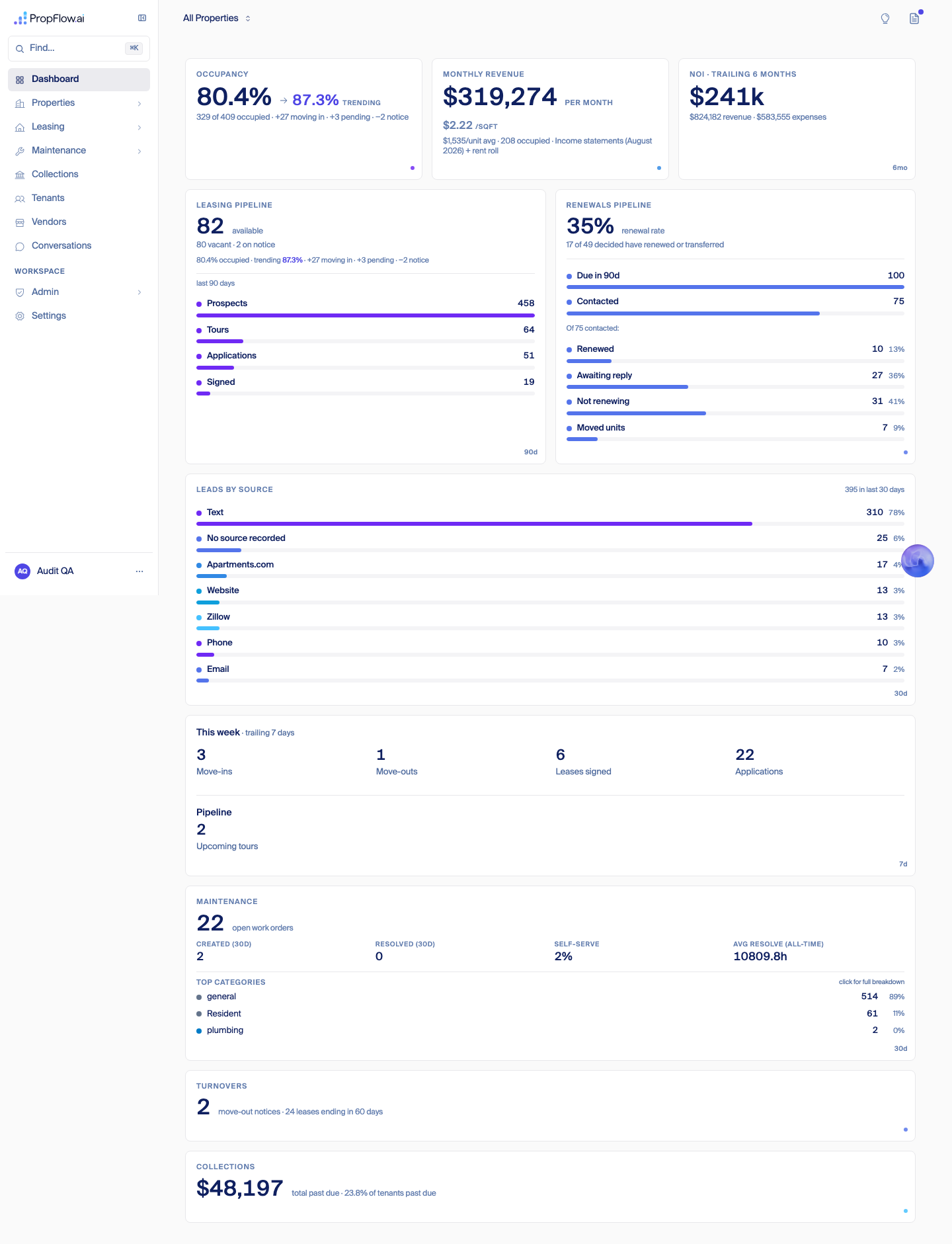
Admin → Users — "0 users" despite this very account being an active admin of the company 
Admin → Billing — false "session expired" banner on a freshly signed-in session 
Settings — loads fully for this clean account 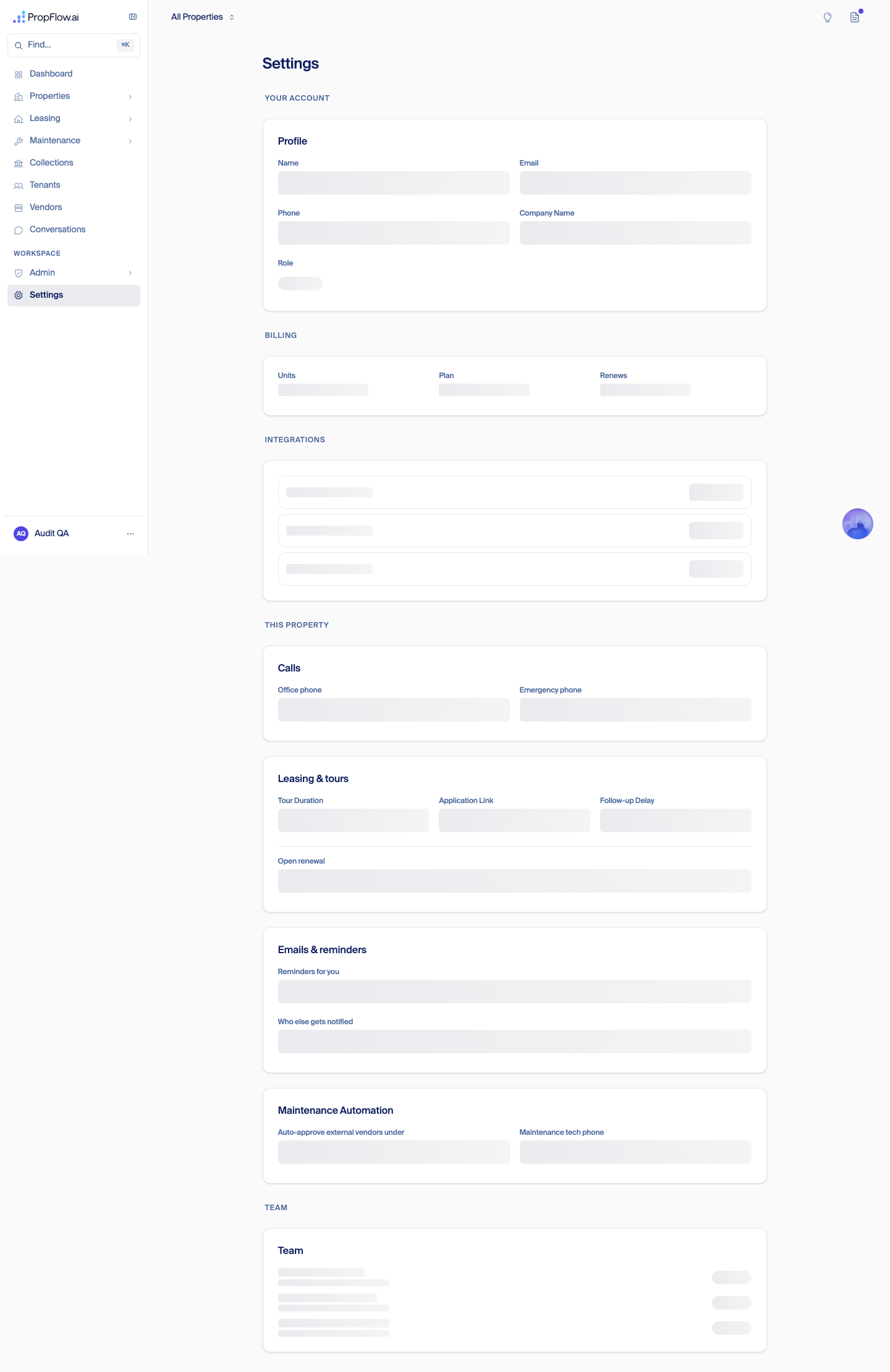
Two different identity problems — don't conflate them
fedechagu@gmail.com only). Fede's own Gmail login had been used, over time, across several different onboarding and test flows — a Western Slope admin role from this week, plus older roles and contact records from other flows, including a live property-manager role at Camellia (org_jpco) picked up back in the spring, and a few leftover Willows-test records. Because that one email ended up tied to more than one company's role at the same time, the code that figures out "which single company does this login belong to" got confused and came back empty for it — which is specifically why its Settings page can't load (the page needs a single resolved company and doesn't get one). This is a one-account problem caused by that account's own reuse history, not something a normal, freshly invited customer would ever hit — the clean account above proves that directly, since its Settings page loads fine. As of this write-up, another session was in the process of wiping fedechagu@gmail.com back to a blank slate at Fede's direction, so this account's own history should stop being a source of confusion going forward.Billing: how customers pay (decided Sep 7)
In-app billing, backlogged (Fede, Sep 7 night)
Tuesday: connecting Western Slope's AppFolio (verified by code trace Sep 7 night)
westernslopepm).Writing back to their AppFolio: not possible by Friday (verified by code trace Sep 8)
Backlog
Where the UI packages stand (end of Sep 7)
Handoff: work packages (Sep 7)
clara+auditqa@inbound.propflowai.co login, company admin on Western Slope's real account, zero properties) is the most current and most complete bug list — where an earlier walkthrough undercounted a leak, the QA pass numbers below are the ones to trust.1. Company-scope fix for the leaking page feeds
Why: confirmed four separate times now with a real, non-staff
org_admin login (Sep 7 org_riverbend re-run, Fede's own Western Slope dry-run, and finally the Full QA pass's brand-new, never-used account) — a zero-property company admin sees another company's real occupancy, revenue, prospects, preventive-maintenance schedules, tenant names/phone numbers, and message threads. The QA pass names seven leaking surfaces, one more than earlier passes found: Dashboard, Leasing (overview), Leasing → Prospects, Maintenance (overview), Maintenance → Routine Maintenance, Tenants, and Conversations. This is the everyday case for any new company, not an edge case — per the QA pass's own verdict, "this is what's actually blocking, say, inviting Jay onto a live account."
assets/onboarding-walkthrough-2026-09-07-westernslope-dryrun/16-dashboard-full.png, 18-leasing.png, 20-maintenance.png, 23-tenants-redacted.png, 25-conversations-redacted.png.// src/lib/platform/auth/scope.ts (line ~25)
export function getUserPropertyScope(user: AuthenticatedUser): Set<string> | null {
if (user.role === 'platform_admin' || user.role === 'org_admin') {
return null; // null = all properties (org_admin's "all" further bounded by
// org-scope.ts — but the leaking feeds don't call into it)
}
return new Set(user.assignedPropertyIds || []);
}
// src/__tests__/property-scope-surface-registry.drift.test.ts
// Registry verdicts already on record for some of the leaking feeds:
'dashboard/stats/route.ts': 'org-envelope-gap-held', // KNOWN GAP, held deliberately —
'leasing/prospects/route.ts': 'org-envelope-gap-held', // getUserPropertyScope returns null
// for org_admin, so org envelope
// (ADR-0019 / ADR-0120) is never applied.
'conversations/route.ts': 'unverified-legacy', // property-scoped, org envelope unconfirmed
// Maintenance-overview, Maintenance → Routine Maintenance, and the
// Tenants-list route are NOT in this registry yet — first task for
// whoever picks this up: read the loaders, add them with an honest
// verdict, per the registry's own rule.
//
// ADR-0120 (PR #5109, merged): "every request resolves an org envelope
// before it resolves property scope" — the standard this fix needs to
// meet; it's already the rule for other surfaces, just not these.
fede/org-admin-scope-isolation, SHA a9c47fbe, never merged — closed on Fede's order because it also carried an unasked-for staff-override change): it contains real, tested, reusable org scoping for two of the leaking feeds — src/app/api/dashboard/stats/route.ts and src/lib/domain/leasing/load-prospects.ts — each with its own *-org-isolation.test.ts, plus the properties/options picker (route.picker-org-isolation.test.ts). Tenants, Conversations, Maintenance overview, and Maintenance → Routine Maintenance are NOT covered by #7242 and need fresh work. The PR's by-id route ownership-check changes and its Admin → Users page change are a separate concern (relevant to packages 4/8, not this one) and must not ride along when reusing its scoping code — cherry-pick the org-isolation pieces, leave the rest. Harness PR #7164 (Gera's G12/G13, 22 red cases) does not cover any of these page feeds — it proves the same class of bug only on Clara's voice/text/email channels. Session 007-7a is already mapping this package read-only and is waiting on Fede's explicit go before writing code — coordinate with it rather than duplicating the mapping work.org_admin account with zero properties, freshly invited into a brand-new org, sees zeros or correct empty states on every page — no other company's names, numbers, schedules, or conversations render anywhere — plus a behavioral test (not just a registry entry) that would have failed before the fix and passes after.org_admin) — he cannot be safely invited into a live org until this ships. Nothing else in this list depends on it, but it should ship first regardless (see Suggested order).2. Typed 6-digit code sign-in
// Draft PR #7300 — "Sign-in by typed 6-digit code, the default for everyone"
// 14 files changed. Code screen replaces the link as the default; "send me a
// link instead" fallback kept; the Willows-only pilot gate (from PR #6252,
// August) is retired so the code path applies to every customer.
// Status as of this write-up: preview environment shows the code screen and
// the send action succeeds. Real emailed-code sign-in (an actual code
// arriving in an inbox and completing sign-in) has NOT yet been proven —
// screenshots exist in scratchpad but were not attached to the PR.
3. One-line 303 redirect fix
NextResponse.redirect in the confirm-magic-link route defaults to a 307 ("repeat this exact request at the new address"), so the browser resubmits the sign-in form-POST to the app's home page, which only knows how to handle a normal page visit and throws a raw "HTTP ERROR 405." Confirmed live, twice — once in general research, once reproducing Fede's own exact broken-link click on his Western Slope test account.// src/app/api/auth/confirm-magic-link/route.ts (line ~147)
const response = NextResponse.redirect(redirectTo);
// → NextResponse.redirect(redirectTo, 303);
// (the earlier NextResponse.redirect(loginErrorUrl(...)) calls at lines
// 104/108/126/132 are error-page redirects, not form-resubmits — leave those
// alone; only the post-verify success redirect at ~147 needs the status.)
4. Admin section staff-only; customers manage team + billing under Settings
// Admin → Users "0 users" bug (QA pass: "whatever query populates that
// count is excluding the very account looking at it"): the list is
// filtered by properties, so an org_admin with zero properties assigned
// counts as zero users even though they are themself a user on the
// account — the count should key off org membership, not property
// assignment. No specific file/line captured in this doc's audits yet —
// grep the Admin → Users route/loader for the property-based filter.
//
// Admin → Billing false "session expired" bug (QA pass: "find why this
// page's session check fires on a valid session, and give it a real
// empty state instead of an error banner when there's genuinely nothing
// to bill") — a session-check bug, separate from the staff-gating fix.
//
// Staff-only gating for the whole Admin section (Users incl. Waitlist
// tab, Billing, System Settings, Portfolio Intelligence): reuse the same
// isInternalAddress / enrichAuthenticatedUser staff-detection path
// already used elsewhere (src/lib/platform/identity/internal-address.ts,
// src/lib/platform/auth/helpers.ts) as the model for what "staff-only"
// should mean on the sidebar Admin entry and every route beneath it.
org_admin never sees "Admin" (Users, Waitlist tab, Billing, System Settings, Portfolio Intelligence) in the sidebar or by direct URL; that same account can invite/remove teammates and see billing under Settings → "Company & team" and Settings → "Billing"; a fresh org_admin with no other users invited sees a count of at least 1 (themself), never "0 users"; Billing never shows a false "session expired" banner on a valid session.5. Back-office company screen
// Org rows today are written by raw putItem against the prod table, not
// through any createOrganization helper — none exists in the repo (the
// organization.ts repo layer is read-only by design). See the two rollback
// files for exactly how orgs were hand-created for testing:
//   ~/agents/006/westernslope-onboarding-org-rollback-2026-09-06.md
//   ~/agents/006/onboarding-walkthrough-rollback-2026-09-07.md
// Invites into a specific company use the real production path:
// src/lib/platform/auth/link-user-to-spine.ts (linkUserToSpine) — same
// helper a "New company" / "People on a company" screen should call, not a
// new one.
// Access Inspector's platform-wide Modules tab (to be retired and replaced
// by "Features per company") — locate under the Admin → Access Inspector
// route; keep the role view, remove only the platform-wide modules tab.
6. Per-company modules read by sidebar + route guard + Clara
// Gera's Sep 1 design doc already has the settings store and precedence
// rules for company-level settings — reuse it, don't redesign it (per
// "What Gera already built or planned" section above):
// onboarding-plan-situs-western-slope.html — "the company settings type
// exists and nothing running reads it."
// The gate needs to land in three places for one company record to be the
// single source of truth: the sidebar nav render, the route guard on each
// module's pages, and whatever reads module state before Clara acts
// (leasing/maintenance/renewals/collections behavior).
7. Wizard changes
/onboarding after already being signed in and active still shows step one, 'Finish creating your account,' instead of recognizing the account is done" — the QA pass's own fix suggestion: "have the onboarding entry page check whether the signed-in account already exists and is active before showing step one."// Wizard route/step directories: src/app/(standalone)/onboarding and
// src/lib/domain/onboarding (per "What Gera already built or planned" —
// his commits there are foundational plumbing: permission gates + signup
// defense + role inspector #1167, spine cutover #1069; not the wizard
// screens themselves, so this package is not stepping on his work).
// The Outlook buttons in "Connect Clara to your channels" today only
// toggle local UI state — no OAuth call is made. Real Microsoft OAuth
// needs to actually fire from this step once it's moved ahead of AppFolio.
8. Empty states
9. Property page cleanup
PropertyDetailClient.tsx against the real Willows test property, plus the units-view-toggle note underneath the table.// src/app/(workspace)/(operations)/properties/[id]/PropertyDetailClient.tsx
// Sections named for change: the 6 metric cards (Occupancy, Monthly
// Revenue, Open Work Orders, NOI, Delinquency Rate, MTD Vendor Spend —
// currently no module gating; fix Revenue/NOI/Delinquency showing "—"
// while Vendor Spend inconsistently shows "$0"), the manual-upload banner,
// the Knowledge Base card, the Renewal Policy editor (drop the Autonomous
// Mode toggle from it), Turnover Policy, Vendor Job Reference field, and
// the units card/list SegmentedControl (today defaults to card view,
// remembered per-browser via localStorage, not per-property/org).
10. Listings sync per property
// src/lib/domain/leasing/listings-sync.ts
const LISTINGS_CONFIG: { url: string; propertyId: string }[] = [
  { url: 'https://jpco.appfolio.com/listings', propertyId: '1773625953462' },
]; // ← the whole gap: this list is hand-maintained and today only has
   //   Camellia (jpco). Replace with a lookup that builds the URL from
   //   each property's AppFolio database-name field instead of this
   //   static array. The website scraper this pairs with is already wired
   //   to run automatically on property creation (see "Website scraping"
   //   section above) — the listings sync is the one still hand-pinned.
LISTINGS_CONFIG by hand; the review screen becomes a real confirm step showing what was actually pulled, per property.11. Reused-email identity hygiene
fedechagu@gmail.com into org_westernslope_onboarding triggered a "multiple live persons share email" warning from getUserByEmail: two pre-existing Person rows already held email claims for that address in other, unrelated prior test/demo orgs; linkUserToSpine scoped its claim lookup to the specific org being invited into, found no claim there, and minted a brand-new third Person rather than reusing or merging with either existing one. The Full QA pass names the full extent of the damage this caused: "Fede's own Gmail login had been used, over time, across several different onboarding and test flows — a Western Slope admin role from this week, plus older roles and contact records from other flows, including a live property-manager role at Camellia (org_jpco) picked up back in the spring, and a few leftover Willows-test records. Because that one email ended up tied to more than one company's role at the same time, the code that figures out 'which single company does this login belong to' got confused and came back empty for it — which is specifically why its Settings page can't load." The QA pass is explicit that this is a one-account problem, not something a normal freshly invited customer would hit — "the clean account above proves that directly, since its Settings page loads fine" — and separately notes "another session was in the process of wiping fedechagu@gmail.com back to a blank slate at Fede's direction" as of the QA write-up.~/agents/006/westernslope-onboarding-org-rollback-2026-09-06.md, "UPDATE 2026-09-07 — real invite sent to Fede's personal Gmail" section; "Full QA pass, real customer login (Sep 7)" section, "Two different identity problems — don't conflate them" (the "small one").~/agents/006/fedechagu-blank-slate-2026-09-07.md exists before starting — it did not exist as of this write-up, and if the wipe finished after, it should document the exact procedure and be the reference for anyone re-running it on another reused email in the future.// src/lib/platform/auth/link-user-to-spine.ts (linkUserToSpine) —
// findPersonByClaim is scoped per-org today; the gap is there's no
// cross-org "this email already has claims elsewhere, confirm before
// minting a new Person" guard before an invite proceeds.
12. Company-level Outlook connect before any property exists
// PR #7233 (closed, not merged) — what it built:
// - Organization gains optional emailIntegration / leasingCalendar fields
// (same shape as the existing Property fields), written via
// setOrgEmailIntegration / setOrgCalendarIntegration.
// - /api/integrations/outlook/authorize and /api/integrations/email/authorize
// accept ?scope=organization&organizationId=
Suggested order
Fede's open picks
Western Slope's answers (Sep 7)
What we asked What they said Did the test line work? Jason called +1 970-822-0641 himself: "it's amazing!" He'll gather more specific feedback from the wider team. Add clara@propflowai.co to AppFolio Done — added as a property manager. Confirm email/calendar platform They're on Outlook. Chance they move to Google Workspace in the future. Fees/policies not in AppFolio Will work on this the week of Sep 7. Jason asked back: "Should we share a folder your model can pull from?" AppFolio API access Will upgrade to the AppFolio plan that includes API access tomorrow (Sep 8), then send the read-only API key right after. Who handles leads, guest cards, showings? Two people: Kat (leasing manager) and Beverly (Kat's VA). Are guest cards created for every caller? "Supposed to, but that doesn't always happen." Are AppFolio listings kept current? "For the most part" — it's a manual process, so there's lag getting a listing live, or when copy/photos aren't ready yet. How does tour scheduling work today? Beverly checks Kat's Outlook calendar for openings, then either Kat or Beverly manually adds the showing to Kat's calendar. The whole team shares Outlook calendars. Where do lead conversations actually happen? Supposed to be AppFolio only, but Kat and Beverly have also been working leads in Zillow Rent Manager before moving them into guest cards. Kat has a habit of texting tenants from her personal cell phone (the team is trying to get her to stop). Beverly only talks to leads inside AppFolio or Zillow Rent Manager. What this settles
Next steps this week
Western Slope — what their AppFolio tells us (Sep 7)
westernslopepm.appfolio.com and did a complete read-only pull: 69 report exports, 499 guest cards, 260 tenant records, 131 applications, 43 renewals, 1,978 work orders and 245 settings pages, plus a second read-only pass on Sep 7 evening that added all 44 lease-addendum bodies and eleven more settings pages. Nothing was turned on and nothing was written. Two things came out of it: a plain read of how Western Slope actually runs, and a ranked list of what Clara would and would not be able to answer on day one.Part A — How Western Slope runs, in plain English
What this means for Clara
Part B — Knowledge coverage: what Clara could answer on day one
# Fact Status What we have, and where it came from Camellia msgs WS msgs Cumulative volume 1 tour.confirmation_process
confirmation process (tour)Partial A confirmation template is in use — "Please confirm your showing: [address] Today at [time]. Must reply with CONFIRM or DENY by [one hour before]" — and post-visit "Thanks for visiting" follow-ups go out automatically (29 in the window). No written policy on late arrival or grace.
guest_cards/*.json outbound templates (confirm template seen 4x, 1 sender); SUMMARY.md event table368 44 8.3% 2 tour.availability_calendar
availability calendar (tour)Missing Not in AppFolio at all — showings live on Kat Barker's Outlook calendar. 313 18 15.4% 3 availability.floorplans
floorplans (availability)Have Bed/bath/sqft published per unit: 3bd (100 units), 2bd (92), 4bd (30), 1bd (9), studio (3).
reports/unit_directory.csv; settings_docs/pages/listing_listings_detail_*.txt360 21 21.3% 4 fees.deposit_security
deposit security (fees)Have Security deposit = one month of rent as the default (46 of 66 units have default deposit == market rent); some listings vary ($1,250 rent / $1,200 deposit, $2,300 rent / $2,500 deposit).
settings_docs/pages/listing_listings_detail_*.txt ("Security Deposit = to 1 month of rent"); reports/unit_directory.csv77 58 25.8% 5 availability.vacant_units
vacant units (availability)Have Live from AppFolio: 44 units Vacant-Unrented at pull time, 93.6% occupied portfolio-wide.
reports/rent_roll.csv; reports/unit_vacancy_detail.csv; reports/occupancy_summary_12mo.csv173 24 29.3% 6 property.address_directions
address directions (property)Have 82 properties with full street addresses; 68 Grand Junction, 6 Clifton, 1 Fruita, 1 Ridgway.
reports/property_directory.csv89 44 32.6% 7 contact.email_leasing
email leasing (contact)Missing Which mailbox actually receives leads is still an open question from Jason Fish's Sep 7 reply. 134 28 35.4% 8 maintenance.appliance_policy
appliance policy (maintenance)Partial Residents must use rooms, mechanical systems, appliances and fixtures only for their intended purpose, and at furnished units the "FF - Furniture and Equipment Addendum" lists the appliances and equipment provided and forbids disposing of or removing them. Who repairs or replaces a failed appliance, and on what timeline, is still not written down.
settings_docs/templates_bodies/lease_addendum_15_edit.txt; lease_addendum_16_edit.txt; lease_addendum_18_edit.txt54 51 38.0% 9 hours.office ●
office (hours)Missing Company-info and my-settings pages are blocked for this role; no listing or template states office hours. 177 2 40.5% 10 contact.phone_main
phone main (contact)Have (970) 434-7000 — on every public listing and in the lease header. Office: 1133 N 18th Street, Grand Junction, CO 81501.
settings_docs/pages/listing_listings_detail_*.txt; settings_docs/templates/lease_templates__lease_templates_2_edit_1.txt80 38 43.0% 11 pricing.advertised_rent
advertised rent (pricing)Have Per-unit advertised rent, $775-$3,000+, median $1,950 market / $1,700 in place.
reports/unit_directory.csv (217 units w/ market rent); reports/historical_advertised_rent_12mo.csv (665 rows); settings_docs/pages/listing_listings_detail_*.txt93 14 45.4% 12 contact.staff_directory
staff directory (contact)Have Names and what each one touches are readable from assignee/creator counts: Kat Barker (leasing, 1,522 guest-card actions), "Assistant PM"/Beverly (803), Jay Taylor, Jason Fish, Daniel Frandsen and Jonathan Balding (maintenance), Cheryl Burnett, Ryan Dyer, Michelle Pan. Titles are inferred, not stated.
SUMMARY.md staff-action table; reports/leasing_agent_performance_12mo.csv; work_orders/*.json created_by/assignee115 21 47.7% 13 apply.status
status (apply)Have Live from AppFolio: Converted 219, Canceled 102, Denied 14, Decision Pending 8.
reports/rental_applications_12mo.csv102 3 50.0% 14 apply.documents_required
documents required (apply)Have Photo ID, proof of income and residential history are collected on the AppFolio application (photo-ID references on 218 pages, proof-of-income on 250).
applications/*.json81 24 51.9% 15 availability.move_in_dates
move in dates (availability)Have Live from AppFolio: each vacant unit carries Available On / Next Move In.
reports/unit_vacancy_detail.csv120 8 53.9% 16 maintenance.request_process
request process (maintenance)Have Documented policy in the Community Policies Addendum: every maintenance request — emergency, after-hours, holiday, business-hours or routine — must come in through one of exactly three channels: the AppFolio tenant portal at westernslopepm.appfolio.com/connect (24/7), a text to the 24/7 maintenance line (970) 695-8684, or a phone call to that same line to reach a live agent. Both phone channels are English and Spanish. Residents are told explicitly not to call staff directly, email, mail or walk into the office. The system routes urgent issues to the internal on-call protocol regardless of time of day.
settings_docs/templates_bodies/lease_addendum_15_edit.txt; lease_addendum_3_edit.txt; lease_addendum_40_edit.txt; lease_addendum_48_edit.txt67 21 55.8% 17 escalation.human_handoff
human handoff (escalation)Missing A policy question for them, not an AppFolio field. 116 0 57.5% 18 lease.document_copy
document copy (lease)Have Signed leases live in AppFolio and on the resident portal.
settings_docs/pages/lease_documents.txt; tenants/*.json53 28 59.3% 19 maintenance.pest_process
pest process (maintenance)Have "G - Pest Control Addendum" on every lease; pest work goes to Mountain Pest Control (22 orders) and Shield Pest Control (8).
settings_docs/templates/idx_lease_templates.txt; work_orders/*.json vendor40 27 60.8% 20 ledger.payment_methods ●
payment methods (ledger)Partial Residents pay through the AppFolio resident portal at westernslopepm.appfolio.com/connect, and Resident Onboarding Settings carry an "Online Certified Funds at Move-In" option (applied to the security deposit, or to deposit plus first month's rent) — so online payment is live. Which everyday rails are switched on (ACH, debit/credit card, cash-pay at retail) is still not readable: there is no charge-settings page in this AppFolio tier.
settings_docs/reverified/resident_onboarding_settings.txt; settings_docs/templates_bodies/lease_addendum_15_edit.txt108 1 62.3% 21 maintenance.entry_notice_policy
entry notice policy (maintenance)Have Every work order carries a Permission To Enter field; the lease grants entry (including by duplicate key) with the quiet-enjoyment carve-out.
work_orders/*.json permission_to_enter; settings_docs/templates/lease_templates__lease_templates_2_edit_1.txt34 25 63.7% 22 tour.directions_parking
directions parking (tour)Missing Nothing in AppFolio. 99 0 65.1% 23 lease.renewal_offer
renewal offer (lease)Have 43 occupancies in the renewal pipeline at pull time: 27 Eligible/not yet prepared, 4 Out For Signing, 3 Countersign, 9 Renewed since Jul 28.
renewals/index.json57 15 66.4% 24 ledger.charge_breakdown
charge breakdown (ledger)Have Live from AppFolio: itemised rent roll and tenant unpaid-charge detail.
reports/rent_roll_itemized.csv; reports/tenant_unpaid_charges_summary.csv93 1 67.7% 25 ledger.portal_link
portal link (ledger)Have AppFolio resident portal; "Resident Portal Activation" is a standing letter template and appfol.io activation links go out by SMS.
settings_docs/templates/idx_letters.txt; tenants/*.json71 8 68.9% 26 ledger.balance_due
balance due (ledger)Have Live from AppFolio: $71,059 receivable across 54 tenants at pull time, $9,343 of it 30+ days.
reports/delinquency.csv81 4 70.2% 27 maintenance.status_eta
status eta (maintenance)Partial Measured, not stated: median 6 days from open to complete, 25% closed within a day, 55% within a week (n=1,718).
work_orders/*.json events76 4 71.4% 28 movein.date_process
date process (movein)Have Total move-in charges (deposit, pet deposit, application fee, prorated first month rent/utilities/pet rent, next month rent) must be paid before occupancy, with the deposit due at lease execution. AppFolio Resident Onboarding drives the move-in as a task list: lease and PDF form templates to sign, resident forms, move-in charges (with an Online Certified Funds option on the deposit or deposit + first month), proof of renters insurance, and utilities.
settings_docs/templates/lease_templates__lease_templates_2_edit_1.txt; settings_docs/reverified/resident_onboarding_settings.txt79 2 72.5% 29 utilities.setup_provider
setup provider (utilities)Partial Xcel Energy (a retired "Xcel Utility Transfer Agreement" template), Ute Water and Clearnetworx internet all appear, but no per-property provider list. 21 inbound messages are people trying to work out who to call.
settings_docs/templates/idx_lease_templates.txt; guest-card + tenant SMS (21 messages)26 21 73.7% 30 access.key_pickup
key pickup (access)Missing Nothing in AppFolio. 56 8 74.7% 31 hours.after_hours_policy
after hours policy (hours)Have Maintenance intake is 24/7 through the portal and the (970) 695-8684 line; there is no after-hours cut-off for reporting. Emergency Maintenance is defined as anything that causes or could cause damage to the premises, presents a health or life-safety concern, or prevents the unit being locked or unlocked. After-hours work carries a standard $110 after-hours charge ($155 minimum for a closed-office lock-out). Note: AppFolio's own On-Call Calendar is present but On-Call is NOT enabled for any maintenance group, so the 24/7 routing runs outside AppFolio.
settings_docs/templates_bodies/lease_addendum_15_edit.txt; settings_docs/reverified/maintenance_on_call_calendar.txt8 26 75.8% 32 amenities.package_mail
package mail (amenities)Partial Mailboxes are a common area and the Landlord uses them to post management notices; residents may not post anything there. No package room, parcel locker or package-acceptance policy appears in any document.
settings_docs/templates_bodies/lease_addendum_15_edit.txt23 20 76.8% 33 lease.term_dates
term dates (lease)Have 12 months is the standard term (13 of 21 renewals with a stated term); short terms of 3-11 months are used to line leases up.
reports/renewal_summary_12mo.csv; reports/lease_expiration_detail_12mo.csv; reports/rent_roll.csv58 6 77.8% 34 pets.policy_allowed
policy allowed (pets)Have Pets allowed at most properties; cats and dogs on 14 of 18 listings.
settings_docs/fees_policies.json9 20 78.8% 35 fees.holding_deposit
holding deposit (fees)Missing Prospects ask ("are we able to put a deposit down before move in?") but nothing states the policy. 69 0 79.7% 36 pricing.specials_concessions
specials concessions (pricing)Missing No concession or special found on any listing or renewal. 43 9 80.7% 37 parking.availability
availability (parking)Have Same Parking Addendum: assigned stalls, permit-only unassigned stalls, and private garages/driveways, per community.
settings_docs/templates_bodies/lease_addendum_11_edit.txt; lease_addendum_17_edit.txt; lease_addendum_44_edit.txt; lease_addendum_52_edit.txt50 0 81.6% 38 policy.insurance_requirement
insurance requirement (policy)Have Renter's insurance and liability insurance required; failure to maintain it is a material breach. Standing addendum: "L - INSURANCE REQUIREMENT ADDENDUM - without Admin Fee".
settings_docs/templates/lease_templates__lease_templates_2_edit_1.txt; settings_docs/templates/idx_lease_templates.txt; settings_docs/pages/renters_insurance_settings.txt17 18 82.4% 39 apply.link
link (apply)Have AppFolio online application, sent by email (91 times) or SMS (64) straight from the guest card.
SUMMARY.md guest-card event table; applications/*.json42 8 83.3% 40 moveout.process
process (moveout)Have 30-day written notice; unit kept showable; restore move-in condition less wear and tear.
settings_docs/templates/lease_templates__lease_templates_2_edit_1.txt25 13 84.1% 41 fees.application
application (fees)Have Background-check / application fee is $27 or $32 depending on the listing; $32 on 69 of 72 applications that record an amount. Colorado portable-screening-report notice is on all 18 listings (no fee may be charged when one is provided).
settings_docs/pages/listing_listings_detail_*.txt ("Background Check Fee: $27" / "$32"); applications/*.json34 8 84.9% 42 ledger.payment_plan_authority
payment plan authority (ledger)Missing No policy anywhere; 10 tenants are 30+ days delinquent. 43 4 85.6% 43 apply.voucher_section8
voucher section8 (apply)Missing Nothing stated — and Colorado source-of-income law makes this a must-get-right answer. 30 3 86.3% 44 apply.screening_timeline
screening timeline (apply)Partial Measured, not stated: median 12.1 days from application received to a decision (n=131).
reports/rental_applications_12mo.csv49 0 87.0% 45 ledger.receipt_confirmation
receipt confirmation (ledger)Partial Receipts come from the portal; no stated policy.
settings_docs/templates/idx_letters.txt34 5 87.6% 46 policy.noise_conduct
noise conduct (policy)Have Lease conduct clause: no loud or obnoxious behaviour disturbing other residents or neighbours; smoking that disturbs quiet enjoyment is itself a violation.
settings_docs/templates/lease_templates__lease_templates_2_edit_1.txt8 14 88.2% 47 access.door_code
door code (access)Partial Door and lockbox codes are passed ad hoc over text ("I provided the code to the front door"); no code policy, no rotation rule.
guest-card + tenant SMS29 6 88.8% 48 vendor.access_instructions
access instructions (vendor)Partial Permission-to-enter is captured per work order; how a vendor actually gets a key is not written down anywhere.
work_orders/*.json permission_to_enter37 2 89.4% 49 apply.criteria_income
criteria income (apply)Have Gross income of the resident group must equal or exceed 2x monthly rent.
settings_docs/fees_policies.json income_requirement (4 listings, verbatim)18 0 90.0% 50 apply.cosigner_policy
cosigner policy (apply)Have Good landlord references and rental history required, "or co-signer".
settings_docs/fees_policies.json screening_language (2 listings)13 10 90.5% 51 fees.deposit_pet
deposit pet (fees)Partial One listing states it: refundable pet deposit $300 and pet rent $35 per pet per month, up to two pets. Every other listing says only "pet deposit and monthly pet fee" with no number. The lease has Pet Deposit and Pet Rent line items but no default value.
settings_docs/pages/listing_listings_detail_ad773da3-*.txt (1 of 18 listings); settings_docs/templates/lease_templates__lease_templates_2_edit_1.txt12 10 91.0% 52 parking.assignment
assignment (parking)Have Parking Addendum defines three space types: Reserved-Assigned (tied to a unit or permit holder), Reserved-Unassigned (any resident/guest displaying a WSPM permit) and Private (own garage or driveway, no permit needed). Motorcycles only in assigned stalls. Oversized vehicles occupying more than one space are not permitted; commercial vehicles need prior written consent; no RVs, trailers, boats or campers in common areas.
settings_docs/templates_bodies/lease_addendum_11_edit.txt; lease_addendum_17_edit.txt; lease_addendum_44_edit.txt; lease_addendum_52_edit.txt38 0 91.5% 53 maintenance.vendor_schedule
vendor schedule (maintenance)Partial 379 vendors on file and a clear regular bench (Bob Davis 93 orders, Activ Construction 69, Distinctive Design Build 69, The Faithful Servant 59), but no per-trade dispatch rule.
reports/vendor_directory.csv; work_orders/*.json vendor37 0 92.0% 54 tour.self_guided_policy
self guided policy (tour)Partial Self-guided showings happen — a Kat note reads "she will do a self guided and let me know when she's here for the code" — but only 4 inbound messages touch it and there is no written policy or lockbox procedure.
guest_cards/*.json notes and SMS (4 messages, 1 author) — below the 5-message / 2-author confirmation bar21 5 92.5% 55 access.gate_code
gate code (access)Have Landlord-assigned access codes on keypad locks and garage-door keypads. Residents may not delete, disable or change an assigned access code, and may not add or change any lock or smart lock without written permission. At move-out all keys and access devices are returned, all codes surrendered, and the Landlord resets them.
settings_docs/templates_bodies/lease_addendum_48_edit.txt; lease_addendum_15_edit.txt32 0 93.0% 56 movein.key_handoff
key handoff (movein)Missing Nothing in AppFolio. 30 0 93.4% 57 utilities.included
included (utilities)Have The "U - Utility Addendum" sets it per property from a checkbox list — Water, Sewer, Trash, Recycling, Natural Gas, Electric, Cable, Internet — under one of three regimes: Landlord Responsibility (included in rent), Tenant Responsibility (tenant maintains their own account), or Tenant Reimburses Landlord (measured usage or allocated). Ridgway/Northridge listings state water, sewer and trash included; Ember Estates has its own executed Utility Addendum.
settings_docs/templates_bodies/lease_addendum_49_edit.txt (TEMPLATE); lease_addendum_50_edit.txt (Ember Estates); settings_docs/pages/listing_listings_detail_*.txt11 1 93.8% 58 property.security_features
security features (property)Partial Units carry keypad locks, manual-keyed locks and garage-door keypads with Landlord-assigned codes, and residents may not install their own cameras or doorbells on the exterior. No gates, on-site cameras, alarm systems or courtesy patrol appear in any document.
settings_docs/templates_bodies/lease_addendum_15_edit.txt; lease_addendum_48_edit.txt9 7 94.1% 59 vendor.work_order_scope
work order scope (vendor)Partial Estimate request / estimate approval fields exist on every work order; only 3 purchase orders were raised in the window.
work_orders/*.json; reports/purchase_order_12mo.csv27 0 94.5% 60 moveout.deposit_disposition
deposit disposition (moveout)Partial The lease says the deposit is refunded by check or, with consent, electronic transfer to the last known address, and may be issued jointly. The Colorado return deadline is not stated in the template text captured.
settings_docs/templates/lease_templates__lease_templates_2_edit_1.txt19 3 94.9% 61 pricing.rent_increase
rent increase (pricing)Partial Measured, not stated: of 12 renewals with both an old and a new rent, 8 were flat and 4 rose 1.1%-11.3% (median +2.1%). No written increase policy.
reports/renewal_summary_12mo.csv; renewals/index.json24 1 95.2% 62 ledger.due_date_grace
due date grace (ledger)Have Rent due on or before the 1st; late if not paid by 11:59pm on the due date; late fee posts after 7 calendar days.
settings_docs/templates/lease_templates__lease_templates_2_edit_1.txt; settings_docs/properties/*_property.txt25 0 95.6% 63 movein.checklist
checklist (movein)Have "B - Move In/Move Out Inspection Checklist Addendum" is a standing addendum on every lease.
settings_docs/templates/idx_lease_templates.txt5 6 95.9% 64 lease.notice_to_vacate
notice to vacate (lease)Have Tenant gives not less than 30 days prior written notice; the unit must stay showable for those 30 days and a key box may be installed. Lease Settings have "Allow tenants to request notice to vacate from the online portal" and require a move-out reason, so NTV is a portal flow.
settings_docs/templates/lease_templates__lease_templates_2_edit_1.txt; settings_docs/reverified/lease_settings__edit.txt17 1 96.1% 65 parking.cost
cost (parking)Have $20 per month for a resident/guest parking permit; the fee is waivable by amendment (one signed amendment waives it for a stated period). Private garage/driveway parking carries no permit and no fee.
settings_docs/templates_bodies/lease_addendum_34_edit.txt; lease_addendum_11_edit.txt19 0 96.4% 66 lease.renewal_terms
renewal terms (lease)Have Renewal is a lease amendment, with separate templates for renew-simple, renew+add, renew+remove, adjust-term and month-to-month. Lease Settings confirm the operating defaults: month-to-month is offered in Prepare Renewal Offer, the give-notice option shows in the portal renewal block, and "Renew by Default" is configured. Addenda tenant signatures are set to full signatures plus initials.
settings_docs/templates/idx_lease_templates.txt; renewals/index.json; settings_docs/reverified/lease_settings__edit.txt18 0 96.7% 67 parking.tow_policy
tow policy (parking)Have Any vehicle in a fire lane, reserved space, yard, common driveway or handicap space without authorisation, or without a properly displayed permit, will be towed, booted or immobilised at the Landlord's discretion without notice and at the vehicle owner's expense. Same for unsightly, unsafe, unlicensed, expired-tag or abandoned vehicles.
settings_docs/templates_bodies/lease_addendum_11_edit.txt; lease_addendum_17_edit.txt; lease_addendum_44_edit.txt; lease_addendum_52_edit.txt18 0 96.9% 68 property.neighborhood_schools
neighborhood schools (property)Partial Listing copy names neighbourhoods and landmarks (Orchard Mesa, downtown Ridgway, the Highway 550/62 junction) but no school assignments.
settings_docs/pages/listing_listings_detail_*.txt12 2 97.1% 69 contact.emergency_line
emergency line (contact)Have The same 24/7 maintenance line (970) 695-8684 carries emergencies; the system routes urgent issues to the on-call protocol at any hour. For medical and life-safety emergencies (kitchen fire, gas leak) residents must call the fire department or authorities and get to safety before notifying the Landlord.
settings_docs/templates_bodies/lease_addendum_15_edit.txt14 1 97.4% 70 lease.month_to_month
month to month (lease)Have Month-to-month renewals are a template of their own ("Northridge Lease Agreement RENEWALS - Month to Month").
settings_docs/templates/idx_lease_templates.txt; reports/renewal_summary_12mo.csv6 4 97.6% 71 amenities.laundry
laundry (amenities)Have Washer/dryer in-unit at the properties whose listings enumerate appliances.
settings_docs/pages/listing_listings_detail_*.txt; reports/amenities_by_property.csv10 2 97.8% 72 parking.guest
guest (parking)Have Guests park in Reserved-Unassigned lined spaces while displaying a WSPM Resident/Guest parking permit, or in the resident's own driveway/garage. Guest vehicles in another neighbour's driveway may be removed without notice.
settings_docs/templates_bodies/lease_addendum_11_edit.txt; lease_addendum_17_edit.txt14 0 98.0% 73 utilities.transfer_process
transfer process (utilities)Have Two routes. Where the tenant maintains the account, the Utility Addendum requires them to open service in their own name effective the lease date. For Xcel electric/natural gas there is a dedicated "Addendum F - Xcel Utility Transfer Agreement" the tenant signs authorising activation, with the start-of-billing date and their account details. Ute Water and Clearnetworx also appear as local providers.
settings_docs/templates_bodies/lease_addendum_10_edit.txt; lease_addendum_49_edit.txt14 0 98.2% 74 utilities.billing_method
billing method (utilities)Have Where a utility is billed back, the Landlord posts the charge to the tenant ledger after receiving and processing the provider bill for the period, and reimburses at the actual amount charged by the provider. The Landlord may add an administrative fee of no more than $10.00 per month per utility, charged in lieu of (not in addition to) any percentage markup permitted by law.
settings_docs/templates_bodies/lease_addendum_49_edit.txt; lease_addendum_50_edit.txt14 0 98.4% 75 pets.esa_service_animal
esa service animal (pets)Have Service and emotional-support animals are handled separately from pets: the Community Policies Addendum has explicit "Have one or more Service Animals" / "Have one or more Emotional Support Animals" declarations, and documented service animals are exempt from the leash rule while performing the task they were trained for. All households, including no-animal households, declare through OurPetPolicy before lease signing.
settings_docs/templates_bodies/lease_addendum_15_edit.txt; lease_addendum_14_edit.txt; lease_addendum_21_edit.txt; lease_addendum_37_edit.txt4 3 98.5% 76 pets.breed_weight_limits
breed weight limits (pets)Partial The Pet/Animal Addendum caps the household at a maximum of two pets, with a $300 refundable deposit per pet and $35 per pet per month pet rent, and requires licence, rabies and other vaccination records plus proof of alteration. It states no breed list and no weight limit — nuisance is handled after the fact through complaints (noise, waste, aggressive behaviour, odour) and a removal process. Whether an unwritten breed restriction is applied in practice is not readable.
settings_docs/templates_bodies/lease_addendum_37_edit.txt; lease_addendum_21_edit.txt; lease_addendum_14_edit.txt11 0 98.7% 77 vendor.invoice_payment
invoice payment (vendor)Have 379 vendors with payment type and 1099 flags on file.
reports/vendor_directory.csv11 0 98.8% 78 contact.maintenance
maintenance (contact)Have 24/7 maintenance line (970) 695-8684 — text or call, English and Spanish — plus the AppFolio tenant portal at westernslopepm.appfolio.com/connect. Office line (970) 434-7000 is not the maintenance route.
settings_docs/templates_bodies/lease_addendum_15_edit.txt8 1 99.0% 79 policy.quiet_hours
quiet hours (policy)Have Quiet hours 10:00 p.m.-8:00 a.m. at Situs Grand Junction, Pomona Park, Northridge, BCIE and 632 Hill; 10:00 p.m.-7:00 a.m. at Ember Estates. The ban on loud or objectionable behaviour applies at all hours, and any breach of the City of Grand Junction noise ordinance is a lease violation regardless of time.
settings_docs/templates_bodies/lease_addendum_15_edit.txt; lease_addendum_48_edit.txt; lease_addendum_3_edit.txt; lease_addendum_40_edit.txt10 0 99.1% 80 access.lockout_process
lockout process (access)Have Lock-out and re-key rates are published in the Community Policies Addendum: emergency lock-out or re-key when the office is closed (after-hours, holidays, weekends) has a $155 minimum — the standard $110 after-hours charge plus $45/hr with a one-hour labour minimum; same-day lock-out during office hours is $45/hr with a one-hour minimum; re-key is $45/hr, and most re-keys finish inside an hour without replacing hardware. Units are fitted with keypad locks, manual-keyed locks and garage-door keypads specifically to reduce lock-outs.
settings_docs/templates_bodies/lease_addendum_15_edit.txt9 0 99.2% 81 apply.criteria_credit_background
criteria credit background (apply)Have Same standard as above; AppFolio also carries a credit-score band on each guest card.
settings_docs/fees_policies.json; guest_cards/*.json (Credit Score field)9 0 99.4% 82 lease.add_remove_occupant
add remove occupant (lease)Have Handled by amendment: ADD TENANT(S), REMOVE TENANT(S), ADD & REMOVE templates all exist.
settings_docs/templates/idx_lease_templates.txt6 1 99.5% 83 lease.transfer_unit
transfer unit (lease)Missing Applications were re-pointed to a different unit 17 times, so it happens; no policy. 6 1 99.6% 84 apply.criteria_pets
criteria pets (apply)Have Cats and dogs allowed on 14 of 18 listings; every household must register animals (or declare none) with OurPetPolicy before lease signing.
settings_docs/fees_policies.json pet_policy8 0 99.7% 85 apply.criteria_background
criteria background (apply)Have Zero evictions, money judgments or liens; public-records and criminal background check on all adult applicants.
settings_docs/fees_policies.json screening_language8 0 99.8% 86 owner.approval_threshold
approval threshold (owner)Partial Every work order has an owner-approved flag and it is almost always "No" — so either owner approval is rarely sought or the flag is not used. The dollar threshold is nowhere in AppFolio.
work_orders/*.json owner_approved5 0 99.9% 87 moveout.inspection
inspection (moveout)Have Same move-in/move-out inspection checklist addendum.
settings_docs/templates/idx_lease_templates.txt4 0 99.9% 88 policy.alterations
alterations (policy)Have No modification to the exterior of the building without written permission — including exterior light fixtures, locks, cameras, doorbells, hooks, nails and pins. No wires, aerials, antennas or satellite dishes. Residents may not change, re-key, add, remove or install any lock or locking device (including smart locks), nor delete, disable or change a Landlord-assigned access code. Garage-door track, door and operator mechanism may not be modified or serviced by the resident.
settings_docs/templates_bodies/lease_addendum_15_edit.txt; lease_addendum_48_edit.txt4 0 100.0% ~/appfolio-dumps/westernslopepm/kb/facts.json.Questions for the meeting
tour.availability_calendar — AppFolio has no such field; highest-volume fact in the bank.)contact.email_leasing — still open from Jason's Sep 7 reply.)hours.office — there is no company-info page in this AppFolio tier, so this can only come from you.)escalation.human_handoff.)
tour.directions_parking — the parking addenda cover resident parking, not visitor wayfinding.)access.key_pickup, movein.key_handoff — replacement key prices are documented, handover is not.)fees.holding_deposit — asked verbatim in your own texts.)pricing.specials_concessions)ledger.payment_plan_authority — ten residents are 30+ days late.)apply.voucher_section8)lease.transfer_unit — applications were re-pointed to a different unit 17 times.)maintenance.appliance_policy — 190 appliance work orders last year.)What we still cannot read
/edit route. The honest finding is that almost nothing is role-blocked. The settings menu Clara can open lists exactly what this AppFolio subscription includes, and the pages the first pull called “blocked” are simply not part of it — asking Western Slope to raise the role would not produce them. Only two facts are still unreadable for this reason, and both have a workaround that costs one question rather than an access request.
ledger.payment_methods) — there is no charge-settings page in this tier. We do know online payment is live: residents pay in the AppFolio portal, and Resident Onboarding has an Online Certified Funds option on the move-in deposit. Whether everyday ACH, card and cash-pay are enabled is a one-line question for Jason.hours.office) — no company-info or my-settings page exists in this tier, and no listing, letter or addendum states opening hours. Already question three above./edit), lease settings, property groups, resident onboarding settings, the on-call calendar, PDF form and management-agreement templates, bulk portal settings, vendor-pay settings and pricing metrics. Two useful by-products: AppFolio's own On-Call Calendar is present but On-Call is not enabled for any maintenance group, so the 24/7 maintenance routing runs outside AppFolio; and there are 20+ property groups, which is how the portfolio is actually sliced for owners. Note that none of this reaches the tour calendar — that one is genuinely not in AppFolio and can only come from Kat.What we do with these facts — decided, and still open
Option What it delivers What it leaves out Cost 1. Fill list only
Decided 2026-09-07The ranked question list above goes to Jason and Kat; their answers come back into facts.json. Nothing touches the product. Fede's call, verbatim: “add to the onboarding doc for now, review with them manually.”Clara still answers from nothing. No before/after coverage number. ½ day 2. Plus a one-way loader A script writes the confirmed rows into the knowledge record we already have — typed facts into the pricing/hours/utilities fields, narrative facts as one fact per entry — dark, Western Slope only. Clara would answer from their real facts on the shadow path, with a measured coverage number before and after. Company-level facts (blocked on the sharing ruling below), any UI, conflict detection, expiry. 2–3 days 3. Plus the “Needs you” screen The Partial and Missing rows become a real screen the customer works through — the confirm-don't-type experience. Built on a knowledge card that still hard-deletes entries and has no retire button. At risk this week. rest of week Still open — one decision, for Fede
Sources
~/appfolio-dumps/westernslopepm/, pulled read-only on 2026-09-07 over the window 2025-09-01 to 2026-09-08.
reports/property_directory.csv — 82 properties (excluding the report's Total row), unit counts, owner entities, management fee percentages, descriptions.reports/unit_directory.csv (314 rows, 217 with a market rent) and reports/rent_roll.csv (284 rows) — rent bands, bedroom mix, default deposits, late counts.reports/occupancy_summary_12mo.csv — 93.6% occupied, average market rent $2,045.53.reports/owner_directory.csv — 13 owner entities and the properties each holds.SUMMARY.md, staff-action table — 5,619 activity events read from the 499 saved guest cards.reports/leasing_funnel_performance_12mo.csv and reports/leasing_agent_performance_12mo.csv — the 1,339 Unassigned inquiries.applications/*.json, event actors — Kat Barker 271 application events, System 161, Cheryl Burnett 15, Jay Taylor 10, Jason Fish 1.work_orders/*.json — 1,978 orders: created_by, assignee, vendor, month, status, and completion dates parsed from the event log (n=1,718 with both an open and a complete date).reports/guest_cards_12mo.csv + reports/inactive_guest_cards_12mo.csv — 1,198 guest cards, 1,073 inside the twelve-month window.reports/prospect_source_tracking_12mo.csv — 1,349 inquiries by source with showings, applications, approvals and move-ins per source.SUMMARY.md, first-response and channel tables — median 174 minutes to a human reply (n=403); 2,148 texts vs 409 emails vs 118 calls.SUMMARY.md, staff replies by weekday and hour — 29,302 events across guest cards and tenants.reports/showings_12mo.csv — 413 showings: status, type, assignee, weekday, hour, and confirm-to-showing gap (n=299).settings_docs/pages/listing_listings_detail_*.txt (“Background Check Fee: $27” / “$32”) and applications/*.json (69 × $32, 3 × $27).settings_docs/fees_policies.json — income requirement, screening language and the Colorado portable-screening-report notice, verbatim from all 18 listings.reports/rental_applications_12mo.csv — 482 applications, status mix, stated reasons, 12.1-day median to decision (n=131).settings_docs/properties/*_property.txt, Current Late Fee Policy block — readable on 40 of 40 property pages: 25 flat $50 / all charges, 15 at 5.0% / recurring rent only, 7-day grace throughout.reports/unit_directory.csv — default deposit equals market rent on 46 of the 66 units that carry one; settings_docs/pages/listing_listings_detail_*.txt for the exceptions.settings_docs/pages/listing_listings_detail_ad773da3-*.txt — the only listing stating pet numbers ($300 deposit, $35/pet/month, two pets).settings_docs/templates/lease_templates__lease_templates_2_edit_1.txt (“WSPM Lease - 2026”, 67,308 characters) — rent due date, late fee, notice to vacate, guests, subletting, smoking, insurance, move-in charges, deposit return.settings_docs/templates/idx_lease_templates.txt — 5 lease templates, 32 addenda, 10 renewal amendment templates, English and Spanish radon and lead-paint attachments.renewals/index.json — 43 rows with status and current/new rent.reports/renewal_summary_12mo.csv — 30 detail rows with previous rent, new rent, percent difference and term.reports/unit_turn_detail_12mo.csv — 55 turns with target and actual days.reports/delinquency.csv — 56 rows, $71,058.78 receivable, $9,343.42 at 30+ days.SUMMARY.md, “Could not capture” table — every URL that returned 403/404 for clara@'s role, and the note that AppFolio has no tour-availability field.~/situs-data/onboarding/question-bank/fact_keys.csv — 112 keys, 89 required before launch, 4,786 Camellia messages behind the 89.~/appfolio-dumps/westernslopepm/kb/classify.py and kb/topics_combined.json — the Western Slope classification (768 prospect + 1,758 resident inbound messages); ~/situs-data/analysis/tables/prospect_topics_v2.csv — the Situs prospect mix (1,556 substantive inbound messages).~/situs-data/analysis/tables/prospect_topics_v2.csv — 25.1% unclassified, 23.4% acknowledgement, 14.3% short fragment.~/situs-data/onboarding/facts/extract_facts.py, docstring lines 11–13 — the auto-accept / needs-review / must-ask rule, quoted unchanged.AppFolio writes per company — audit and untangle plan (Sep 8)
Customer terms acceptance (Sep 8)
What the big companies do
~/agents/006/terms-acceptance/saas-terms-patterns.md.What was built
propflowai.co/legal/terms — no customer name in it. A company's legal name lives on its signed DocuSign order form, the same as at every company studied, not inside the terms document itself.What gets recorded per acceptance
Legal basis
~/agents/006/terms-acceptance/clickwrap-research.md.Consequences to know
Proof on the preview (Sep 9)
Where it lives
fede/terms-acceptance. Preview: preview-fede-terms-acceptance.propflowai.co. Held for Fede — nothing merged, nothing turned on for any real customer.Design partner contacts (as of Sep 8)
Company Name Role Email Phone Western Slope Property Management
Grand Junction, CO · operated with 9th Path Realty · AppFolio subdomain westernslopepm · Outlook · RingCentral phone tree · main line 970-434-7000 · PropFlow test line 970-822-0641Jason Fish Managing broker / partner jason@9thpathrealty.com — Jay Taylor Partner jay@westernslopepm.com — Kat Barker Leasing manager not yet shared — Beverly Kat's virtual assistant not yet shared —
Company Name Role Email Phone Situs Group
DenverHugo Weinberger — hugow@thesitusgroup.com — Noam Ashter — noam@thesitusgroup.com — Eileen O'Malley — eileen@thesitusgroup.com — ConAm / Yale 25 Station Dara Johnson Regional portfolio manager djohnson@conam.com 720-386-2614 Jaise Sylva Community manager community mailbox: yale25station@conam.net office 303-395-9448 Where "what's available" comes from (deep inspection, Sep 8)
The three ways a property can answer
Mode What it reads Stops answering when Who uses it Rent roll (the default) AppFolio's rent-roll report, pulled every 5 minutes into our unit records. Open = vacant, not already rented, and posted. The last good pull is older than 7 days. Camellia, The Willows Website Not the customer's website. It means the On-Site pricing vendor's portal, pulled once a day at 6am Denver. Open = present in the latest pull. The last pull is older than 48 hours. Yale 25 Station (pinned by hand) Manual Nothing. The option is stored and shown greyed out in Settings, and refused at runtime. Always. Nobody Portfolio listings (a variant of rent roll) For a scattered-homes company: the public AppFolio listings page, read every 15 minutes, becomes the rent roll. Each listing card becomes a home. The page reads as empty, or more than a third of homes vanish in one read, or availability text stops parsing. Western Slope prototype only The straight answer to "how flexible is it"
A new customer wants Clara to use… Today What it takes Their AppFolio rent roll works Connect AppFolio. Nothing else. This is what Camellia runs on. Their AppFolio listings page, scattered homes works, engineer only One field on the property record, settable only by a script. No screen, no API. Their AppFolio listings page, one building hardcoded The page address and property are typed into the code for Camellia alone. Another building means a code change and a deploy. Package 10 on this page already proposes deriving the address from the database name. Their own marketing website not supported No availability reader exists for a customer website. The two website readers we have (Camellia, Yale) are hand-written and pull office hours, amenities and specials, never units or prices. A pricing vendor (On-Site) works, engineer only A config row seeded by script, plus un-pausing a daily job that ships paused. Typing it in by hand not built Greyed out in Settings. How the answer reaches Clara on each channel
Phone Text Email Loaded before Clara speaks Yes. At ring, four blocks are dropped into the voice prompt: open units by bedroom count, fees and deposits, per-term pricing, tour slots. The first three come from a snapshot refreshed on every rent-roll or listings pull and trusted for 26 hours; tour slots are read live. Only on a tour turn, or when the prospect names one apartment. Otherwise nothing is preloaded. Same as text. Fetched while replying A mid-call tool re-runs the same check live when a block is empty or lacks the value asked for. A tool call at reply time, live. Same tool, live. When the data fails the trust check The block is left empty and Clara is told never to say so; she bridges to the live tool. The tool returns "I can't confirm current availability from our records right now" instead of a confident "nothing is open." Same as text. What Clara may say Bands by bedroom count, never a headcount of units. Individual units with rent and size. A price and size range by default, never a unit-by-unit list, unless a special applies to specific units or the person asks. Fees and per-term pricing Preloaded. Only via a tool call. Only via a tool call. A known resident in the thread gets no pricing surface at all. Hacks and bugs found
How much the tests protect us
Area Coverage measured Verdict Mode picker and truth selector 41 cases over 15 synthetic fixtures shaped from the Yale incident, no mocking of our own code, plus an old-path-versus-new-path comparison across all three prospect-facing surfaces and a control that still reproduces the Yale bug on the old code. strong AppFolio public listings reader 35 cases against a real captured 18-card page: empty page, duplicate cards, price ranges, missing dates, and three "the page layout moved" fences. strong Future-dated availability and the unit-list builder 43 cases over 56 fixtures, no mocks. strong Vendor (On-Site) pricing reader 44 cases against real captured pages and responses, but no zero-result, partial or timeout cases at the job level, and a failed pull writes no heartbeat, so a silent degrade is Sentry-only. medium Rent-roll pull No tests of its own; covered only through downstream import tests. thin Voice call-start webhook One contract test plus drift guards. No per-mode case, no "stale snapshot at ring" case. thin A customer's own website reader 42 cases on the shared fetch and safety skeleton; zero recorded pages for any customer site. A third customer lands on the generic reader with no fixture. thin Real-conversation replay Leasing evals hold 115 response-quality cases and 22 tool-choice cases with availability content; the replay harness over real conversations is generic, not availability-specific. medium Decision for Fede: what source do the design partners get?
Option What it means Recommendation A. Rent roll plus derived AppFolio listings Every AppFolio customer answers from the rent roll (already automatic) and the listings page derived from their database name (package 10). No website reading for availability. recommended Covers Situs and Western Slope with zero per-customer code. Their own websites keep feeding knowledge only. B. Build a generic customer-website availability reader A reader that finds units and prices on any marketing site. Not now. No design partner asked for it, and a third source multiplies the freshness and flag-writer problems above. C. Keep hand-pinning per customer Edit code per building as today. No. It is the reason Camellia is the only building with a working listings read. Availability sources: the redesign (Sep 9)
How we do it today, in one paragraph
What is wrong with it
What the industry does
Recommendation: one question, many answers
Adapter (internal name) Reads Configured by Who it is for Status AppFolio vacancy report ( appfolio-vacancy)AppFolio's Unit Vacancy Detail report through the AppFolio data API, inside the existing 5-minute pull. Posted to internet, rent ready, available on, next move-in become columns on our unit record. The AppFolio connection the property already has. Nothing else. Every AppFolio customer with API access. Camellia first, then Situs and Western Slope's buildings. Go (Fede, Sep 9) Build dark, trial at The Willows, replaces the listings scrape. AppFolio public listings page ( appfolio-listings-page)The customer's public AppFolio listings page, parsed as today for scattered homes. The page address, derived from the AppFolio database name the wizard already collects. Overridable on the property. Never typed into code. Any AppFolio customer without API access, buildings or portfolios. Western Slope's homes today. Keep (Fede, Sep 9) Remove the Camellia hardcode. On-Site pricing portal ( onsite-portal)The On-Site vendor's public pricing site, pulled daily, as today. The customer's On-Site property code and portal address, on the property record. Any customer that publishes availability through On-Site. Yale today. Keep. Reusable as-is for the next On-Site customer. Add the stale alert. Google Doc ( google-doc)A document the leasing team maintains: one line per unit, cross a line out when it gets a notice, an application, or a hold, add a line for a unit that is ready but not yet posted. A Google Doc link. The wizard today asks only for calendar and email access, so this adds one more Google permission (read a document the customer shares), asked only when a company picks this source. Situs Group asked for it. Any team whose whiteboard is ahead of their system of record. Proof of concept only. Adapter built after Situs keeps the doc current for a week. yardi-availability, and nothing is built before then.AppFolio polling at dozens of customers (fresh-eyes review, Sep 9)
What was measured (production, last 7 days) Value Invocations per day 6,100 to 6,700, zero errors, zero throttles Typical tick 5 to 10 seconds average, 14 to 19 seconds at the 90th percentile Daily maximum tick 636 to 640 seconds, every day: something hits the drain deadline daily Table reads 855,000 read units per hour average, 2.86 million at peak, about $78 a month in reads AppFolio rate limit (observed in our notes, not published) about 1 request per second per database; we fire about 1.9 per second into JP&Co's today
Decision for Fede Options Recommendation Decided (Fede, Sep 9, "let's do the pollers first"; on the shared loop: "this is not a good design, we need full isolation between customer accounts"). Building now, two pull requests in parallel: (1) per-connection isolation, one unit of work per customer connection per tick with its own time budget, error isolation and rate pacing, plus a per-connection health row and Sentry alert and the tenant-sweep cursor and staleness alarm, merged dark behind one runtime setting that defaults to the legacy loop until Fede flips it; (2) AppFolio credentials on the company with "connected by", the database-match assertion, the wizard allowing a second admin at the same company, the import stamping company id and write-back account, and a dry-run backfill for JP&Co. The credentials pull request is a dangerous diff and is merged only by the attended session after reading it. The three rows below record the options as presented. Fan out now or buy time? Stranded-index fix now and queue fan-out before customer 5; or fan-out now; or wait Fix the index this week, fan out before customer 5. Fan-out under pressure is how August's timeouts happened. Credentials on the company? Move to company now; or document "one named human owns the connection and their offboarding blinds Clara" as accepted risk Move, before Situs adds a second admin. The daily tenant sweep Accept it as best-effort with a max-staleness alarm; or parallelize the browser calls Best-effort plus alarm. Parallel browser calls trip AppFolio's session breaker per our own notes. Does a new customer's AppFolio data flow end to end? (Sep 9)
Step Automatic? Gap Back office creates the company yes Ships with every module off and email and text disabled. Intentional dark start, but Clara is mute until staff flip them. Invite, accept, sign in yes The link from the person to the company is inside a try block; if it fails the user exists with no company and nobody is told. Wizard: credentials probed and stored yes Stored against the person, never the company. A second admin at the same company is refused; a platform admin bypasses the refusal just by being signed in. Import properties yes Three silent killers: when a platform admin runs the import, the property's company id is left empty; the test flag is never written, so every new property is production by default; the write-side AppFolio account field is never written, so anything Clara writes back fails closed until a script sets it. Sync Lambda picks it up yes, within 5 minutes A property with no owner is skipped with one log line. A property with no company id is skipped by every company-scoped job. Renewals, tours, turnover, collections walkers yes All fleet-wide, so a new property needs no registration. Good news. Clara can actually answer no Phone numbers, the voice agent, and the tour warm cache are three manual scripts and two paused schedules; the warm cache is hardcoded to The Willows.
Two further notes: the public preview address is currently serving the production build, so the stage run had to use a branch preview; and signing in on a preview wrote two login rows to the production identity table, because previews share it. Those two rows are inert and still there, pending Fede's word to delete them.
Step Automatic? What happened Create the company in the back office yes Works. No way to mark a company as test or sandbox on the form; every company is written as a real customer. Invite, accept, sign in yes Works, but the customer lands on an empty dashboard with no next step. Nothing asks them to connect AppFolio. Any invitee with a propflowai.co address is silently promoted to staff by a hardcoded domain rule. Connect AppFolio blocked The customer's connection is refused, "already connected by another user," after a spinner of 30 to 60 seconds, because JP&Co's credential already belongs to one person. Only a staff admin gets through, and then the credential is stored under the staff member's id, not the customer's. Import the property partly Imported AppFolio property 5, the only genuinely new JP&Co property. The row came back with no company id, no test flag, no write-back account, and no ticker. Owner is the staff admin. Sync picks it up partly Within minutes. Two jobs refused outright: work orders and lease states both stop on "no company id." After setting that by hand, work orders stop on the next missing field, the ticker. Three jobs cannot run on stage at all by design. Clara side no No voice snapshot appears; nothing in import or sync creates it. A test-flagged property is invisible to the customer who owns it, so the flag cannot be used for a customer rehearsal. Proof of concept: the Situs scratch pad
The plan, in order
alert = availability-heartbeat; alert rules are third-party config and were not created. One design hole it surfaced: a property with no pinned source whose On-Site pull is switched off does not refuse, it silently re-homes onto its rent roll, however old; the alert now names that case.Decided Sep 9 (Fede): go, with extreme verification in production
Harness
What Exists To add Source picker corpus 41 cases over 15 incident-shaped fixtures, content-locked with a minimum count Fixtures for the new source, lock regenerated Future-availability corpus 55-fixture floor, from the Sep 3 Yale incident Cases where available-on and next move-in come from the PMS report, not inferred Real AppFolio report fixture Rent roll, property directory, tenant tickler, work orders recorded from prod The Unit Vacancy Detail response, recorded from the live read, Camellia and Willows rows in one file Old-versus-new consumer drift check Guards three prospect-facing surfaces The price-drop outreach as the fourth Leasing regression run Does not exist. Today it is a bare test invocation recorded by hand. A named script, the equivalent of the renewals regression run Real-conversation replay The replay harness runs recorded conversations through the real loop on the bench with sends off The 30-day Camellia window as the merge proof, per Article III.4 Price-drop path A real end-to-end harness on The Willows, dry-run by default Reuse, do not rebuild Decisions for Fede
Question Options Recommendation Which column means "posted"? Posted to internet, posted to website, either Posted to internet. Willows shows the two can differ. Internet is what a prospect finds. Freshness budget for the PMS report Same 5 minutes as the rent roll; or the report's own clock Same pull, same heartbeat. One clock per source. AppFolio's own report lag measured 8 to 28 minutes in August, so alert at 90 minutes, refuse at 7 days like the rent roll. Yale today Turn the On-Site pull back on now; find who turned it off first; leave it Find who and why first, then turn it back on. It was switched off Sep 7 at 10:33am Denver. Yale is not a lane, so this is a Yale-owner call. Situs adapter timing Build now alongside the interface; build after a week of them using the doc After a week. Article I.2. Incident: Yale 25 Station treated as a test property (Sep 7, found Sep 9)
Damage State on Sep 9, 11:30am Denver Fix On-Site pricing pull off restored Row re-enabled, daily job triggered, fresh prices 11:21am, voice snapshot rebuilt 11:23am, 8 apartments offerable. Fede's go in session. Done. Email and text in shadow mode still muted Clara has sent nothing outbound from Yale since Sunday morning. Two flags on the property record. Turning outbound back on at a real property is Fede's call. Property email and escalation owner blank still blank Restore the two addresses from the Sep 7 backup point. Fede's call, same go as above. 101 rows deleted Test traffic from the readiness runs, not real people (Fede, Sep 9). Stays deleted. None. Who ran it The pull request was opened and merged by the automation account. The production table does not log writes, so the session cannot be named from logs. A burst of table reads under one engineer's credentials in that window is circumstantial only. Case for the corpus: "a session may never treat a property as test unless the property record says test." The scripts should refuse when the record is not marked test. Research notes and sources
Roles inventory (2026-09-10)
1. Every role, what it's called, and what it actually unlocks
UserRole — 10 values. A second, internal list called PersonRoleType adds three more values (tenant, prospect, vendor contact) that describe a resident, a prospective renter, or a vendor's contact person — never someone with a staff login, so they're left out of the tables below. There is no role called "owner" anywhere in the code — every mention of "owner" in the app is either the landlord's name printed on a work order, or a way developers refer to Fede's product decisions in comments. That matters because Gera's new portfolio design (part 5 below) deliberately splits "owner" into three separate, non-overlapping ideas.
Role Label shown to people Added What it can do platform_adminPlatform Admin May 2026, split out of an older catch-all "admin" role Full access everywhere, across every customer. Only role that can see the internal Clara Command Center. PropFlow staff only. org_adminOrganization Admin May 2026, same split Full access, but scoped to one customer only (can't see another company's data). The top rung a customer's own team can reach; only this role can hand admin rights to someone else on the team. property_managerProperty Manager March 2026 — the original role list Full day-to-day access for one or more assigned properties: leasing, maintenance, collections, vendors, tenants, settings, conversations. leasing_agentLeasing Agent March 2026 Full access to leasing; read-only everywhere else; no maintenance access. maintenanceMaintenance March 2026 Full access to maintenance and vendors; read-only elsewhere; no leasing access. viewerViewer March 2026 Read-only everywhere. Can't invite anyone or change anything. regional_managerRegional Manager Aug 19, 2026 same as Property Manager, plus it sits one notch higher when inviting teammates (can invite a Property Manager; a Property Manager can't invite a Regional Manager back). accountingAccounting Aug 19, 2026 same as Property Manager, no difference at all today. assistant_property_managerAssistant Property Manager Aug 19, 2026 same as Property Manager, no difference at all today. leasing_assistantLeasing Assistant Aug 19, 2026 same as Property Manager, no difference at all today. 2. Where a role can be picked or shown — and the lists don't match
Surface Roles it offers Notes Onboarding wizard, "add your team" step Property Manager, Leasing Agent, Maintenance, Accounting, View only — 5 options Deliberately short by design — Regional Manager and Organization Admin are treated as a later, Settings-page decision, not a first-day one. Settings > Team (invite a teammate, or change an existing one's role) Up to 10 — the list changes depending on who's looking. A Property Manager sees fewer options than an Organization Admin. The only surface that computes its list live from the same invite rule everywhere else in the app, so it never drifts on its own. Back office > Companies > a customer > "+ Invite person" Organization Admin, Property Manager, Leasing Agent — 3 options Deliberately narrow — Maintenance, Accounting, Viewer and the two assistant titles are left for the customer to set up themselves once they're in their own Team page. Invite email None shown The invite email doesn't mention a role at all (a deliberate Sep 9 fix after a placeholder leaked one) — just "you've been invited to [company] on PropFlow." Role badge (Settings > Account, read-only) All 10, whichever one applies to the person looking Display only, can't be changed here. 3. Wired, partial, or label only
Role Verdict Evidence Platform Admin WIRED Only role with no company boundary at all; only role that can see the internal Clara tooling; the one PropFlow-staff-only admin route is hard-restricted to exactly this role. Organization Admin WIRED Full access to one company; only role besides Platform Admin that can promote someone else to admin; drives the "does this company have an admin yet" check in the back office. Property Manager WIRED Baseline for "which properties can this person see"; root of the escalation/notification group that gets paged for renewals and calls. Leasing Agent WIRED Full leasing access, no maintenance access — a real, enforced difference from Maintenance and Property Manager; can't invite anyone. Maintenance WIRED Full maintenance and vendor access, no leasing access; deliberately left out of the "who gets paged for renewals" list. Viewer WIRED Read-only, enforced on roughly 120 different pages/endpoints; deliberately excluded from staff paging. Regional Manager, Accounting, Assistant Property Manager, Leasing Assistant PARTIAL As a group, they're wired into the same "can this person be paged like a Property Manager" bucket as Property Manager — so choosing one of these four instead of "no role" is a real, meaningful choice. But choosing which one of the four is purely cosmetic: nothing in the app treats Accounting differently from Leasing Assistant. Regional Manager is the lone partial exception — it sits one notch higher when inviting teammates. 4. Who's actually using which role today (production, counts only)
Role Users Platform Admin 5 Property Manager 3 Viewer 1 No role stored 12 Organization Admin, Leasing Agent, Maintenance, Regional Manager, Accounting, Assistant Property Manager, Leasing Assistant 0 Total users 21 5. How this maps to Gera's portfolio design
Gera's term What it means in his design How it maps to today's code org_adminThe top administrator of a customer's account. Only rung allowed to hand admin rights to someone else. Already matches. Same name, same idea, already built as described in part 1. Property owner (landlord) An external party who holds the deed — not a login, not a rung of authority. Gets a read-only view (reports, financials, occupancy, work orders, documents) scoped to the buildings they own, decided by an ownership record, not a role. Doesn't exist yet. Today's code has no such concept — a landlord who wants visibility today would have to be given a real staff role like Viewer, which is the wrong shape (too broad, tied to a login rather than an ownership record). PMS credential holder A purely technical field — whose AppFolio/Yardi login is on file for a property. Not a person's role at all. Exists today but mislabeled. This is the Property.ownerId field in the code, and Gera flags it by name as something that must never be confused with a role or shown in a roles list — which is a real risk today, since the field name itself says "owner."Staff (property_manager, leasing_agent, maintenance, viewer, etc.) Same idea as today, scoped to an org, a group of buildings, or one building. Matches, with one bug: Gera's design points out that today, a person's "home company" is decided by whichever role record happens to be found first in the database — not something reliable. He's designed a fix; it isn't built yet. Vendor A single, platform-wide identity per company (one vendor record shared across every customer they do work for), with a separate row per customer controlling what that vendor can see. Partially matches. Vendor identity is already shared platform-wide, but the "what they can see" part isn't scoped to specific buildings yet — a vendor connected to a company today sees that whole company, buildings ignored. 6. Recommendation
Option What it means Recommendation A. Leave all 10 roles as-is, keep offering the 4 cosmetic ones everywhere No work, but every new hire has to learn the difference between "Accounting" and "Leasing Assistant" and be told there isn't one. B. Keep the 4 cosmetic labels in the data model (don't rename production users), but stop offering them as separate choices in Settings > Team and the back office — fold them into a single "Property Manager" choice in every picker Nobody is using them in production today (0 count each), so this removes confusion with zero migration risk. The labels stay valid in the database for the day they're actually needed. Recommended. Matches the current usage exactly — nobody loses anything, nobody has to relearn a screen. C. Delete the 4 cosmetic roles from the code entirely Cleanest long-term, but throws away work that may be wanted again soon (Fede's plan already envisions distinct Accounting/Regional Manager behavior later) and is unnecessary surgery for something with zero production usage today. Not recommended yet — revisit once there's a real behavioral need. InviteUserModal invite path so it can't come back to life with the old 10-role list and the old, second invite code path.src/lib/data/types.ts (UserRole, PersonRoleType), src/lib/platform/auth/permissions.ts and permissions-source.ts (capability matrix, role hierarchy), src/middleware.ts, src/lib/domain/staff/inbound-resolution.ts (staff/PM tiers), src/lib/tools/role-matrix.ts (tool authorization), onboarding teammates/roles.ts, Settings OrganizationSettingsShell.tsx, back office CustomerDetailClient.tsx, InviteUserModal.tsx, invite email template, production user table (read-only pull, Sep 10, counts only, PropFlow-Technologies/propflowai @ origin/main), and Gera's portfolio architecture design.Roles handoff (2026-09-10)
1. What's confirmed, reading the code again tonight
origin/main.CustomerDetailClient.tsx tonight, it already has a working Role dropdown offering Organization Admin, Property Manager, and Leasing Agent — built by PR #7501 ("Staff can invite a person into any company, not just the first admin"), merged before today. Whatever gave rise to the "no role picker" belief is stale. Don't re-build one there without checking the live modal first.2. PR #7688 — merged tonight
fede/org-admin-role-swallow, merged 2026-09-10 22:37 UTC: "Stop silently swallowing role-lookup failures for org_admin sign-in." What it actually fixed, per the PR body: the org_admin's underlying data (USER/PERSON/CLAIM/ROLE rows) was correct the whole time — User.organizationId/User.role being empty on the USER row is expected (those columns were deliberately removed in an earlier migration; role and org are looked up fresh on every request instead). The actual bug was in getUserPrimaryRole (src/lib/domain/identity/accessors.ts): a bare catch {} swallowed every error, not just the one case it was meant for, so a transient read failure silently turned a real org_admin into a "viewer" for that request — invisibly, no log, no Sentry entry. The fix narrows the catch to the one expected case and logs + Sentry-captures anything else, still failing open (a real read failure must never block sign-in). A related but separate question the PR calls out — whether an org_admin whose org can't be resolved should still land on the dashboard at all — belongs to a different, not-yet-open PR (fede/onboarding-fail-closed).3. Paused and open PRs
PR State What it is #7688 fede/org-admin-role-swallowMerged 2026-09-10 The role-lookup swallow fix above. #7644 Draft, open Add a DELETE endpoint to remove a person from a company. Untouched, no role-picker content — unrelated to this handoff beyond sharing the person/invite code area. "PR 3 / role picker" (provider-choice work) Not found Searched open PRs by title (role, provider, picker, choice), by branch name, and by GitHub's PR search across the repo — no matching open PR exists right now. Either it closed/merged under a different title, never got opened, or the description of it doesn't match what's actually in GitHub. Ask Fede which branch he meant before assuming it's still sitting open somewhere. 4. Decisions for Fede
Decision Options Recommendation 1. Which roles are the product's standard set? A. Leave all 10 as real, separately-offered choices everywhere.
B. Collapse the pickers to the 6 that actually do something — Organization Admin, Property Manager, Leasing Agent, Maintenance, Accounting, Viewer — and stop offering Regional Manager / Assistant Property Manager / Leasing Assistant as separate choices anywhere. Keep the labels valid in the database (nobody gets renamed), just stop handing them out as new choices.
C. Delete the label-only roles from the code entirely.B. Nobody in production uses any of the three cosmetic-only roles today (see the inventory's usage table), so this is zero-migration-risk and matches actual usage exactly. 2. Should the wizard and Settings show the same list? Yes, one shared source — or keep three separately hand-maintained lists as today. Yes. One source of truth ( ROLE_LABELS, or a filtered view of it) instead of three hand-copied arrays that already disagree and will keep drifting.3. Should the back-office invite modal get a role picker? — Already has one. This decision is closed, not open — see the correction in part 1. Re-verify the live modal before building anything here. 5. Opening prompt for the session that resumes this
Resume the paused roles work. Start by reading:
- The roles inventory: https://docs.propflowai.co/a/new-customer-onboarding-experience-2026-09#roles-inventory-2026-09-10
- This handoff: https://docs.propflowai.co/a/new-customer-onboarding-experience-2026-09#roles-handoff-2026-09-10
- The source of truth in code: propflowai repo, src/lib/platform/auth/permissions.ts
  (UserRole, ROLE_LABELS, ROLE_HIERARCHY, ROLE_PERMISSIONS_SOURCE / permissions-source.ts)

Get Fede's answer on the three decisions in the handoff before writing any code
(which roles are the standard set; one shared role list for the wizard/Settings/
back office; nothing else needed on the back-office invite modal, it already has
a role picker).

Then, whatever ships:
- Worktrees only, never touch the main checkout.
- Small PRs, one concern each, roughly <=300 lines, each dark and mergeable on
  its own (e.g. source-of-truth change -> wizard -> Settings -> back office,
  as separate PRs, not one).
- No manual-decision UI — if an invite needs a default role, the engine
  picks it; never a "confirm this role?" prompt.
- Verify autonomously (Willows / test properties, real invite flow end to end)
  before calling anything done — don't hand Fede a "try it" link first.
src/lib/data/types.ts (UserRole), src/lib/platform/auth/permissions.ts and permissions-source.ts (ROLE_LABELS, ROLE_HIERARCHY, matrix, getInvitableRoles), onboarding teammates/roles.ts (wizard's 5), back office CustomerDetailClient.tsx (INVITABLE_ROLES, the 3), PR #7501, PR #7688 body, gh pr / gh api search/issues against PropFlow-Technologies/propflowai — all read from origin/main and live GitHub tonight (2026-09-10), read-only, no changes made to the propflowai checkout. Markdown copy: ~/agents/006/HANDOFF-roles-2026-09-10.md.
Pass 5 — full pass with common sense, on Demo Co (Sep 10/11)
org_c16fd3b3-…, centralized, leasing modules), not a throwaway company, gated behind PR #7694 (no mid-wizard eject) and #7695 (Setup guide hidden) both merged and confirmed deployed (git merge-base --is-ancestor against /api/health's commit). Full write-up: ~/agents/006/terms-acceptance/campaign-2026-09-10/PASS-5.md.# Step Verdict 1 Gate: 7694 + 7695 merged and deployed PASS 2 Back office: + Invite person → org_admin into Demo CoPASS 3 Real invite email PASS 4 Accept: terms checkbox + Continue PASS 5 SMS second factor PASS 6 AppFolio: database demo, buildings importFAIL 7 Leasing email: Microsoft, one company-level approval PARTIAL 8 Team step: add a teammate, Skip is real PASS 9 Finish → dashboard PASS 10 AppFolio "Connected X ago" copy UNVERIFIED 11 Mobile (390px) PASS 12 Sign-in mismatch / one-click switch NOT RUN 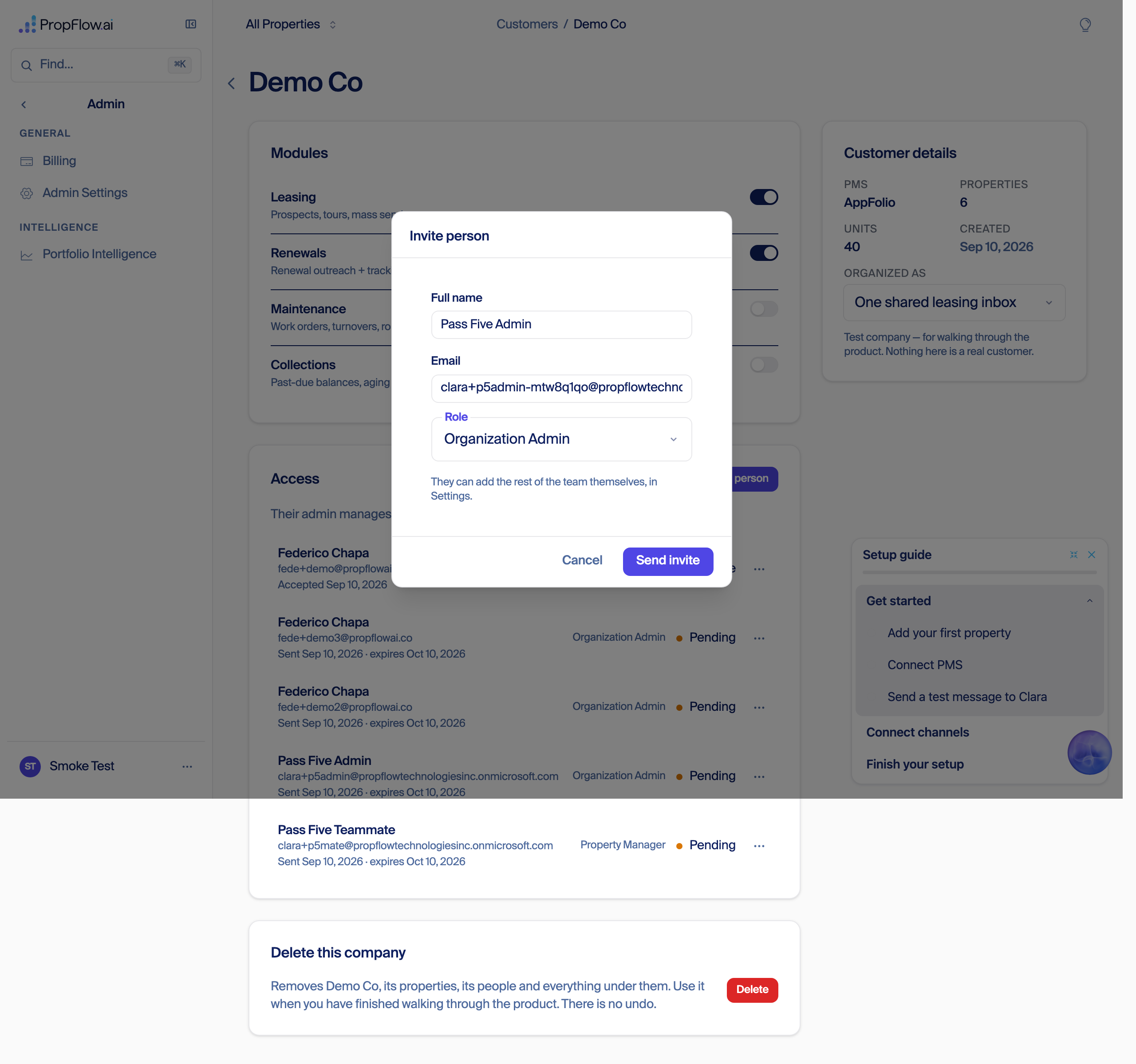
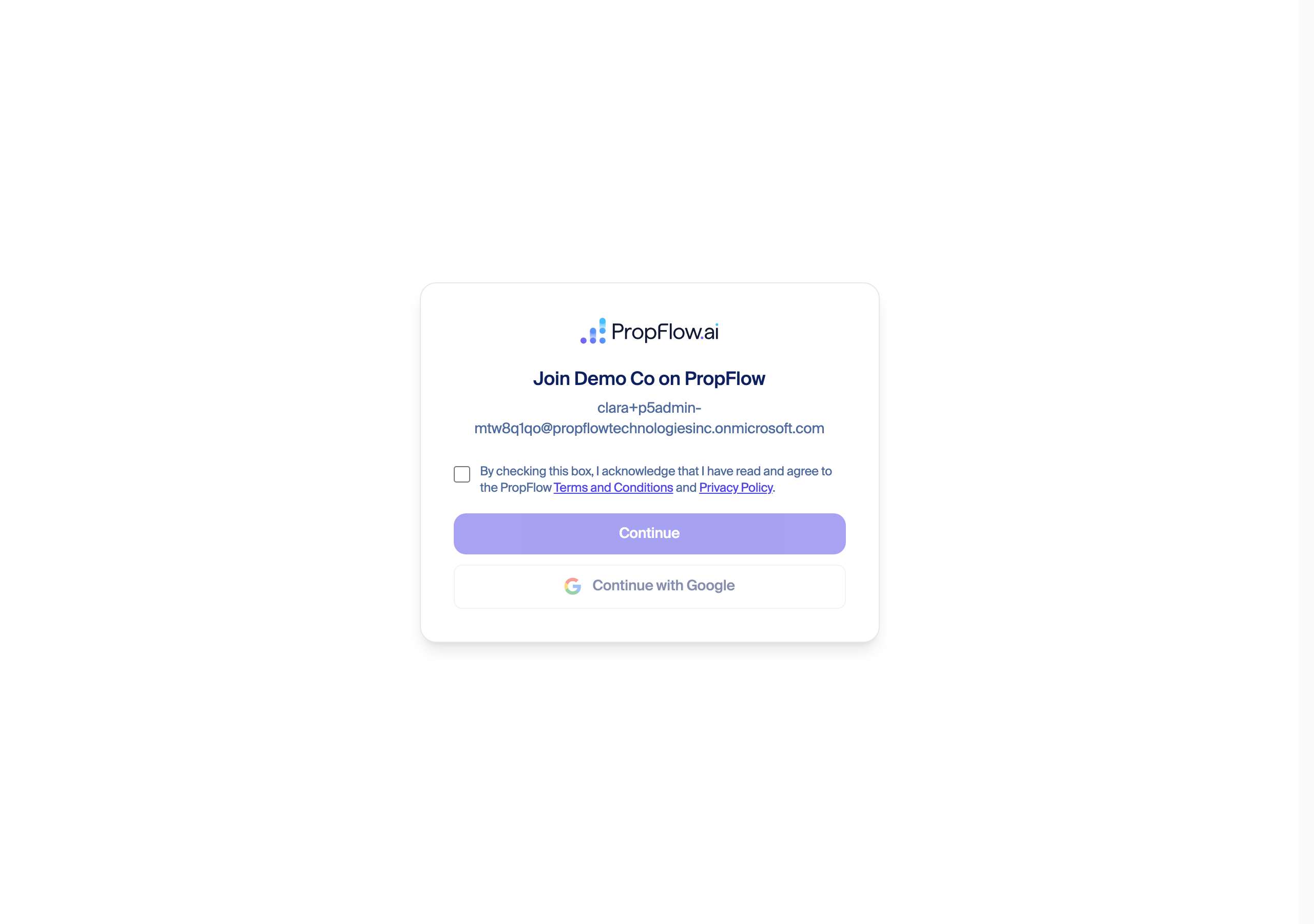
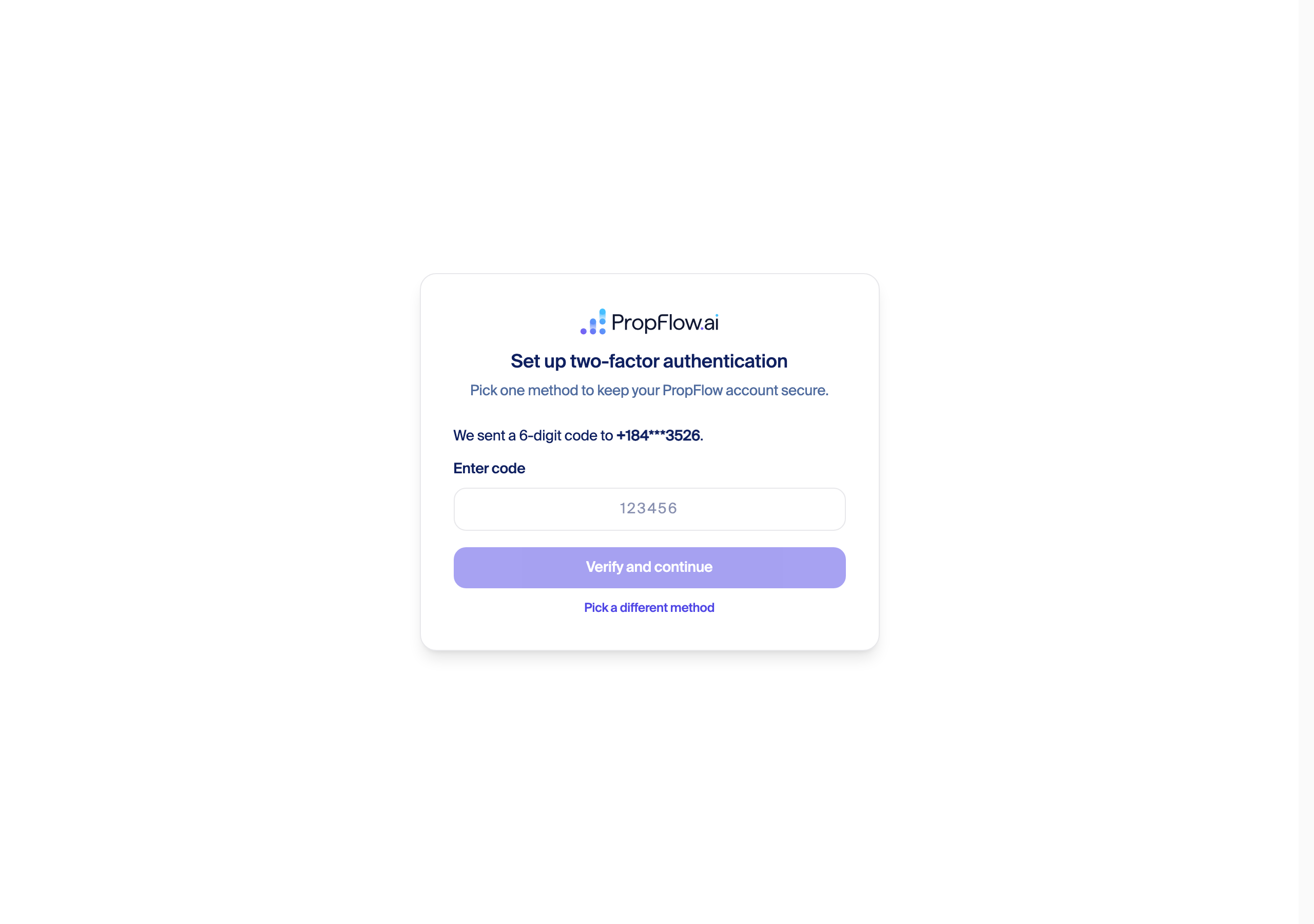
AppFolio: real defect, reproduced three times
demo and the demo client id/secret, and the buildings screen that follows is genuinely one of the nicest in the product — six named buildings, addresses, unit/tenant counts, a running total ("6 of 6 properties · 40 units · 31 tenants"), one Continue button. Nothing is ever written. Checked directly in DynamoDB after three separate real attempts tonight: the org gets a real ATTACH#pms_credential row, and zero PROP# rows anywhere in the platform carry that organization id. A fresh admin invited afterward skips the AppFolio step entirely (correct — it's company-level) and lands with zero of everything. This matches a defect a prior pass already named tonight ("the wizard can finish with nothing imported, silently, P1") — still live. Proposed fix: the buildings screen's Continue action needs to confirm the import actually wrote rows before advancing, and surface a failure instead of silently continuing. Size: M.Leasing email: real connection, confirmed two-screen defect
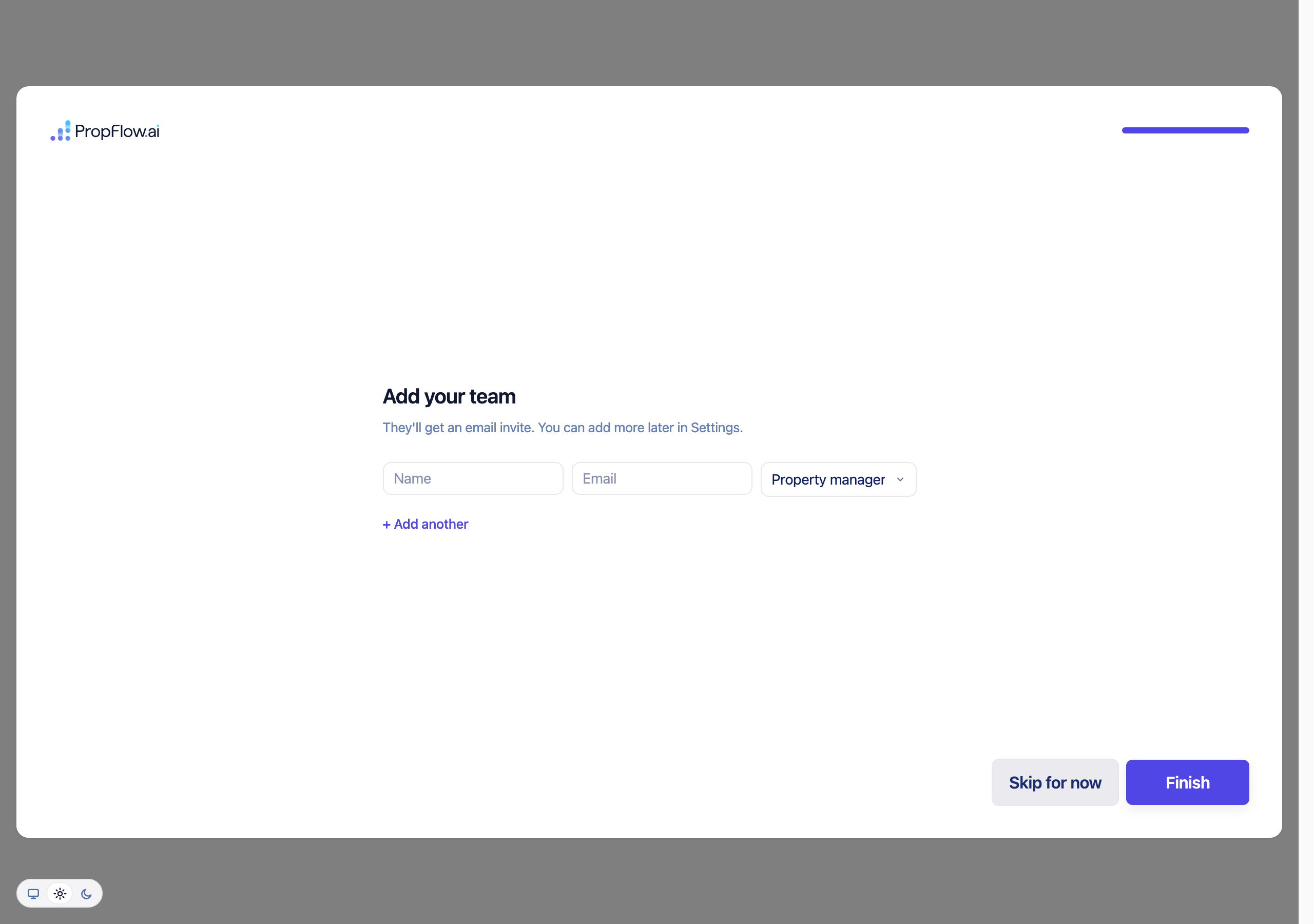
ATTACH#mailbox#primary and ATTACH#calendar#primary rows. A subsequent admin correctly skips straight past both AppFolio and channels to the team step, which is the "one Microsoft approval for the company" design working as intended. Recommendation: collapse the chooser and the old screen into one, porting the real connect action into the new chooser design (recommended) rather than deleting the new screen or leaving both.Team step and finish
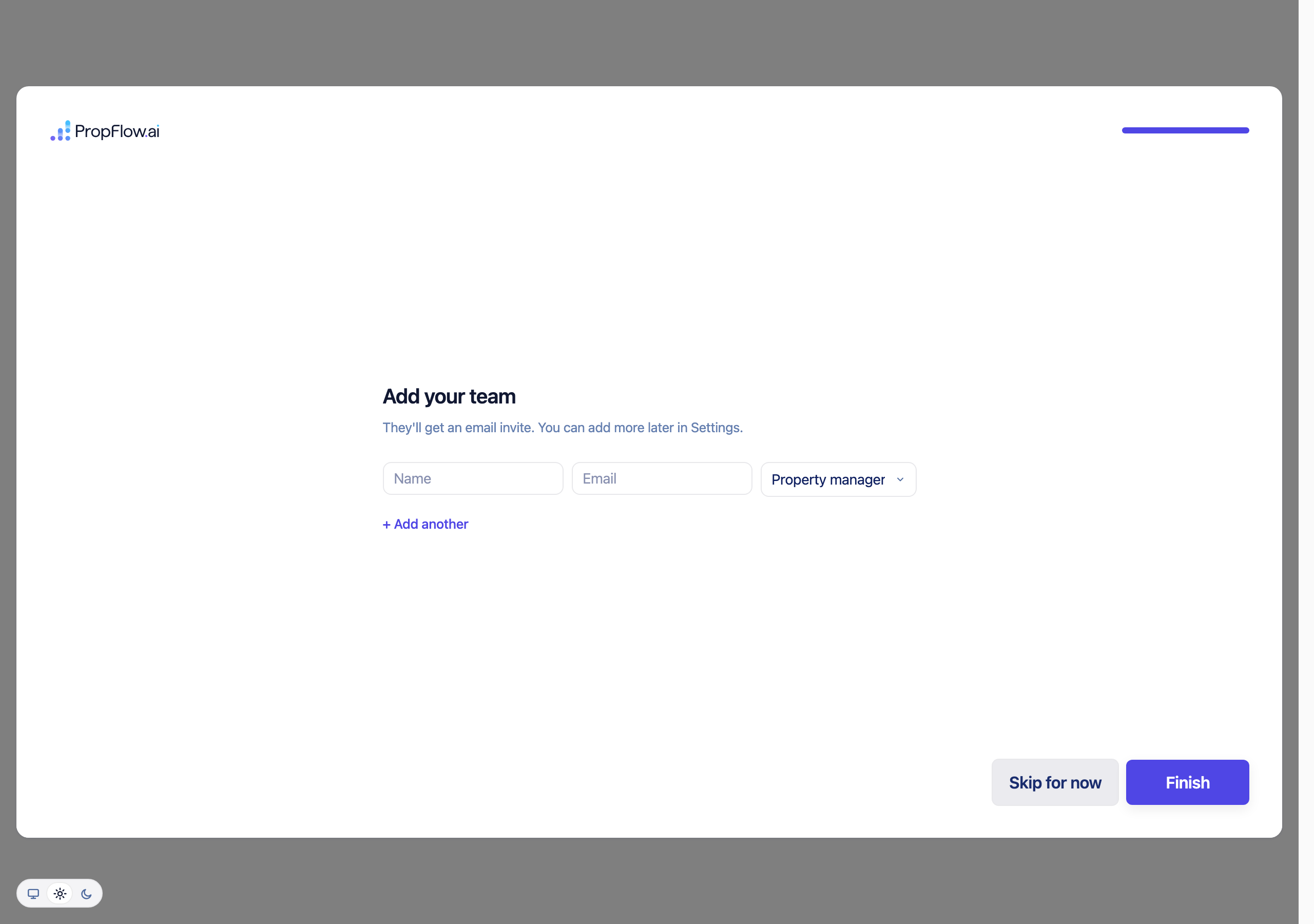
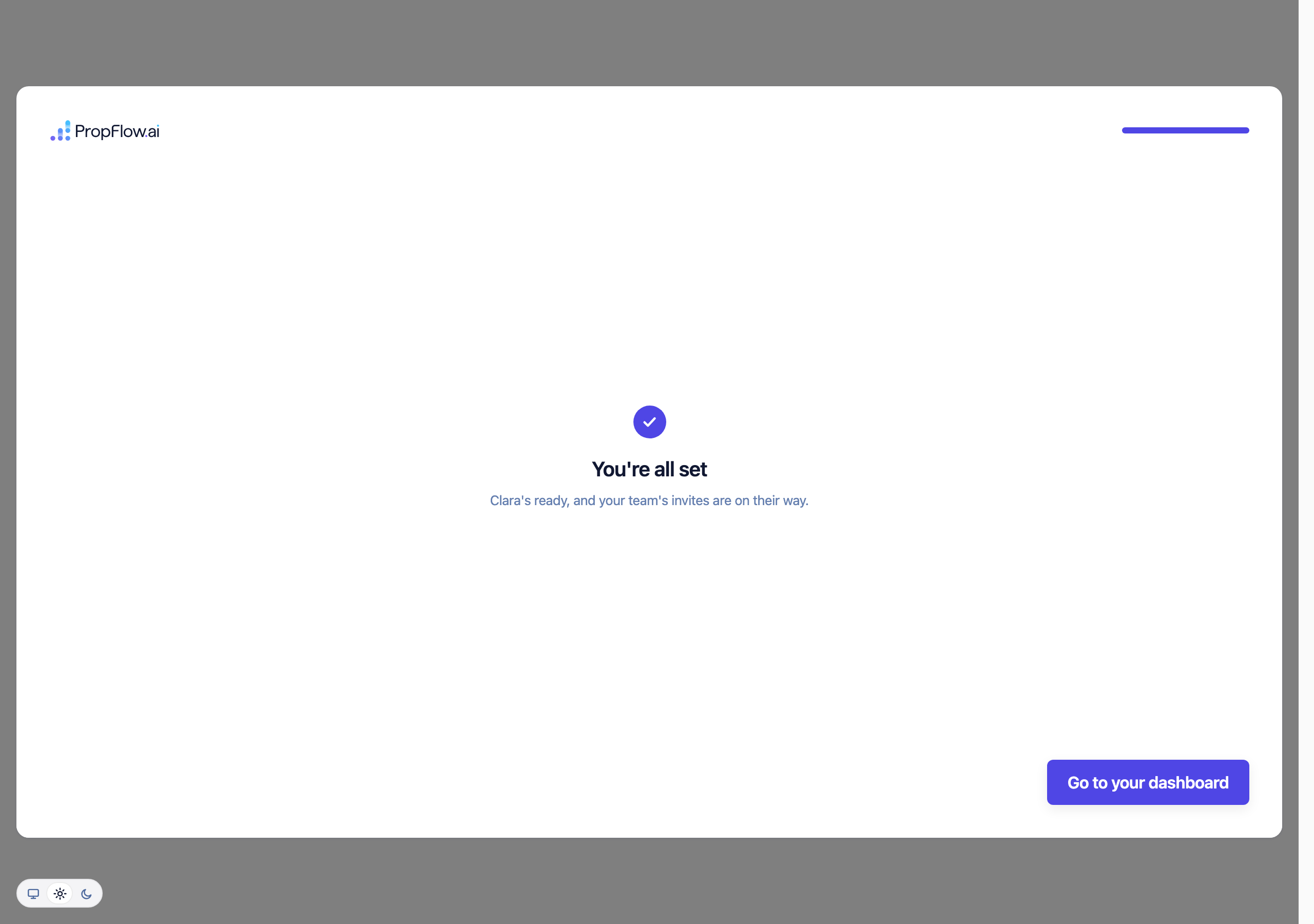
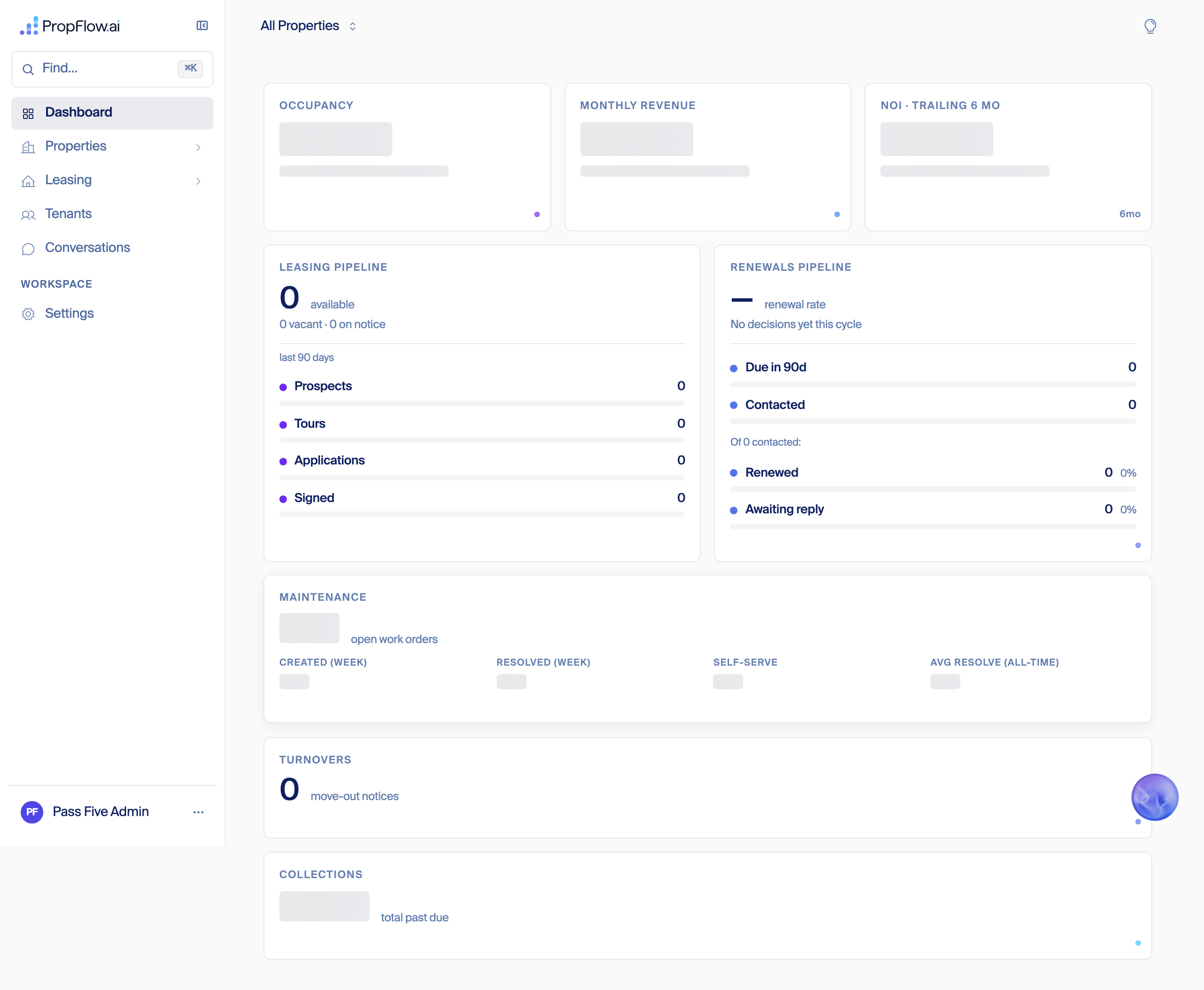
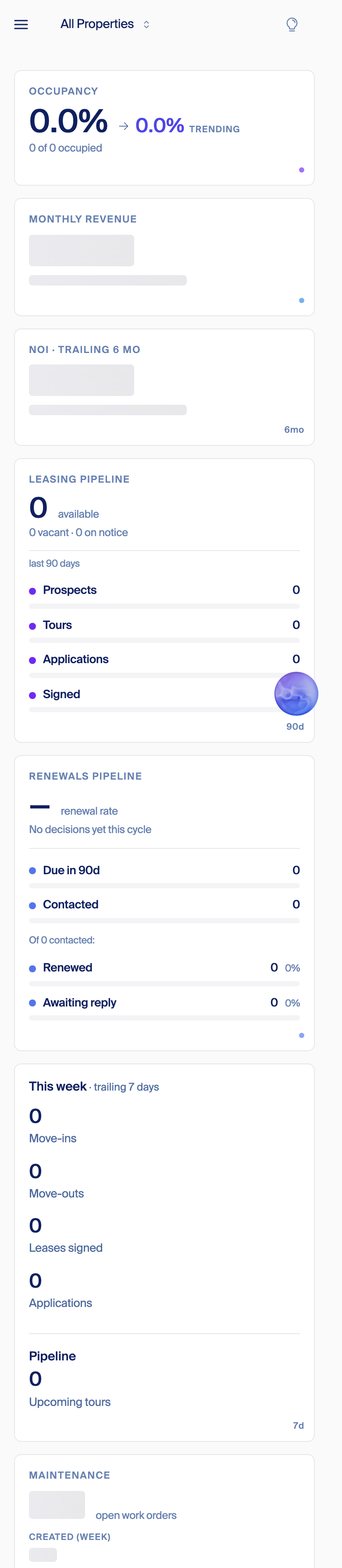
agents/006/terms-acceptance/prod-run/pass5.mjs driving the real production routes headless (Playwright), Twilio's own message API for the SMS code, Microsoft Graph app-only credential for reading the invite mailbox, direct DynamoDB reads (propflow-prod) for the ATTACH/PROP verification — never inferred from the screen alone. Full evidence and screenshot index: ~/agents/006/terms-acceptance/campaign-2026-09-10/PASS-5.md and ~/agents/006/screenshots/prod-pass-5-2026-09-10/.
Pass 6 — fresh Test company: accept → AppFolio → email (skippable) → team (optional) → done, all clean (Sep 11)
~/agents/006/terms-acceptance/campaign-2026-09-10/PASS-6.md.# Step Verdict 1 Back office: create a fresh Test company PASS 2 Real invite email PASS 3 Accept: terms checkbox + Continue PASS 4 SMS second factor PASS 5 AppFolio: database demo, buildings picker screenPASS 6 Leasing email: ONE screen (PR 7706), then Skip for now PASS 7 Team step: add teammate + Skip for now present PASS 8 Finish → PROP# rows for org (expect 6) PASS — 6/6 9 Dashboard has no Setup guide card PASS 10 Cleanup: delete Test company, confirm 404 PASS /settings); and the sign-in-mismatch "one-click switch" button is visibly present and correctly worded on screen (reproduced identically on all three runs tonight) even though the harness's own selector under-counted it.Leasing email — PR 7706 proven live, and skippable
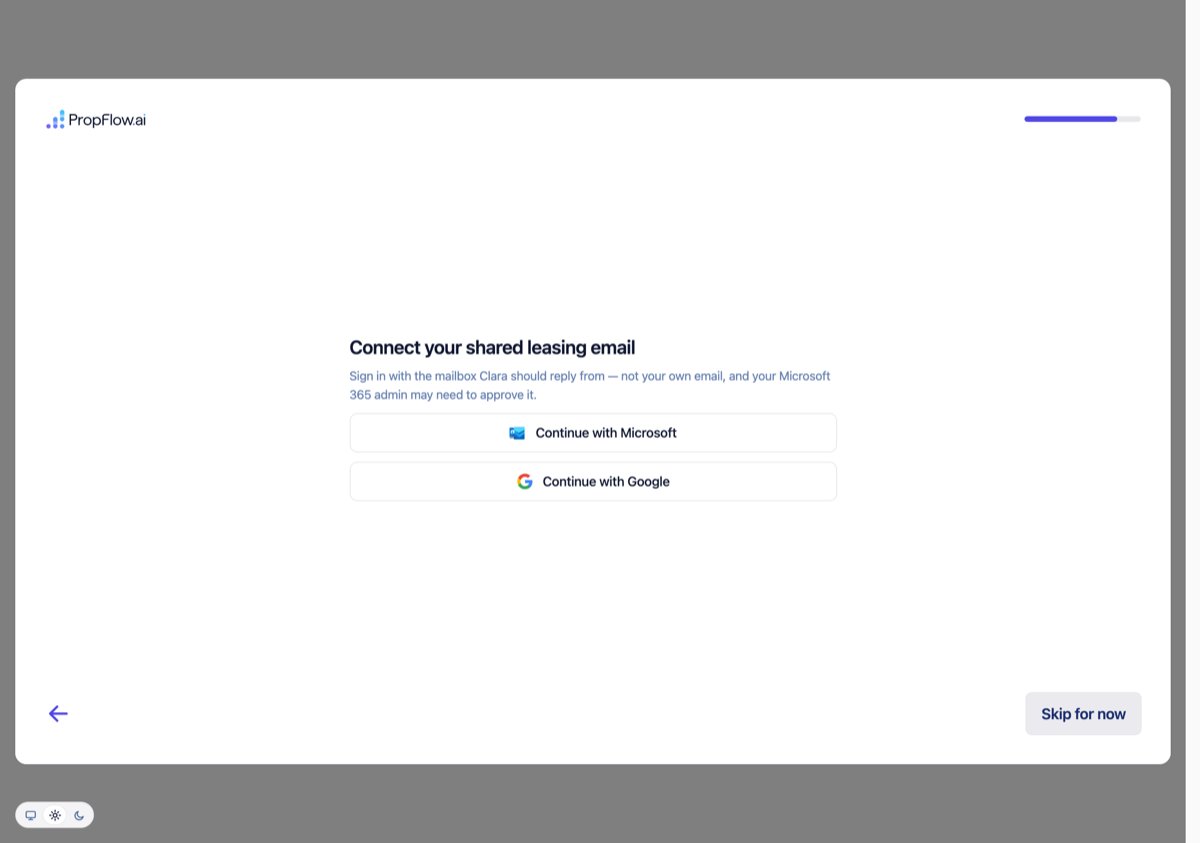
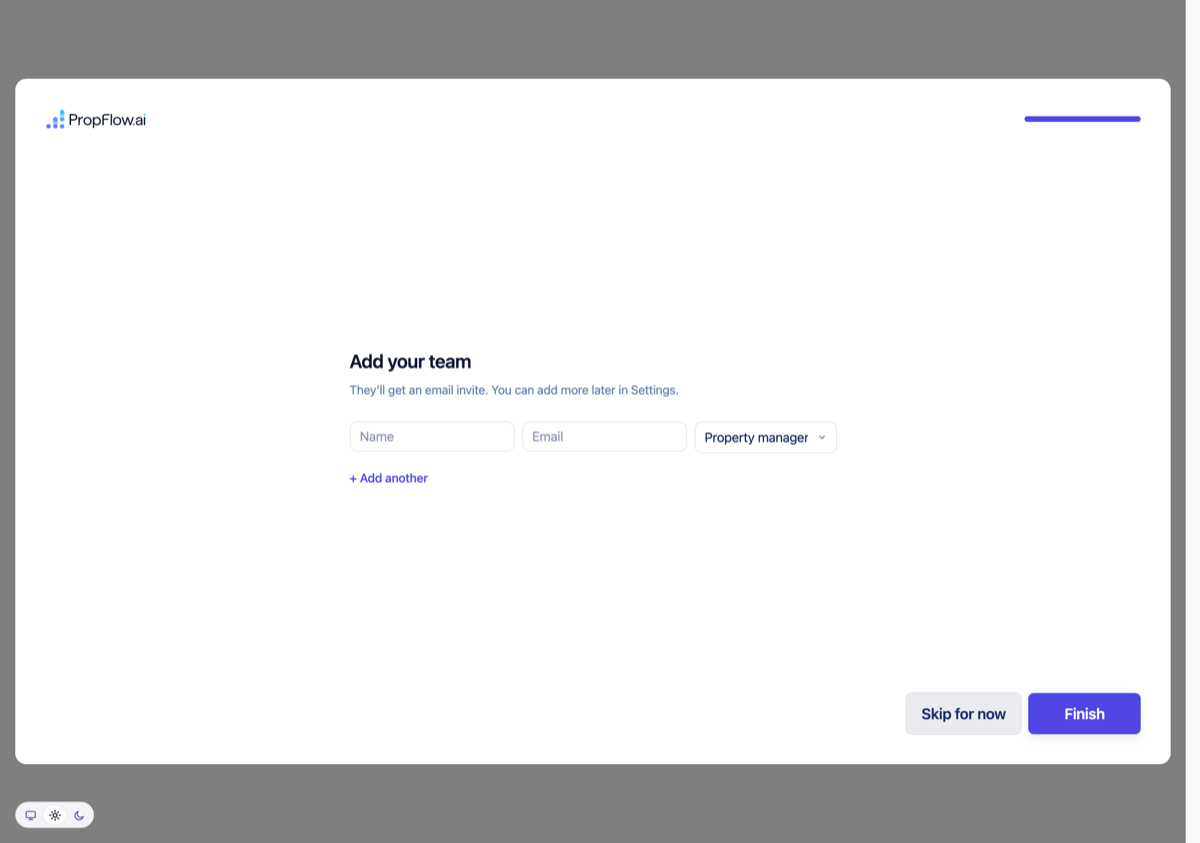
Finish — fixed
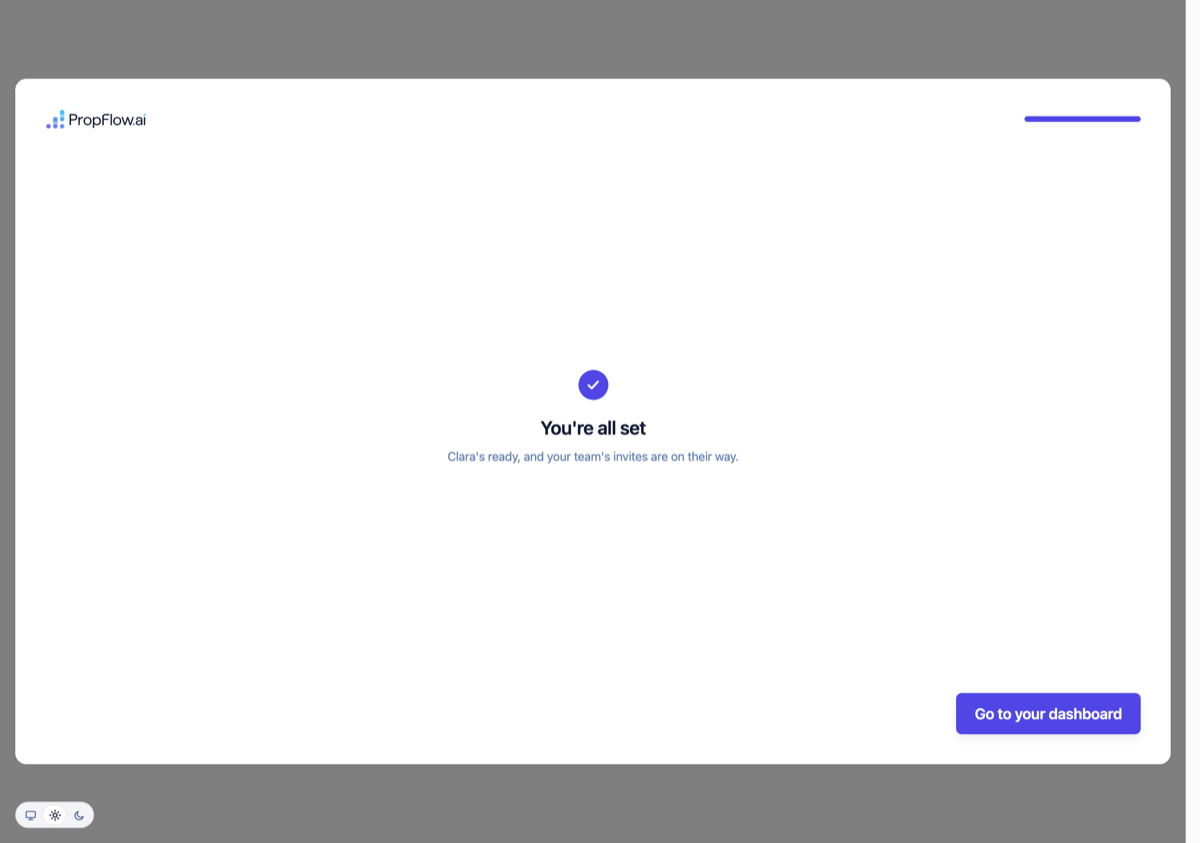
PROP# rows for this organization.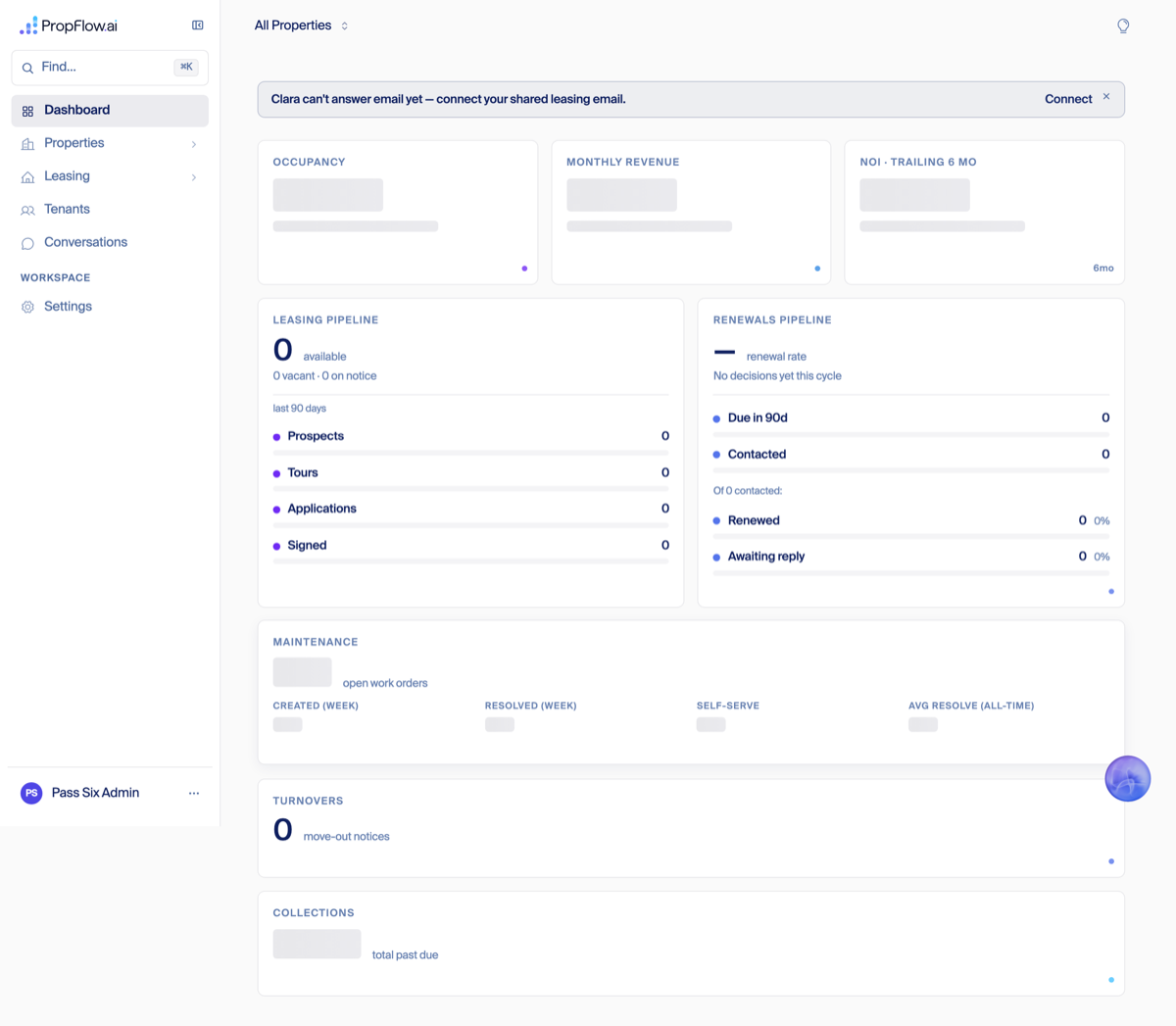
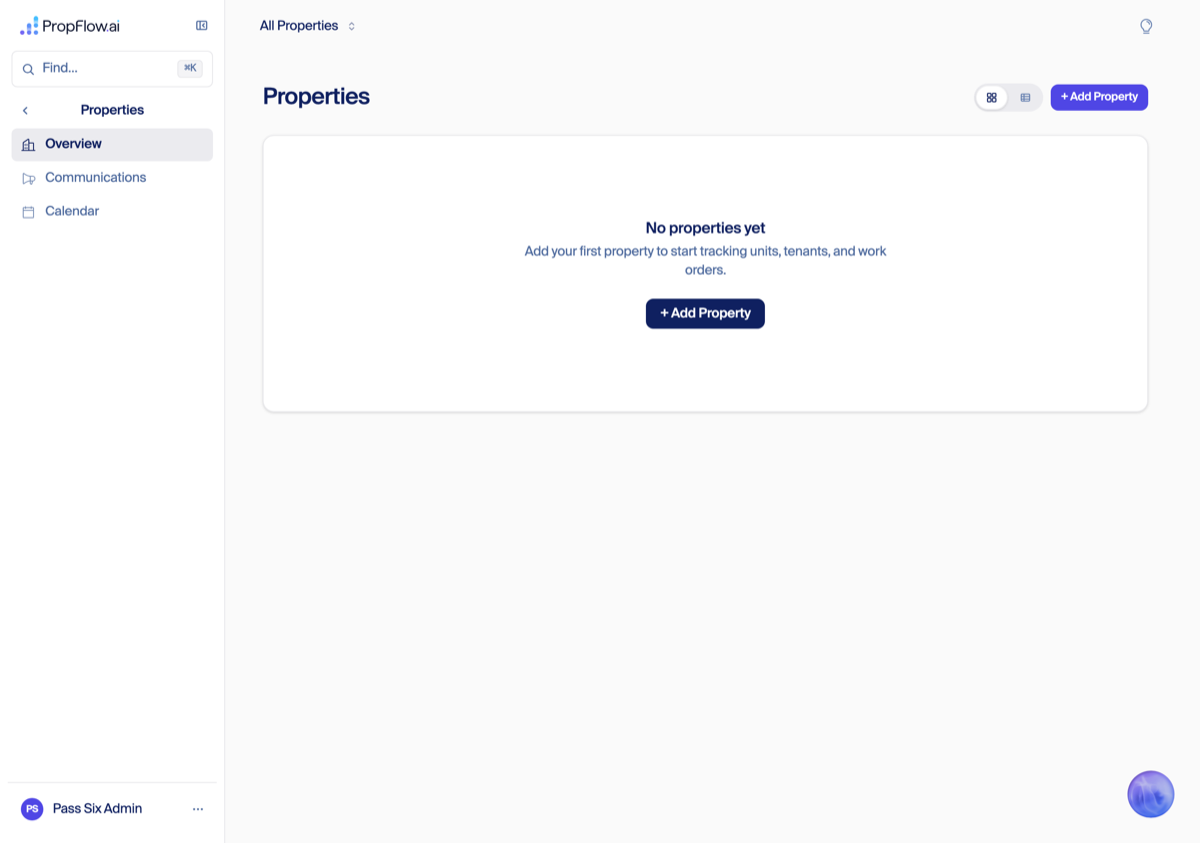
Sign-in mismatch — genuinely clean, confirmed on all three runs
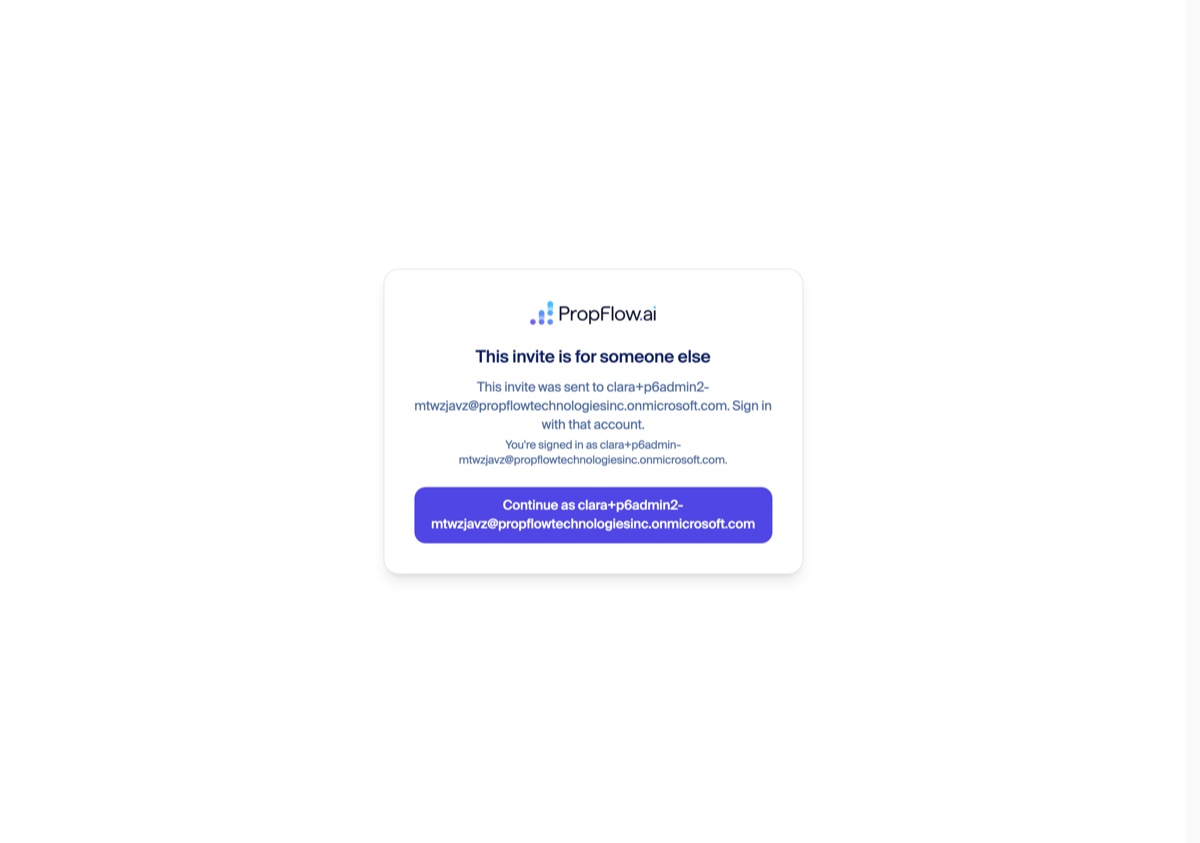
Company creation, invite, and the team step
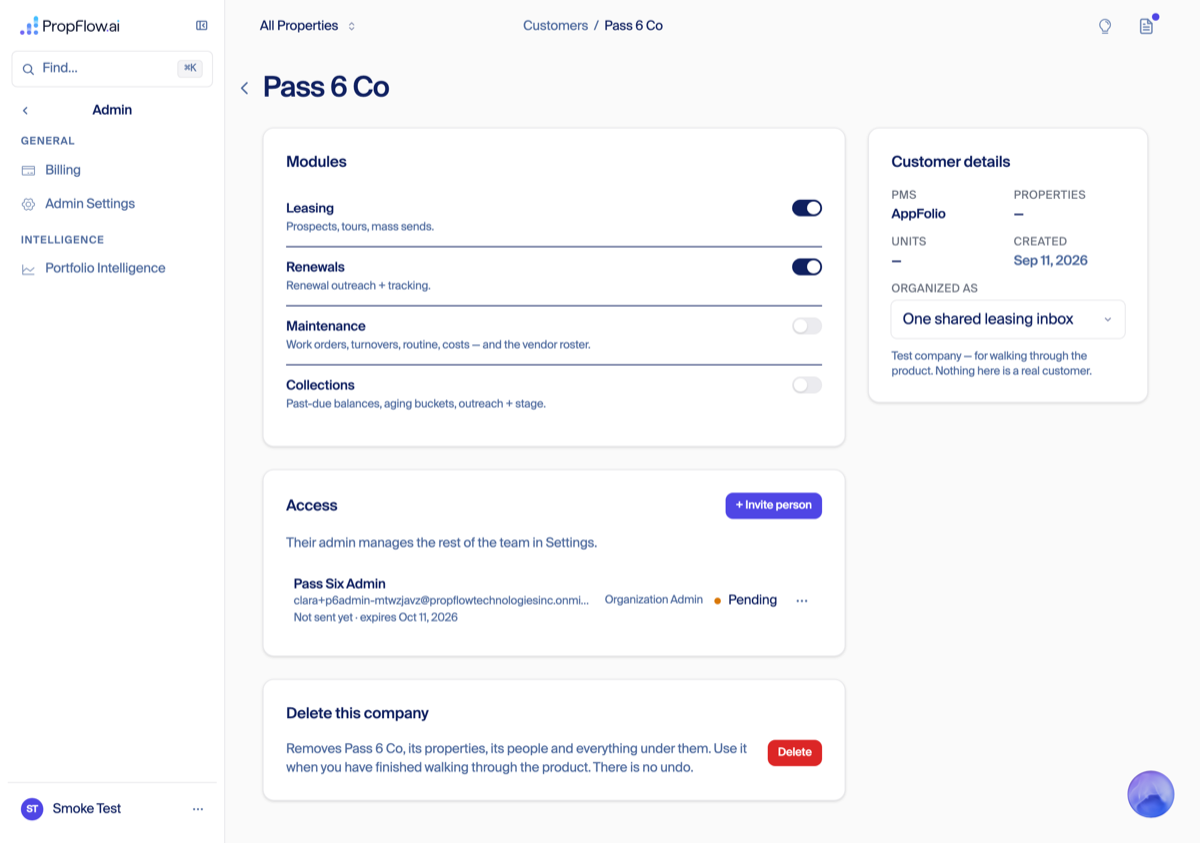
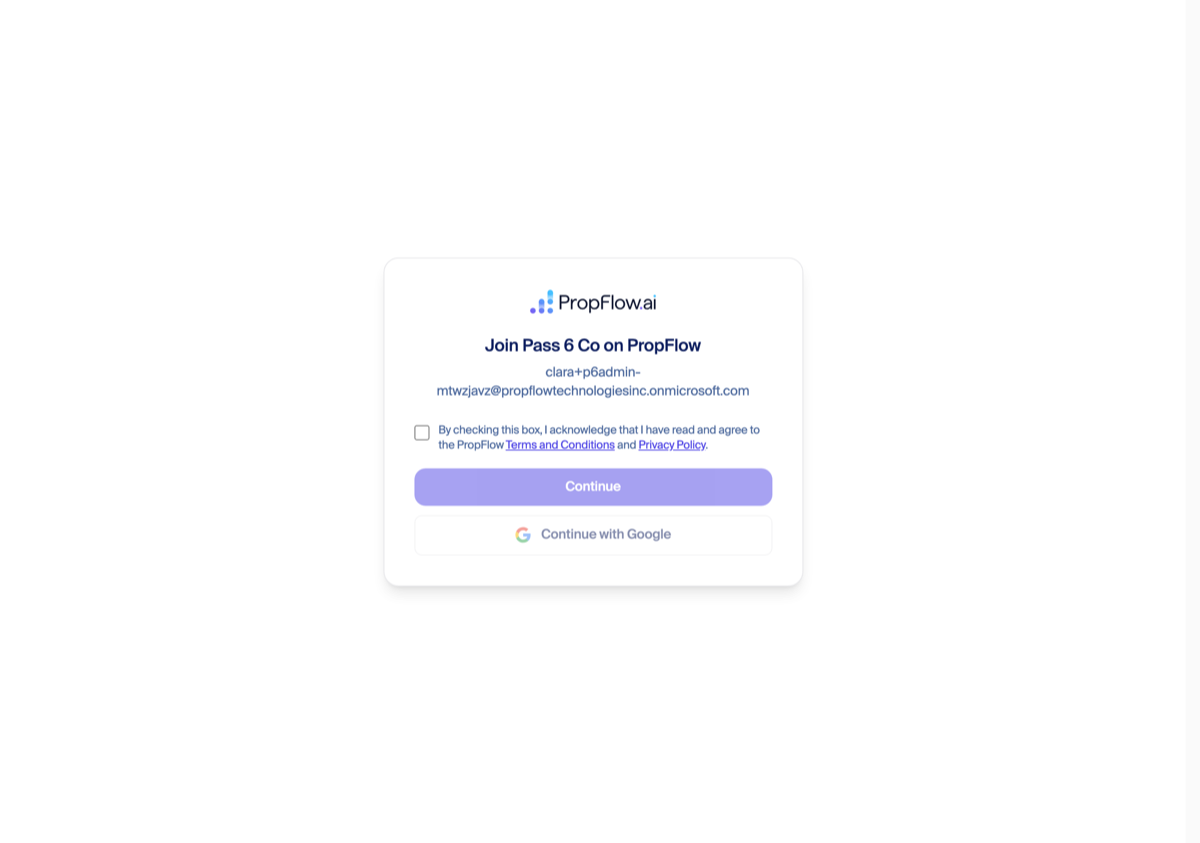
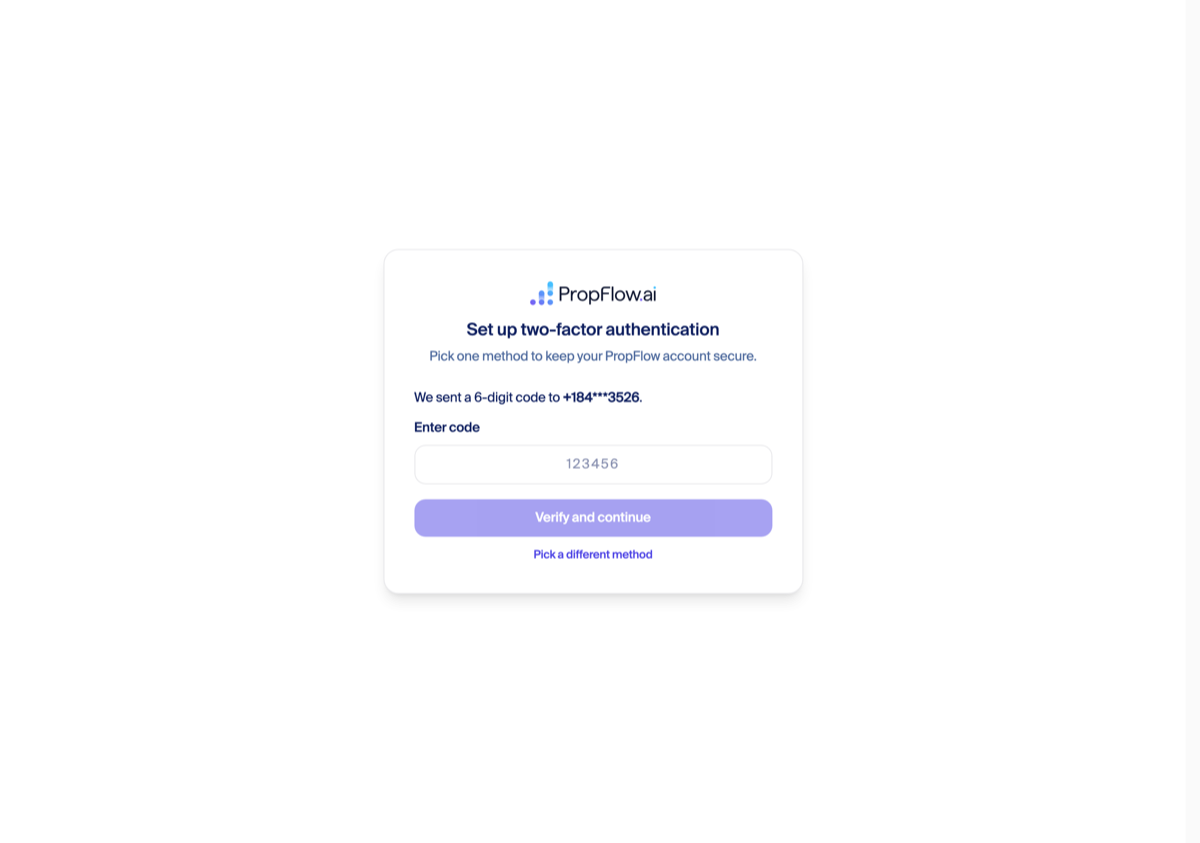
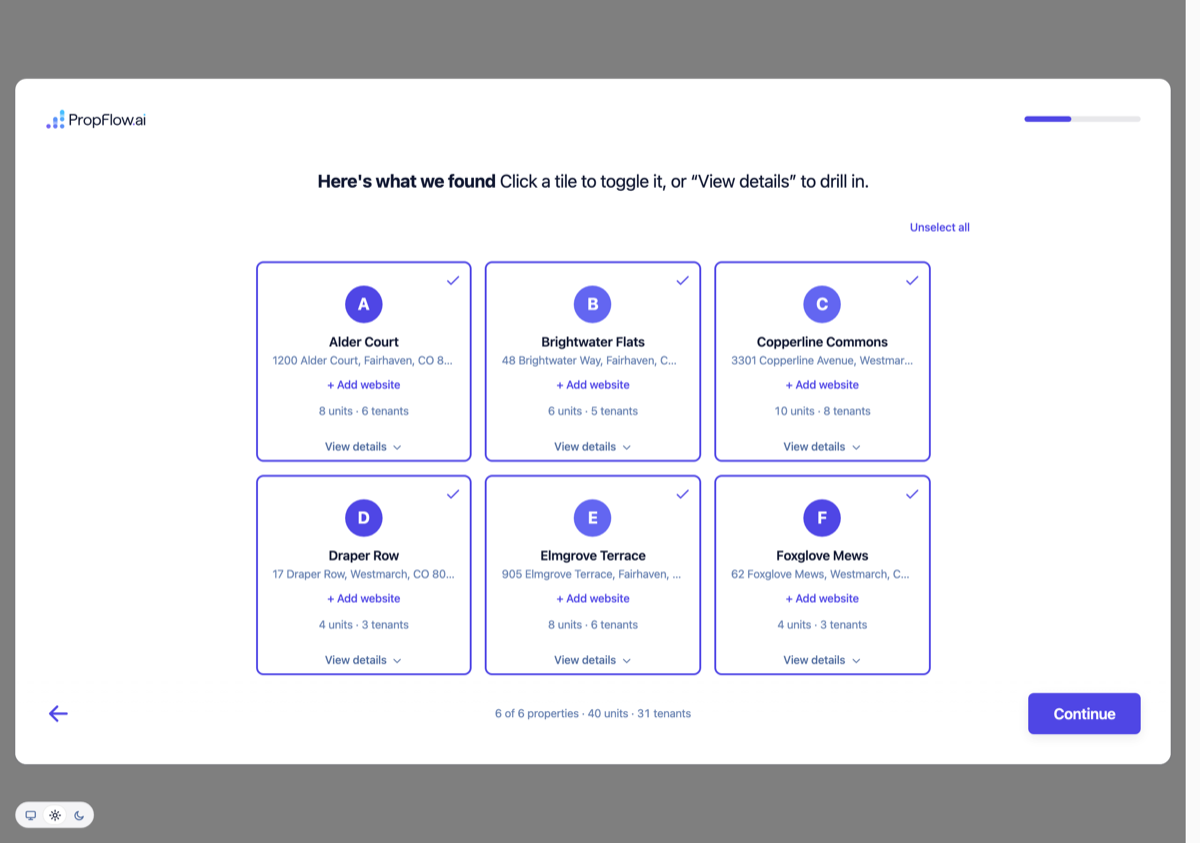
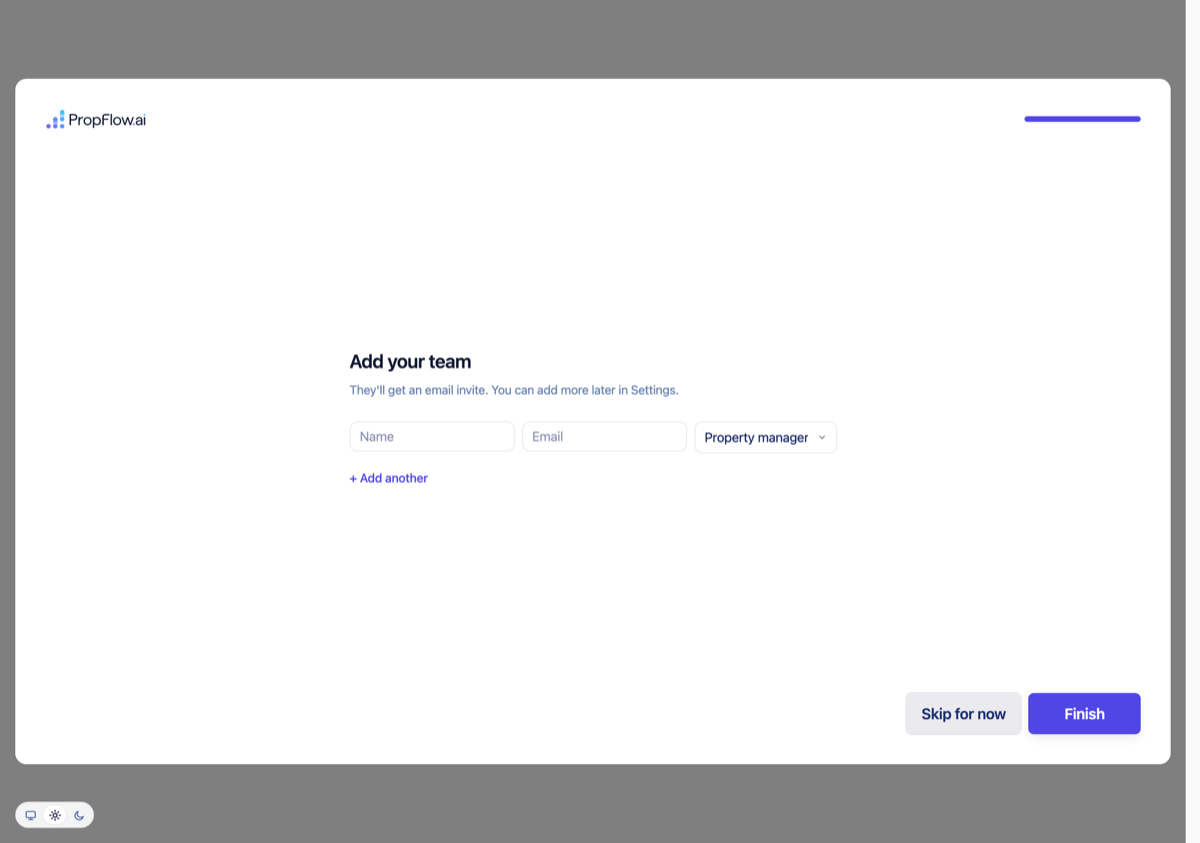
What changed tonight
agents/006/terms-acceptance/prod-run/pass6.mjs driving the real production routes headless (Playwright), Twilio's own message API for the SMS code, Microsoft Graph app-only credential for reading the invite mailbox, direct DynamoDB reads (propflow-prod) for org/PROP#/residual verification, and direct reads of src/app/api/onboarding/complete/route.ts / src/app/api/onboarding/pms/appfolio/import/route.ts for the import mechanism — never inferred from the screen alone. Full evidence and screenshot index: ~/agents/006/terms-acceptance/campaign-2026-09-10/PASS-6.md and ~/agents/006/screenshots/prod-pass-6-2026-09-11/.Real credentials, not the demo fixture: JP&Co's own AppFolio account proven end to end (Sep 11)
demo fixture database, which never calls AppFolio at all. Pass 6 also found a real dead end on that demo path: the demo fixture's six buildings collide with Demo Co's own copy of them, so a demo-credential test run cannot finish. This run answers the actual question Jay Taylor needs answered before tomorrow morning: does the wizard work with a real, live AppFolio account? Yes.210ffecf45, unmodified) on a local server pointed at PropFlow's own sandbox database (propflow-stage) instead of the real customer database (propflow-prod) — same file, same line, same AppFolio calls, just a different place to write the results. JP&Co's real AppFolio login was read once, read-only, out of the real production vault (never written anywhere in plain text, never printed — only the last 4 characters of the key ever appear anywhere in this write-up). Nothing here touched a real customer's data: JP&Co's actual account record in production was compared byte-for-byte before and after, and it never changed.# Step Verdict 1 Back office: create a fresh test company, real invite flow PASS 2 Accept invite: terms checkbox + Continue, real sign-in PASS 3 AppFolio connect: real database + real key, live probe PASS 4 Buildings sync: real portfolio pulled live from AppFolio PASS — 3 properties / 156 units / 865 tenants 5 Review screen shows the real portfolio PASS 6 Leasing-email step PASS (reached, moved past) 7 Team step: Skip for now → Finish PASS 8 "You're all set" → dashboard PASS 9 Properties page shows the real buildings, real addresses PASS 10 JP&Co's real production account: before/after compare PASS — byte-identical, untouched Connecting the real account
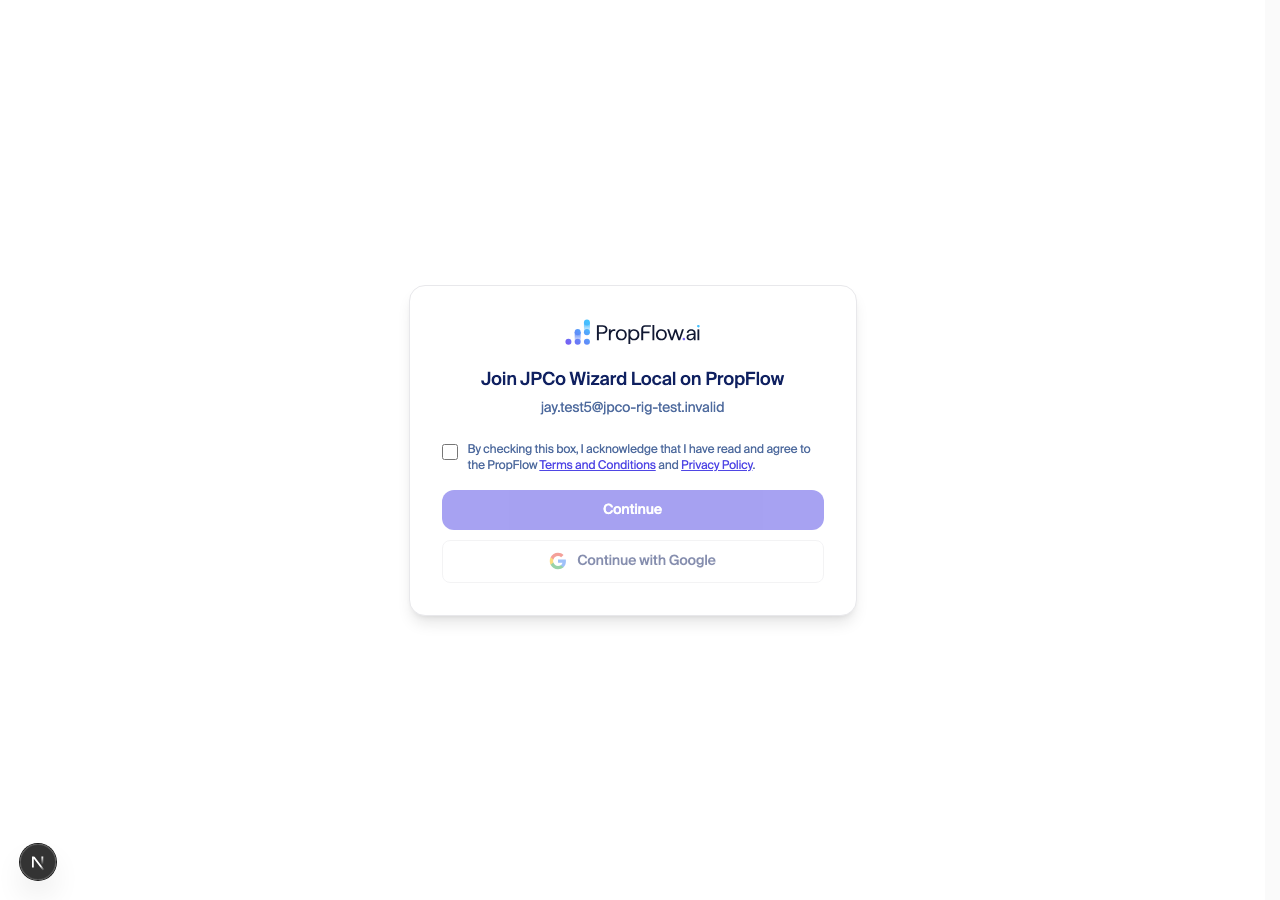
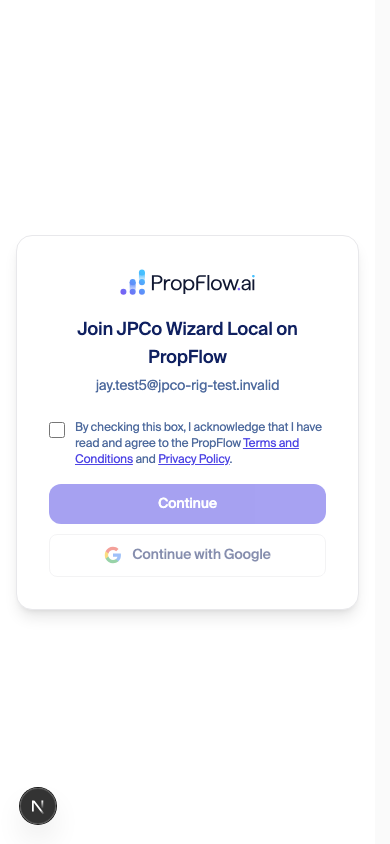
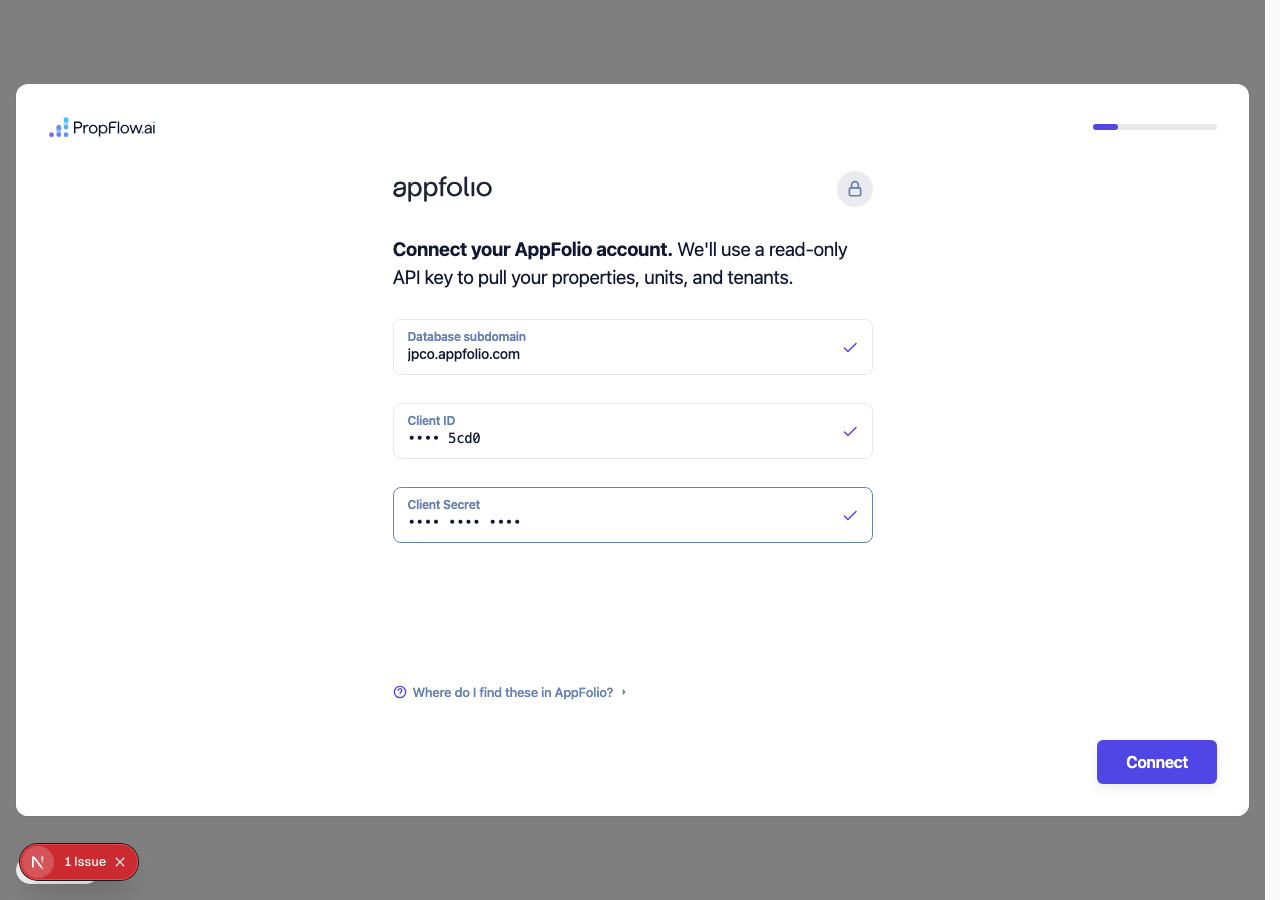
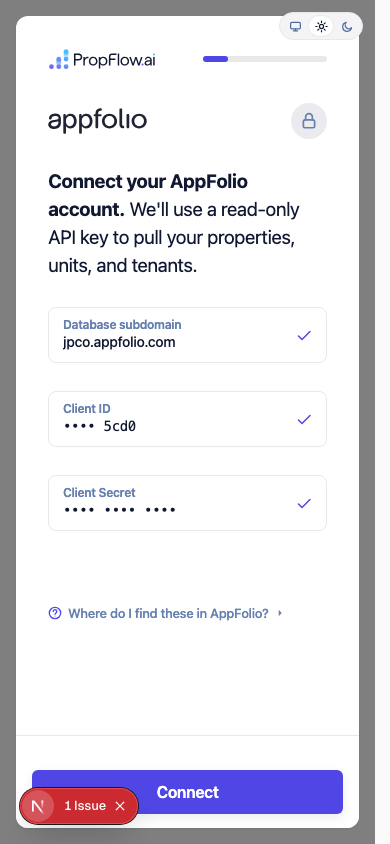
jpco.appfolio.com — JP&Co's real, live AppFolio account, not the built-in demo fixture. The key is shown only as its last four characters; the full key and secret never appear on screen, in a log, or anywhere in this write-up.
Pulling the real portfolio
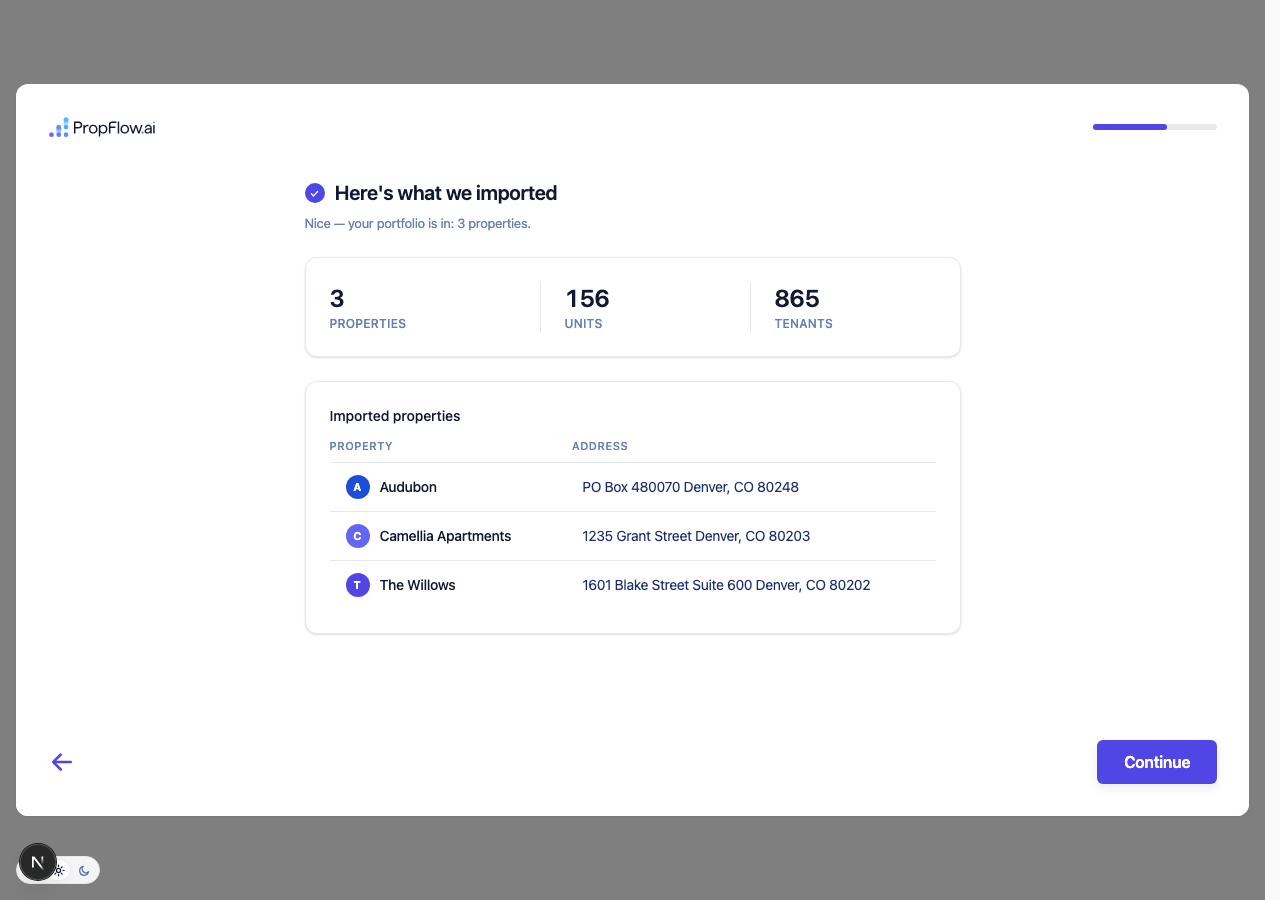
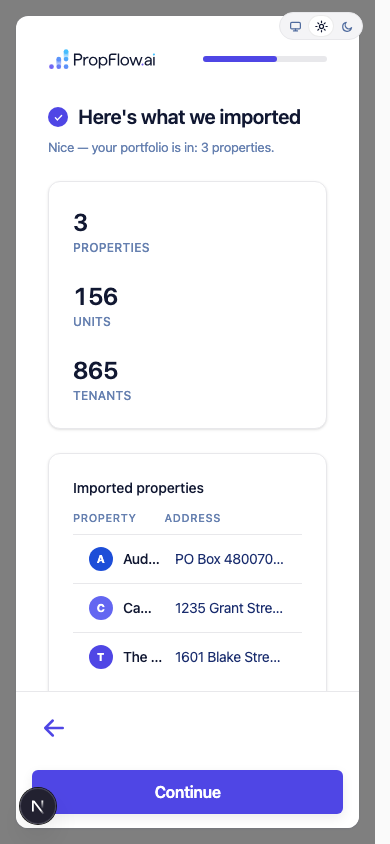
Finishing and seeing the real data as a customer would
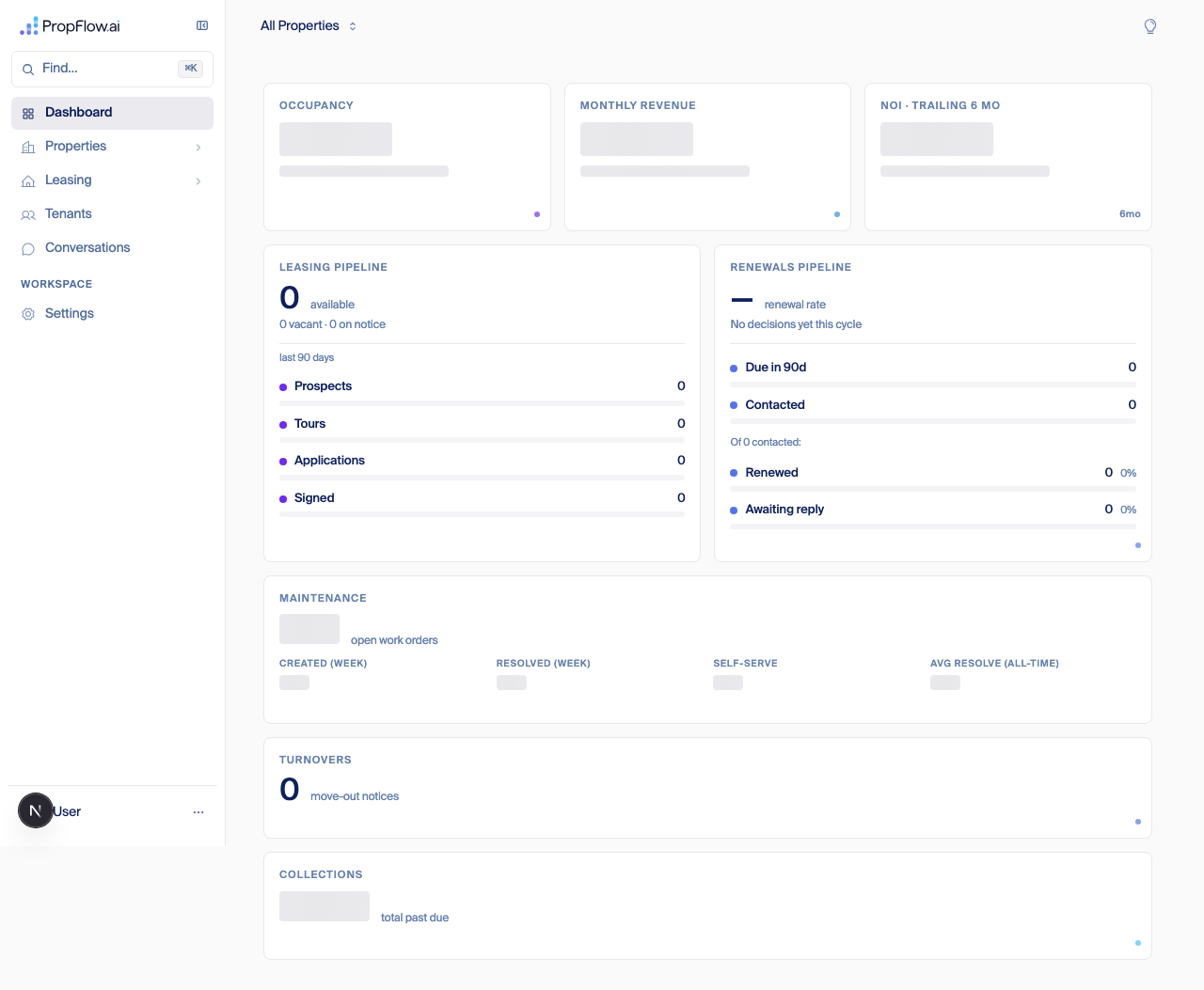
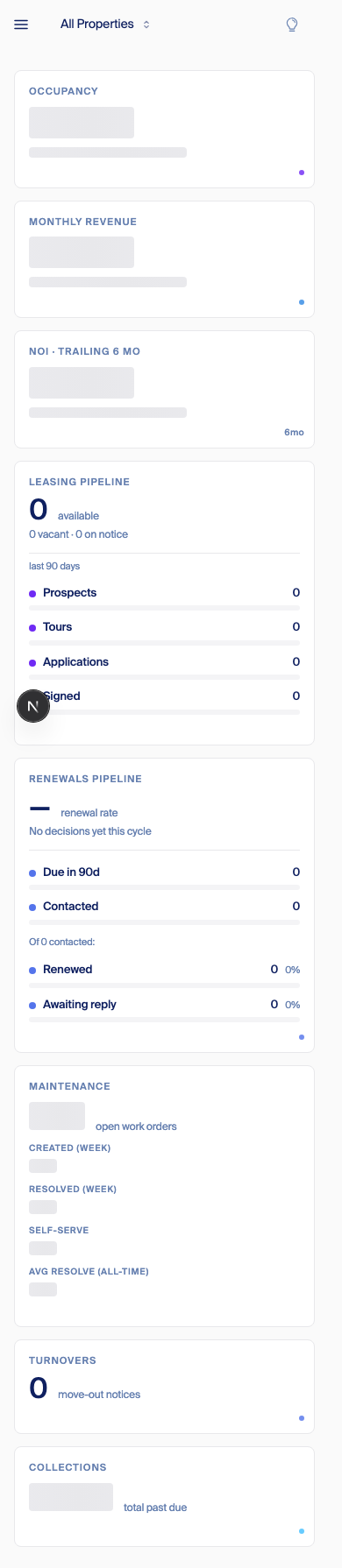
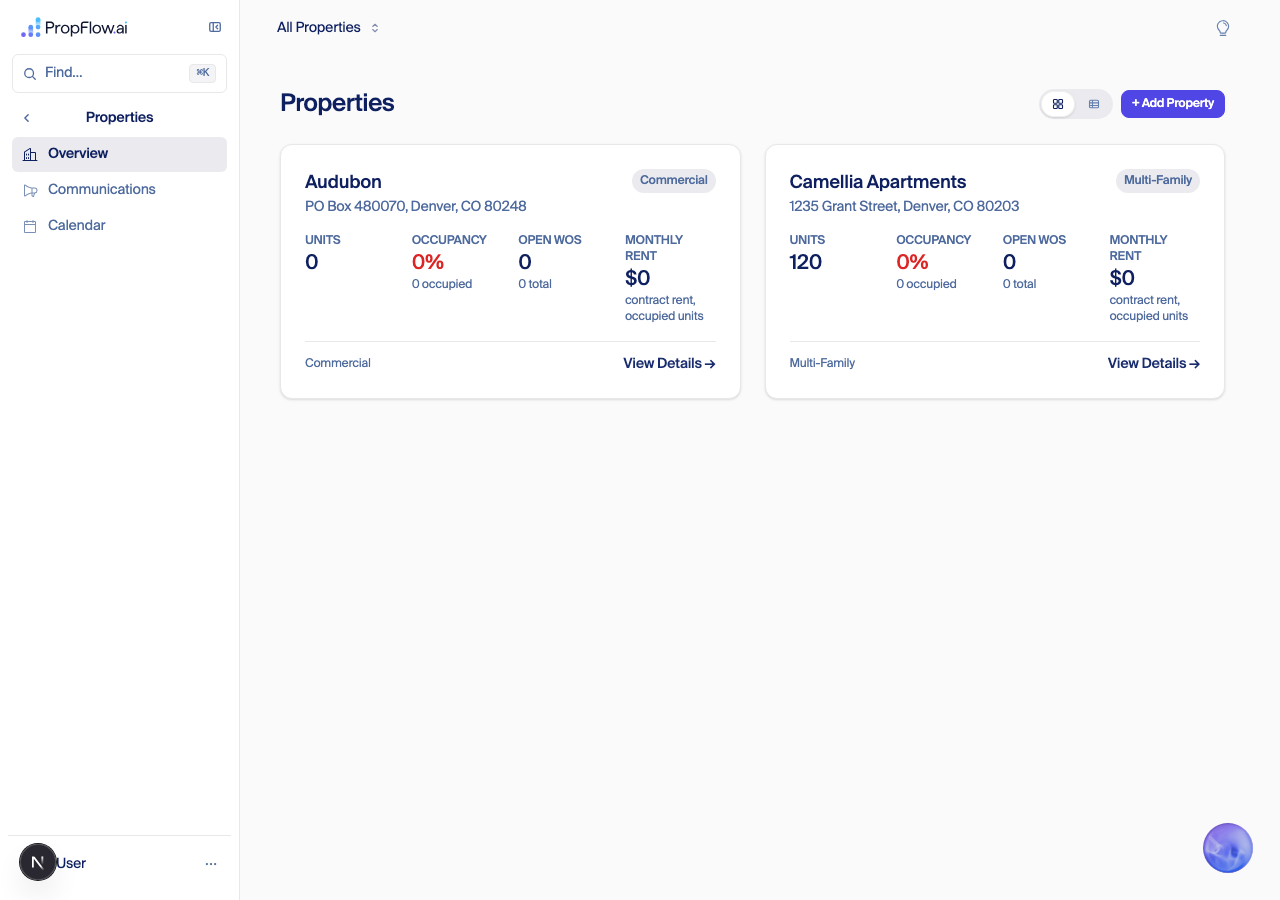
Proof nothing touched the real customer
One thing found and already being fixed
210ffecf45) run on a local server against PropFlow's own sandbox database, driven headless (Playwright) through every real screen at both desktop and phone sizes; JP&Co's real AppFolio key read once, read-only, from the encrypted production vault (never written in plain text, never logged); direct database reads confirming the real portfolio landed and confirming JP&Co's actual production record never changed. Full evidence, every screenshot, and the source citations: ~/agents/006/jpco-wizard-run-2026-09-11/REPORT.md and ~/agents/006/screenshots/jpco-real-appfolio-run-2026-09-11/shots/.Proposed — pending review: how Clara goes live at a new customer (Sep 11)
What we found in our own product today
What the industry does
Options for PropFlow
Option What it means Pros Cons A — one switch per company (Recommended) Off by default. The customer connects everything during onboarding as normal. For a few days, our own team runs dry runs at that customer's property — sending test emails, texts, and calls ourselves and reading what Clara would have said, without any of it reaching a real resident. Once we're confident, Fede flips the one switch and Clara goes live everywhere for that customer at once. Simple. Matches how small we are today (two live customers). Builds directly on the switch already underway. Email, text, and phone calls all turn on together — no way to trust one channel before another. B — one switch per channel per company Separate on/off switches for email, text, and voice, per customer. Turn email on first since mistakes there are cheapest, voice on last since a bad phone answer is the most jarring. Matches what most of the industry does. Three switches instead of one means more to keep track of and more places for us to make a mistake, at a stage where we only have a couple of customers to manage by hand anyway. C — full review-queue mode Clara drafts every reply and a person on the customer's team has to approve each one before it sends, for several weeks, before Clara is trusted to act alone. This is the standard big companies use for large rollouts. Means building a whole approval queue and putting a human in the loop on every message — the opposite of what we're building PropFlow to be. Also adds weeks of ramp-up for every new customer. What the customer sees while Clara is off
agents/006/research/go-live-staging-2026.md); current PropFlow behavior confirmed by reading the email-routing subscription script, the renewals arm/disarm switch, and the phone-line setup process as they exist today.Gap: one email, one company (Sep 11)
What we found (read-only production check)
The gap itself
Decision needed (multiple choice)
Option What it means Pros Cons A — one login, many companies (Recommended) Keep one login per person, but let a person hold membership in more than one company. They sign in once and pick the company (or land straight in it if there's only one). Role is set per membership, per company. Matches Gera's portfolio model, where the company is the wall and the resolver picks the company per request. Solves the consultant case and the staff-testing case for good. Needs a membership table and a company switcher; the resolver must never guess or default to "first company." B — one email, one company; give staff test mailboxes Keep today's rule. Give PropFlow staff a documented way to test as a second person, such as a propflowai.co alias per tester. Cheapest, ships today. Doesn't help a real consultant or regional manager who needs to work across two owners. C — allow duplicate logins per email Let the same email create a separate login per company. None found. Rejected: two logins sharing one password and one phone for MFA is confusing and weakens account security. Proposed — pending Fede: first AppFolio pull for a new customer — what we observed and the options (Sep 11)
Proposed architecture at a glance (Sep 11, 8:55 PM)
1 min5 min15 min30 min
↓
Rent roll× every property, every tick
Unit availability× every property, every tick
Tenant directory× every property, every tick
Guest cards× every property, every tick
Applications× every property, every tick
Renewals× every property, every tick
Tenant tickler× every property, every tick
Work orders× every property, every tick
Receivables× every property, every tick
Aged receivables× every property, every tick
Delinquency× every property, every tick
↓
AppFolio — one shared rate budget · 4 of 5 requests rejected on day one
↓
Our databaseonly rent roll and unit availability record "done"
Customer connects AppFolio
↓
Progress record per report
↓ hand-off when all stages are done
What we measured
Report Requests sent Properties finished (of 82) Rate-limited by AppFolio Rent roll 900 38 682 Unit availability 134 13 78 Tenant directory 561 0 425 Guest cards (prospects) 350 0 (all 82 touched) 282 Rental applications 1,112 0 875 Renewal summary (runs every minute) 5,842 0 4,480 Tenant follow-ups / tickler (runs every minute) 6,143 0 4,546 Work orders (runs every minute) 0 0 0 Receivables, aged receivables, delinquency 744 combined 0 526
Where the time went
Verdict (plain English)
Options
Also waiting on Fede (same customer)
Proposed — pending Fede's review: the Phone line settings screen (Sep 15)
The idea
The rows, and the setting behind each one
Row on the screen Setting Value Set at If nobody sets it The number that rings here phone_line attachmentshown, never typed — a number belongs to exactly one company or building company or building no line, no calls Greeting greetingfree text, or empty for Clara's standard opening company · building · brand Clara's standard opening, built per call Offer a second language new greeting.second_languagenone · Spanish company · building none Office hours office_hoursopen and close per day, plus the holiday policy company · building 9:00–18:00, and the office is treated as closed whenever the hours are unreadable Time zone timezone (building) / org.timezonea zone building; company only when no building is known refuses — hours cannot be judged without it The number Clara reads out office_phonethe public number company · building Clara does not read a number out Where calls go Leasing transfer.leasing + capability_stage.leasingClara handles it · ring a number · take a message company · building Clara handles it, once leasing is live Maintenance maintenance.intake_routeClara handles it · ring a number (+ digits to press) company · building refuses — nothing is guessed Emergency life safety emergency_phone, emergency.route.residentiala number, always dialled, in or out of hours company · building refuses — the line will not go live Asks for a person transfer.anyring a number · take a message company · building refuses Calls outside office hours new after_hours.routetake a message · ring a number company · building take a message — today's behaviour Who receives a taken message new message_toan email address, a person, or both company · building refuses — see below transfer.any — the registry's existing "human" slot — rather than a new key. See the first decision below.The screen
Settings › Phone line
Showing
Whole companyOne building ▾
Every row below is set for the whole company unless a building overrides it.
The line
Callers reach Clara on this number. Numbers are attached, not typed.(970) 822-0641CompanyLeave empty for Clara's standard opening.Hi, it's Clara at Western Slope Property Management — what can I help you with?DefaultAdded to the same greeting: "para español, diga español".SpanishCompanyMon–Fri. Federal holidays observed.9:00 AMto6:00 PMDefaultMountain — America/DenverCompanyThe public office number. Not a transfer destination.Not set—
Where calls go
Availability, pricing, booking a tour.Clara handles itCompanyA repair, a leak, a broken appliance.Ring a number(970) 695-8684press 1CompanyDialled at any hour, in or out of office hours. The line cannot go live without it.(970) 695-8684press 1CompanyThe caller wants a human rather than Clara.Take a messageCompanyEmergencies are never held for the morning.Take a messageCompany
When Clara takes a message
Required. A message with nowhere to go is not saved.Not set — required—Fixed wording, so no one has to write a script."I'll take a message and someone will call you back."The same screen at three customers
Row Camellia — today, in production Western Slope — for Thursday Fairhaven Residential (TEST) The number that rings here mapped in code, not on any row (970) 822-0641 (720) 807-1724 Greeting Clara's standard opening Clara's standard opening Clara's standard opening Second language none — one building, no offer Spanish — a portfolio line always offers it Spanish Office hours from the knowledge document, no screen not on file → treated as closed not on file → treated as closed Time zone America/Denver America/Denver America/Denver Number Clara reads out (720) 936-2043 not set not set Leasing Clara handles it — live Clara handles it — stage is still "watch only" Clara handles it — live Maintenance Clara, with a tech number for dispatch: (720) 404-4567 Ring (970) 695-8684, press 1 — their 24/7 centre, as pressing 9 does today Clara handles it — maintenance is off at this test company Emergency (720) 989-0100 (970) 695-8684, press 1 — the same 24/7 line carries emergencies not set — the line cannot go live Asks for a person Ring the office, (720) 936-2043, during hours Take a message — they have asked for no human transfer Take a message Outside office hours Take a message Take a message Take a message Messages go to camelliaapts@jp-co.com, copy hello@propflowai.co their office mailbox needed before Thursday fairhaven-leasing@…onmicrosoft.com Decisions for Fede (multiple choice, recommendation first)
Decision Options Recommendation Can "asks for a person" resolve to taking a message instead of a live transfer? A. Yes — transfer.any accepts "take a message" as a destination.
B. No — every company must supply a number.A. Western Slope has no human line to give; forcing B blocks their launch for no gain elsewhere. Default for a call outside office hours, if a company never sets one? A. Take a message (today's behavior).
B. Ring a number.A. Nothing changes for existing customers; a company that wants B just sets it. External numbers with their own phone tree
Build order
Why not
Appendix: where each fact came from
Fact Source Nearest-wins, and every answer carries setAt, the row that set itportfolio-architecture-how, model section; src/lib/domain/portfolio/scope/resolve-effective.tsScope path org → group → property; lines and mailboxes attach to a node, never to the trunk portfolio-architecture-how; registry/kinds.ts:14-40office_phone, refuses when absentregistry/keys.ts:218-225emergency_phone, life safety, refuses when absentregistry/keys.ts:208-217transfer.<role>, slotted, life safety, refuses when absentregistry/keys.ts:226-238Transfer slots are leasing · maintenance · emergency · any registry/functions.ts:36-60maintenance.intake_route = {target: clara|external, number?} — no digits field todayregistry/keys.ts:198-207emergency.route.residential, refuses when absentregistry/keys.ts:239-248capability_stage.<function> = live · observe · off, default liveregistry/keys.ts:392-407office_hours, default 9:00–18:00registry/keys.ts:85-96; check-availability.ts:32-33greeting, refuses when absent because today's default is a function, not a literalregistry/keys.ts:373-383; src/lib/integrations/voice/triage-greeting.ts:206-263timezone (building, never inherited) and org.timezoneregistry/keys.ts:287-292, 261-274No key exists today for a second language, after-hours routing, a message recipient, or post-dial digits grep of registry/*.ts — zero hitsThe office is treated as closed only when hours are both on file and outside them; unreadable hours fail to closed src/app/api/voice/personalization/route.ts:949-958; agents/clara/lib/voice-agents/after-hours-message-desk.ts:73-78Transfers to the team are banned outright when the office is closed; the call collapses to taking a message after-hours-message-desk.ts:205The Spanish offer is switched on by the line being a portfolio line, not by a setting route.ts:1673, 1702, 1793Today's office number doubles as the transfer destination route.ts:942; label "Office Phone (transfer destination)", PropertySettingsShell.tsx:389Office hours have no control anywhere in settings today PropertySettingsShell.tsx — no fieldFede's Sep 9 ruling: "asks for a person" is one setting whose value is a number or an address Settings cleanup strategy, conflicts section Western Slope's documented process: one 24/7 line, (970) 695-8684, English and Spanish, carries maintenance and emergencies Western Slope — what their AppFolio tells us, rows 16 and 69 The prototype dialled (970) 695-8684 through two bridge numbers that pressed the language digit; the Spanish bridge is retired agents/clara/lib/voice-agents/prototypes/western-slope-portfolio-triage.ts:1525, 1575, 1582 — dead code since the Sep 12 cutoverCamellia's live values: office (720) 936-2043, emergency (720) 989-0100, tech (720) 404-4567, messages to camelliaapts@jp-co.com copy hello@propflowai.co propflow-prod, PROP#1773625953462 META and MAINTENANCE_SETTINGS, read Sep 15Western Slope's live values: office number, emergency number and phone numbers all empty; leasing stage "shadow" propflow-prod, PROP#western-slope-front-door META, read Sep 15